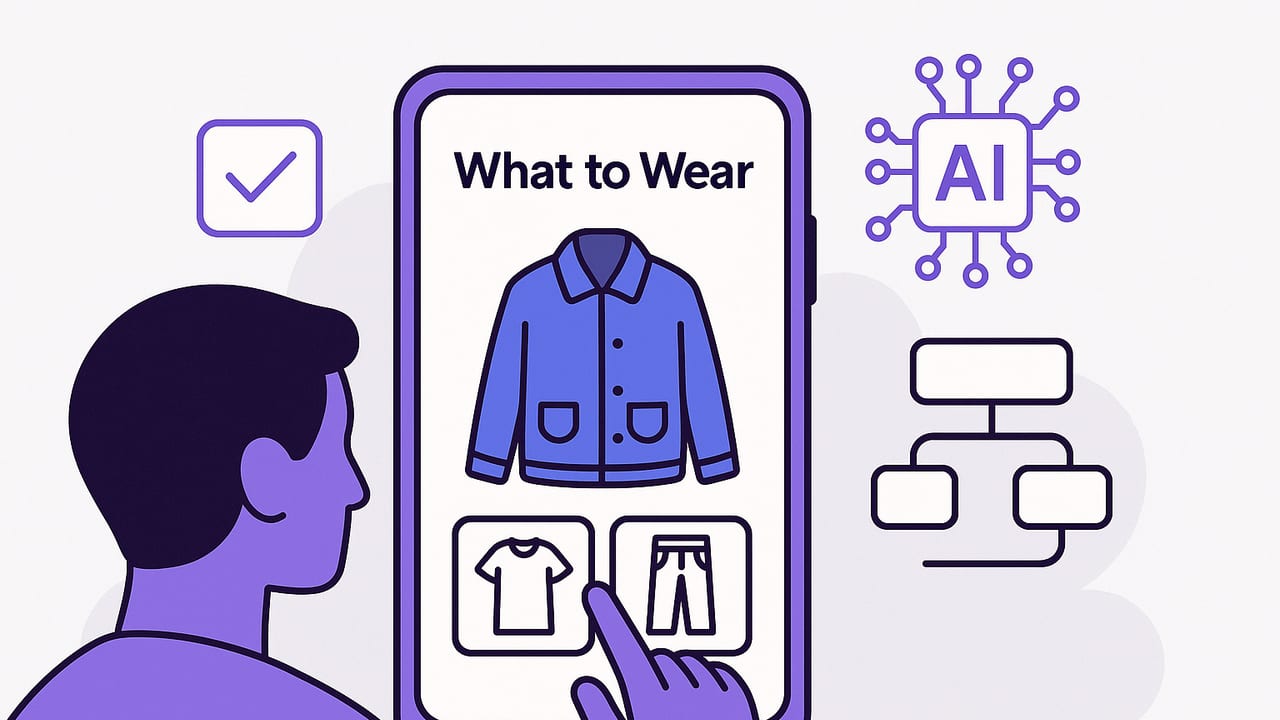
If you’ve ever stared at your closet and thought, “I have nothing to wear,” you’re not alone. A what to wear app iOS solution turns your iPhone into a personal stylist, digital wardrobe, and outfit planner that reduces decision fatigue. In this guide, you’ll learn how these apps work, the features that matter, how to set one up in an hour, and daily workflows that keep you looking polished without wasting time.
What Is a “What to Wear” App on iOS?
A “what to wear” app on iOS is a wardrobe organizer and outfit generator that helps you catalog your clothes, visualize combinations, and plan looks for weather, events, and travel. Many now include AI try-on, so you can preview realistic outfits using your own photos—without changing clothes.
- Smart closet catalog: Photograph or import items; auto-detect categories, colors, and materials.
- AI try-on: See how garments drape on your body; preview fits, layers, and accessories.
- Outfit planner: Build looks for specific dates, occasions, and locations.
- Weather-aware picks: Integrates with local forecasts to suggest temperature-appropriate options.
- Style rules and filters: Enforce dress codes, color palettes, and personal style goals.
- Analytics: Track cost-per-wear, most-worn items, and underused pieces.
- Sharing: Send looks to friends for feedback; collaborate on event outfits.
Choosing a What to Wear App on iOS: Essential Features
Before downloading, compare based on the following pillars. These determine whether your app becomes a daily habit or ends up unused.
1) Cataloging That Feels Automatic
Look for background removal, batch import from Camera Roll, and auto-tagging for category, color, and season. The less manual work, the more likely you’ll keep the closet current.
2) Realistic AI Try-On
AI should preserve garment texture, length, and silhouette. Expect adjustable fit settings (regular/slim/relaxed), body calibration, and layering logic for coats over knits over shirts.
3) Weather + Calendar Sync
Native weather integration and calendar sync deliver context-aware recommendations: rain boots when it pours, breathable fabrics on hot days, and tailored looks for client meetings.
4) Outfit Rules Engine
Define constraints like “no denim on Mon–Thu,” “office-appropriate 8am–6pm,” or “monochrome Fridays.” The best engines layer rules with exceptions and suggest alternatives when an item is in the wash.
5) Rich Tagging and Search
Tags should support multiple values: occasion, vibe, fabric, care, fit, palette, and capsule membership. Fast search (e.g., “black ankle boots winter smart-casual”) is essential.
6) Looks Library and Remix
Outfit templates (top + bottom + third piece + shoes + accessory) and one-tap remixes keep daily choices fresh while maintaining your aesthetic.
7) Privacy and On-Device Controls
Confirm how your photos are processed, stored, and shared. Ideally, sensitive processing occurs on-device or with clear, revocable consent.
Setup in 60 Minutes: From Zero to Ready-to-Wear
You can get a working digital wardrobe in an hour by focusing on high-impact items and a repeatable system.
- Define your goal (5 min): Work polish? Travel light? Reduce decision fatigue? Your goal guides tags and rules.
- Pick a capsule (10 min): Select 20–30 core items you actually wear: 3 tops, 2 pants, 1 skirt, 2 dresses, 2 layers, 3 shoes, 1 bag, and a few accessories.
- Batch import (10 min): Photograph items on a flat surface or hanging; use consistent lighting. Enable background removal.
- Auto-tag + quick edits (10 min): Approve category and color; add season, occasion, and care (e.g., cold wash, dry clean).
- Calibrate fit (5 min): Take one clear full-body photo. Run AI fit calibration once for better try-on realism.
- Create 10 base outfits (10 min): Use templates: smart-casual, business casual, weekend errands, date night, workout, lounge, rain day, travel day, dinner, presentation.
- Connect weather + calendar (5 min): Grant permission for local weather and Apple Calendar so the app can surface context-aware looks.
- Set 3 rules (5 min): Example: “No sneakers at client meetings,” “Include a third piece for presentations,” “Avoid wool above 75°F.”
Pro tip: Photograph items as you put laundry away. It’s the easiest path to a complete, current closet.
Daily Workflows That Actually Stick
Morning in 5 Minutes
- Open Today tab: view weather-aware suggestions and calendar context.
- Tap Remix to cycle colorways or swap footwear based on commute.
- AI try-on for the final check; confirm fit and proportion.
- Save the outfit to the date; note comfort rating after work.
Weekly Planning in 15 Minutes
- Review upcoming events and dress codes.
- Pre-plan 3–5 outfits; add backups for rain or temperature swings.
- Identify laundry or tailoring needs before they become problems.
Travel Capsule in 20 Minutes
- Select destination, dates, and activities; the app pulls weather ranges.
- Build a 10x10 mix-and-match grid: 10 pieces that create up to 10 outfits.
- Export a packing list with fabrics and care instructions.
Tags and Data Model: The Secret to Smart Suggestions
Most of the magic comes from consistent tags. Use a lightweight schema so you can filter quickly and build repeatable formulas.
| Tag Type | Examples | Why It Matters |
|---|---|---|
| Category | top, bottom, dress, outerwear, shoes, bag, accessory | Defines outfit structure and layering logic. |
| Color & Palette | black, navy, camel; warm, cool, neutral | Controls harmony, contrast, and capsule cohesion. |
| Season | summer, winter, transitional, all-season | Filters by weather and fabric weight. |
| Occasion | work, smart-casual, formal, athleisure, travel | Targets dress codes and vibe. |
| Fit & Rise | slim, regular, relaxed; high-rise, mid-rise | Improves on-body realism and proportions. |
| Care | cold-wash, hang-dry, dry-clean | Avoids last-minute mishaps and shrinkage. |
| Capsule | work-core, weekend, travel-Paris | Allows seasonal or trip-specific planning. |
If your app supports CSV import or bulk editing, keep a simple spreadsheet you can tweak on desktop.
item,category,color,fit,season,occasion,care,tags
"Oxford Shirt",top,white,regular,all,work;cafe,cold-wash,"classic;neutral;versatile"
"Wool Trousers",bottom,charcoal,regular,winter,work;formal,dry-clean,"tailored;warm"
"Denim Jacket",outerwear,indigo,relaxed,transitional,weekend;travel,cold-wash,"casual;layer"
Outfit Formulas You Can Reuse
- Smart-Casual Core: neutral top + dark trouser/jean + third piece + leather shoe + watch
- Monochrome Minimal: one color head-to-toe + texture contrast + clean sneaker
- Power Presentation: structured jacket + crisp shirt + tailored bottom + closed-toe shoe + subtle accessory
- Weekend Errands: breathable knit + relaxed bottom + comfortable sneaker + crossbody
- Rain Day: water-resistant outerwear + fast-dry layers + lug sole
Save these as templates so your what to wear app iOS can auto-fill with pieces you actually own.
Quick Comparison: Capabilities That Matter
| Capability | Why It Matters | Questions to Ask |
|---|---|---|
| AI Try-On Realism | Confidence before you step out the door. | Does it reflect fabric drape and sleeve length accurately? |
| Weather Intelligence | Comfort across temperature and precipitation changes. | Does it adjust for humidity, wind, and sudden swings? |
| Calendar Awareness | Saves time by aligning with events and dress codes. | Can it read event titles/locations and suggest attire? |
| Batch Cataloging | Faster onboarding and maintenance. | Is there background removal and auto-tagging? |
| Rules & Exceptions | Reliable suggestions aligned with your life. | Can you prioritize rules and define exceptions? |
| Analytics | Optimize purchases and reduce clutter. | Does it show cost-per-wear and underused items? |
| Privacy Controls | Protects personal photos and data. | What’s on-device? How is data encrypted and stored? |
Privacy, Ethics, and Responsible AI
Your closet is personal. Before you trust any app with photos of you and your garments, confirm:
- Data use: Are your images used to train models? Look for opt-in, not opt-out.
- Storage: On-device processing reduces risk; cloud storage should be encrypted with clear retention policies.
- Sharing: Private by default; granular controls when you share looks with friends.
- Deletion: You should be able to export and permanently delete your data at any time.
Troubleshooting: Make the App Work for You
“The AI try-on looks off.”
- Re-run body calibration with a well-lit, full-body photo.
- Ensure garments have front-facing photos with sleeves and hems fully visible.
- Adjust fit tags (e.g., relaxed vs. slim) and garment length.
“Colors look different than real life.”
- Photograph near a window with indirect daylight; avoid mixed light.
- Place a white sheet of paper in frame for reference; crop later.
- Use in-app color correction or set the primary color manually.
“I’m overwhelmed by options.”
- Hide seasonal items you won’t wear for 60 days.
- Filter by capsule (e.g., Work Core) and stick to 3 outfit formulas.
- Limit daily suggestions to 5 curated looks.
“Weather suggestions miss the mark.”
- Enable precise location and check units (°F/°C).
- Set personal comfort thresholds (e.g., “no wool above 75°F”).
- Add wind and humidity sensitivity notes for summer and winter.
Download Checklist: Before You Commit
- Does it support realistic AI try-on on your specific iPhone model?
- Can you import from Photos and remove backgrounds quickly?
- Are tags flexible enough for your style and dress codes?
- Is there a calendar, weather integration, and rules engine?
- Does it provide analytics to guide future purchases?
- Are privacy, export, and deletion controls clear and simple?
- Is the onboarding fast enough to reach value in under an hour?
Putting It All Together
A what to wear app iOS experience shines when three elements work together: a clean catalog, realistic AI try-on, and context-aware planning. Start with a small capsule you love, apply consistent tags, and rely on 3–5 outfit formulas. Let weather and calendar cues narrow choices, then use AI try-on to finalize fit and proportion. In a few weeks, analytics will highlight gaps and overbuys so you can refine your wardrobe with intent.
If you’re exploring options, Outfit Maker for iOS offers an AI outfit generator and digital wardrobe planner that can help you try looks, plan outfits, and organize your closet in one place.
