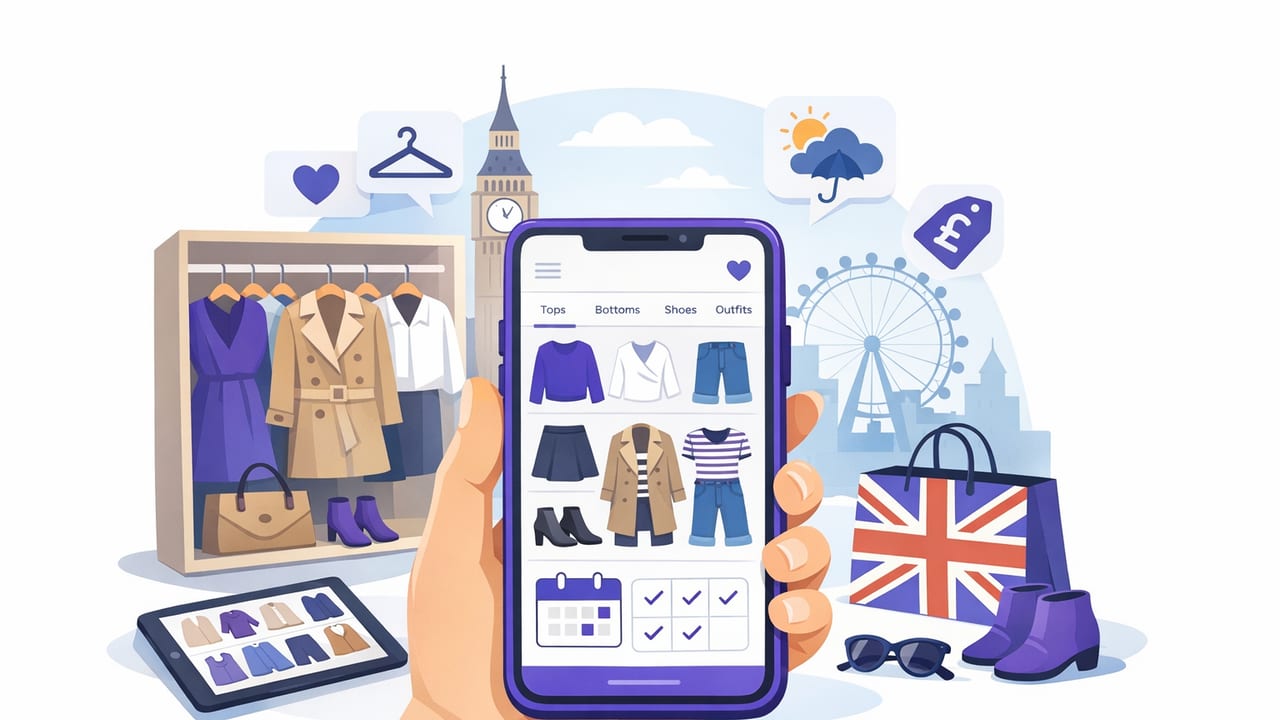
Searching for a wardrobe planner app for UK shoppers can feel oddly specific—until you realise how many day-to-day style decisions are uniquely UK-shaped. The weather changes fast, dress codes vary by city and workplace, and shopping often means mixing high street finds with second-hand, outlet deals, and “I’ll return it if it doesn’t fit” online orders.
This guide explains what to look for in a wardrobe planner app, how to set one up without spending hours photographing everything, and a simple system for planning outfits that works with British sizing, real-life schedules, and the realities of rain, trains, and last-minute plans.
Why UK shoppers benefit from a wardrobe planner app
A wardrobe planner app is more than a digital closet. Used well, it becomes a decision tool that helps you:
- Reduce “nothing to wear” moments by surfacing overlooked pieces and ready-made outfit formulas.
- Plan for UK weather (layering, waterproofs, footwear changes) rather than guessing at 7am.
- Shop smarter by seeing what you already own in the same colour family, category, or silhouette.
- Improve cost-per-wear by building outfits around your most versatile items.
- Cut overbuying and returns by checking gaps (true gaps, not impulse wants) before ordering.
Key features to look for (UK-specific checklist)
Most wardrobe apps promise “outfit inspiration.” The best ones also solve practical frictions common to UK shopping and wardrobes.
1) Fast wardrobe capture (without perfectionism)
Look for easy photo import, background cleanup (optional), and quick categorisation. You should be able to add items in batches—e.g., “all knitwear” or “all shoes”—without turning it into a weekend-long project.
2) Outfit planning with a calendar
A calendar view helps when your week includes mixed dress codes (office day, casual Friday, dinner out). Bonus points if you can attach notes like “umbrella needed” or “commute-friendly shoes.”
3) UK sizing and fit notes
UK sizing can vary wildly across brands, and “true to size” is rarely true. Your app should let you record fit notes such as:
- “Runs small in shoulders”
- “Needs a vest underneath (itchy)”
- “Only works with low-profile trainers”
If you shop EU/US brands, it’s helpful to store the size you own and add a conversion note (e.g., “US 6 = UK 10-ish for this brand”).
4) Layering and outerwear logic
In the UK, outfits often hinge on the outer layer. A useful wardrobe planner app should make it easy to build outfits including coats, rain jackets, scarves, and footwear—because those are the items you actually see (and rely on) outdoors.
5) Packing lists and occasion planning
Even short trips benefit from a “capsule view” that prevents overpacking. Occasion tags (wedding guest, smart casual, school run, interviews) make it easier to reuse outfits appropriately.
6) Privacy controls
You’re uploading photos of your clothing and possibly images of yourself. Check whether the app offers clear privacy settings, local storage options, and transparency about how images are processed.
A simple setup workflow (done in under an hour)
You do not need to digitise your entire wardrobe at once. Start with the items that create the most decision stress and expand from there.
- Start with your “core 30”: everyday shoes, your favourite jeans/trousers, go-to tops, one dress, one blazer/jacket, one coat.
- Add the problem category next: e.g., workwear, occasion outfits, or cold-weather layers.
- Use quick labels: colour, category, season, and comfort (e.g., “commute-safe”).
- Add fit notes immediately. This is where most apps become truly useful.
- Create 10 repeatable outfits before you add more items. This gives instant value.
Helpful mindset: A “good enough” digital wardrobe that you actually use beats a perfect one you abandon.
The UK weather-proof outfit formula method
Instead of planning single outfits, plan formulas you can swap pieces into. In the UK, formulas should account for rain, temperature swings, and indoor heating.
Step 1: Build three base formulas
- Casual formula: Knit + jeans/trousers + trainers/boots + coat
- Smart formula: Blouse/top + tailored trousers/skirt + loafers/ankle boots + blazer
- Occasion formula: Dress or co-ord + statement layer + comfortable “plan B” shoes
Step 2: Add a “rain and wind” modifier
Attach a modifier to each formula so it becomes weather-ready:
- Rain: waterproof outer layer + water-resistant footwear + bag that zips
- Wind: scarf + secure hat + coat with structure (or cinched waist)
- Cold snap: thermal base layer + wool socks + longer coat
Step 3: Store these as templates in your app
Save each formula as multiple outfits, then swap colours and fabrics. This is where a wardrobe planner app shines: it turns “I don’t know what to wear” into “pick a formula, then pick a colour story.”
Use a colour story that matches UK shopping reality
UK wardrobes often mix neutrals (black, navy, grey, cream) with a few seasonal accents. To maximise outfit combinations, build around:
- Two core neutrals (e.g., navy + cream, or black + grey)
- One accent colour you enjoy wearing (e.g., burgundy, green, cobalt)
- One print that works with your neutrals (e.g., stripe, check, small floral)
In your app, tag items by these buckets. When you shop, check whether a new piece supports your existing colour story or creates a “lonely item” that needs extra purchases to work.
Planning a week of outfits: a UK-friendly example table
Here’s a practical way to plan outfits around commute, weather, and repeat-wear. Use this structure as a template in your wardrobe planner app.
| Day | Context | Base outfit | Weather layer | Footwear swap |
|---|---|---|---|---|
| Mon | Office + train | Blazer + knit top + tailored trousers | Trench or waterproof shell | Loafers → ankle boots if wet |
| Tue | Errands | Jumper + straight-leg jeans | Puffer or raincoat | Trainers → boots if muddy |
| Wed | Smart casual | Midi skirt + fitted knit | Long coat + scarf | Heeled boots → flats for commute |
| Thu | Meetings | Shirt + wide-leg trousers | Blazer + umbrella | Loafers → weatherproof brogues |
| Fri | Casual + dinner | Dark denim + top + statement earrings | Leather jacket or coat | Trainers → heeled boots |
Shopping smarter: prevent duplicate buys and return fatigue
Online shopping is convenient, but returns can become a routine. A wardrobe planner app helps you pause and check three things before you buy:
The 3-question “UK shopper” filter
- Will it work with at least 3 items I already own? (Check in-app outfits.)
- Do I have the right bra/vest/shoes for it? (Common hidden blockers.)
- Can I wear it in both rain and dry weather? (If not, it should be truly special.)
Track “fit truth,” not the label size
When something fits well, note why. When it doesn’t, record the pattern. Over time, you’ll learn rules like “This brand’s trousers need one size up” or “This fabric clings—only buy if lined.” That’s valuable data you can’t easily hold in your head.
Create a reusable digital wardrobe template (copy/paste)
If your app allows notes or custom fields, use a consistent template per item. It speeds up sorting and makes filtering powerful.
Item Name:
Category: (Top / Bottom / Dress / Outerwear / Shoes / Bag)
Colour Story: (Neutral 1 / Neutral 2 / Accent / Print)
Season: (All-year / Warm / Cold / Rain-only)
Fit Notes:
Comfort: (Commute-safe / Short-walk only)
Occasions: (Work / Casual / Event)
Care: (Machine / Handwash / Dry clean)
Common mistakes (and how to avoid them)
- Digitising everything before making outfits: Start by building outfits from a small set; expand later.
- Ignoring outerwear and bags: In the UK, these often determine whether an outfit is practical.
- Not recording shoes: Shoes are the “make or break” for comfort, weather, and dress code.
- Planning for an imaginary lifestyle: Build around what you do most weeks, not your aspirational calendar.
How to choose the right wardrobe planner app for UK shoppers
When comparing apps, test them against your real routine. A good choice is the one that makes planning frictionless and helps you answer:
- What can I wear tomorrow if it rains?
- What can I wear for work that’s comfortable on public transport?
- What do I already own that matches this new item?
- Which pieces do I wear most (and which should I stop buying duplicates of)?
If you want to experiment with AI-assisted outfit combinations and virtual try-on while keeping the workflow simple, an iOS option like Outfit Maker can be a practical place to start—especially if you prefer planning outfits from photos rather than pulling everything out of the wardrobe.
