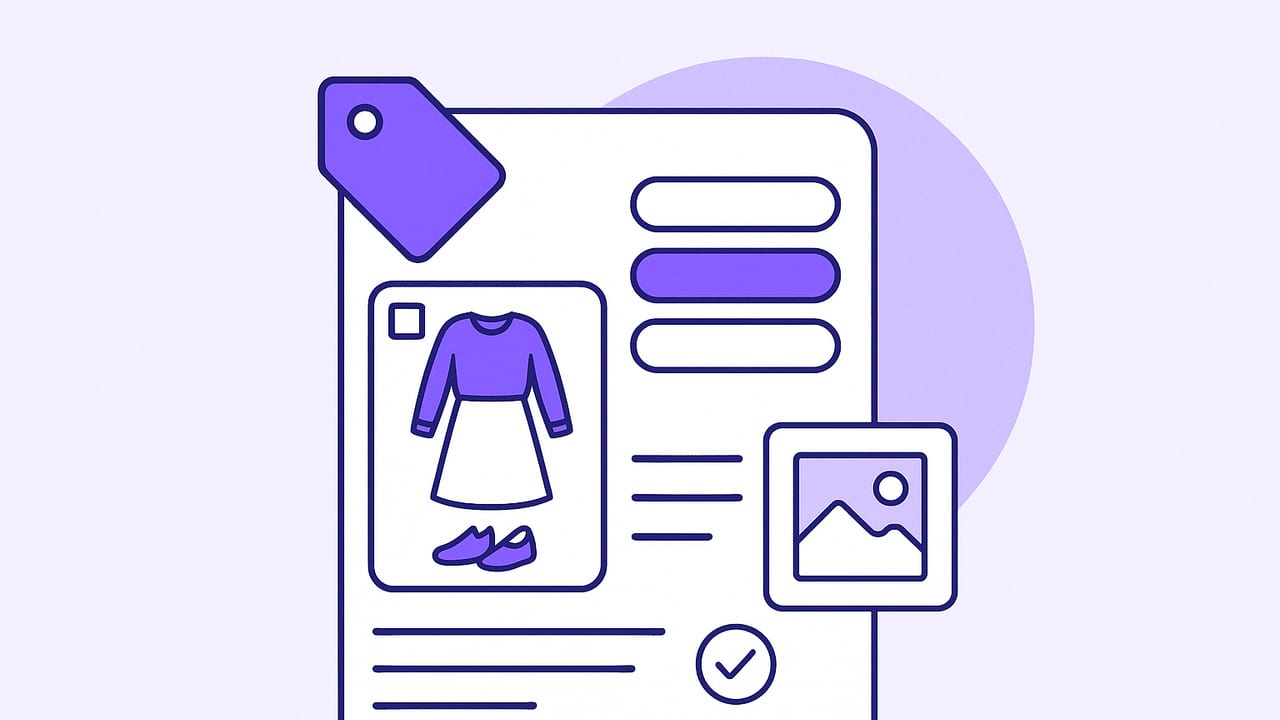
A wardrobe catalog app is more than a digital closet; it’s a system for making better outfit decisions with less effort. By centralizing photos, tags, fit notes, and outfit ideas, you turn an overflowing closet into a searchable library. This guide walks you through the core elements that make a wardrobe catalog app effective—how to set it up, what to tag, how to photograph items for clarity, and the metrics that help you wear what you love more often.
What Is a Wardrobe Catalog App?
A wardrobe catalog app stores the visual and descriptive details of your clothes so you can find and assemble outfits in seconds. Think of it as a personal fashion database that supports:
- Photo capture: flat lays, on-body images, and background-removed images
- Metadata: color, fabric, season, formality, occasion, care notes, and more
- Search and filters: quickly locate “black high-rise trousers, winter, formal”
- Outfit builder: combine items into reusable looks
- Calendar or planner: schedule outfits for events or trips
- Analytics: track cost per wear, frequency, and identify wardrobe gaps
The payoff: faster mornings, fewer impulse buys, and higher cost-per-wear on the items you own.
How to Set Up Your Digital Wardrobe in Five Steps
1) Audit What You Own
Pull everything into one place. Group by high-level categories (tops, bottoms, layers, dresses, shoes, accessories). Remove anything damaged beyond repair, evidently uncomfortable, or clearly outside your current style or fit preferences.
2) Photograph Consistently
Consistency is more important than perfection. Use natural light or a single bright lamp, a plain background, and take front-facing shots. For structured items (jackets, shoes), a slight angled shot helps convey shape. Consider a background-removal pass for uniformity.
3) Create Clear Naming Conventions
Names should be scannable. Example format: “Brand - Item Type - Key Feature - Color.” A practical example: “Everlane - Wide-Leg Trousers - High-Rise - Black.” This pairs well with tags and makes search intuitive.
4) Tag the Right Attributes
Tag with intent. Focus on attributes you actually use to filter: color, fabric, pattern, formality, season, weather range, occasion, and fit notes. Avoid creating dozens of near-duplicate tags that slow you down.
5) Add Fit and Care Notes
Record whether an item is TTS (true to size), where it’s snug or loose, the ideal shoe pairings, care instructions, and any planned alterations. Fit notes prevent repeat try-ons and guide future purchasing.
A Practical Tagging Taxonomy
Use tags that map to real decisions you make when getting dressed. Start with these categories and tweak for your lifestyle:
| Category | Examples | Why It Helps |
|---|---|---|
| Item Type | t-shirt, button-up, blazer, jeans, midi dress, sneakers | Find the right building blocks quickly |
| Subcategory & Fit | slim, straight, wide-leg, cropped, oversized, high-rise | Match silhouettes and proportions |
| Color & Neutrals | black, navy, camel, white, ecru, forest, burgundy | Build palettes and reduce clashes |
| Pattern/Texture | solid, stripe, plaid, floral, ribbed, cable-knit | Balance visual interest |
| Fabric | cotton, wool, linen, silk, denim, leather | Seasonal comfort and care planning |
| Season/Weather | summer, winter, transitional, rain-ready, heatwave | Filter for climate conditions |
| Formality | casual, smart casual, business, formal | Align with dress codes |
| Occasion | office, date night, travel, wedding guest, gym | Plan context-specific outfits |
| Care | machine cold, hand wash, dry clean, delicate | Avoid wear-and-tear mistakes |
| Fit Notes | TTS, runs small, tailor waist, long sleeves | Reduce try-on friction |
Pro tip: Start with a minimal tag set and expand only when a real filtering need appears. Too many tags can slow searches and lead to inconsistency.
Photos That Work: Capture Guidelines
- Lighting: Bright, even light from the front minimizes shadows. Indirect daylight near a window works well.
- Background: Choose a solid color. A white wall or a clean sheet prevents distractions.
- Angles: One straight-on photo is a must. For shoes and structured bags, add a 45-degree angle shot to show depth.
- On-Body vs Flat Lay: On-body photos help evaluate proportion and drape. Flat lays are faster to catalog. A mix is ideal.
- Background Removal: For a uniform look, remove backgrounds and keep items to scale where possible.
Search and Filters That Save Time
The power of a wardrobe catalog app comes from fast, precise filtering. Combine tags to narrow the field from hundreds of items to a tight shortlist.
Sample queries you can mimic with filters:
// Find winter office pants that pair with loafers
type:pants AND season:winter AND occasion:office AND shoe:loafers

// Locate a base layer for a cold day that works under blazers
type:top AND fabric:wool OR fabric:thermal AND layer:base AND blazer-friendly:true

// Build a monochrome outfit in navy
color:navy AND (type:top OR type:outerwear OR type:pants OR type:skirt)
Boolean-style searches aren’t always exposed as code, but the logic translates to multi-select filters and keyword searches in most apps.
Outfit Planning Workflows
The 3x3 Outfit Grid
Select three tops, three bottoms, and three layers or shoes that play well together. This creates up to 27 outfit combinations. Snap outfit photos or save digital pairings for quick reuse.
The Rule of Three
For every outfit, include: one hero (statement piece), one base (neutral anchor), and one connector (color or texture that ties them together). Tag outfits accordingly so you can filter by “hero: printed skirt” later.
Weekly Planner
Pre-plan five weekday outfits with weather and calendar in mind. Batch this on Sunday. As you wear them, record actual temperatures and comfort notes to improve future picks.
Event-Based Capsules
Create occasion-specific capsules—office trip, wedding weekend, city break. Tag each item with the capsule name and export a packing checklist to avoid overpacking.
Metrics That Matter
Use your app’s stats to guide decisions and reduce wardrobe waste.
- Cost per Wear (CPW): total cost divided by number of wears
- Frequency: how often each item appears in outfits
- Versatility: unique outfits containing the item
- Orphans: items not worn in 90+ days
- Duplication: near-identical items with similar usage
// Example formulas
cost_per_wear = purchase_price / max(1, wears)
versatility_score = unique_outfits_with_item
orphan_flag = last_worn_days >= 90
Review metrics monthly. Retire or tailor orphans, and note high-performing silhouettes to inform future buys.
Common Pitfalls and How to Fix Them
- Over-Tagging: Keep it lean. If a tag doesn’t change your decisions, drop it.
- Inconsistent Naming: Use a repeatable pattern and audit weekly.
- Low-Quality Photos: Re-shoot in better light; it pays dividends during outfit planning.
- Ignoring Fit Notes: Capture where it pinches, what bras or socks pair best, and any tailoring needs.
- Skipping Maintenance: Schedule a quarterly review to archive seasonal items and update sizes.
Privacy and Data Considerations
Your wardrobe is personal. Favor apps that store photos securely, allow local or cloud backups, and make it easy to export your data. Avoid including personally identifiable details in item names. If you share outfits publicly, use privacy options or blur backgrounds when needed.
How to Choose a Wardrobe Catalog App
Look for features that support both speed and accuracy. Here’s a practical checklist to evaluate options:
| Feature | What to Look For | Why It Matters |
|---|---|---|
| Photo Tools | Background removal, batch import, camera capture | Consistent visuals and faster onboarding |
| Auto-Tagging | AI detection of type, color, pattern | Saves hours; improves search |
| Fit & Care Fields | Custom notes, measurements, care tags | Better comfort and garment longevity |
| Outfit Builder | Drag-and-drop, layering order, save & duplicate | Rapid iteration on looks |
| Planner/Calendar | Weather integration, reminders | Dresses you for real conditions |
| Analytics | Wears, CPW, orphan detection | Data-backed wardrobe edits |
| Sharing | Private links, friend feedback | External perspective without oversharing |
| Export/Backup | CSV/JSON export, iCloud or local backups | Future-proof your data |
| Cross-Device | Phone-first with tablet support | Plan anywhere, shoot on phone |
Advanced Techniques for Power Users
Color Palette Extraction
Tag items by dominant color family and secondary accents. Over time, identify your most-worn palette and prune outliers that are hard to pair.
Weather Rules
Create saved filters like “rain-ready,” “heatwave,” or “below 40°F base layers.” When the forecast changes, you can adapt outfits with a single tap.
Capsule Constraints
Set a target (e.g., 30 items) and create multiple seasonal or trip capsules. Tag each item with its capsule and track versatility within that constraint to see what earns its place.
Alterations Tracking
Use fit notes to log tailoring dates, costs, and results. If an item becomes a top performer after alterations, you have a record that informs similar future tweaks.
Quick-Start Item Template
Use this structure as a reference when adding a new item. Many wardrobe catalog apps allow custom fields, or you can keep a parallel CSV.
{
  "name": "Everlane - Wide-Leg Trousers - High-Rise - Black",
  "type": "pants",
  "subcategory": "wide-leg",
  "color": ["black"],
  "pattern": "solid",
  "fabric": "wool blend",
  "season": ["winter", "transitional"],
  "formality": "business",
  "occasion": ["office", "presentations"],
  "fit_notes": "TTS, tailored hem -2cm, best with loafers",
  "care": "dry clean",
  "price": 145,
  "wears": 18,
  "last_worn": "2024-12-02",
  "images": ["/photos/trousers_black_front.jpg"],
  "tags": ["blazer-friendly", "base-piece"]
}
FAQs
How many items should I catalog?
Start with the 40–60 items you wear most. Catalog the rest over time. High-impact items (jeans, jackets, shoes) deliver outsized benefits in planning.
Do I need on-body photos?
They help with proportion and drape decisions. If time is tight, mix flat lays with occasional on-body shots for tricky silhouettes.
What about kids’ or shared closets?
Use a “person” tag or profile per wearer. Keep naming conventions identical across profiles for clean filtering.
Is this worth it if my style changes often?
Yes—tagging reveals patterns in what you truly reach for. As your style evolves, the data guides smarter purchases and faster edits.
How long does setup take?
Plan 2–4 minutes per item including photography and tagging. Batch work by category to speed up.
The Bottom Line
A well-structured wardrobe catalog app reduces decision fatigue and brings clarity to what you own. Start with consistent photos, a lean tagging system, and practical fit notes; then layer in planning workflows and metrics. Over time, you’ll shop more intentionally, pack lighter, and get more wear out of the pieces you already love. If you prefer an iOS-first option with virtual try-ons and smart planning features, consider exploring Outfit Maker as a subtle next step.
