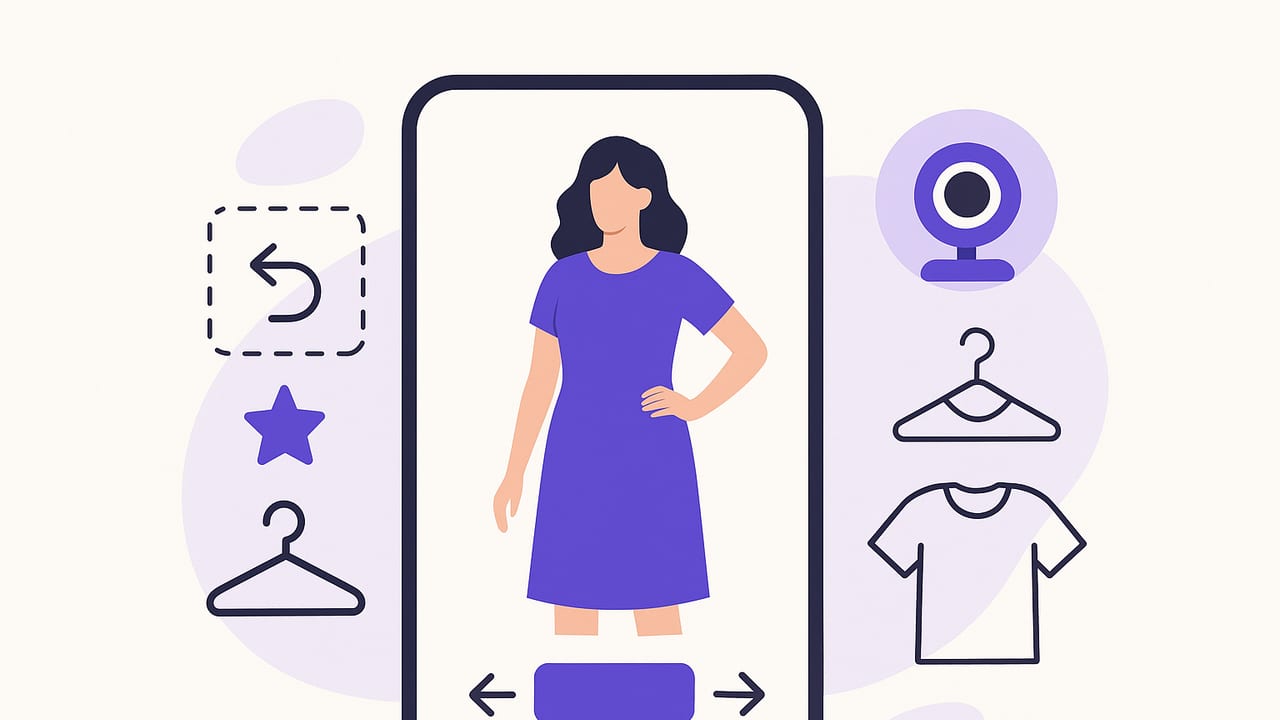
Virtual try on has moved from novelty to necessity. Whether you’re shopping for a new blazer, testing sunglasses, or planning tomorrow’s outfit from your closet, digitally trying clothing on your actual body helps you decide faster and buy smarter. This guide explains how virtual try on works, which approaches exist, what results to expect, and how to get the most accuracy—whether you’re a shopper, a creator, or a brand building the experience.
What Is Virtual Try On?
Virtual try on (often written as virtual try-on or VTO) is a computer-vision and augmented reality experience that shows how a product would look on you without physically wearing it. Using your camera or uploaded photos, software segments your body, face, or feet; estimates pose and measurements; then overlays or simulates garments and accessories. Modern systems combine:
- Body/face segmentation: Separates you from the background and identifies regions like torso, legs, hands, or facial landmarks.
- Pose estimation: Finds joint positions so garments move with you when you turn or raise an arm.
- Fit and drape models: Predicts how fabric might fold, stretch, or hang based on material properties and size.
- Color and lighting adaptation: Adjusts the item to match scene lighting so it looks more realistic.
The best virtual try on is the one that helps you decide faster—not just the one that looks flashy.
Why Virtual Try On Matters
For shoppers, virtual try on reduces uncertainty—especially for style, color, and silhouette. For brands and retailers, it narrows the gap between browsing and buying.
- Confidence and convenience: See style, length, and proportion on your body without a changing room.
- Fewer returns: Better pre-purchase understanding of fit and look can lower size-related returns.
- Higher conversion and AOV: Visualizing full looks and complementary items often increases cart size.
- Sustainability: Fewer “just to try” shipments means less packaging waste and carbon impact.
- Accessibility: Helpful for people who can’t easily visit stores or try on in person.
Types of Virtual Try On Experiences
Not all virtual try on experiences are the same. The right approach depends on product category, budget, and your goals.
| Type | Best For | Strengths | Limitations | Effort |
|---|---|---|---|---|
| 2D Overlay (Image-Based) | Tops, outerwear, dresses; social content | Fast, photoreal look on your actual photo | Limited drape physics; fixed viewpoints | Low–Medium |
| AR Live Camera | Sunglasses, hats, jewelry, makeup; some apparel | Real-time movement; fun and engaging | Harder for complex fabrics and layering | Medium |
| 3D Body Model + Garment Sim | Pants, denim, tailored pieces | Better sense of fit and length; multi-angle | Requires accurate sizing and 3D assets | High |
| Size Recommendation Only | All apparel | Reduces size guesswork; simple to adopt | Doesn’t show visual style on your body | Low |
| 2.5D Hybrid (Image Warping + Physics Cues) | Everyday apparel | Balanced realism and speed | Still approximates true drape | Medium |
How Virtual Try On Works (Behind the Scenes)
Here’s a simplified workflow you’ll encounter in many mobile experiences:
- Image capture: You upload a full-body photo or use the live camera. Clear lighting and a neutral stance help.
- Segmentation and pose: The system separates foreground (you) from background and maps key joints (shoulders, hips, knees, etc.).
- Garment processing: The item is pre-processed (or automatically extracted) to get silhouettes, seam lines, stretch zones, and material hints.
- Alignment and warping: The garment is scaled and warped to fit your pose and estimated body measurements.
- Drape simulation: Physics or learned models add folds, tension maps, and hemlines.
- Compositing and lighting: Shadows and highlights are tuned so the result looks native to your image.
Some systems run mostly on-device for privacy and speed, while others rely on cloud GPUs for advanced simulation or batch processing.
Best Practices for Shoppers: Get More Accurate Results
- Use good lighting: Even, diffused light reduces harsh shadows and improves body segmentation.
- Neutral background: Plain walls help the algorithm separate you from the scene.
- Camera distance and angle: Waist-to-head items need upper-body framing; full looks need head-to-toe. Keep the camera at chest height and avoid extreme angles.
- Natural stance: Stand straight with relaxed arms. Unusual poses can confuse alignment.
- True colors: Avoid strong color casts (like neon LEDs); they can distort garment hues.
- Consistent photos: When comparing outfits, keep lighting and framing consistent so differences are due to the clothes, not the photo.
Implementation Checklist for Brands and Developers
If you’re building a virtual try on experience, plan your stack and data early. A practical checklist:
- Define scope: Apparel vs. accessories; live AR vs. photo-based; platforms (iOS, Android, web).
- Collect assets: High-res product images on-model and on-mannequin; optional 3D meshes for hero products; fabric metadata (stretch, weight, thickness).
- Body sizing strategy: On-device estimation (height with reference objects), user-entered measurements, or multi-image calibration.
- Garment semantics: Annotate sleeves, necklines, waistbands, closures, and size charts. Map sizes to measurements, not just S/M/L.
- Simulation approach: Choose 2D, hybrid, or full 3D based on product complexity and ROI.
- Performance budget: Target low latency (<200 ms per frame for live AR) and fast server turnaround (<3 s) for photo try-on.
- Privacy by design: Minimize data retention. Offer local-only processing where possible and explicit opt-ins for uploads.
- Evaluation data: Curate a diverse validation set across body types, skin tones, hairstyles, and poses to reduce bias.
- UX details: Clear guidance on stance and lighting, undo/redo, side-by-side comparisons, and easy sharing.
- Analytics and A/B testing: Track engagement, add-to-cart, size accuracy, and return rates. See “Measuring Success” below.
Sample pipeline pseudocode
# Pseudocode for a photo-based virtual try on step
user_photo = capture_or_upload()
person_mask, pose = detect_person_and_pose(user_photo)
garment = load_garment_asset(product_id)  # image or 3D proxy
garment_tags = infer_semantics(garment)   # sleeve, neckline, etc.
warp_params = estimate_alignment(pose, garment_tags)
warped_garment = warp(garment, warp_params)
drape = simulate_drape(warped_garment, material=garment_tags.material)
composite = relight_and_blend(user_photo, drape, person_mask)
render(composite)
Measuring Success: KPIs That Matter
Virtual try on should be judged by outcomes, not just novelty. Establish baselines, then run controlled tests:
- Engagement: Try-on sessions per user, time in experience, share/save rate.
- Conversion lift: Difference in add-to-cart and purchase rates vs. a control group without try-on.
- Average order value (AOV): Bundling complementary items into full looks typically increases AOV.
- Return rate reduction: Pay special attention to size-related and “not as expected” return codes.
- Fit accuracy proxy: Post-purchase surveys (Did size fit? Was color/silhouette as expected?).
- Latency and reliability: Sub-3-second render times and high success rates reduce drop-off.
When A/B testing, randomize at the session or user level and keep tests long enough to capture weekend and payday patterns. Segment results by category (e.g., denim vs. knitwear) and by device type to identify where to optimize next.
Common Misconceptions and Current Limitations
- “Virtual try on guarantees perfect fit.” It’s excellent for style, proportion, and color. Exact fit depends on size accuracy, fabric stretch, and personal comfort preferences.
- “If it looks real, it must be accurate.” Photorealism can mask errors in scale or length. Provide measurements (inseam, sleeve length) alongside visuals.
- “One model fits all bodies.” Evaluate across body diversity; train on inclusive datasets to reduce bias.
- “Physics solves everything.” High-fidelity drape is computationally expensive and still imperfect for fringe cases (e.g., stiff leather, reflective sequins).
- “Accessories are easy.” Glass reflections, occlusion by hair, and earrings behind strands remain tricky; landmark detection quality is critical.
Privacy and Ethics: Build Trust into the Experience
Users are sharing face and body images—treat them as sensitive data. Recommended practices include:
- Transparency: Clearly state what is processed on-device vs. uploaded, retention periods, and sharing policies.
- Control: Let users delete photos, sessions, and derived data with one tap.
- Minimization: Store only what you need for the experience and analytics; prefer ephemeral processing.
- Security: Encrypt in transit and at rest; restrict access with least-privilege principles.
- Fairness: Continuously test for performance disparities across demographics and remediate promptly.
The Future of Virtual Try On
Several trends are accelerating adoption and realism:
- Generative try-on models: Diffusion and transformer-based models synthesize clothing on your exact photo with improved texture fidelity.
- Material-aware simulation: Better estimation of fabric properties from images yields more believable folds and stretch.
- Multimodal guidance: “Show me this skirt in winter styling” blends text prompts with wardrobe visuals to produce complete looks.
- Personalized avatars: Lightweight body scans or multi-view selfies create persistent digital twins for consistent sizing across brands.
- Smart wardrobes: Seamless links between your closet, purchase history, and virtual try on help you style new items with what you already own.
Getting Started: Practical Steps
For shoppers
- Pick your platform: Choose a mobile app or retailer site that supports virtual try on for the items you care about.
- Set up your space: Good lighting, neutral background, and a stable camera make a big difference.
- Compare and save: Try multiple sizes or styles, then save side-by-side to review later or share with friends.
- Build your digital wardrobe: Photograph staple pieces so you can style new purchases with what you already own.
For brands
- Start with a pilot category: Choose products that benefit most (denim, dresses, sunglasses) and gather clean assets.
- Design for decisions: Add measurements and size recs next to try-on, and let shoppers compare fits.
- Instrument analytics: Set KPI baselines and run an A/B test before full rollout.
- Iterate with feedback: Collect user input on realism and fit accuracy; improve assets and models accordingly.
Virtual try on is no longer just a fun filter—it’s a decision engine. When paired with accurate size data, high-quality product assets, and thoughtful UX, it shortens the path from inspiration to confidence, whether you’re shopping or planning tomorrow’s look.
If you want to experiment with a realistic AI outfit generator and digital wardrobe on iOS that includes virtual try on features, explore Outfit Maker.
