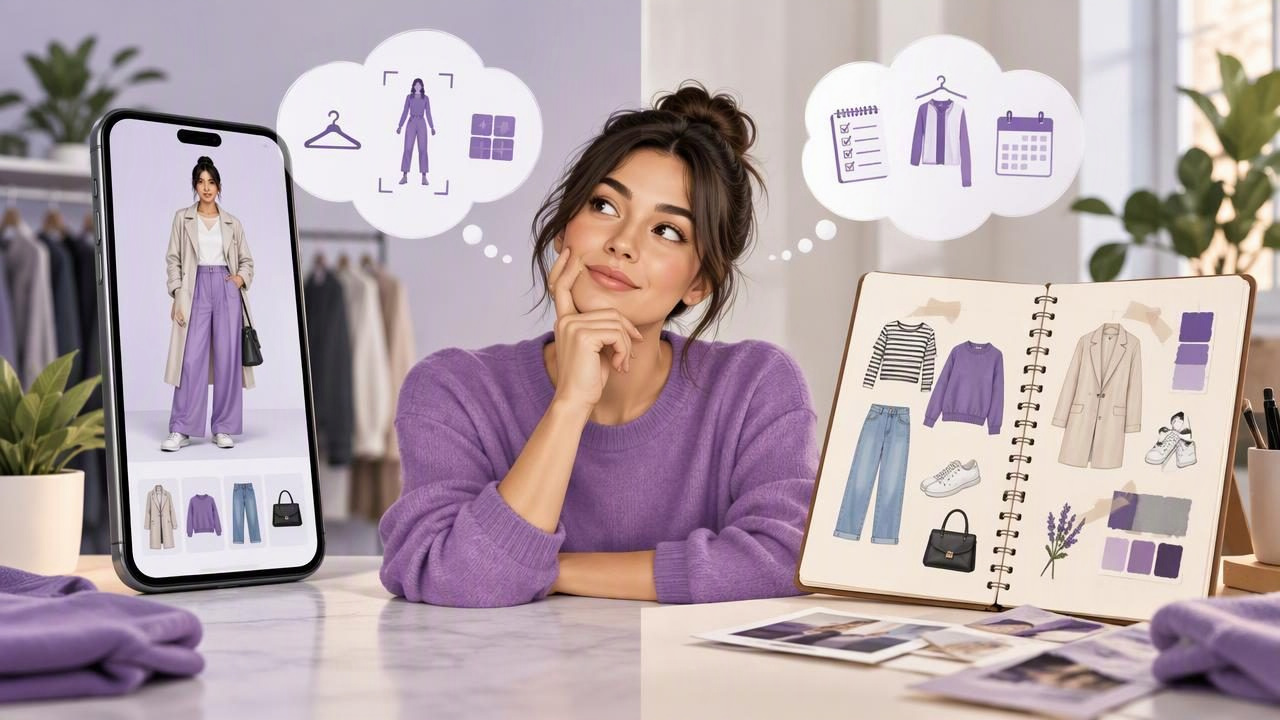
Planning outfits can mean sketching combinations in a notebook, laying clothes out on a bed, or using a virtual try-on app to see pieces together on screen. Each method can make getting dressed more intentional, but they solve different problems. Paper is simple, flexible, and screen-free. An app can help you organize a digital wardrobe and visualize combinations without changing clothes.
So which is better: a virtual try-on app or paper outfit planning? The answer depends on whether you mainly want to record ideas, see how garments work together, or keep track of outfits over time. Here’s how to compare them, with a practical example and an honest look at what digital visualization can and cannot show.
What Each Outfit Planning Method Does
Paper outfit planning uses a notebook, calendar, printed photos, or a simple sketch to record what you might wear. You can write down garment details, draw combinations, and note plans for specific days or events. It’s a straightforward way to think through a wardrobe, especially if you enjoy writing or sketching.
A virtual try-on app uses images to help you visualize clothing combinations digitally. Depending on the app, you may be able to upload a photo of yourself and photos of your clothes, then view possible looks together. In a digital wardrobe, saved items can also make it easier to revisit outfit ideas rather than searching through handwritten notes or trying to remember what you wore.
These methods aren’t necessarily competing systems. Paper records your ideas; virtual try-on can make those ideas more visual. Neither one can make a decision for you, and a digital image should not be treated as a guarantee of how clothing will fit or feel.
Virtual Try-On App vs. Paper Outfit Planning at a Glance
| Consideration | Paper planning | Virtual try-on app |
|---|---|---|
| Getting started | Use a notebook or calendar you already have. | Add photos of garments and, where supported, a photo of yourself. |
| Seeing combinations | Write, sketch, or lay out the actual pieces. | View a digital representation of selected pieces together. |
| Revisiting ideas | Find the right page or keep a clear index. | Browse saved digital items or looks, depending on the app. |
| Best suited to | Notes, personal reflections, and simple weekly plans. | Visual comparison and organizing outfit ideas from your wardrobe. |
| Main limitation | Sketches and lists may not show how a full look comes together. | Images cannot reliably predict exact fit, sizing, fabric feel, or movement. |
The table describes common differences, not a promise that every app has the same tools. Check what a specific app supports before building your routine around it.
A Concrete Example: Planning Three Looks From Five Pieces
Imagine you have a navy blazer, a white T-shirt, a striped top, straight-leg jeans, and black trousers. You need one outfit for a casual office day, one for dinner, and one for a relaxed weekend. The challenge isn’t finding more clothes; it’s comparing combinations using what you already own.
With paper, you might make a page with three headings and list the pieces under each one. The office option could be blazer, white T-shirt, and black trousers. For dinner, you could try the striped top with the trousers. The weekend look might pair the T-shirt and jeans. Add notes such as “check weather” or “try different shoes.” This works well if you can picture the outfits, or if you’re willing to pull each combination from the closet and try it on.
With a virtual try-on workflow, you could add photos of those garments to a digital wardrobe and compare selected combinations on screen. If the app supports trying looks on your photo, you may get a useful visual reference without changing between every outfit. You could save the combinations that seem promising and compare them later. That can help answer questions such as whether the blazer works with both bottoms or whether the striped top feels too similar to another planned look.
The screen view is a style visualization, not a fitting-room result. The image may help you judge color and overall coordination, but it can’t confirm that the blazer’s shoulders sit correctly, the trousers are comfortable when sitting, or the fabric drapes the way it does in real life. Try on the final outfit when fit and comfort matter.
When Paper Planning Is the Better Choice
- You want a low-effort starting point. A notebook requires no garment photos or digital setup. Write down a few combinations and begin there.
- Your plan depends on context. Paper is convenient for notes about a meeting, weather, laundry, or how an outfit felt after a full day.
- You think best by sketching or writing. A quick drawing or handwritten list can be more natural than organizing images.
- You only plan occasionally. If you need a look for one event, a short list or a physical try-on may be all you need.
Paper planning can also encourage useful reflection. After wearing a combination, note whether you felt comfortable and what you would change. Over time, those observations may be more valuable than a collection of outfit ideas you never revisit. The trade-off is that a notebook won’t automatically show your garments together, and records can be harder to search if you make many plans.
When a Virtual Try-On App Can Help
- You want to compare looks visually. Images can make it easier to assess the overall balance of a combination than a text list alone.
- You’re planning from your existing wardrobe. A digital closet can give you a visual record of garments and help you explore combinations from what you own.
- You like saving options. Keeping a few looks together makes it easier to revisit alternatives for a particular day or occasion.
- You want to share ideas. Some outfit tools allow users to share or compare combinations, which can be useful when asking a friend for an opinion.
There is a setup cost: useful results depend on having clear, recognizable clothing photos and taking time to organize items. A digital wardrobe can become less helpful if it contains outdated pieces, duplicate entries, or garments you no longer wear. Start with the clothes you reach for often rather than trying to document everything at once.
Know the Limits of Digital Outfit Visualization
Virtual try-on can support styling decisions, but it should not replace a physical try-on when you need to assess fit. An image does not reliably establish garment measurements, sizing, stretch, fabric weight, texture, or how a piece moves with your body. A visually convincing combination may still feel uncomfortable or sit differently in person.
Images can also be affected by lighting, camera angle, garment wrinkles, and how clearly a clothing item is shown. Treat an AI-generated or digitally assembled look as a prompt for consideration: “Do these colors and pieces seem to work together?” Then check the real garments for comfort, condition, and suitability for the occasion.
Be thoughtful about the photos you upload, too. Review an app’s privacy information and permissions so you understand how it handles images before adding personal photos. If you prefer not to use a photo of yourself, see whether the tool offers a way to organize garments or plan combinations without one.
A Practical Hybrid Method
You don’t have to choose one method for every task. Use a digital wardrobe when seeing and comparing clothing combinations is the main goal, then keep paper notes for details that an image can’t capture.
- Pick a small planning goal. Choose three workdays, a weekend, or one event rather than planning an entire season.
- Work with real garments. Make a short list of pieces you own and expect to wear. Add photos to a digital closet if visual browsing would help.
- Compare a few combinations. Use the app or a physical try-on to decide which options look promising. Avoid treating a screen preview as a fit check.
- Record practical details. Note shoes, weather layers, laundry needs, or comfort observations in a notebook or calendar.
- Review after wearing the outfit. Keep combinations that worked and adjust the ones that didn’t. Your real-world experience should guide future plans.
For example, you might save a blazer-and-trousers look digitally, then write “wear with flats; add a warmer layer” on your weekly plan. The app helps you compare the visual combination; the note captures context and personal experience.
How to Choose the Right Method for You
Choose paper if you mainly need a quick schedule, written reminders, or a place to record how outfits feel. Choose a virtual try-on app if you want to see combinations from your own garments, organize clothing photos, or keep visual references you can revisit. If both benefits sound useful, use each where it is strongest.
For anyone interested in building a visual record of clothing they already own, Outfit Maker’s guide to creating a digital closet explains the idea in more detail.
Frequently Asked Questions
Can a virtual try-on app replace trying clothes on?
No. It can help you visualize style combinations, but it cannot reliably confirm exact fit, sizing, fabric feel, or comfort. Try on the real garments when those details matter.
Is paper outfit planning still useful?
Yes. It’s a practical choice for simple schedules, handwritten notes, and reflections after wearing an outfit. It can also complement digital planning by recording details that an image doesn’t show.
What should I put in a digital wardrobe first?
Start with frequently worn items or pieces you want to combine for an upcoming occasion. A focused collection is easier to use than trying to photograph every item at once.
The Bottom Line
Paper outfit planning is simple and adaptable; a virtual try-on app adds a visual way to compare garments and keep outfit ideas organized. The best choice depends on how you like to plan and what decisions you need help making. Use digital visualization to explore style, use real try-ons to judge fit and comfort, and keep paper notes if they help you remember the details.
