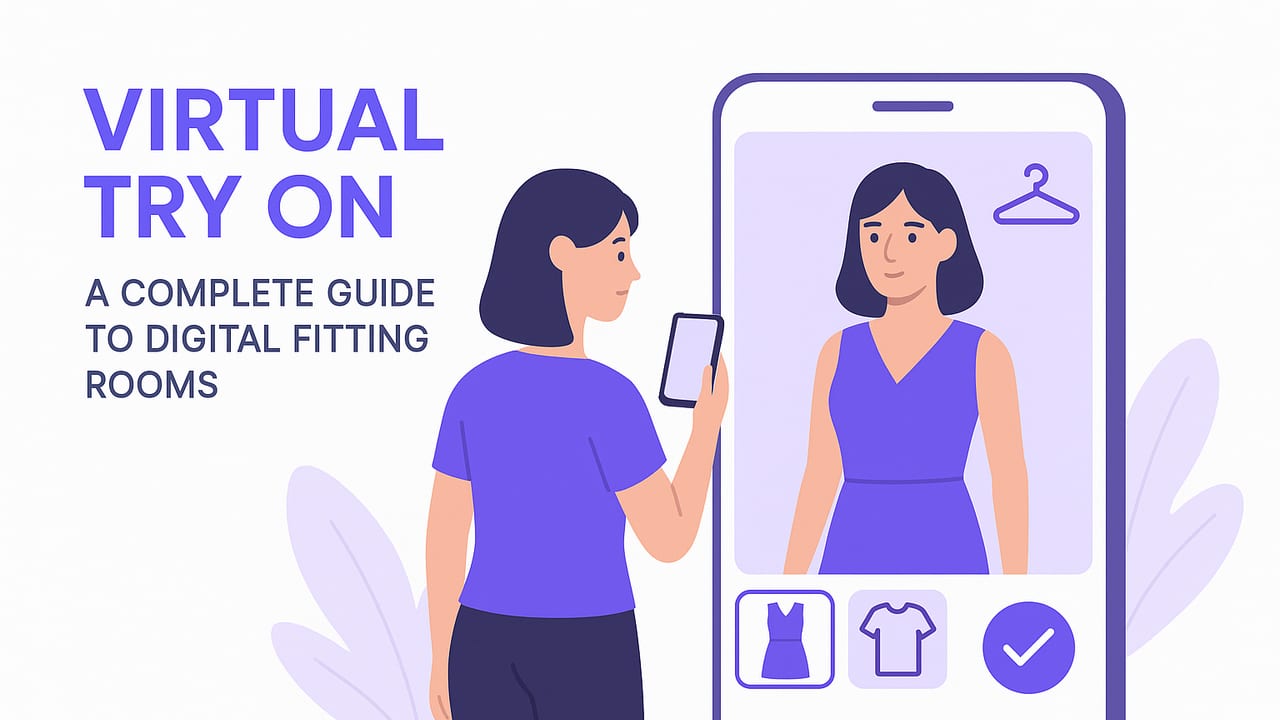
“What would this look like on me?” That simple question launched an entire wave of virtual try on tools that help you preview outfits without stepping into a fitting room. Whether you want faster morning decisions, smarter shopping, or a more organized wardrobe, virtual try on (often shortened to VTO) can be a practical, time-saving upgrade to your style routine.
This guide explains what virtual try on is, how it works under the hood, which approach fits your goals, and the exact steps to create realistic outfit previews at home. You’ll also learn how to avoid common pitfalls, protect your privacy, and use VTO to build a consistent personal style.
What Is Virtual Try On?
Virtual try on is a set of techniques that lets you see how clothing would look on your body using your phone or computer. Instead of guessing how a blazer pairs with your jeans or wondering whether a dress color complements your skin tone, VTO overlays garments onto your image (or a 3D avatar) so you can preview combinations instantly.
Key benefits include:
- Rapid outfit exploration without changing clothes
- Smarter shopping with fewer returns
- Wardrobe planning for events, travel, and daily wear
- Consistent style refinement through saved looks
How Virtual Try On Works
Virtual try on isn’t a single technology—it’s a stack. Most consumer tools mix computer vision, machine learning, and sometimes 3D graphics. Here are the main approaches you’ll encounter:
1) 2D Garment Warping and Segmentation
This approach detects your body in a photo, segments regions (torso, legs, arms), and “warps” a garment image to align to your pose and proportions. It’s fast and device-friendly, ideal for outfit visualization.
- Pros: Quick, realistic for color/pattern, low friction
- Cons: Approximate drape; less accurate for complex fabrics or extreme poses
2) AR Overlays with Body Landmarks
Augmented reality estimates body landmarks in real time through your camera and anchors garments to those points. You can look around and see the outfit update live.
- Pros: Real-time preview; great for top-level proportions and vibe
- Cons: Lighting and occlusion can be tricky; may require good device cameras
3) 3D Avatars and Physics Simulation
Here, a 3D avatar is created from your measurements or photos, and garments are simulated with physics so fabric drape, folds, and layering look realistic.
- Pros: Best for fit estimation and drape realism
- Cons: Setup time, higher compute cost, needs accurate measurements
Which Method Should You Use?
Choose based on your goal. If you’re planning outfits from your existing closet, you likely need speed and realism for colors and combinations. If you’re buying tailored pieces online, a more detailed avatar can help.
| Method | Best For | Speed | Realism | Device Needs |
|---|---|---|---|---|
| 2D Warping | Daily outfit planning, closet mixing | Fast | High for styling; moderate for drape | Works on most phones |
| AR Landmark | Live preview, quick checks | Real-time | Good; lighting dependent | Modern camera; stable lighting |
| 3D Simulation | Fit and drape accuracy | Slower | Highest | More processing; measurements |
From Closet to Camera: A Practical Workflow
The more intentional your setup, the better your virtual try-on results. Follow this streamlined workflow:
- Photograph garments well.
- Use bright, diffused light (near a window; avoid harsh shadows).
- Shoot on a plain background (white or neutral). A hanging shot for tops/dresses; flat lay for pants/skirts can work.
- Capture front view; for structured pieces (coats, blazers), add a back view.
- Keep the camera perpendicular to reduce distortion.
- Remove backgrounds cleanly. Many apps auto-remove backgrounds, but double-check edges around collars, cuffs, and hems for cleaner overlays.
- Standardize naming and tags. Consistent labeling improves search and mix-and-match.
- Take a base photo of yourself.
- Stand naturally, arms relaxed.
- Wear form-fitting basics (e.g., plain tee and leggings) to help the model understand your silhouette.
- Even lighting; avoid heavy backlight.
- Respect privacy. Blur the background if needed, and store photos only where you’re comfortable.
- Save outfit variants. When a look works, save it with occasion tags (work, weekend, evening) so you can re-wear it later.
Fit vs. Look: Set the Right Expectation
Virtual try on excels at visualizing style—colors, proportions, and combinations. It’s improving at estimating fit, but a phone photo can’t replace the tactile feedback of trying on clothes. Keep these guidelines in mind:
- Use VTO to decide which items pair well and which silhouettes flatter you.
- Use size charts and reviews to confirm fit; for tailored items, verify measurements.
- When in doubt, compare the simulated drape to a similar item you already own.
Rule of thumb: “Preview style virtually; validate fit with measurements.”
Style Systems Enhanced by Virtual Try On
1) Capsule Wardrobes
A capsule focuses on a tight set of mixable pieces. Virtual try on lets you stress-test combinations before committing. Aim for a palette with 2–3 neutrals and 1–2 accents, and verify that tops layer under outerwear without awkward proportions.
2) Color Confidence
Use VTO to experiment with contrast (light vs. dark), temperature (warm vs. cool), and saturation. Try these quick checks:
- Contrast: Pair a dark bottom with a mid-tone top for balanced separation.
- Temperature: If your skin reads warm, test earthy reds, olive, and camel; for cooler undertones, try navy, charcoal, and jewel tones.
- Accent limit: Start with one accent color per outfit, then add a second in a small accessory if needed.
3) Occasion Planning
Build a “default” outfit for each context—work, date night, weekend errands—and keep them saved. Virtual try on makes it easy to swap shoes or bags to match formality without rebuilding from scratch.
4) Travel Packing
Use virtual try-on previews to ensure every piece earns its space. Try this mini-pack formula:
- 2 tops + 2 bottoms + 1 layer + 2 shoes + 2 accessories = 8–10 looks
| Item | Role | Notes |
|---|---|---|
| White tee | Top | Neutral base; works with both bottoms |
| Striped knit | Top | Pattern adds interest |
| Dark jeans | Bottom | Dress up or down |
| Khaki chinos | Bottom | Smart-casual alternative |
| Navy blazer | Layer | Elevates tees instantly |
| White sneakers | Shoes | Casual comfort |
| Brown loafers | Shoes | Dressier option |
| Leather belt + watch | Accessories | Polishes looks |
How to Judge Virtual Try-On Quality
When evaluating an app or workflow, look for:
- Edge fidelity: Clean contours around collars, hems, and hair.
- Occlusion realism: Does the jacket appear behind your arm when it should?
- Shadow and lighting consistency: Overlays shouldn’t look pasted on; subtle shading helps.
- Proportion preservation: Garments shouldn’t stretch unnaturally, especially around shoulders and hips.
- Layer handling: Shirts under blazers should remain visible in the right places.
- Speed: If it takes too long, you won’t use it daily.
Common Mistakes (and Fixes)
- Harsh lighting or cluttered backgrounds → Use soft, indirect light and neutral backdrops.
- Garment photos at odd angles → Shoot straight-on; hang garments to maintain shape.
- Ignoring footwear and accessories → Shoes and bags often decide formality; include them in previews.
- Over-editing skin tones → Accurate skin tone helps judge color harmony.
- Skipping tags → Tag by category, color, season, and occasion to speed search.
Privacy and Ethics
Virtual try on uses personal images. Treat them like sensitive data:
- Storage: Prefer on-device processing when possible; if cloud is used, ensure encryption in transit and at rest.
- Permissions: Grant camera and photo access only when needed.
- Control: Look for clear deletion options and data-retention policies.
- Sharing: Be mindful when sharing outfit previews that include your location or home background.
Advanced Tips for Power Users
Build a Tagging Schema
Consistent tags make virtual try-on sessions faster and more accurate. Consider a compact schema:
{
  "item_id": "blazer_navy_wool",
  "category": "blazer",
  "fit": "regular",
  "colors": ["navy"],
  "occasions": ["work", "smart-casual"],
  "season": ["fall", "winter"],
  "notes": "works with white tee, dark jeans"
}
- Categories: top, bottom, dress, outerwear, shoes, accessory
- Fit: slim, regular, relaxed
- Occasions: work, weekend, evening, travel, formal
- Season: spring, summer, fall, winter
Create a Shot List
If you’re digitizing your closet, plan a short session:
- 10–15 items per batch to avoid fatigue
- Prep: steam/iron garments, lint-roll darker pieces
- Shoot sequence: tops → bottoms → layers → shoes → accessories
- Tag as you go to avoid backlog
Use Baselines for Fit
Pick one “gold standard” outfit that fits perfectly. When previewing, compare proportions to that baseline: shoulder width, jacket length, pant break. This improves your eye for fit even in a digital environment.
FAQs About Virtual Try On
Does virtual try on show exact fit?
It shows appearance very well and fit directionally. For tailored accuracy, combine VTO with measurements and brand size charts.
Will it work for all body types?
Yes, but results vary. Better lighting, clear base photos, and garments photographed straight-on improve outcomes across body types.
How important are fabric textures?
Patterns and textures greatly influence realism. High-resolution garment photos with visible weave or knit elevate results.
Can I layer multiple items?
Many tools support layering. Ensure the app handles occlusion so tees sit under blazers and coats don’t hide intended details.
What about color accuracy?
Shoot garments in natural light and avoid heavy filters. If possible, white-balance your camera so whites look neutral.
Putting It All Together
Virtual try on helps you move from “decision fatigue” to a confident, repeatable style process. By photographing garments well, setting realistic expectations about fit vs. look, and saving your best combinations, you turn your phone into a personal fitting room that works anytime.
For an iOS option that blends virtual try on with a digital wardrobe planner, you can explore Outfit Maker to upload pieces, preview combinations, and save your favorite looks.
