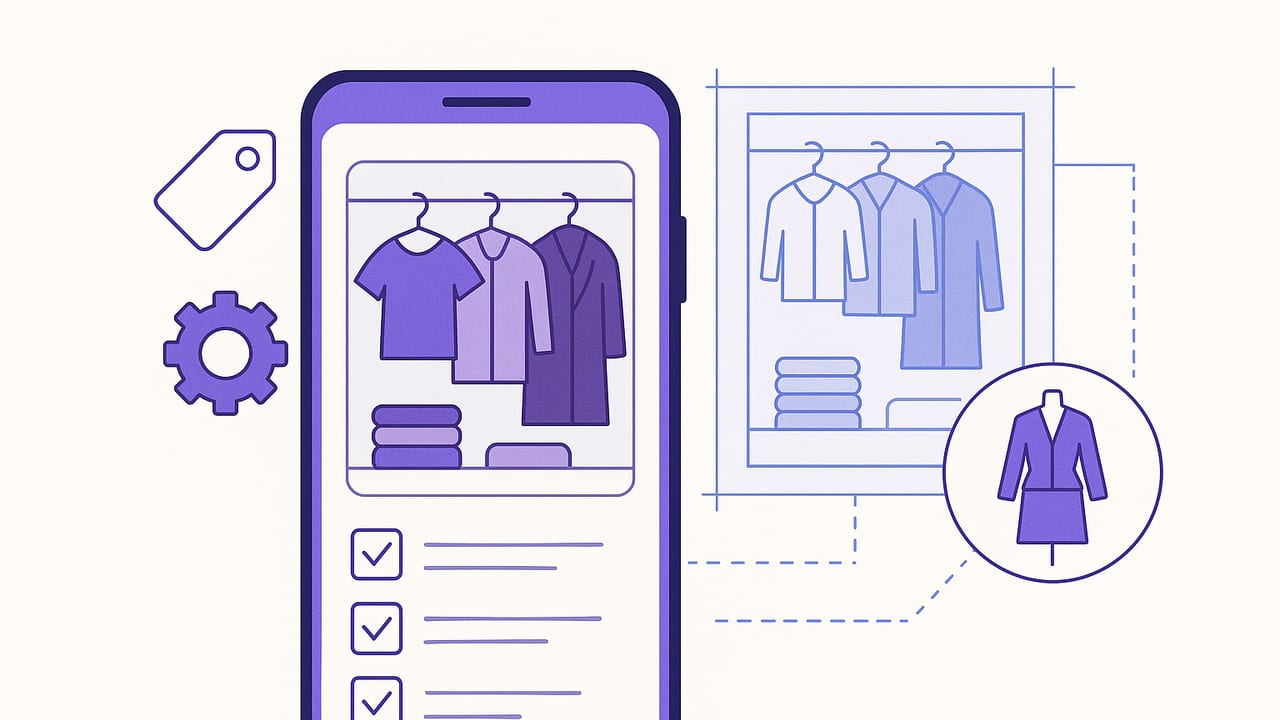
A closet organizer app can turn a messy wardrobe into a searchable, visual library you actually use. With the right setup, you stop guessing and start dressing—faster, smarter, and with fewer impulse buys. This blueprint walks you through a complete system: how to capture great photos, build a reliable tagging structure, automate seasonal swaps, plan outfits with purpose, and use analytics to get more value from every item.
Why a Closet Organizer App Changes the Way You Get Dressed
- Fewer decisions in the morning: Pre-plan outfits and filter by weather, dress code, or color palette.
- Smarter spending: Track cost-per-wear and see gaps before shopping.
- Better fit and styling: Virtual try-ons and lookbooks help you visualize combos without changing clothes.
- Sustainability: Rewear your closet more creatively and identify pieces to tailor, donate, or sell.
Style isn’t about owning more—it's about seeing more possibilities in what you already have.
How to Set Up a Closet Organizer App in a Weekend
Block a few hours and follow this streamlined process to get your digital closet off the ground.
Day 1: Prep and Photos
- Declutter fast: Make three piles—Keep, Tailor, Let Go. Remove anything that’s damaged beyond repair or doesn’t fit your lifestyle.
- Stage a photo area: Neutral background, indirect daylight, phone tripod or steady surface.
- Photograph consistently: One item per shot, centered, whole garment visible. Capture front, back, detail if needed.
Day 2: Upload, Tag, and Organize
- Batch import: Upload groups (tops together, bottoms together) to reduce context switching.
- Apply a tagging system: Use clear, repeatable tags for category, color, season, dress code, and care.
- Create starter outfits: Build 10–15 looks you can actually wear next week. Save by occasion and weather.
The Tagging System Stylists Use (You Can Too)
A strong tagging system turns your closet organizer app into a powerful wardrobe search engine. Keep tags standardized and minimal—use the same words every time.
- Category: top, bottom, dress, outerwear, knitwear, footwear, bag, accessory
- Subcategory: t-shirt, blouse, button-down, jeans, chinos, skirt, blazer, coat, sneakers
- Color: black, white, gray, navy, beige, green, blue, red, brown, metallic
- Pattern/Texture: solid, striped, plaid, floral, ribbed, cable-knit, tweed, satin, denim
- Fit/Silhouette: slim, straight, relaxed, oversized, cropped, high-rise, A-line
- Season: all-season, spring, summer, fall, winter
- Dress code: casual, smart-casual, business-casual, business-formal, black-tie
- Occasion: work, weekend, date, wedding, travel, workout
- Care: machine-wash, delicate, dry-clean, hand-wash
- Status: favorite, needs-tailoring, on-loan, to-sell, archive
Here’s a sample metadata structure you can mirror in your app notes or exports:
{
  "item_id": "JK-001",
  "name": "Navy wool blazer",
  "category": "outerwear",
  "subcategory": "blazer",
  "color": ["navy"],
  "pattern": ["solid"],
  "fit": ["tailored"],
  "season": ["fall", "winter"],
  "dress_code": ["business-casual", "business-formal"],
  "occasion": ["work", "meeting"],
  "care": ["dry-clean"],
  "status": ["favorite"],
  "brand": "—",
  "purchase_price": 180,
  "wear_count": 32
}
Photography Essentials for Accurate Matches
Clean, consistent photos make virtual styling and color matching far more reliable.
- Light: Natural daylight near a window. Avoid mixed lighting that shifts colors.
- Background: Plain wall, sheet, or foam board in white or neutral gray.
- Framing: Show the entire item. Shoot straight on, not at an angle.
- Color accuracy: Turn off aggressive filters and auto enhancements.
- Consistency: Keep distance and angle uniform. Use grid lines and a fixed spot on the floor.
- Detail shots: Add close-ups for fabric texture or prints if the app supports multiple images per item.
Automation Tactics That Save Time
Use your closet organizer app’s smart features to keep the wardrobe fresh without constant manual work.
Smart Rules and Bulk Edits
- Auto-seasonal tags: Set rules to tag linens and shorts as summer; wools and coats as winter.
- Weather filters: Link looks to temperature ranges and precipitation so you can filter outfits by forecast.
- Bulk status updates: End of season? Batch-update to archive rarely worn pieces.
Reminders That Matter
- Care cycles: Set a dry-clean reminder after five wears or for items with makeup transfer risk.
- Rotation nudges: If an item wasn’t worn in 60 days, trigger a prompt with suggested pairings.
- Tailoring tasks: Keep a list of adjustments and mark when completed so items re-enter rotation.
Outfit Planning Workflows You’ll Actually Use
Outfit planning is where digital closets shine. Build repeatable routines that fit your week.
The 15-Minute Sunday Session
- Check the 7-day forecast.
- Choose 5 core looks for work or school; save 2 backup rainy-day outfits.
- Pre-pack gym or travel outfits if needed.
- Snap mirror selfies wearing the planned looks to validate proportions.
Capsule Mix-and-Match
Create a mini-capsule of 10–12 items for a month. Filter by color palette and dress code. Name the capsule and log every outfit you build from it to see what really works.
Event-First Planning
Start with the most constrained event (e.g., board meeting or wedding). Build that look first, then work the rest of the week around it to avoid last-minute stress.
Use Simple Analytics to Wear What You Own
Basic wardrobe analytics can guide smarter choices and reduce regret purchases.
- Cost per wear (CPW): Lower is better—aim to get expensive staples under your target threshold.
- Wear count by category: Are you underusing dresses? Over-rotating two pairs of pants?
- Color frequency: If you never wear bright green, skip buying more of it.
# Simple cost-per-wear logic
purchase_price = 180
wear_count = 32
cpw = purchase_price / max(1, wear_count)
# Result: 5.63 per wear
Set soft goals:
- Everyday staples: CPW target under 3–6 after six months.
- Statement pieces: CPW target under 10–15 over a year.
- Underused items: If CPW stays high and you don’t reach for it, consider tailoring or reselling.
Closet Organizer App Features Checklist
Before committing, compare features with your needs. Use this matrix as a quick audit.
| Feature | Why It Matters | Checklist |
|---|---|---|
| Photo Background Removal | Cleaner item shots improve outfit building and color matching. | One-tap cutout, batch support |
| Custom Tags & Filters | Lets you search by season, dress code, or fit without friction. | Multi-select, reusable presets |
| Virtual Try-On | Visualize proportions and layering without changing clothes. | Realistic drape, angle options |
| Outfit Planner | Schedule looks by date, occasion, and weather. | Calendar view, reminders |
| Analytics | Shows wear counts, CPW, color usage to guide purchases. | Exportable data, graphs |
| Sharing & Collaboration | Get feedback from friends or stylists; plan trips together. | Links, privacy controls |
| Offline Access | View your closet during travel or low-signal commutes. | Local caching, sync |
| Security & Privacy | Protects personal photos and location-linked outfits. | On-device processing, encryption |
Common Pitfalls and How to Fix Them
- Too many tags: Pick a limited, fixed vocabulary. If you can’t remember a tag, you won’t use it.
- Inconsistent photos: Set a permanent photo station; retake the handful that look off.
- Planner overload: Start with three days a week. Add more once the habit sticks.
- Ignoring care tags: Add care labels so you don’t plan outfits around items that are at the cleaners.
- Not reviewing analytics: Schedule a 10-minute monthly review to spot unworn items and adjust.
Privacy and Data Hygiene
Your wardrobe is personal. Keep control of your data with a few simple practices.
- Understand permissions: Limit location and contact access unless features truly need them.
- Use device-secure photos: Favor apps that process images on-device or encrypt uploads.
- Backups: Export data (CSV/JSON) quarterly so you can switch apps without starting over.
- Redact receipts: If you store invoices or serial numbers, mask payment details.
Quick-Start Checklist
- Create a 2-hour photo session with a neutral backdrop and tripod.
- Import 30–40 most-worn items first—don’t wait for perfection.
- Apply a minimal tag set: category, color, season, dress code.
- Build 10 ready-to-wear outfits for next week.
- Turn on reminders for laundry cycles and rotation nudges.
- Review analytics after two weeks; set CPW targets.
- Add occasion capsules (work trip, weekend, wedding) as needed.
From Closet Chaos to Confident Dressing
A closet organizer app isn’t just digital storage—it’s a styling system. With clean photos, consistent tags, and a simple weekly planning habit, you’ll uncover more outfits from the clothes you already own. If you want an iOS option that combines a smart closet, outfit planning, and realistic virtual try-ons, consider exploring Outfit Maker.
