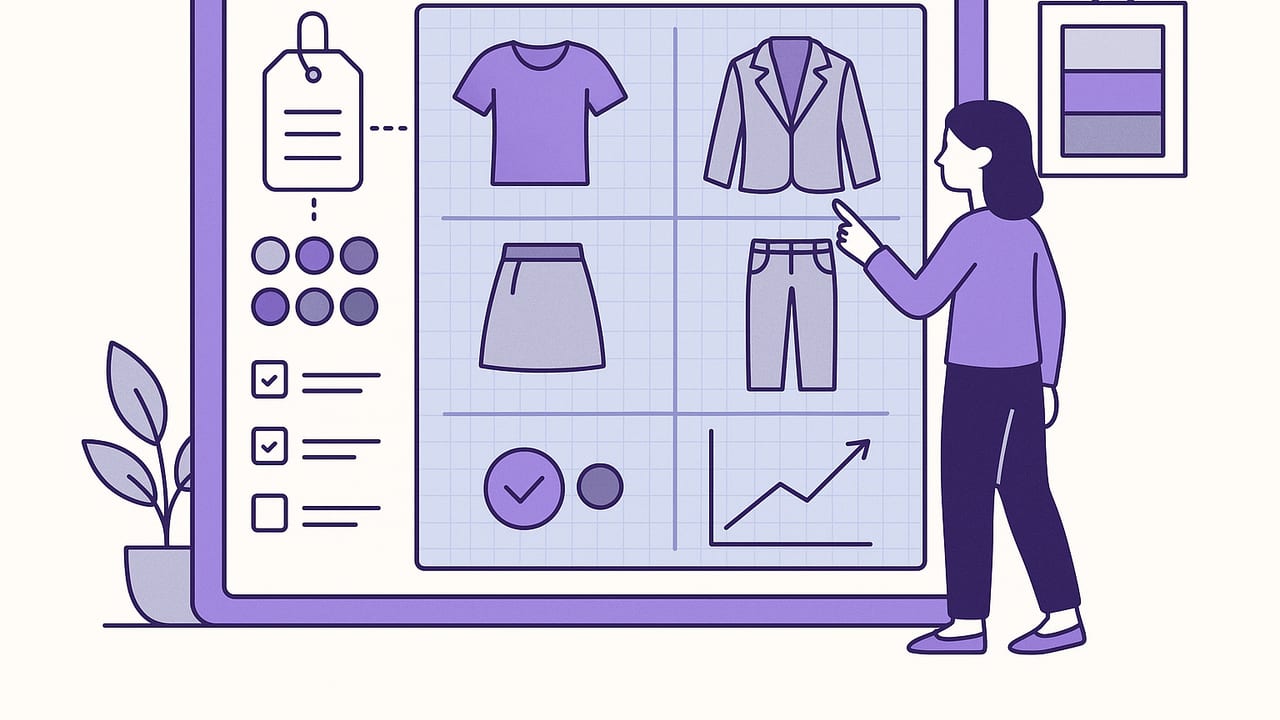
A smart wardrobe planner is more than a digital closet. It’s a system that inventories what you own, translates style into data, and serves the right outfit at the right time. With a few clear workflows and a handful of fields (tags, colors, climate, and fit), you can reduce decision fatigue, increase cost-per-wear value, and dress with confidence—without buying more. This guide shows you how to design a smart wardrobe planner you’ll actually use, whether you keep it in a spreadsheet or a mobile app.
What Makes a Wardrobe “Smart”
A smart wardrobe planner pairs organization with intelligence. It doesn’t just store photos; it helps you decide. These features define it:
- Complete inventory, minimal friction: Photos, names, and a few tags per item. Fast enough to keep updated.
- Standardized metadata: Category, color, fabric, season, formality, care, condition, and fit notes.
- Outfit logic: Formulas (e.g., topper + base + shoe), silhouette rules, and color palettes you actually wear.
- Context awareness: Calendar, weather, activities, and dress codes inform recommendations.
- Feedback loop: Worn/not worn tracking, ratings, and notes to refine picks over time.
- Search and filters: Surface what fits today’s constraints; hide what doesn’t.
When these elements work together, your planner turns into a personal stylist that learns your patterns and anticipates your needs.
Build Your Smart Wardrobe Planner in a Weekend
1) Audit: Keep, Tailor, Donate
Pull everything into one space. Try on borderline items. Create three piles: keep, tailor, donate/sell. Track decisions in your planner so you don’t second-guess later.
2) Photo Capture That Scales
- Use consistent lighting and a neutral background.
- Photograph flat lay or on a hanger; add detail shots for prints or textures.
- Crop items tight; keep file names short (e.g., “navy-wool-trouser”).
3) Naming Convention
Adopt a simple pattern for scanability: Color + Fabric + Item + Cut (e.g., “Black Cotton Tee Boxy”). Consistency improves search.
4) Tagging: The Power Trio
- Category: topper, layer, base, shoe, bag, accessory
- Color: use your core palette; limit to 8–12 named colors
- Occasion/Season: work, casual, formal, travel; warm, cool, all-seasons
Add optional tags like fabric (linen, wool), silhouette (slim, relaxed), and care (machine wash, dry clean, delicate).
5) Palette and Silhouette Rules
Define your neutral base (e.g., black, navy, tan) and accent colors (e.g., olive, rust, cobalt). Write two silhouette guardrails and stick to them (e.g., “If top is oversized, bottoms are slim,” “Max two focal points per outfit”).
6) Outfit Formulas for Everyday
- Work: blazer + knit + trouser + leather shoe
- Casual: relaxed tee + straight jean + sneaker
- Smart casual: cardigan + tee + pleated pant + loafer
- Cold weather: heattech + sweater + coat + boot + scarf
Save 3–5 formulas per context. You’ll use them more than any individual outfit.
7) Calendar and Weather
Attach your planner to your week. Pre-plan two days ahead, check the forecast, and select backups if rain or dress code changes. The goal: zero morning guesswork.
Your Minimal Data Model (That Still Feels “Smart”)
Resist the urge to track everything. These fields capture the 80/20 of decision-making:
| Field | Why it matters | Examples |
|---|---|---|
| Name | Quick identification in search and lists | “Navy Wool Trouser Slim” |
| Category | Enables formulas and balanced looks | Topper, Layer, Base, Shoe |
| Color | Palette harmony and contrast rules | Black, Navy, Cream, Olive |
| Season | Filters by temperature and fabric | Warm, Cool, All-seasons |
| Occasion | Context-specific recommendations | Work, Casual, Formal, Travel |
| Fit/Silhouette | Pairing compatibility | Boxy, Slim, Relaxed, Cropped |
| Wear count | Analytics for rotation and cost-per-wear | Integer |
Outfit Logic: Formulas, Color, and Constraints
Smart wardrobe planning combines formulas with constraints. Start with a three-piece formula (top + bottom + shoe) and add a layer or accessory as needed. Then apply constraints:
- Color: one dark neutral + one light neutral + optional accent.
- Silhouette: oversized pairs with slim; cropped pairs with high-rise.
- Texture: mix smooth and textured to add depth.
Translate your rules into a tiny “style engine” you can remember or even encode:
# Outfit rule sketch (pseudo-YAML)
context: work
weather: cool
formula: [topper, base, shoe]
constraints:
  color: [1_dark_neutral, 1_light_neutral, 0-1_accent]
  silhouette: [if top.relaxed then base.slim]
  season: [include item.season in [cool, all-seasons]]
exclude:
  - item.care == 'dry clean' and day == 'travel-day'
Even if you never automate this, writing rules clarifies your taste and speeds decisions.
Seasonal and Occasion Templates
Pre-build a few outfits per scenario and reuse them.
- Office days: Blazer + fine knit + trouser + loafer; Blouse + pleated pant + block heel.
- Creative casual: Denim chore coat + striped tee + straight jean + retro sneaker.
- Cold commute: Heattech + merino sweater + wool coat + lug boot + beanie.
- Travel capsule (carry-on): 2 tops + 2 bases + 1 layer + 2 shoes yields 8–12 outfits.
Keep a “rain plan” and a “meeting plan” on the same day to absorb last-minute changes.
Metrics That Make Your Closet Work Harder
What gets measured gets worn.
- Wear rate: wears per month per item. Aim to surface low-wear items intentionally.
- Cost per wear (CPW): total cost ÷ total wears. Track for premium pieces.
- Rotation health: max wear count ÷ median wear count. Closer to 1 means balanced usage.
- Outfit satisfaction: a 1–5 quick rating teaches your planner what to surface more often.
- Gap signals: frequent “almost works but…” notes reveal missing items (e.g., waterproof sneaker, thin belt).
Review monthly. Retire pieces with persistent low satisfaction. Put repair or tailoring tasks on your calendar as you log issues.
Tools: Spreadsheet vs Notes vs Apps vs AI
Your smart wardrobe planner can live anywhere. Choose the tool that matches your effort budget and desired features.
| Approach | Setup time | Strengths | Best for |
|---|---|---|---|
| Spreadsheet | Low–Medium | Custom fields, formulas, analytics | Data nerds, capsule builders |
| Notes + Photo Album | Low | Fast capture, minimal friction | Beginners, busy weeks |
| Mobile wardrobe app | Medium | Tags, search, calendar, packing lists | Daily planners, frequent travelers |
| AI outfit generator | Medium | Try-ons, realistic combos, learning preferences | Visual thinkers, experimentation |
Common Pitfalls (and Simple Fixes)
- Over-tagging: Too many fields stall updates. Limit to 5–7 core tags.
- Perfect photos before progress: Start with decent photos; refine later.
- Ignoring seasonality: Filter by today’s weather so choices feel relevant.
- One-off outfits: Save formulas, not just singular looks. Recombination scales.
- No feedback loop: Log what you wore and why it worked or didn’t.
Quick-Start Checklist
- Inventory 30 core items with photos and 5–7 tags each.
- Define 2 silhouette rules and a 10–12 color palette.
- Save 6 go-to outfits and 3 formulas for work and casual.
- Pre-plan the next two days with weather-appropriate options.
- Track wears and rate outfits for one week.
FAQ: Smart Wardrobe Planner Essentials
Do I need to log my entire closet?
No. Start with your most-worn 30–40 pieces. Add items as you wear them. This keeps setup fast and relevant.
What’s the minimum data to track?
Name, category, color, season, occasion, silhouette, and wear count. You can add fabric and care later if useful.
How often should I review?
Weekly for outfit planning; monthly for analytics and edits. Seasonal switchovers are perfect for deeper audits.
How do I keep from repeating outfits?
Track wears and pin 2–3 variations of each formula. Rotate shoes and layers to refresh looks without buying new pieces.
From Closet Chaos to Confident Dressing
A smart wardrobe planner turns a pile of clothes into a responsive system. Inventory what you own, define simple rules, let context guide choices, and learn from your own data. If you prefer an iOS app that combines digital wardrobe management with realistic AI try-ons, you can explore Outfit Maker as a subtle, all-in-one option.
