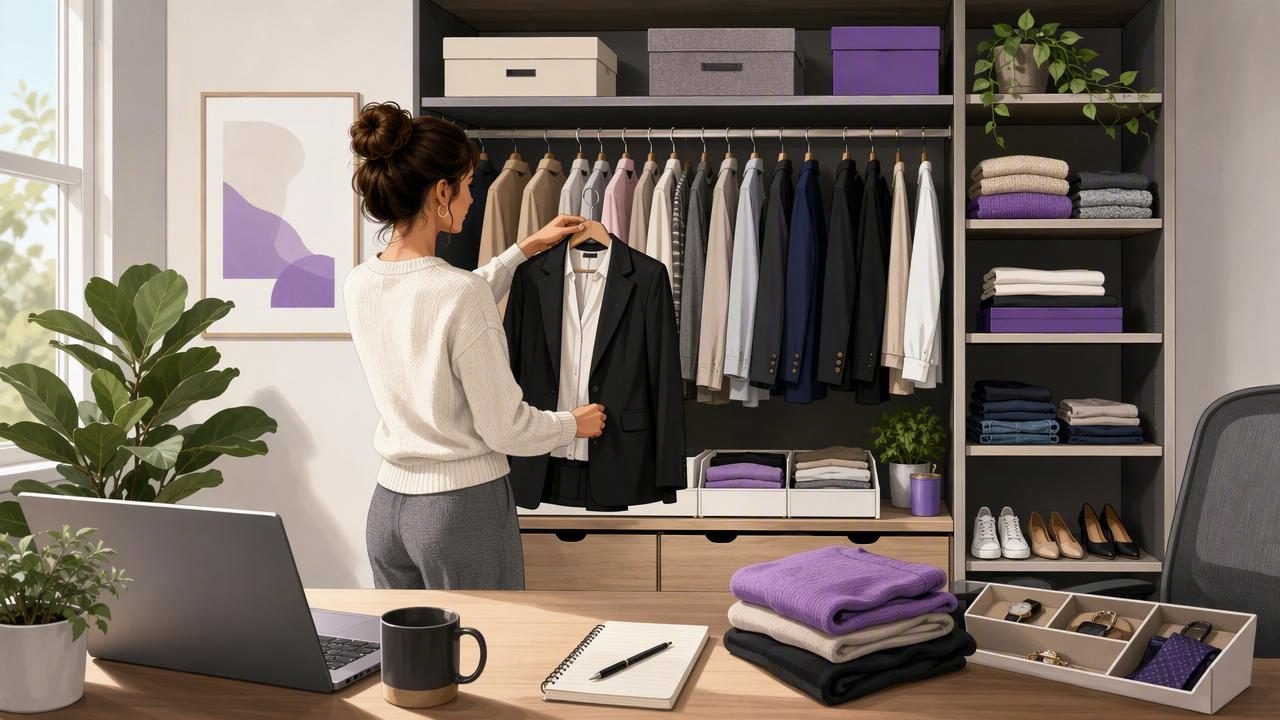
Working remotely changes more than where you answer emails. It changes how you get dressed, how often you repeat outfits, and how much thought you want to spend on clothing before your first meeting. Without a commute or a formal office dress code, it is easy to fall into one of two extremes: wearing pajamas all day or overthinking every video-call outfit.
A smart closet organizer gives remote workers a practical middle ground. Rather than treating your wardrobe as one large collection of clothes, it helps you catalog pieces, create reliable outfit formulas, and plan for the real situations that shape a work-from-home week. The result is less decision fatigue, a more polished on-camera presence, and clothing that supports your routine instead of distracting from it.
This guide explains how to build a digital wardrobe system for remote work, what categories to use, and how to make outfit planning fast enough to maintain.
Why Remote Workers Need a Different Wardrobe System
Traditional office wardrobes were often built around commuting, workplace norms, and full-day in-person visibility. Remote work creates different needs. You may need to look professional from the waist up for a client call, stay comfortable during several hours at a desk, and be ready to leave for an unexpected errand or coworking session.
A well-organized remote-work wardrobe accounts for these changing demands. It should help you answer a few simple questions quickly:
- What can I wear for a camera-on meeting today?
- Which outfits feel comfortable enough for deep-focus work?
- What can transition from my desk to an in-person appointment?
- Which pieces are clean, fit well, and work together?
- What have I worn recently that I would happily repeat?
A digital wardrobe turns these questions into searchable information. Instead of digging through drawers, you can filter clothing by color, formality, season, comfort, fit, and occasion. This is especially useful when your workdays vary between quiet solo tasks, formal presentations, and hybrid office visits.
Start With a Remote-Work Closet Audit
Before adding everything to a closet app or spreadsheet, assess what you actually wear during a normal month. The goal is not to create a perfect minimalist wardrobe. It is to identify the clothes that support your current work life.
Sort Clothing Into Four Practical Groups
Pull out the items you wear most often and place them in these categories:
| Category | Purpose | Examples |
|---|---|---|
| Camera-ready staples | Reliable pieces for video calls | Structured knit tops, button-down shirts, clean sweaters, simple jewelry |
| Focus-day comfort | Clothes for long, low-visibility work sessions | Soft trousers, quality T-shirts, cardigans, elevated lounge pants |
| Hybrid-ready outfits | Looks that work at home and outside | Dark jeans, overshirts, blazers, midi dresses, loafers, clean sneakers |
| Off-duty clothing | Items not intended for work planning | Sleepwear, gym clothes, occasionwear, worn-out home clothes |
This sorting exercise makes wardrobe gaps clearer. For example, you may own many comfortable tops but few that look sharp under webcam lighting. Or you may have polished workwear that feels too restrictive to wear at home. Those insights are more useful than buying random “work from home” clothing.
Build Your Digital Wardrobe in Useful Stages
Cataloging every sock is rarely necessary. Start with the pieces that have the greatest impact on your workday. A manageable digital wardrobe is more valuable than an unfinished, overly detailed one.
- Add your core work clothing first. Photograph your frequently worn tops, bottoms, layers, shoes, and accessories.
- Use clear photos. Lay items flat or photograph them against a plain background in natural light. Accurate images make outfit comparisons easier later.
- Add helpful tags. Include color, season, fit, material, level of formality, and work context.
- Create outfit combinations. Save complete looks rather than relying only on individual-item filters.
- Review and refine monthly. Remove pieces you no longer wear and update tags as your schedule changes.
The tags you choose determine whether your smart closet organizer saves time. Avoid overly vague labels such as “nice” or “casual.” Use labels that match real decisions, such as camera-ready, presentation, comfortable seated, coworking, or quick errand.
Use Tags That Match Your Remote Work Routine
A remote worker’s wardrobe is not defined by a single dress code. It is defined by context. The best digital wardrobe tags reflect what happens during your week.
Recommended Tag Categories
- Meeting type: internal call, client call, interview, presentation, team social
- Camera suitability: webcam-friendly, bright color, low contrast, no busy print
- Comfort level: stretch, breathable, warm, relaxed, structured
- Location: home desk, coffee shop, coworking space, office, errands
- Weather: warm indoor, cool indoor, rainy, layered, outdoor commute
- Care status: clean, laundry, needs steaming, repair needed
Camera-related tags deserve special attention. Small patterns, extremely bright white fabrics, and low necklines can look different on video than they do in person. When you find an outfit that consistently looks good on screen, tag it as a dependable video-call option and save it as a complete look.
Create Outfit Formulas Instead of Planning From Scratch
Remote workers often benefit more from a few repeatable formulas than from endless outfit combinations. An outfit formula is a simple structure that can be recreated with different pieces. It reduces the number of choices you need to make each morning while still leaving room for personal style.
Try building three to five formulas around your work requirements:
- Standard video-call formula: solid or subtle-print top + polished layer + comfortable trousers.
- Deep-work formula: soft base layer + relaxed knit + easy bottoms that still feel presentable.
- Client-presentation formula: structured top or dress + tailored layer + simple accessories.
- Hybrid-day formula: elevated top + versatile trousers or jeans + walkable shoes.
- Warm-weather formula: breathable shirt or blouse + lightweight pants or skirt + optional layer nearby.
Save at least two versions of each formula in your digital wardrobe. This protects you from laundry-day problems and prevents your most-used pieces from getting excessive wear. Repeating a successful formula is not a lack of creativity; it is an efficient way to preserve energy for more important work.
Plan Your Week Around Your Calendar
The strongest fashion planning habit for remote workers is a short weekly review. Spend ten minutes at the end of the week or on Sunday evening looking at your upcoming calendar. Note high-visibility events, weather changes, office visits, and any days when you need an extra confidence boost.
Then assign outfits to the moments that matter most. You do not need to schedule every T-shirt. Focus on planned looks for client meetings, interviews, presentations, networking events, and hybrid days.
Planning outfits in advance is not about making every day feel formal. It is about removing avoidable decisions when your attention is needed elsewhere.
For each planned outfit, check the practical details: Is it clean? Does it need steaming? Is the right layer available if your home office gets cold? Can you wear it comfortably for several hours? A digital wardrobe planner makes this check simple because you can see the full combination before opening your closet.
Make Virtual Try-On Part of Better Outfit Decisions
Remote work often involves visual communication, so it helps to see an outfit before committing to it. A virtual try-on tool can be useful when comparing layers, colors, proportions, or new clothing with items you already own. It is particularly helpful for people who do not want to physically try on several outfits before a call.
Use virtual try-on thoughtfully. Compare two or three realistic options instead of generating dozens of random combinations. Ask practical questions: Does this neckline frame my face well on camera? Does the blazer look too formal for this meeting? Would a darker top create more contrast against my background?
An AI outfit generator can also surface combinations you may overlook, especially when you own versatile basics in several colors. Treat its suggestions as starting points, then apply your own knowledge of comfort, workplace culture, and personal style.
Avoid These Smart Closet Organizer Mistakes
A wardrobe system should make life easier. If it becomes another complicated project, simplify it. Watch for these common mistakes:
- Cataloging too much too quickly: Begin with the clothing you wear weekly, then expand when the habit is established.
- Ignoring comfort: An outfit that looks excellent but distracts you all day is not a functional work outfit.
- Saving only aspirational looks: Include realistic combinations for ordinary Tuesday mornings, not just special occasions.
- Forgetting your background and lighting: Test key video-call outfits in your usual workspace.
- Not tracking laundry: Your best planned outfit is useless if its key piece is in the hamper.
Build a Closet That Supports Your Workday
The best smart closet organizer system is not about owning more clothes or dressing formally at home. It is about making your existing wardrobe easier to use. By cataloging core pieces, tagging them for real work situations, and saving dependable formulas, you can get dressed with less friction and more confidence.
Start small: add ten camera-ready pieces, create three reliable outfits, and plan only your next important meeting. As the system grows, your digital wardrobe becomes a practical resource for every kind of remote workday. Tools such as Outfit Maker can help bring wardrobe photos, virtual outfit comparisons, and planning into one streamlined routine.
