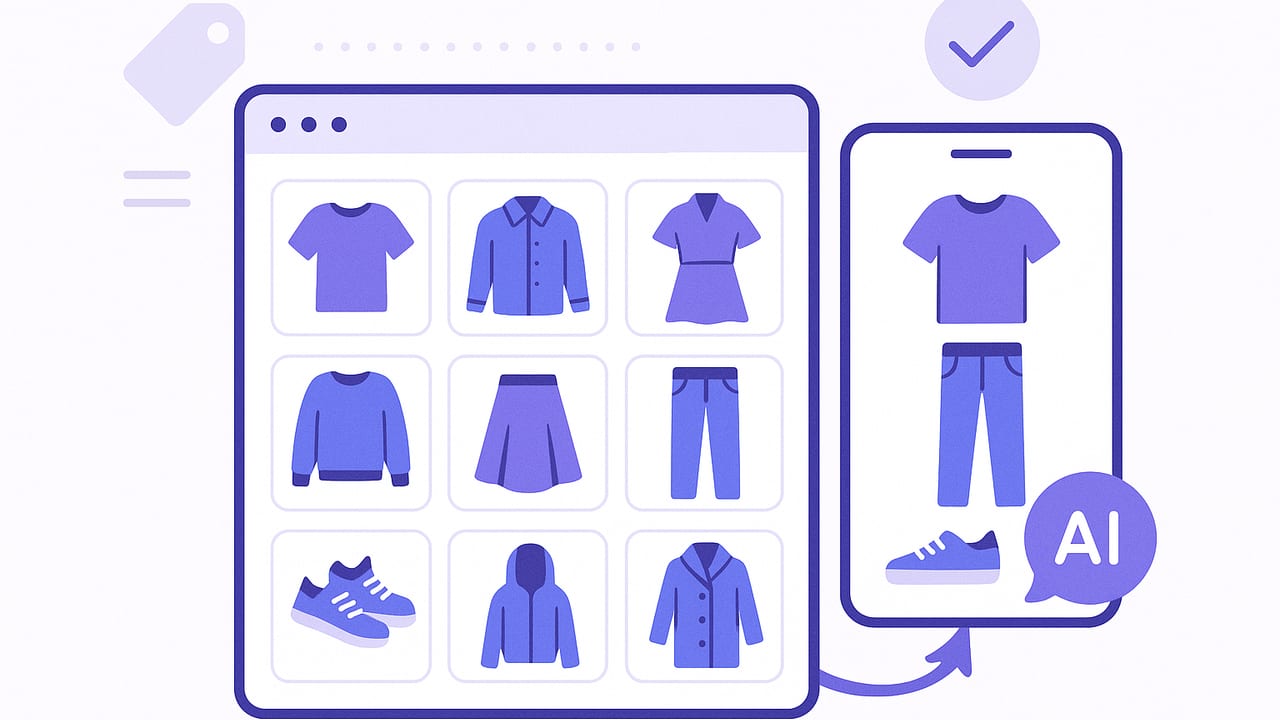
A smart closet organizer transforms your clothes from a crowded rack into a searchable, data-rich wardrobe that helps you decide what to wear, track usage, and plan looks in minutes. Instead of relying on memory, you use photos, tags, and simple routines to see everything you own, try combinations virtually, and create outfits for work, travel, and events—without making a mess on the bed.
What Makes a Closet “Smart”
Think of a smart closet organizer as a system, not just an app. It’s the combination of clean photos, a consistent tagging taxonomy, and repeatable routines that keep your digital wardrobe accurate. The goal is better decisions, not just better storage.
- Visual catalog: Every item is photographed clearly on a neutral background.
- Structured tags: Category, color, fabric, season, occasion, fit, and care are standardized.
- Search & filters: Find items by tag (e.g., “black trousers,” “linen,” “smart casual”).
- Outfit builder: Mix, match, and compare combinations virtually.
- Calendar & context: Plan looks for specific dates, weather, and locations.
- Analytics: Track cost-per-wear, utilization rate, and duplicates to refine shopping.
“A smart closet isn’t about having more clothes; it’s about having more clarity.”
Step 1: Capture Your Wardrobe Correctly
Good photos are the foundation of any smart closet organizer. Crisp images make tagging faster and virtual try-ons more realistic.
Quick Photo Checklist
- Background: Plain, bright background (white or light gray). A door or wall works.
- Lighting: Indirect daylight or consistent indoor lighting; avoid harsh shadows.
- Framing: Fill the frame, photograph flat-lay or on a hanger; keep camera parallel.
- Angles: One front image is usually enough; add back detail for denim, coats, shoes.
- Detail shots: Capture patterns, labels, texture for premium or tricky pieces.
- Consistency: Use the same setup for all items to speed batch edits.
Pro tip: Work by category. Start with tops, then bottoms, outerwear, footwear, dresses, and accessories. Aim for 20–30 minutes per session to prevent burnout.
Step 2: Create a Future-Proof Tagging Taxonomy
Tags are the language your smart closet organizer uses to “think.” A clear taxonomy prevents duplicates, speeds search, and powers better outfit suggestions. Keep names short and consistent, and avoid overly personal terms that you’ll forget in six months.
| Tag Type | Examples | Notes |
|---|---|---|
| Category | top, shirt, tee, blouse, sweater, blazer, jeans, trousers, skirt, dress, coat, sneakers, boots | Use singular nouns for consistency. |
| Color | black, navy, white, ecru, camel, olive, burgundy, pastel-blue | Stick to a limited palette of names. |
| Fabric | cotton, linen, wool, cashmere, silk, denim, leather, viscose | Helps filter by season and care. |
| Season | all-season, spring, summer, fall, winter | Use all-season if it truly spans. |
| Occasion | work, smart-casual, casual, evening, formal, athleisure, travel | Drives quick outfit filtering. |
| Fit/Silhouette | slim, straight, relaxed, oversized, cropped, high-rise, midi | Pairs well with proportion formulas. |
| Care | machine-wash, hand-wash, dry-clean | Useful for laundry planning. |
| Vibe | minimal, classic, edgy, romantic, sporty | Optional, but great for style cohesion. |
| Capsule | work-core, weekend, travel-light, event | Tag items that belong to micro-capsules. |
Item Naming Convention
Names should be human-readable and filter-friendly. Use a pattern that puts the most important info first.
Category_Color_Fabric_Brand_Fit_Size_Year

Examples:
Blazer_Navy_Wool_JCrew_Regular_38R
Jeans_Black_Denim_Levi511_Slim_31x32
Tee_White_Cotton_Uniqlo_Regular_S
Use tags for anything that can have multiple values (e.g., occasion, season, vibe). Reserve the name for stable identifiers.
Step 3: Routines That Keep It Smart
A smart closet organizer works best with light, recurring maintenance. These micro-routines prevent backlog.
- Weekly (15 minutes): Add new purchases, archive sold or donated items, tag recent laundry if anything shrank or bled color.
- Monthly (20 minutes): Review low-utilization items (0–1 wears), test new pairings, and note repair needs.
- Seasonal (30–45 minutes): Swap capsules, refresh tags (e.g., move linen to summer), and plan 5 go-to outfits per key occasion.
- Pre-event (10 minutes): Build and save 2–3 looks for the event with backups for weather changes.
Step 4: Outfit Generation—Formulas That Work
Use simple formulas so your organizer can suggest balanced looks without overthinking. These are easy to tag and reuse.
- Statement + Neutral + Third Piece: A standout top, neutral bottom, and a jacket or cardigan.
- 2-1-1 Proportion: Two fitted pieces with one relaxed layer (or vice versa) for shape and structure.
- Color Harmony: Monochrome (one color family), analogous (neighbors on the wheel), or complementary (opposites).
- Texture Mix: Smooth + textured (e.g., silk blouse with tweed skirt) for depth in neutrals.
- Rule of Three: Top + bottom + completer (blazer/vest/overshirt) instantly looks considered.
Calendar, Weather, and Location Context
Attach outfits to dates, set a location, and check the forecast so the organizer can prioritize suitable fabrics and layers. For travel, pre-filter by capsule and weather range, then export your pack list.
Measure What Matters: Wardrobe KPIs
Analytics turn your smart closet organizer into a feedback loop that improves purchasing and styling choices.
| Metric | Definition | Formula | Target |
|---|---|---|---|
| Cost per Wear | How efficiently you use an item’s cost | Price / Total wears | Trending down over time |
| Utilization Rate | Share of items worn in a period | Items worn ÷ Items owned | > 60% per season |
| Outfit Diversity | Variety of unique outfits worn | Unique outfits ÷ Days | 0.8–1.2 depending on role |
| Repeat Ratio | How often you rewear saves | Repeat outfits ÷ Total outfits | Balance 30–50% |
| Category Gaps | Items missing for core looks | Planned looks blocked by 1 item | Resolve high-impact gaps first |
Data Hygiene: Keep Your Closet Searchable
- Deduplicate: Merge near-identical items or mark one as archive if sizes changed.
- Standardize: Audit tags quarterly; convert “navy-blue,” “navy,” “dk-navy” to “navy.”
- Completeness: Required tags: category, color, fabric, occasion, season.
- Lifecycle: Use statuses: active, seasonal, repair, archive, sell/donate.
Virtual Try-On and AI: What to Expect
AI-powered virtual try-on can show drape, color combinations, and proportions without changing clothes. For best results:
- Realistic item photos: Clean edges and true color reduce mismatches.
- Body reference: Use recent, well-lit photos to improve realism.
- Compare options: Save A/B variations (tucked vs. untucked, sneakers vs. loafers).
- Privacy baseline: Favor tools that process images securely and allow easy deletion.
7-Day Implementation Sprint
This simple plan helps you stand up a complete smart closet organizer in a week without overwhelm.
- Day 1 – Set your taxonomy: Finalize tag names and your item naming convention.
- Day 2 – Photograph tops: 25–40 items. Batch-edit for brightness and crop.
- Day 3 – Photograph bottoms and dresses: 15–25 items. Add fabric and season tags.
- Day 4 – Outerwear and shoes: Include back/side angles for structure and heel height.
- Day 5 – Accessories: Belts, bags, scarves, jewelry; tag by metal tone and scale.
- Day 6 – Build capsules: Create 10–15 saved outfits across work, casual, and events.
- Day 7 – Review & schedule: Add weekly and seasonal routines to your calendar; set goals for KPIs.
Outfit Planning for Specific Scenarios
Workweeks
- Pre-build 5–7 outfits tagged “work” and “weather-ready.”
- Rotate footwear and layers to extend garment life.
- Use analogous color sets (e.g., navy–teal–blue) for low-effort cohesion.
Travel
- Start with a 10-piece capsule: 3 tops, 2 bottoms, 1 dress, 1 outer layer, 2 shoes, 1 wildcard.
- Filter by fabric (wrinkle-resistant) and care (machine-wash) for easy maintenance on the go.
- Export a pack list with looks mapped to your itinerary.
Special Events
- Save a main look plus two backups (different footwear or layer) in case of weather shifts.
- Tag for “formal” and “evening,” and note any required underlayers or accessories.
Troubleshooting Common Roadblocks
- “I never wear half my closet.” Sort by last-worn date and build 3 new outfits per neglected item. If it still doesn’t work after three attempts, archive or donate.
- “My photos look inconsistent.” Create a simple photo station; turn on gridlines and shoot at the same distance.
- “Tags are out of control.” Limit each tag type to a concise set (e.g., 10 color names). Merge similar tags quarterly.
- “Outfit ideas feel repetitive.” Introduce one wildcard per week: a new color accent, texture, or silhouette shift.
Sample Tag Set for Fast Filtering
{
  "category": ["tee","shirt","sweater","blazer","jeans","trousers","dress","skirt","coat","sneakers","boots"],
  "color": ["black","navy","white","ecru","camel","olive","burgundy"],
  "fabric": ["cotton","linen","wool","cashmere","silk","denim","leather"],
  "season": ["all-season","spring","summer","fall","winter"],
  "occasion": ["work","smart-casual","casual","evening","formal","athleisure","travel"],
  "fit": ["slim","straight","relaxed","oversized","cropped","high-rise","midi"],
  "care": ["machine-wash","hand-wash","dry-clean"],
  "vibe": ["minimal","classic","edgy","romantic","sporty"],
  "capsule": ["work-core","weekend","travel-light","event"]
}
Why This System Works
By standardizing how you capture, classify, and plan, you reduce decision fatigue and increase rewears. The organizer becomes a reliable assistant that helps you:
- See what you own at a glance.
- Build outfits that fit the weather and the occasion.
- Spot gaps so new purchases are intentional.
- Measure value through cost-per-wear, not just price tags.
Getting Started with Tools
You can build a smart closet organizer with a mix of camera roll albums, spreadsheets, and calendar reminders, or use a dedicated mobile app to streamline photos, tags, virtual try-on, and outfit planning in one place. On iOS, an option that combines AI outfit generation, realistic virtual try-on from your item photos, and a planner for saving, sharing, and comparing looks is Outfit Maker.
With a clear taxonomy, consistent photos, and a few weekly habits, your closet becomes an intelligent wardrobe that plans itself—and helps you dress better with less.
