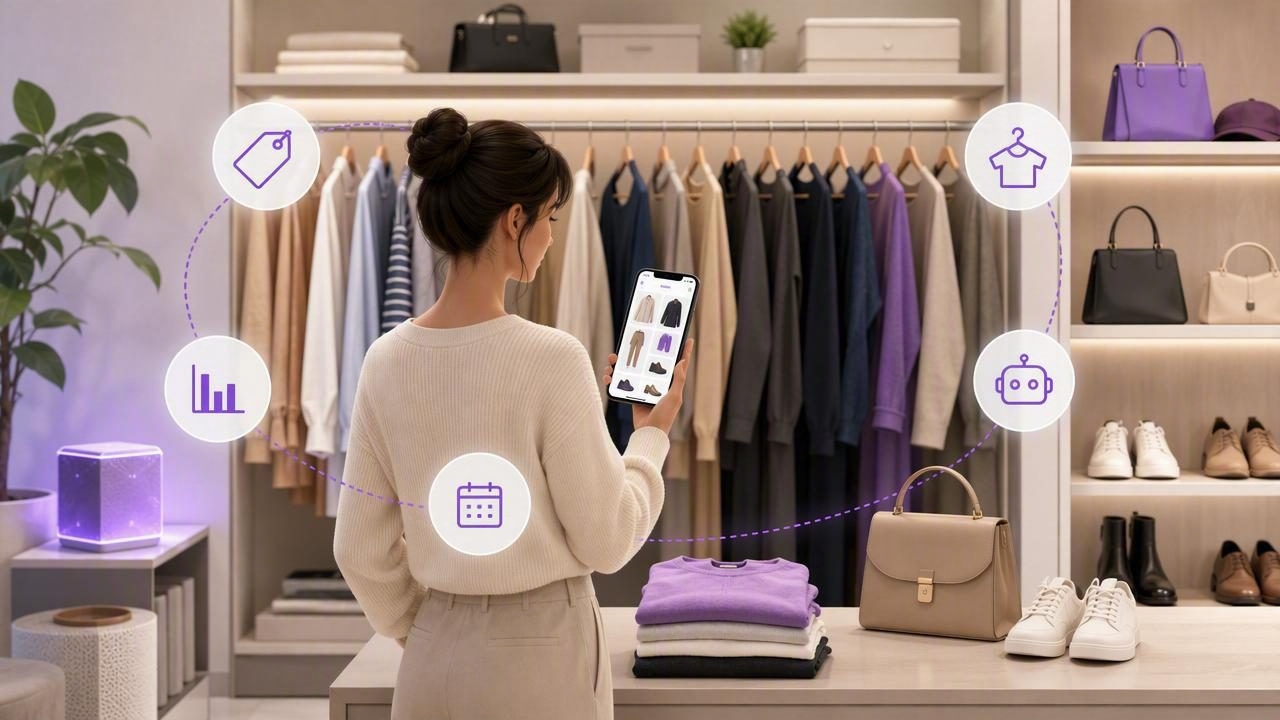
A smart closet is more than a digital inventory of clothes. It is a working system that helps you see what you own, match pieces quickly, plan outfits for real life, and learn from your data over time. Done well, a smart closet reduces decision fatigue, curbs impulse buys, and turns getting dressed into a calm, creative routine.
This guide walks you through how to build a smart closet from the ground up: setup, tagging, outfit formulas, automation, data tracking, maintenance, and common pitfalls to avoid. Whether you use a dedicated app or a spreadsheet, the principles are the same.
What a Smart Closet Actually Is
A smart closet combines three layers:
- Catalog: a complete, searchable record of your wardrobe with photos.
- Context: tags and data about season, dress codes, weather, and schedule.
- Automation: simple rules and reminders that surface the right outfits at the right time.
Think of your smart closet as a personal style database that answers, in seconds: What fits today, suits the weather, and matches my plans?
The Core Pillars of a Smart Closet System
- Inventory accuracy: every wearable item is documented with a clear photo.
- Rich metadata: consistent tags for category, color, weather, occasion, and care.
- Mix-and-match logic: repeatable formulas so new outfits rise to the top.
- Feedback loops: wear counts, last worn, and ratings to improve suggestions.
- Lightweight maintenance: small habits that keep everything current.
Step 1: Audit and Photograph Your Wardrobe
Pull pieces by category. As you photograph, ask:
- Do I reach for this regularly? Why or why not?
- Does it work with at least three other items?
- Is the fit, fabric, or care burden a blocker?
Use neutral lighting and simple backgrounds. Stand items upright or flat so silhouettes are easy to read. Capture details like texture or prints when relevant.
Step 2: Naming Conventions and Tags for a Smart Closet
Consistent names and tags make search and filtering fast. Use a concise structure for names and rely on tags for everything else. Example naming formula:
- Category-Color-Style (e.g., Blazer-Navy-Unstructured)
Then tag with a controlled vocabulary. Start with these fields, and add only when a new tag meaningfully improves filtering.
Recommended Tag Taxonomy
| Field | Examples | Notes |
|---|---|---|
| Category | Top, Bottom, Dress, Outerwear, Shoes, Accessory | Keep categories broad; use sub-tags for style. |
| Sub-style | Oxford, Tee, Chino, Midi, Cardigan, Chelsea | Describes the specific type within category. |
| Color | Black, Navy, White, Olive, Camel | Use base color first; add pattern tags separately. |
| Pattern | Solid, Stripe, Gingham, Floral | Helps with print mixing rules. |
| Season | All-season, Warm, Cool | Match to your climate and wardrobe. |
| Weather | Rain-ready, Windproof, UV-protective | Practical tags surface smart picks by forecast. |
| Occasion | Work, Casual, Formal, Travel, Active | Filter by calendar context. |
| Fit | Tailored, Relaxed, Oversized | Pairs well with silhouette formulas. |
| Fabric | Cotton, Merino, Linen, Silk, Denim | Useful for care and comfort rules. |
| Care | Machine-wash, Hand-wash, Dry-clean | Avoid building outfits around items at the cleaners. |
Step 3: Outfit Building with Proven Formulas
Once your smart closet tags are in place, use these simple formulas to create balanced outfits. Store each as a saved look so you can reuse and remix.
- Rule of three: base + layer + interest (e.g., tee + denim jacket + patterned scarf).
- Two neutrals, one color: anchor with two neutrals and add one accent hue.
- Texture triangle: mix three distinct textures for depth, such as denim, knit, and leather.
- Proportion play: oversized top with slim bottom, or cropped top with high-rise bottom.
- Monochrome range: same color family with light-to-dark variation for polish.
Use tags to enforce compatibility. For example, define a rule that prevents combining two bold patterns unless they share a color tag.
Step 4: Automate a Few High-Value Tasks
Automation is where a smart closet starts to save time daily. Consider:
- Weather-aware suggestions: show rain-ready items when precipitation is likely.
- Calendar-based filters: surface 'Work' and 'Travel' looks on relevant days.
- Laundry-aware exclusions: temporarily hide items tagged 'At cleaners'.
- Wear rotation: prioritize pieces with low wear counts to increase cost-per-wear.
- Packing lists: generate capsule lists by trip length and climate.
Begin with one automation rule you will use every day, then add more as your workflow stabilizes.
Step 5: Track the Data That Matters
Your smart closet becomes smarter as you log wears and ratings. Focus on these metrics:
- Wear count: how often you actually use each piece.
- Last worn: helpful for rotation and freshness.
- Rating: quick 1–5 score for confidence or comfort.
- Cost-per-wear: price divided by wear count.
- Notes: context like meeting days, travel comfort, and fit changes.
Sample Data Schema (CSV)
Use a spreadsheet or database with fields like the ones below. Start simple and expand only when needed.
item_id,name,category,sub_style,color,pattern,season,occasion,fit,fabric,care,price,acquired,last_worn,wear_count,rating,tags,notes
1023,Blazer-Navy-Unstructured,Outerwear,Blazer,Navy,Solid,All-season,Work,Tailored,Wool,Dry-clean,180,2024-03-18,2024-09-02,22,5,"work,elevated,layer",Unlined shoulder, easy range of motion
2077,Chino-Olive-Tapered,Bottom,Chino,Olive,Solid,All-season,Casual,Tailored,Cotton,Machine-wash,65,2023-08-10,2024-09-04,48,4,"casual,commute",Pairs well with navy and white
3110,Tee-White-Heavyweight,Top,Tee,White,Solid,All-season,Casual,Relaxed,Cotton,Machine-wash,22,2024-05-01,2024-09-03,60,4,"base,layer",Size down for crisp fit
Even if you later move to an app, having clean data makes migration easy.
Smart Closet Maintenance Routines
Small, consistent habits keep your system lean and useful.
- Daily: rate the day’s outfit and quick-tag any new insights (too warm, shoes rubbed, etc.).
- Weekly: archive any failed combos and save two new outfit templates.
- Monthly: review top and bottom 10 by wear count; plan a mini-capsule to revive underused items.
- Seasonal: switch active season tags, repair or donate items that no longer serve you.
Accessibility, Fit, and Comfort
A truly smart closet respects how you move through the world. Add tags for accessibility and body-specific needs:
- Adaptive features: magnetic closures, side zips, elastic waist, pull-on styles.
- Sensory considerations: tag scratchy seams or heavy textures to avoid on long days.
- Mobility notes: range-of-motion comments for work or travel.
These tags make recommendations feel personal and reduce friction on busy mornings.
Sustainable Wins from a Smart Closet
Lower cost-per-wear and fewer impulse purchases are natural outcomes when you can see and search everything you own. Leverage your data to:
- Identify gaps that will unlock multiple new outfits.
- Spot duplicates and stop buying near-identical pieces.
- Extend lifespans with care tags and repair reminders.
- Build a small, high-performing capsule for travel or work.
The goal is to buy less, use more, and love what you keep.
Common Smart Closet Pitfalls and Fixes
- Too many tags: merge or delete low-value tags that you never filter by.
- Inconsistent names: adopt a simple naming template and batch rename.
- Photo clutter: replace busy backgrounds and retake blurry shots.
- No feedback loop: start logging wear counts; it takes seconds and pays off fast.
- Over-automation: add one rule at a time and test it for a week.
What to Look For in Smart Closet Tools
Whether you prefer spreadsheets or dedicated apps, evaluate tools by how well they support the workflow above.
| Feature | Why it matters | What to look for |
|---|---|---|
| Photo capture | Clear visuals speed decisions and matching. | Background removal, batch import, consistent framing. |
| Tagging and search | Turns your catalog into a working system. | Custom fields, saved filters, fast multi-select. |
| Outfit generator | Surfaces new combinations using your data. | Formula rules, color and pattern logic, exclusions. |
| Calendar and weather | Context-aware suggestions that fit your day. | Forecast integration, event-based filters. |
| Wear tracking | Data for rotation, decluttering, and budgeting. | Auto-increment wears, ratings, last worn. |
| Sharing and collaboration | Feedback and accountability for style goals. | Private links, mood boards, fit notes. |
| Privacy and portability | Own your data and move it if needed. | Export options, clear privacy controls. |
Example: Building a Week of Outfits from a 10-Item Capsule
Try this mini-exercise to stress-test your smart closet logic:
- Tag 10 items: 2 bottoms, 4 tops, 2 layers, 2 pairs of shoes.
- Apply the rule of three and two neutrals, one color.
- Create 7 outfits that meet your typical week: work, casual, active, dinner.
If you struggle to hit 7, your tags or proportions might be off. Adjust color balance or add one flexible layer.
Frequently Asked Questions
How long does it take to set up a smart closet?
A focused weekend is enough for 60–100 items: a few hours for photography, another few for tagging, and a final hour for outfits. Add detail later as you wear items.
Do I need every single tag?
No. Start with category, color, season, occasion, and care. Add fit, fabric, and pattern once the basics feel solid.
What about changing sizes or seasons?
Use availability tags such as 'Active', 'Stored', or 'Tailoring' and filter your views. This keeps the daily feed uncluttered while preserving your history.
Putting It All Together
A smart closet is a living system. Keep it simple, track what you actually wear, and let the data guide future purchases. The payoff is real: less time deciding, more outfits you love, and a wardrobe that works for your life.
If you prefer an iOS option that combines realistic AI try-on with digital wardrobe planning, consider exploring Outfit Maker as one potential tool to support the workflow described here.
