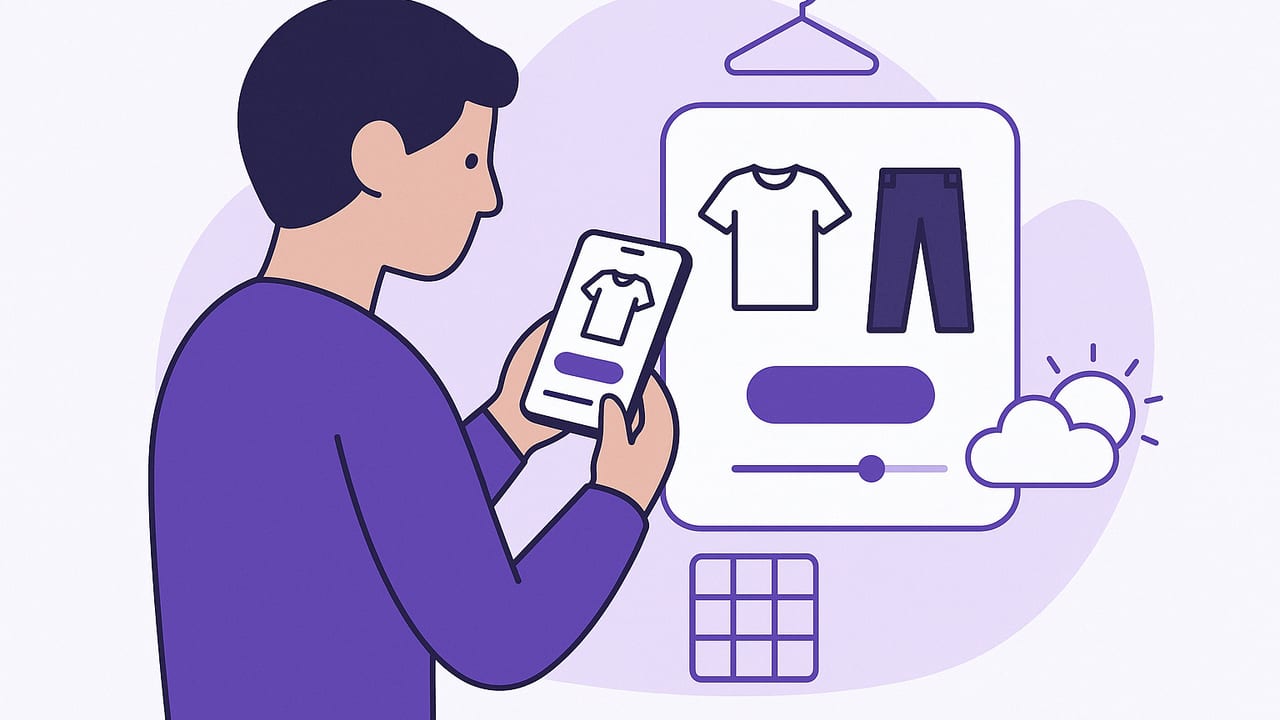
An outfit matcher app takes the guesswork out of getting dressed by pairing what you already own into polished outfits that fit your day, weather, and style goals. If you’ve ever stared at a full closet and felt you had “nothing to wear,” this guide breaks down how an outfit matcher app works, which features actually matter, and practical workflows to make your wardrobe more wearable—without buying a new closet.
What Is an Outfit Matcher App?
At its core, an outfit matcher app is a digital stylist layered on top of your wardrobe. You import clothing photos, add basic details (like category, color, season, and dress code), and the app suggests looks that make sense for your body, lifestyle, and calendar. The best versions combine virtual try-on, tagging systems, and context (weather, occasion, location) so your recommendations are both stylish and practical.
Think of it as a smart closet organizer plus recommendation engine. It doesn’t replace your taste; it amplifies it by turning scattered wardrobe knowledge—what pairs with what—into repeatable, reliable outfit logic.
How an Outfit Matcher App Works Behind the Scenes
Inputs the app uses
- Photos: Flat lays, ghost mannequins, or on-body shots. Clean backgrounds, even lighting, and true-to-color images boost accuracy.
- Tags & metadata: Category (top, bottom, shoes), color, print, fabric, fit, season, dress code, and care. The richer your tags, the smarter the matches.
- Context: Weather, location, calendar events, and travel plans focus suggestions on what you can actually wear today.
- Feedback: Saves, skips, ratings, and wear history teach the system your preferences.
Matching logic in plain language
While each platform differs, common ingredients include:
- Color harmony: Pairs neutrals with brights, enforces 60–30–10 balance, and avoids clashing undertones.
- Silhouette balance: Boxy top + slim bottom; voluminous skirt + fitted top; cropped + high-rise for proportion.
- Occasion fit: Suggests looks that match dress codes from casual to formal.
- Weather fit: Selects layers, fabrics, and shoes for temperature and precipitation.
- Utilization & novelty: Rotates underworn items while honoring favorites you rate highly.
| Rule Type | Example | Why it Works |
|---|---|---|
| Color harmony | Olive jacket + black jeans + white tee | Neutral base supports a muted color pop |
| Silhouette balance | Wide-leg trousers + fitted knit top | Volume + structure keeps proportion flattering |
| Occasion | Blazer + dark denim + loafers | Elevated casual that reads office-ready |
| Weather | Waterproof boots + wool coat + umbrella | Functional layers matched to forecast |
Choosing an Outfit Matcher App: Features That Matter
- Virtual try-on or realistic mockups: See how items look together on a body or accurate mannequin—not just tiles on a board.
- Smart tagging and filters: Batch tag colors, fabrics, and dress codes; filter by season, venue, or travel capsule.
- Weather and calendar integration: Pulls forecast and events to pre-plan outfits you’ll actually wear.
- Outfit saving and versioning: Save looks, duplicate them, tweak components, and track what worked.
- Packing lists and capsules: Build small, versatile sets for trips or work weeks.
- Analytics: Cost-per-wear, utilization rates, and closet gaps help you buy less but better.
- Privacy controls: Clear policies, local storage options, and control over what you share.
- iOS camera and photos support: Quick import, background removal, and portrait-mode friendly.
Set Up Your Outfit Matcher App in 7 Streamlined Steps
- Photograph your staples first: Start with your most-worn tops, bottoms, layers, and shoes. Use natural light, a plain backdrop, and consistent angles.
- Create a simple tag taxonomy: Category, color, season, dress code, fabric, pattern. Keep terms consistent (e.g., "navy" not sometimes "blue").
- Add fit and alteration notes: Mark items as cropped, high-rise, relaxed fit, or tailored. These notes drive smart silhouette matching.
- Define style goals: Minimalist, classic, street, romantic—pick two or three. The app can prioritize items that reflect your chosen aesthetics.
- Turn on weather + calendar syncing: Let the app read your location and events to contextually filter outfits.
- Seed “hero” items: Identify standout pieces (statement jacket, bold shoes) to anchor outfits; limit to 10% of your closet for balance.
- Close the loop with feedback: Save, star, and wear-rate outfits. Your ratings refine future matches in days, not weeks.
Daily Workflows That Make Matching Effortless
10-minute morning match
- Open today’s weather + calendar.
- Filter by dress code and vibe (e.g., "smart casual," "confident").
- Pick a top you feel like wearing; let the app auto-complete the rest.
- Save the final look and add a quick wear note: “Comfy in AC,” “Shoes rubbed.”
Weekly capsule rotation
- On Sunday, select 8–12 items across tops, bottoms, layers, and shoes.
- Generate 10–14 outfits from those constraints.
- Flag gaps (e.g., need breathable neutral tee) to avoid impulse buys.
Event planning timeline
- Two weeks out: Shortlist 3 outfits by dress code and venue.
- One week out: Try-on session or virtual mockups; finalize tailoring needs.
- Day before: Confirm weather, swap outerwear or shoes if needed.
Travel packing list
- Set destination weather range and activities.
- Build a 15-piece travel capsule; generate 12+ mix-and-match outfits.
- Export a checklist so nothing’s left behind.
Style Math: Rules Your App Can Automate
Codify your personal taste into repeatable rules. Here are a few that translate well into an outfit matcher app:
- 60–30–10 color balance: 60% base, 30% secondary, 10% accent.
- One hero rule: Exactly one standout piece per outfit (statement shoe, bold print, or vivid color).
- Silhouette counterweight: If top is oversized, bottom is tailored (and vice versa).
// Example pseudo-rules for matching
IF top.fit = "oversized" THEN bottom.fit = "slim|tailored"
IF outfit.accent_count > 1 THEN remove accent_item except highest_rating
IF weather.rain = true THEN prefer shoes.material = "rubber|treated leather"
IF dress_code = "business" THEN exclude jeans.wash = "light"
IF base_color = "black" THEN avoid navy unless accent = "metallic|white"
Metrics That Prove Your Style ROI
The right analytics turn style into strategy. Track these to optimize your closet:
| Metric | What It Means | How to Improve |
|---|---|---|
| Cost per wear | Price divided by number of wears | Rewear high-quality basics; pause trendy impulse buys |
| Utilization rate | % of items worn in last 90 days | Rotate underused pieces into weekly capsules |
| Decision time | Minutes to finalize an outfit | Pre-plan with weather + calendar filtered looks |
| Repeat gap | Days between wearing the same item | Smart reminders to diversify while meeting laundry cycles |
| Mismatch rate | Outfits changed due to comfort/weather | Stronger weather rules; footwear-first planning |
Photo and Tagging Best Practices
- Consistency beats perfection: Same distance, angle, and lighting for every shot.
- Background removal helps: Isolate garments so outlines and lengths are clear.
- Use canonical tags: Decide on one version of each term (e.g., "camel" not sometimes "tan").
- Note fabric behavior: Stretch, shear, wrinkle-prone—these details improve comfort-accurate matches.
- Capture special features: Necklines, rise, inseam, heel height, and closures matter for fit logic.
Accessibility and Inclusivity Considerations
- Color-blind friendly palettes: Use tags beyond color names (high contrast, value, undertone).
- Readable UI choices: Larger text and clear iconography aid quick morning decisions.
- Cultural and modesty filters: Let users set coverage preferences and auto-filter suggestions.
Common Pitfalls—and How to Fix Them
- Over-tagging complexity: Start simple (category, color, season, dress code). Add nuance later.
- Ignoring context: Always connect outfits to weather and events; otherwise, you’ll re-edit daily.
- Chasing novelty: Rotate underused basics before buying trends. Use analytics to spot true gaps.
- Skipping feedback: Rate what you wore. Your future suggestions depend on it.
FAQ: Your Top Outfit Matcher App Questions
Do I need perfect photos for good matches?
No. Clear, well-lit images with clean backgrounds are enough. Consistency matters more than studio quality.
Can it handle thrifted or vintage pieces?
Yes. Add tags for fabric, era, and care. Note any tailoring needs and pair with modern basics to avoid costume-y looks.
How do I manage laundry and repeats?
Use wear history and repeat-gap tracking. Filter out items in the hamper and auto-swap similar pieces for back-to-back events.
What about privacy?
Look for transparent photo policies, on-device processing where possible, and granular sharing controls. You should choose what stays private.
Bringing It All Together
An outfit matcher app becomes indispensable when you pair solid setup (clean photos, simple tags) with daily workflows (weather-aware planning, weekly capsules) and a few smart rules (color balance, silhouette counterweights). The result is fewer decision bottlenecks, higher wardrobe utilization, and outfits that consistently feel like you—on purpose. If you’re on iOS and want realistic try-ons alongside smart closet planning, Outfit Maker offers an AI-powered approach that lets you virtually test combinations, plan across your calendar, and share looks with friends.
