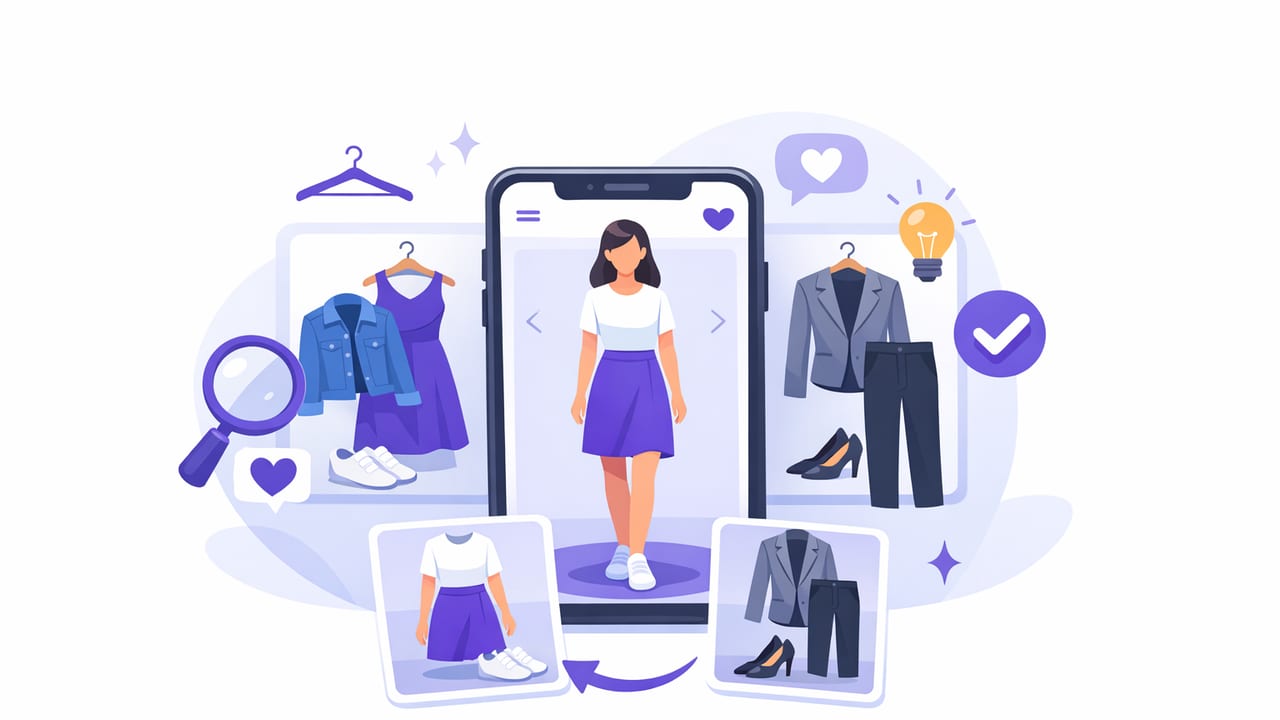
If you’ve ever stood in front of a closet full of clothes thinking, “I have nothing to wear”, the issue usually isn’t quantity—it’s pairing. You might own great pieces, but matching colors, proportions, formality levels, and weather needs in minutes is a real cognitive load. That’s exactly where an outfit matcher app can help: it turns your wardrobe into a searchable, mix-and-match system and recommends combinations you’d likely overlook.
This guide explains how outfit matching works, what features actually matter, and how to set up a digital wardrobe for better suggestions—without turning it into a time-consuming side project.
What an outfit matcher app actually does
An outfit matcher app is typically a combination of three tools:
- Digital wardrobe (catalog): you add clothing items (photos + details) so the app can “see” what you own.
- Outfit engine: it suggests combinations based on rules, tags, or AI pattern recognition.
- Planning layer: it helps you save outfits, build weekly looks, and avoid repeats (or intentionally repeat winners).
Some apps also include virtual try-on, which helps you preview an outfit on a photo of yourself instead of mentally approximating how pieces will sit together.
Why matching is harder than it seems
Most outfit “mismatches” happen for predictable reasons. If you understand these, you’ll know what to tag and what to look for in an app:
- Color mismatch: undertones clash (warm vs cool) even if shades look similar on a hanger.
- Silhouette imbalance: volume on top + volume on bottom can feel heavy; tight + tight can look unfinished without structure.
- Formality mismatch: a dressy blazer with ultra-casual sneakers can work, but only with intention and bridging pieces.
- Texture + season mismatch: chunky knits with airy skirts, or linen in cold weather, can look “off” unless styled deliberately.
- Context mismatch: the outfit is fine—but not for your calendar, commute, climate, or dress code.
The best outfit matching systems don’t just find “things that go together.” They find things that go together for your life.
Features that matter (and what’s just noise)
1) Strong wardrobe input options
Your suggestions are only as good as your catalog. Prioritize apps that let you capture:
- Category (top, bottom, dress, outerwear, shoes, bag)
- Color (and ideally undertone)
- Material/texture (denim, knit, silk, leather)
- Season (all-season, summer, winter)
- Dress code (casual, smart casual, business, formal)
2) AI suggestions + editable rules
AI is useful for discovering combinations, but you still want control. Look for an outfit matcher app that lets you:
- Exclude items temporarily (laundry, travel, repairs)
- Set boundaries (no heels on commuting days, only weather-appropriate items)
- Save “rules” you repeat (e.g., wide-leg pants = fitted top)
3) Planning tools that reduce morning decisions
Matching is nice; pre-deciding is better. A practical planning layer includes:
- Calendar or weekly planner
- Outfit history (so you can repeat intentionally or avoid repeats)
- Favorites (your best-performing combinations)
4) Virtual try-on (helpful when fit is the issue)
Virtual try-on is most valuable when you’re unsure about proportions and how pieces sit on your body (cropped jackets, wide-leg pants, long skirts, oversized shirts). If you frequently return purchases or second-guess styling, this feature can be a game-changer.
A simple setup that improves outfit matches fast
You don’t need to digitize every sock to get value from an outfit matcher app. Start with what drives your daily outfits.
Step 1: Add your “core” items first
Catalog these categories before anything else:
- Most-worn shoes (2–5 pairs)
- Everyday bottoms (jeans, trousers, skirts)
- Layering pieces (jackets, cardigans, blazers)
- Your reliable tops (the ones you reach for weekly)
This creates a working wardrobe map quickly, so suggestions aren’t skewed by one-off pieces.
Step 2: Use a tagging system that mirrors how you decide
People often tag by brand or store, then wonder why the recommendations feel random. Instead, tag by the constraints you actually have at 7:40 a.m.:
- Weather: hot, mild, cold, rain-friendly
- Comfort: soft waistband, walkable shoes, layering-friendly
- Dress code: casual, smart casual, business
- Fit notes: cropped, oversized, high-rise, long inseam
Step 3: Add “bridge” pieces (the secret to more combinations)
Bridge pieces connect dressy and casual items and massively increase outfit count. Examples:
- Clean white sneakers
- Minimal leather belt
- Neutral knit
- Structured denim jacket or blazer
When an outfit matcher app has bridge pieces in your wardrobe, it stops suggesting extremes and starts suggesting wearable mixes.
How to get better AI outfit suggestions (without micromanaging)
AI outfit engines typically learn from attributes (color, category) and sometimes from your behavior (favorites, saved outfits). Here are high-leverage ways to steer results:
- Correct the “wrong” tags first: if a shoe is tagged “formal” but you wear it casually, your recommendations will feel off.
- Create a default palette: pick 2–3 neutrals and 2–3 accent colors you actually wear. Mark everything else as “rare” or “statement.”
- Favorite outfits you’d wear tomorrow: your favorites should represent real life, not aspirational looks that never leave the house.
- Separate work vs weekend: even if you love a piece, it may not belong in your Monday suggestion pool.
Tip: If recommendations feel repetitive, it’s usually because the app sees only one “safe” shoe or only one compatible layer. Add or tag alternatives, and variety appears quickly.
Outfit matching methods compared
Not every app matches outfits the same way. Here’s a quick comparison to help you choose tools and set expectations.
| Method | How it matches | Best for | Watch out for |
|---|---|---|---|
| Rule-based | Uses tags + constraints you set | Workwear, uniforms, strict dress codes | Can feel rigid if tags are incomplete |
| AI-driven | Finds patterns across items and outfits | Discovering new pairings, variety | Needs clean inputs (photos/tags) to shine |
| Virtual try-on | Visualizes the outfit on you | Proportion + fit uncertainty | Lighting/photos can affect realism |
| Hybrid (recommended) | AI suggestions + your constraints | Most people, most wardrobes | Requires a short setup phase |
Build an “outfit formula library” inside your app
If you want consistent results, save a small set of formulas you know work, then let the app swap pieces within that formula. Examples:
- Formula A: straight-leg jeans + fitted knit + structured jacket + clean sneakers
- Formula B: wide-leg trousers + tucked tee + belt + loafers
- Formula C: midi skirt + slim top + cardigan + ankle boots
With formulas, your outfit matcher app isn’t guessing your style—it’s remixing your style.
Optional: a lightweight tagging schema you can copy
If your app supports custom tags or notes, this structure is simple and effective. You can adapt it to your wardrobe in minutes.
{
  "item": "Black ankle boots",
  "category": "shoes",
  "colors": ["black"],
  "undertone": "cool",
  "dress_code": ["casual", "smart casual"],
  "season": ["fall", "winter"],
  "comfort": ["walkable"],
  "pairing_notes": [
    "Works with straight and wide-leg pants",
    "Balances midi skirts",
    "Avoid with very formal suits"
  ]
}
Those pairing_notes become your personal stylist logic. Even basic outfit matching tools improve when you add one or two sentences about how you actually wear an item.
Troubleshooting: when the app keeps suggesting outfits you hate
The recommendations look “random”
- Fix category errors (a shacket tagged as a shirt will create odd layers).
- Split similar colors (cream vs bright white) if your app allows it.
- Tag at least one dress code per item.
Everything looks the same
- Add or tag alternative shoes and outerwear—these drive perceived variety.
- Mark “statement” items so they don’t dominate daily suggestions.
- Save 10–15 favorite outfits to teach your preferences.
Outfits look good but feel impractical
- Use constraints: weather, commute, comfort, and activity level.
- Create separate pools (Work / Weekend / Events).
- Temporarily hide dry-clean-only items on busy weeks.
How to use an outfit matcher app week-to-week
Once your wardrobe is in place, a simple rhythm keeps the tool useful:
- Weekend (10 minutes): check your calendar + forecast, then save 5–7 outfits.
- Midweek (3 minutes): adjust for weather shifts or laundry reality.
- End of week (5 minutes): favorite what worked, note what didn’t (fit, shoes, comfort).
This turns outfit matching into a feedback loop—your wardrobe data gets better, and so do the suggestions.
Choosing the right outfit matcher app for you
Before you commit to any outfit matcher app, consider these questions:
- Do you want virtual try-on, or are flat-lay outfit collages enough?
- Do you need a smart closet organizer (inventory, tags, search), or mainly daily outfit suggestions?
- Will you actually plan outfits on a calendar, or just save favorites?
- Do you prefer AI outfit generator creativity, or tighter control via rules?
The “best” choice is the one that fits your tolerance for setup and the complexity of your lifestyle. A smaller, accurate wardrobe beats a huge, messy catalog every time.
Final takeaway
An outfit matcher app works best when you treat it like a system: capture your core items, tag for real-life constraints, save outfit formulas, and refine based on what you actually wear. Do that, and outfit matching stops being a daily stressor—and becomes a quick, repeatable way to dress well from the clothes you already own.
Gentle note for iOS users: if you’re looking for an AI-driven digital wardrobe with virtual try-on and planning features, an app like Outfit Maker can fit neatly into the workflow described above.
