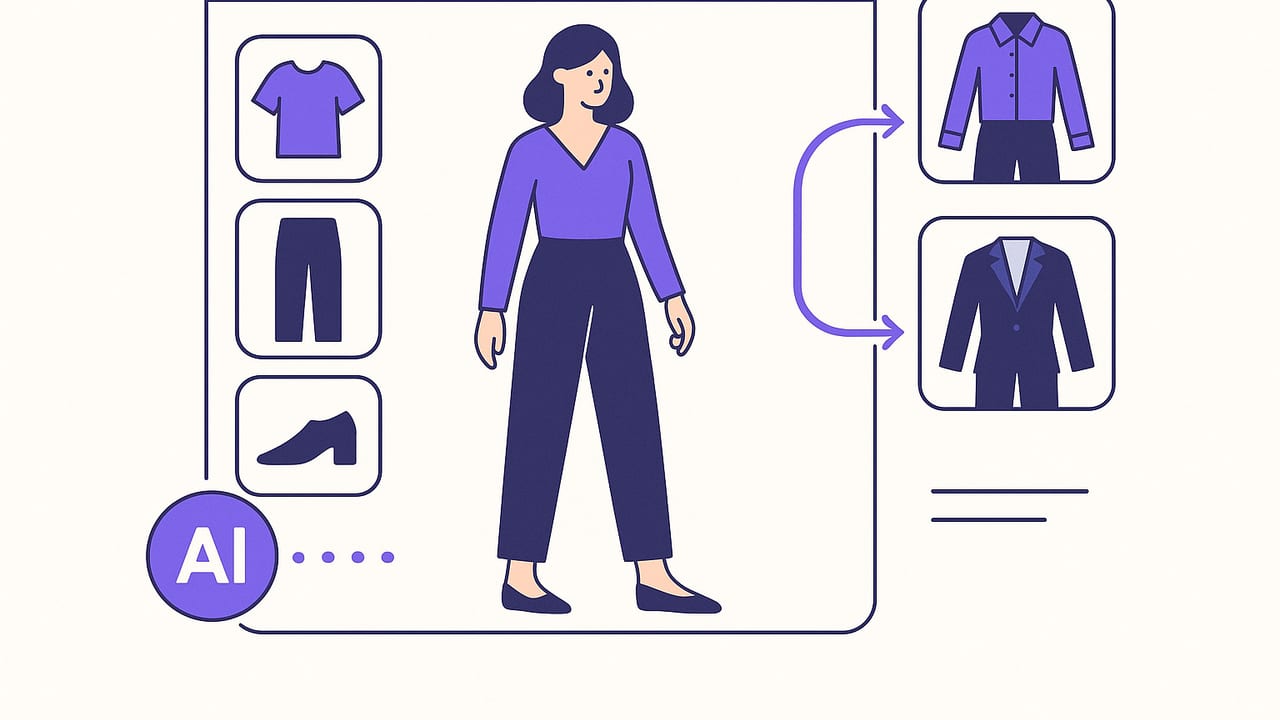
An outfit generator takes the guesswork out of getting dressed by using rules and AI to combine items in your closet into complete looks. Whether you want a week of office outfits, vacation packing formulas, or smart pairings you wouldn’t think of, the right generator can act like a patient stylist that knows your clothes, dress codes, and constraints. This guide explains how outfit generators work, the inputs that matter most, practical workflows to get repeatable results, and clear strategies for evaluating tools before you commit your wardrobe data.
What Is an Outfit Generator, Really?
At its core, an outfit generator is a system that proposes clothing combinations that meet your context (weather, occasion), constraints (dress code, color rules, comfort), and preferences (fit, silhouettes, favorite palettes). Some generators rely on static rules; others use machine learning to analyze your closet photos and past likes to produce looks that match your style patterns. Advanced versions layer in virtual try-on and body-aware fit cues so you can preview proportions, not just colors on a flat grid.
The best generators don’t replace taste—they make your taste easier to use. Think of them as a filter that removes options you won’t wear and surfaces combinations that feel like you, faster.
How an AI Outfit Generator Works Under the Hood
While each product differs, most modern systems blend these steps:
- Catalog understanding: Item detection from photos (tops, bottoms, dresses, layers, shoes, accessories), with attributes like color, print, fabric, and formality.
- Constraint filtering: Weather, calendar events, laundry status, and dress code (casual, smart casual, business, black-tie) remove misfits.
- Styling logic: Color pairing rules, silhouette balance (slim vs. oversized), texture contrast, and focal-point strategy (statement vs. basics).
- Learning loop: Your likes, edits, and wear history inform what the system proposes next.
Conceptually, the generator scores combinations and returns the best few. A simple pseudo-logic might look like this:
# Simplified outfit scoring
candidates = []
for top in closet.tops:
  for bottom in closet.bottoms:
    if weather_ok(top, bottom) and dress_code_ok(top, bottom):
      for shoe in closet.shoes:
        outfit = (top, bottom, shoe)
        score  = color_score(outfit) \
               + silhouette_score(outfit) \
               + comfort_score(outfit, forecast) \
               + preference_boost(user, outfit)
        if conflict_penalty(outfit) == 0:
          candidates.append((outfit, score))

return sort_by_score(candidates)[:10]
Rule-based engines lean on hand-written heuristics. AI-first tools use learned embeddings to predict what you’ll like, then apply constraints as guardrails. In both cases, your inputs determine the quality of the output.
The Inputs That Improve Outfit Generator Results
Garbage in, garbage out applies to style, too. Prioritize these inputs for cleaner, more personal recommendations:
- Clean item photos: Shoot on a neutral background with consistent lighting. Include multiple angles for jackets and shoes. Remove busy backgrounds if the tool doesn’t auto-cut.
- Accurate tags: Add color, season, fabric weight, formality level, and fit (slim/regular/relaxed). This helps balance silhouettes and weather choices.
- Wear history: Mark what you actually wore and what you skipped. The generator learns frequency and avoids or repeats accordingly.
- Occasion context: Populate calendar or label events: “client meeting,” “date night,” “errand day,” “wedding.” Context is one of the strongest filters.
- Comfort constraints: Set tolerances for temperature, rain, and walking distance. Shoes, outerwear, and fabrics should adapt to climate.
- Palette preferences: Note your neutrals (black, navy, tan, gray, white) and accent colors. A defined palette prevents clash-y suggestions.
Step-by-Step Workflow: From Closet to Looks You’ll Wear
- Batch your cataloging: Photograph 20–30 core items first: your most worn jeans, trousers, tees, knitwear, a blazer, two jackets, three pairs of shoes. Add tags as you go.
- Define constraints: Set your default dress code (e.g., smart casual weekdays), weather range, and footwear comfort thresholds. Add calendar events for the upcoming week.
- Generate in sessions: Ask for a week of outfits or a specific capsule (e.g., 6 looks for a 3-day trip). Limit scope for higher relevance.
- Prune aggressively: Delete looks you’d never wear and “like” the ones you would. Edit components instead of discarding whole looks when one item is off.
- Save templates: When you love a formula—like “relaxed trousers + fitted tee + cropped jacket + clean sneakers”—save it. Reuse with color swaps.
- Close the loop: Log what you actually wore. Mark discomforts (too warm, shoes pinched) so the next generation respects your reality.
Pro tip: Generate in the evening for tomorrow. Morning decisions shrink when you let the machine propose and you simply approve.
Examples: Outfit Generator Prompts That Deliver
Use specific prompts to steer better results. Here are practical scenarios with inputs that guide the generator:
1) Hybrid Office Week
- Constraints: Smart casual, indoor AC, 20–24°C, commute walking 15 minutes.
- Request: “5 office-appropriate looks that rotate blazer/jacket, no heels over 2 inches.”
- Expected outputs: Trousers + knit polo + loafers; dark denim + blazer + low-top leather sneakers; midi skirt + tucked tee + ankle boots.
2) Carry-On City Break
- Constraints: 3 days, carry-on only, variable weather with light rain.
- Request: “7 mix-and-match outfits using 8 items max, with one waterproof layer.”
- Expected outputs: Capsule with two bottoms, three tops, one mid-layer, light shell, two shoes; day-to-night swaps using accessories.
3) Wedding Guest
- Constraints: Semi-formal outdoor venue on grass; avoid stiletto heels.
- Request: “3 dressy looks with block heels or flats; bring shawl if temp drops below 18°C.”
- Expected outputs: Midi dress + block heels + wrap; jumpsuit + metallic flats + statement earrings; suit set + silk cami + low sandal.
4) Weekend Errands + Brunch
- Constraints: Casual, lots of walking, hands-free bag preferred.
- Request: “4 comfortable outfits with layers; avoid dry-clean-only items.”
- Expected outputs: Soft denim + tee + chore jacket + trainers; knit dress + denim jacket + crossbody; leggings + oversized sweatshirt + running shoes.
Capsule Planning With Constraints
Outfit generators shine when you frame constraints. A compact capsule forces cohesion and repeat wear. Consider how each constraint influences suggestions:
| Constraint | Effect on Suggestions |
|---|---|
| Max items (e.g., 8) | Prefers versatile neutrals; repeats shoes and outerwear; encourages layering |
| Weather window | Shifts fabrics (linen vs. wool), sleeve lengths, and outerwear weight |
| Dress code | Controls denim usage, sneaker formality, and level of structure |
| Laundry limits | Favors re-wearable fabrics and dark tones; spaces out light-colored pieces |
| Footwear comfort | Penalizes heels, prioritizes cushioning and stable soles |
Common Mistakes (and How to Fix Them)
- Too many similar items: Ten nearly identical black tees confuse rankings. Keep the best few and archive duplicates.
- No color logic: Random colors lead to orphan pieces. Pick 2–3 base neutrals and 1–2 accent colors.
- Ignoring fit metadata: Without fit tags, the tool can pair oversized on oversized. Tag silhouettes and set balance preferences.
- Over-trusting thumbnails: Flat lays can lie about proportion. Use virtual try-on or mirror test before committing.
- Zero feedback: If you never like/dislike or log wears, the system can’t learn. Spend a minute rating results.
- Forgetting real life: Add commute time, forecast, and walking distance. Comfort constraints prevent bad suggestions.
Privacy, Fit Accuracy, and Responsible Use
Uploading wardrobe images raises valid questions. Look for:
- Transparent data policy: Who can see your photos? Are they used to train models? Can you export/delete your data?
- On-device processing (when possible): Reduces exposure of personal images.
- Fit realism: Virtual try-on should acknowledge limitations—fabric drape, lens distortion, and pose affect accuracy. Treat previews as guidance, not gospel.
- Bias awareness: AI may mirror cultural biases in style norms. Use your judgment and customize rules to reflect your context.
How to Choose an Outfit Generator That Matches You
Not all tools fit every closet or workflow. Use this checklist:
- Catalog ease: Background removal, batch tagging, and smart detection speed up setup.
- Context integration: Calendar sync and weather-aware suggestions reduce manual steps.
- Rule flexibility: Can you set dress codes, fabric preferences, and color palettes?
- Learning signals: Likes, edits, and wear history should influence future looks.
- Try-on realism: If you rely on fit checks, prioritize tools with convincing virtual try-on.
- Export/share: Save looks to boards, export packing lists, or share with friends for feedback.
- Privacy controls: Clear ownership of your images and easy deletion matter.
- Platform fit: If you take outfit photos on iPhone, a mobile-first app will feel more natural.
Quick Start: Your First 30 Minutes
- Photograph: 2 bottoms, 4 tops, 1 jacket, 2 shoes, 2 accessories (11 items).
- Tag: color, formality, season, silhouette (slim/regular/relaxed).
- Set rules: “Smart casual,” temp range, walking comfort, no dry-clean-only on weekdays.
- Generate: ask for 6 weekday looks; remove anything you wouldn’t wear; save the top 3.
- Refine: like/dislike outcomes, swap one item where needed, add notes (too warm, perfect).
- Repeat: run a weekend set; try one unexpected pairing the generator proposes.
Final Thought
An outfit generator pays off when you give it good inputs, clear constraints, and consistent feedback. Start small, codify what you like into reusable formulas, and let the system automate the pairing while you make the final call. If you’re on iPhone and want an AI-driven wardrobe planner with realistic virtual try-on, Outfit Maker is designed to handle cataloging, planning, and sharing without turning your morning into a styling session.
