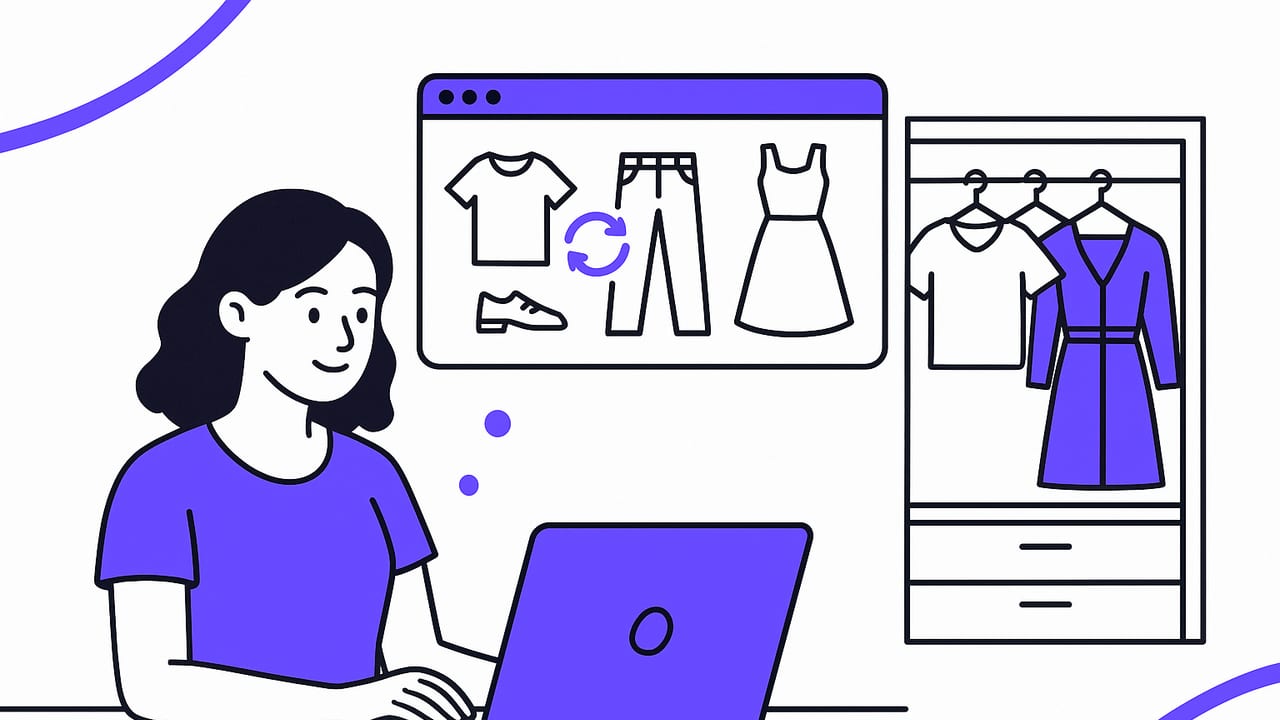
If you’ve ever stared at a full closet and felt like you had nothing to wear, an outfit generator can turn that decision fatigue into confident, repeatable style. By combining your wardrobe photos, preferences, and context like weather or dress code, today’s tools assemble looks that make sense—and look great—without the endless try-on cycle. This guide explains how outfit generators work, how to prep your digital closet for best results, and how to use them for everyday dressing, travel, and special events.
What Is an Outfit Generator?
An outfit generator is a tool—often powered by AI—that suggests ensembles from items you already own (and sometimes items you’re considering). Some offer realistic virtual try-ons, so you can see how combinations look together before you change clothes. Others focus on formula-based styling, surface similar looks from inspiration images, or help you plan outfits on a calendar.
Typical inputs an outfit generator uses:
- Wardrobe items: Photos of tops, bottoms, dresses, shoes, and accessories.
- Tags and metadata: Color, pattern, fabric, size, season, formality, brand.
- Context: Weather, occasion, location, time of day.
- Preferences: Fit, silhouette, color palette, style keywords (e.g., “minimal,” “edgy”).
Typical outputs you’ll see:
- Complete looks: Multi-item outfits with footwear and accessories.
- Mix-and-match sets: Capsule suggestions organized by formula.
- Smart recommendations: Alternatives or swaps (e.g., “Replace sneakers with loafers for business casual”).
- Calendar and packing plans: Outfits scheduled across days or trips.
How an Outfit Generator Decides What Works
At a high level, these tools evaluate compatibility—color harmony, silhouette balance, seasonality, and occasion fit—then score and rank combinations. Many also learn from your ratings, gradually tailoring suggestions to your taste.
Here’s how common signals translate into styling decisions:
| Signal | How It’s Used | Example |
|---|---|---|
| Color Palette | Prioritizes complementary or analogous matches; avoids clashing tones. | Navy blazer + white tee + beige chinos |
| Silhouette | Balances volume and proportion between pieces. | Relaxed trousers + fitted knit |
| Texture/Fabric | Combines weights and finishes for depth and seasonality. | Chunky wool + smooth leather |
| Formality | Aligns looks with dress codes and contexts. | Swap sneakers for loafers in office outfits |
| Weather | Filters for insulation, breathability, and layers. | Rain forecast → trench + waterproof boots |
| Personal Taste | Learns your likes via ratings and repeated picks. | Surfaces more monochrome if that’s your pattern |
Step-by-Step: Turn Your Closet Into a Smart Wardrobe
- Curate before you digitize. Remove items you never wear, duplicates in poor condition, and ill-fitting pieces. Keep only what you’re willing to style.
- Photograph your items. Shoot in good light on a neutral background. Include front views; optional back or detail shots for tricky pieces.
- Tag consistently. Use a simple taxonomy for color (e.g., navy vs. blue), category (top, bottom, outerwear), season (S/S, F/W), formality (casual, smart casual, dressy).
- Define your goals. Are you building a work capsule, streamlining weekend looks, or planning for travel? Goals guide better suggestions.
- Set your preferences. Note silhouettes you love (e.g., high-rise wide-leg), favorite colors, and no-go items or fabrics.
- Train with feedback. Save, heart, or rate suggested looks; hide what you’ll never wear. Your feedback improves future outfits.
- Plan ahead. Use the calendar to lay out outfits for the week, then make micro-adjustments based on weather.
Pro tips for cleaner results:
- Photograph items flat or on a hanger; avoid busy backgrounds.
- Tag patterns and textures (stripe, plaid, satin) so the system balances them.
- Add at least one “third piece” (a jacket or cardigan) to improve variety.
Outfit Formulas That Consistently Work
Formulas help an outfit generator (and you) build repeatable success. Try these base templates:
- Smart Casual: Blazer + knit tee + straight-leg denim + loafers
- Elevated Minimal: Monochrome knit set + sleek sneakers + structured tote
- Creative Office: Printed blouse + tailored trousers + block-heel boots
- Weekend Errands: Oversized hoodie + leggings + baseball cap + trainers
Match the formula to the occasion:
| Occasion | Formula | Footwear | Accessory |
|---|---|---|---|
| Business Casual | Blazer + knit + trousers | Loafers/derbies | Leather belt, watch |
| Date Night | Statement top + dark denim | Heeled boots or sleek sneakers | Compact crossbody |
| Weekend | Layered tee + overshirt + chinos | Trainers | Cap or beanie |
| Event | Midi dress + wrap or blazer | Heels or refined flats | Clutch, minimal jewelry |
Everyday Use Cases (With Examples)
1) Workweek Capsule
Goal: Five looks, limited pieces. Add these to your digital closet: navy blazer, grey trousers, dark denim, white tee, striped knit, black loafers, white sneakers, trench, silk blouse.
- Mon: Blazer + white tee + trousers + loafers
- Tue: Silk blouse + denim + loafers
- Wed: Knit + trousers + sneakers
- Thu: Blazer + knit + denim + loafers
- Fri: Trench + tee + denim + sneakers
Your outfit generator can rearrange these based on meetings or temperature, and propose swaps like “try the striped knit under the blazer for texture.”
2) Travel Packing (3-2-1 Rule)
Pack three tops, two bottoms, one jacket, and two shoes that all mix. Example: ivory tee, striped shirt, black knit; olive chinos, black jeans; denim jacket; white sneakers, black loafers. You’ll get 8–12 outfits without overpacking.
3) Dress Code Confidence
For “smart casual,” the tool prioritizes structured layers and polished shoes. If your event leans “cocktail,” it suggests elevated fabrics (silk, satin), refined accessories, and a darker palette.
4) Weather-Ready Layering
Add forecast data so the generator picks breathable fabrics in heat, and insulating layers with water-resistant outerwear in rain. It might switch suede loafers to leather boots when precipitation rises.
Style is a system: silhouette, proportion, color, texture, and context. If three of those align, the look will almost always work.
Get Better Results From Any Outfit Generator
- Calibrate your color palette. If you prefer muted tones, tag brights as “statement” so the system uses them sparingly.
- Favor fit over trend. Mark items that enhance your preferred silhouette (e.g., cropped tops for high-rise bottoms).
- Use “no” tags. Hide uncomfortable fabrics or unfavorite items so they don’t appear.
- Rate generously. Upvote looks you’d wear today; downvote those you wouldn’t. Feedback is your secret ingredient.
- Anchor outfits with a hero piece. Let the system build around one standout item (a printed skirt, a bold jacket).
Common Mistakes (And Fixes)
- Too many near-duplicates: Consolidate similar items; keep the best-fitting one.
- Inconsistent tags: Standardize color names and categories to avoid odd matches.
- No accessories: Add belts, bags, and jewelry to dramatically boost outfit polish.
- Ignoring footwear: Shoes can make or break formality; tag them carefully.
A Peek Under the Hood: Simple Scoring Logic
While full systems are complex, a basic approach blends compatibility scores. Here’s a simplified example:
// Pseudocode for scoring an outfit suggestion
score(outfit, context):
  s = 0
  s += colorHarmony(outfit.items)                // complementary or analogous palettes
  s += silhouetteBalance(outfit.items)           // fitted vs. relaxed proportions
  s += textureSeasonality(outfit.items, context.weather)
  s += formalityMatch(outfit.items, context.occasion) // dress code alignment
  s += userAffinity(outfit.items, user.history)  // learned tastes from ratings
  if violatesConstraints(outfit, user.noList): return -∞
  return s

bestLooks = topK(allCombinations(wardrobe), context, k=10)
Translate this to everyday choices: prioritize harmony, balance, seasonality, and context; then factor in your personal preferences.
Care and Maintenance of Your Digital Closet
- Seasonal refresh: Archive off-season items so they don’t crowd suggestions.
- Update after purchases: Add new items immediately; tag them well.
- Retire responsibly: When you donate or sell, remove the item to keep recommendations accurate.
- Review monthly: Re-rate top looks; the system learns what stuck.
FAQ: Outfit Generators, Answered
Do I need a capsule wardrobe for this to work?
No. Capsules make mixing easy, but generators perform well with larger closets if tagging is consistent. Overlap in color and formality improves results.
Will an outfit generator replace my personal style?
Think of it as a collaborator, not a replacement. Use it to explore, then apply your taste. Your ratings and edits steer the system toward your signature looks.
How accurate are virtual try-ons?
They’re increasingly realistic for color, drape, and layering. Fit approximations improve with better photos and item metadata but still benefit from real-life checks for tailoring.
Can it help me shop less?
Yes. By revealing new combinations of what you already own, it reduces impulse purchases and highlights genuine gaps (e.g., “I need weatherproof boots”).
What about sustainability?
Planning outfits extends garment life and reduces redundant buys. Packing lists and calendars lower last-minute purchases and returns.
Final Thoughts
An outfit generator is most powerful when you give it clean inputs, clear goals, and consistent feedback. Start with the clothes you already love, tag them carefully, then let technology handle the heavy lifting—from weekday dressing to trip packing and event styling. If you’re on iOS and want realistic virtual try-ons with a smart closet planner, consider trying Outfit Maker as a simple way to bring these ideas into your daily routine.
