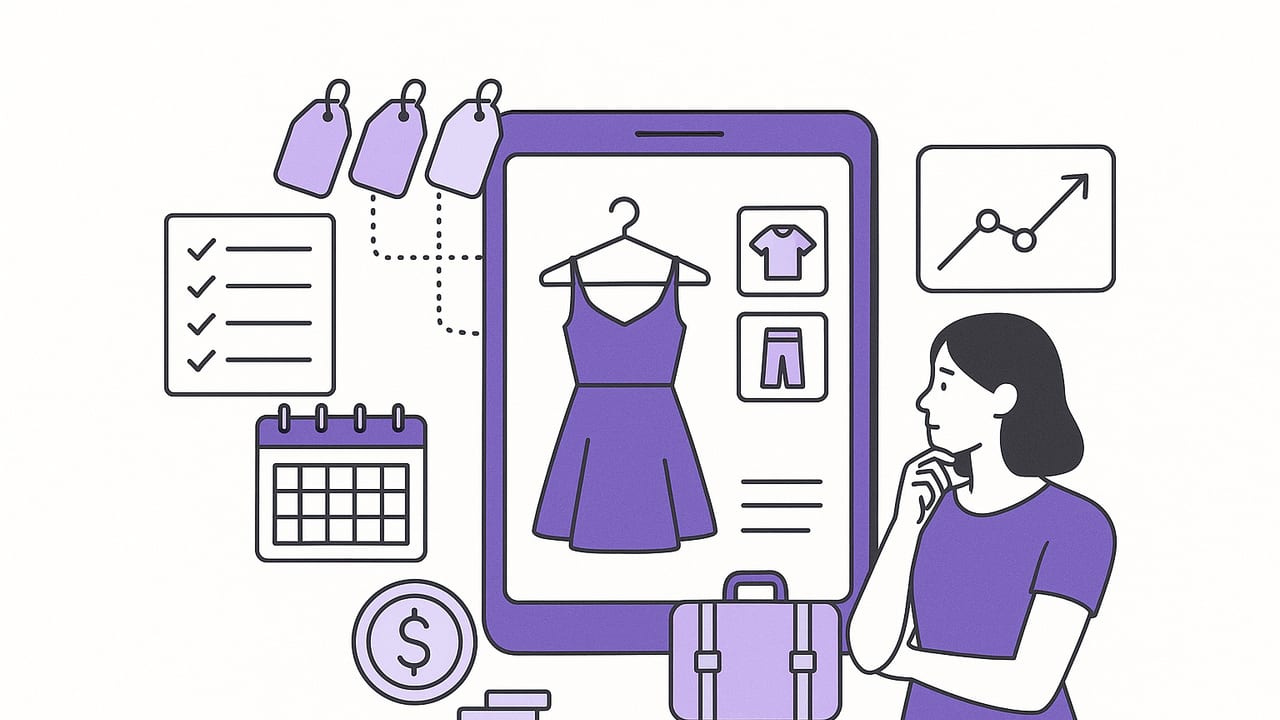
A digital wardrobe is more than a gallery of clothes on your phone. Done right, it becomes your always-available stylist, inventory manager, packing assistant, and spending advisor in one. This guide walks you through building a digital wardrobe that’s easy to maintain, powerful for planning, and smart about what you buy and wear.
What Is a Digital Wardrobe?
A digital wardrobe is a structured, searchable catalog of your clothing, shoes, and accessories. You photograph items (or import product images), add tags and notes, and then mix-and-match looks virtually. The goal is clarity: see what you own, style quickly, and get objective insight into wear, cost, and gaps.
Key benefits
- Faster outfit planning: Assemble looks in minutes with filters and saved templates.
- Better cost-per-wear: Track frequency and identify high-value pieces versus low-performing items.
- Smarter shopping: Spot duplicates, fill true gaps, and avoid impulse buys.
- Simpler packing: Build trip capsules and auto-generate packing lists.
- More sustainable choices: Wear more of what you already own and resell or donate with data.
How to Build Your Digital Wardrobe in a Weekend
1) Prep and Declutter
- Set a goal: reduce morning decision time, build a capsule, or prepare for an upcoming season.
- Stage a clean area: neutral background, good daylight or consistent artificial lighting.
- Sort as you go: keep, tailor, resell/donate. Remove what you won’t keep before digitizing.
2) Capture Clothing Like a Pro
- Background: plain, non-reflective surface or a wall; consider a sheet/poster board.
- Lighting: bright, indirect light; avoid harsh shadows. Keep it consistent across sessions.
- Angles: front-on for most pieces; side/back for coats, blazers, and shoes with notable profiles.
- Hanger vs. flat lay: flat for knits and tees; hanger or mannequin for structured garments.
- Detail shots: patterns, textures, labels (fabric content), unique features (vents, cuffs).
3) Tag with a Lightweight, Durable Taxonomy
The secret to a high-performing digital wardrobe is tags you’ll actually use. Keep categories simple and consistent.
| Tag Type | Examples | Notes |
|---|---|---|
| Category | Top, Bottom, Dress, Outerwear, Shoes, Bag, Jewelry | Primary grouping; avoid over-nesting. |
| Subcategory | Blouse, Tee, Jeans, Trousers, Coat, Sneakers, Boots | 2–3 per item max. |
| Color | Black, Navy, White, Camel, Red | Use common names; limit to 1–2 per item. |
| Material | Cotton, Wool, Denim, Silk, Linen | Helps with seasonality and care. |
| Occasion | Work, Casual, Formal, Travel, Event | Guides quick filters for planning. |
| Season | All-season, Spring, Summer, Fall, Winter | Pair with climate notes. |
| Fit/Notes | TTS, size up, altered hem, runs long | Prevents fit surprises. |
If you’re comfortable with simple structure, you can define a tag schema you can reuse:
{
  "category": "Top",
  "subcategory": ["Blouse"],
  "color": ["White"],
  "material": ["Silk"],
  "occasion": ["Work", "Event"],
  "season": ["All-season"],
  "fit_notes": "TTS, delicate wash",
  "care": "Hand wash cold",
  "cost": 120,
  "purchase_date": "2024-08-10"
}
4) Create Reusable Outfit Formulas
Formulas speed up styling and ensure balance in outfits:
- Top + Bottom + Third Piece (layer): tee + jeans + blazer
- Column of Color + Contrast Layer: navy top + navy pants + camel coat
- Statement + Neutrals: printed skirt + white tee + white sneakers
Save these formulas as templates and swap components by color/material to create variations.
Styling with a Digital Wardrobe
Build a Capsule the Practical Way
Instead of starting with a rigid number (e.g., 33 items), build around life segments:
- Work capsule: 2 blazers, 4 tops, 3 bottoms, 2 shoes, 1 bag.
- Casual capsule: 3 tees, 2 knit sweaters, 2 jeans, 1 chino, 2 sneakers.
- Evening capsule: 1 dress, 1 dressy top, 1 skirt, 1 heel, 1 clutch.
In your digital wardrobe, tag these collections and create pre-saved looks for each segment. Aim for each piece to pair with at least three others (Rule of 3) to maximize combinability.
Plan Your Week in 10 Minutes
- Check the forecast.
- Filter by season, occasion, and color mood.
- Drag 5–7 outfits into a weekly plan; add alternates for weather shifts.
- Note gaps (e.g., waterproof boots), and add to a short shopping list.
Event Dressing, Simplified
- Start from the hero item (dress or suit). Filter supporting pieces by color harmony and formality.
- Add fit notes (e.g., “heels pinch after 2 hours”) so you adjust before the event.
- Save the final outfit with accessories and grooming notes so you can repeat with confidence.
Make Data Work for Your Closet
Great digital wardrobes inform better decisions. Track a few actionable metrics:
| Metric | How to Calculate | What It Reveals | Action |
|---|---|---|---|
| Cost Per Wear | Price ÷ Total Wears | Value over time | Prioritize restyling high CPW items to reduce it; avoid similar pricey low-wear buys. |
| Wear Frequency | Wears per month/season | Usage patterns | Surface under-worn gems; consider reselling true low-usage pieces. |
| Outfit Repeat Rate | Repeats ÷ Total Outfits | Variety vs. consistency | Increase variety with accessories; embrace repeats for a signature look. |
| Color Utilization | Items worn by color | Palette alignment | Buy in colors you actually wear; stop buying “aspirational” shades. |
| Gap Analysis | Planned outfits blocked by missing item | True needs | Shop intentionally for the blocker (e.g., nude heel, black belt, raincoat). |
What gets measured gets managed—and in a closet, measured means worn.
Advanced Tips for a Powerful Digital Wardrobe
Log Fit and Care Like a Tailor
- Fit notes: shoulder width, rise, inseam, and heel height in centimeters/inches.
- Alteration history: hemmed -2 cm, waist taken in -1 cm; attach before/after photos.
- Care cycles: track wash count for delicates; tie to fabric quality over time.
Leverage AI and Virtual Try-On Thoughtfully
- Use background removal for cleaner item shots, improving outfit compositing.
- Virtual try-ons can preview proportion and layering without changing clothes; still confirm fabric drape in real life for final decisions.
- Style recommendations are starting points; refine based on your color palette and lifestyle tags.
Bulk Import and Consistency
- Batch similar items (e.g., all denim) to maintain consistent lighting and angles.
- Use naming conventions: Category_Brand_Color_Material (Top_Uniqlo_White_Cotton).
- Schedule monthly 15-minute maintenance to add new purchases and archive retired items.
Privacy, Backup, and Portability
- Turn on cloud backup and, if available, export CSV/JSON of your item database quarterly.
- Redact personal data from receipts before attaching.
- If you change apps, ensure you can export images with tags intact.
Avoid These Common Pitfalls
- Over-tagging: Too many tags slow you down. Stick to 6–8 high-signal fields.
- Chasing perfection: Slightly imperfect photos are fine—consistency beats artistry.
- Ignoring duplicates: Similar black sweaters? Keep one per use case (lightweight vs. heavy).
- Forgetting accessories: Belts, scarves, jewelry, and bags multiply outfit options.
- Skipping notes: Quick fit/care notes prevent repeated mistakes.
Travel and Packing with a Digital Wardrobe
Turn your closet into a packing machine:
- Pick a base palette (e.g., navy, white, tan) and a small accent (rust or green).
- Choose 3–4 tops, 2 bottoms, 1–2 layers, 2 shoes, 1 bag for a 4–5 day trip.
- Filter by weather and itinerary (walking hours, dress codes, meetings).
- Save a “Trip Capsule” collection with day-by-day outfits.
Quick checklist:
- Comfort pairings tested (walk in shoes you plan to wear)
- Wrinkle strategy (steamer or fabrics that travel well)
- Laundry plan (sink-washable items; color-safe detergent sheets)
- Accessory kit (belt, scarf, compact jewelry set)
Sustainable, Budget-Savvy Wardrobing
A digital wardrobe helps you wear more of what you own and buy less but better.
- One-in, one-out: archive or resell when similar items enter the closet.
- Repair queue: log missing buttons, loose hems, sole wear; batch repair once a month.
- Resale-ready: store measurements, condition notes, and clear photos to list quickly.
- Fabric-first shopping: filter desired pieces by natural fibers where comfort and longevity matter.
Over time, align your closet with a personal uniform (e.g., “soft neutrals, clean lines, natural fabrics”). Your digital wardrobe makes that uniform visible—and achievable.
FAQ
How many items should I digitize?
Start with the 50–80 items you wear most (seasonal core), then backfill special-occasion and rarely used pieces. You’ll get value fast without feeling overwhelmed.
Should I use product photos or my own?
Use your own whenever possible. They reflect true color, wear, and fit. If you import product shots, add notes about any differences (e.g., color runs darker).
Do I need exact color names?
No. Pick a small fixed palette of color tags you’ll reuse consistently (e.g., Black, Navy, White, Grey, Camel, Red). Consistency beats precision.
How often should I update data like cost-per-wear?
Log outfits as you wear them; the app should calculate automatically. Review monthly to spot trends and seasonal gaps.
What if my style changes?
Create a new palette tag (e.g., “Earth Tones”) and build a mini-capsule. Tag transitional outfits to test the shift before larger purchases.
Putting It All Together
A well-run digital wardrobe is simple to maintain and powerful in practice: clear photos, consistent tags, reusable formulas, and just enough data to guide smarter choices. Start small, keep your taxonomy tight, and let the insights steer what you wear—and what you buy next.
If you’re looking for a tool that combines a digital wardrobe with AI outfit generation and realistic try-ons, Outfit Maker for iOS brings these pieces together in an easy-to-use planner.
