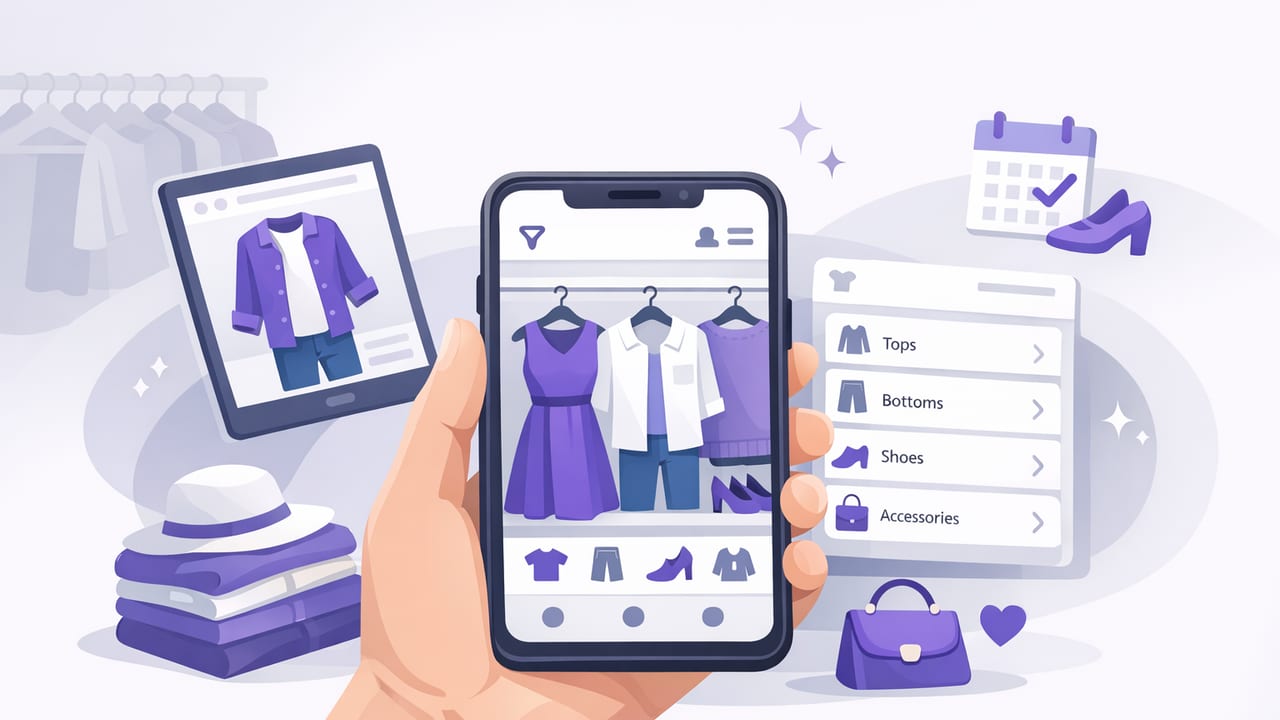
A virtual closet organizer app turns your wardrobe into a searchable, visual library—so you can plan outfits quickly, avoid “nothing to wear” moments, and get more value from what you already own. Instead of guessing what matches or rummaging through drawers, you build a digital wardrobe you can filter by color, season, dress code, comfort, and occasion. Many apps also include virtual try-on and AI outfit generator features, helping you preview combinations without changing clothes.
This guide walks through a practical, repeatable system: digitize your closet, tag items the smart way, build outfit formulas, and maintain your digital wardrobe with minimal effort.
Why a virtual closet organizer app actually saves time
Most outfit stress is a data problem: you can’t remember what you own, what fits right now, what’s clean, what matches, or what works for a specific situation. A digital wardrobe solves this by making your closet visible, searchable, and comparable.
- Less decision fatigue: you start from a short list of good options.
- Fewer duplicate purchases: you can check what you already have before shopping.
- Better cost-per-wear: you naturally rotate items more evenly.
- More consistent personal style: you identify what silhouettes and colors you repeat.
“Style isn’t about having more clothes—it’s about making better choices with the clothes you already own.”
Step 1: Digitize your wardrobe (without turning it into a weekend project)
The biggest mistake is trying to catalog everything perfectly in one day. Instead, digitize in waves. Aim for 30–45 minutes per session.
What to add first (highest impact)
- Everyday shoes (they anchor outfits and affect formality).
- Outerwear (jackets/coats change the whole look).
- Top 10 tops you wear weekly.
- Top 5 bottoms that fit your current lifestyle.
- Go-to bags and a few accessories (optional but powerful).
Photo tips for better virtual try-on and planning
- Use consistent lighting: stand near a window or use bright indoor light.
- Plain background: helps item edges look cleaner in your digital wardrobe.
- Front-facing, flat lay or hanger shots: choose one method and stick to it.
- Capture true color: avoid heavy filters; they break matching later.
If your app supports it, remove backgrounds or crop closely so the clothing shape is clear. The cleaner your item photos, the more accurate outfit previews and AI suggestions will be.
Step 2: Tag items with a system you’ll actually maintain
Tags are what turn a photo gallery into a smart closet organizer. The goal isn’t to add a hundred tags—it’s to choose a few that make decisions easier.
The “Core 6” tags (recommended)
- Category: tee, blouse, jeans, trousers, sneaker, boot, coat, etc.
- Color family: black, white, navy, beige, olive, red, etc.
- Season: warm, cold, all-season.
- Dress code: casual, smart casual, business, formal, athletic.
- Comfort level: relaxed, structured, “long-day friendly.”
- Care/constraints: delicate, wrinkles easily, needs layering, etc.
Optional tags that unlock next-level outfit planning
- Silhouette: cropped, oversized, slim, wide-leg, midi, etc.
- Fabric/texture: denim, knit, linen, leather, satin.
- Statement level: basic, accent, statement (helps balance outfits).
- “Works with” notes: e.g., “pairs with beige trousers.”
If your app lets you create custom fields, use short, consistent labels. Consistency matters more than detail.
A simple tagging schema (example)
If you like thinking in systems, here’s a small example of a structured format you can mirror with tags and notes inside your virtual closet organizer app:
{
  "item": "White Oxford Shirt",
  "category": "top",
  "color": "white",
  "season": ["all"],
  "dress_code": ["smart casual", "business"],
  "silhouette": "relaxed",
  "comfort": "long-day",
  "constraints": ["wrinkles"],
  "best_pairs": ["dark denim", "black trousers", "camel coat"]
}
Step 3: Build outfit formulas (so you’re not starting from scratch)
Outfit formulas are reusable templates that fit your life. They’re especially effective when paired with a digital wardrobe because you can instantly pull items that match the template.
Five reliable formulas to save for later
- Casual: relaxed top + jeans + sneaker + light jacket
- Smart casual: knit or button-up + tailored bottom + loafer/boot + structured bag
- Work-ready: top with structure + trousers + closed-toe shoe + optional blazer
- Warm-weather: breathable top + short/skirt/linen pant + sandal + hat
- Cold-weather: base layer + insulating mid-layer + coat + boot + scarf
Inside your app, create a small album or collection for each formula and save 5–10 outfit combinations. That’s enough variety to cover most weeks.
Step 4: Use virtual try-on and AI outfit generator features strategically
Virtual try-on is most helpful when you’re deciding between similar options (two jackets, two shoes, two pant silhouettes). AI outfit generator tools are most helpful when you want quick combinations from a defined set (e.g., “work outfits from these trousers”).
How to get better AI outfit suggestions
- Feed it complete data: include shoes and outerwear, not just tops and bottoms.
- Set constraints: pick season + dress code + comfort level before generating.
- Curate your inputs: if an item doesn’t fit well right now, archive it so it stops appearing.
- Rate or favorite outcomes: saving “wins” teaches you what to repeat.
Think of AI as a brainstorming partner. You still decide what feels like you—but you stop wasting time on combinations that were never going to work.
Step 5: Plan outfits for real life (calendar-first, not closet-first)
The fastest way to make your digital wardrobe useful is to plan around your schedule. Instead of planning seven outfits blindly, plan for actual events: meetings, errands, workouts, dinners, travel, weather swings.
A 10-minute weekly planning routine
- Check the weather range for the week.
- List 3–5 “anchor moments” (a presentation, dinner, long commute day).
- Choose outfits for those anchors first.
- Fill the rest with repeatable formulas.
- Save 1–2 backup outfits for weather changes.
In a virtual closet organizer app, this looks like saving outfits into a weekly folder or assigning them to days—then swapping quickly if plans change.
What to track in your digital wardrobe (and what to ignore)
You don’t need to quantify everything. Track what supports better decisions, ignore what creates busywork.
| Track this | Why it matters | Skip this (usually) |
|---|---|---|
| Cost per wear (rough) | Reveals your best value pieces | Exact wear counts for every item |
| Outfit photos you loved | Builds a personal style playbook | Perfectly editing every image |
| Fit notes (tight/loose) | Prevents bad outfit days | Measuring every garment detail |
| Season & dress code tags | Makes filtering actually useful | Over-tagging with niche labels |
Troubleshooting: common issues with a virtual closet organizer app
“It takes too long to add items.”
Use the 20-item sprint: add 20 high-rotation pieces, stop, and start using the app immediately. You’ll feel benefits sooner and stay motivated.
“I keep generating outfits I’d never wear.”
Archive items that don’t fit your current lifestyle and tighten your tags—especially dress code and comfort level. AI works best with clear constraints.
“My photos don’t look consistent.”
Pick one standard: hanger shots on a door, or flat lays on a neutral surface. Consistency improves outfit comparisons more than photo perfection.
“I forget what I saved.”
Create three permanent collections: Work Wins, Weekend Uniforms, and Going Out. Save only outfits you’d happily repeat.
A simple closet capsule exercise (using your app)
If you want immediate clarity, try building a small capsule inside your digital wardrobe—no donating required. Just create a folder called 30-Day Capsule and add:
- 2 pairs of shoes
- 2 bottoms
- 5 tops
- 1 layering piece (jacket/cardigan/blazer)
- 1 “wildcard” (dress, statement top, or special shoe)
Then, use virtual try-on or manual outfit building to create 10 outfits from those pieces. This quickly reveals what colors and silhouettes you actually rely on—and what gaps are real (not imagined).
Conclusion: make your wardrobe searchable, then make it repeatable
The best way to use a virtual closet organizer app is to treat it like a lightweight system: digitize in small batches, tag with intention, save outfit formulas, and plan around your calendar. Once your closet is searchable, getting dressed becomes a repeatable process instead of a daily puzzle.
If you’re exploring iOS tools that combine a digital wardrobe, smart closet organizer features, and virtual try-on, Outfit Maker is one option to test alongside your preferred workflow.
