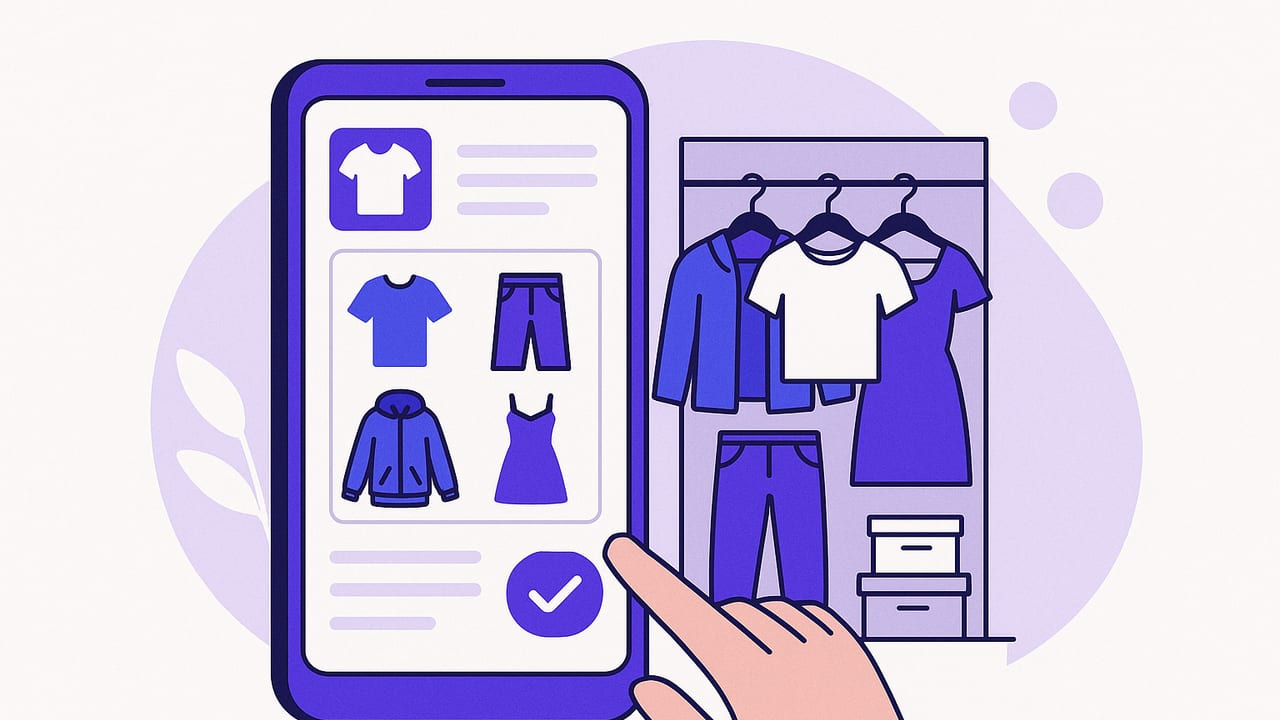
A closet organizer app can do more than tidy your wardrobe—it can turn your daily outfit decision into a fast, data-backed routine. With the right setup, you’ll track what you own, build better outfits, and buy less while wearing more. This guide walks you through a practical system to digitize your closet, tag items consistently, plan outfits, and maintain your wardrobe with minimal effort.
What a Closet Organizer App Actually Does
At its core, a closet organizer app is a digital layer on top of your physical wardrobe. You add photos of your garments and tag them with attributes the app can filter, search, and analyze. The result is a living catalog that makes it simple to find, combine, and evaluate what you wear.
- Catalog: Photograph items and store them with key attributes like category, color, fabric, and season.
- Search and filter: Instantly locate “black trousers, ankle length, winter” or “blue tops for warm weather.”
- Outfit planning: Combine items into looks, schedule them on a calendar, and pack with confidence.
- Analytics: Track cost per wear, frequency, and gaps to guide smarter shopping.
Think of it as your wardrobe’s operating system—one that’s fast, visual, and factual.
Step 1: Digitize Your Clothes the Right Way
Good data starts with good photos. Invest one weekend to capture your current wardrobe. The payoff is huge.
Photo tips for clear, consistent images
- Lighting: Use bright, indirect daylight. Avoid mixed lighting that tints colors.
- Background: Choose a plain, light background for easier item recognition.
- Framing: Shoot the whole item flat or on a hanger; avoid busy props.
- Angles: One straight-on shot is enough for most garments. Add close-ups for prints or texture if helpful.
- Color accuracy: If possible, shoot a white item in the frame to help your app’s auto-white-balance.
Batch similar items together: all denim at once, then knitwear, then outerwear. You’ll move faster and maintain consistency.
Step 2: Tagging and Taxonomy That Scales
Tags are the difference between a pretty photo album and a functional closet organizer app. Create a simple, scalable set of attributes. Start with these:
- Category: top, bottom, dress, outerwear, footwear, bag, accessories
- Subcategory: t-shirt, blouse, jeans, trousers, blazer, sneakers, boots, etc.
- Color: primary color plus secondary if patterned (e.g., navy + white)
- Fabric: cotton, linen, denim, wool, silk, synthetic blends
- Formality: casual, smart-casual, business, formal
- Season: all-season, spring, summer, fall, winter
- Fit/Length: cropped, regular, long; slim, straight, relaxed
- Care: machine wash, hand wash, dry clean
- Condition: new, excellent, good, worn, needs repair
To keep names consistent, use a repeatable format for titles and descriptions.
Suggested naming convention
Title structure: Brand + Item + Key Descriptor + Color
Example: “Everlane The Way-High Jean Straight Leg Black”
Description structure: Subcategory + Fabric + Season + Fit + Notes
Example: “Jeans, denim, all-season, straight fit; ankle length”
Optional schema for power users
If your app supports importing or exporting data, here’s a simple JSON structure to keep your wardrobe portable.
{
  "id": "itm_0001",
  "title": "Everlane The Way-High Jean Straight Leg Black",
  "category": "bottom",
  "subcategory": "jeans",
  "color": ["black"],
  "fabric": ["denim", "cotton"],
  "season": ["all-season"],
  "formality": ["casual", "smart-casual"],
  "fit": ["straight", "ankle"],
  "care": "machine wash",
  "cost": 98,
  "acquired_at": "2023-09-15",
  "tags": ["work", "weekend"],
  "notes": "Works with white sneakers and loafers"
}
Step 3: Build Smart Filters and Views
Filters are your daily shortcuts. Set up saved views you’ll use repeatedly:
- Workday essentials: formality smart-casual + business; exclude dry clean only if you value low maintenance.
- Weekend capsule: casual category items in breathable fabrics for warmer weather.
- Color story: base neutrals (black, navy, gray) to anchor bolder pieces.
- Seasonal edit: only currently wearable items based on weather.
- Repair bin: items marked “needs repair” so they stop blocking daily choices.
With a few taps, your closet organizer app becomes a personalized store that only stocks what you own and love.
Step 4: Outfit Planning Workflows
Outfit planning is where organization turns into time saved. Try these workflows:
Calendar-first planning
- Check upcoming events and weather for the week.
- Use your smart filters to pre-select purpose-built outfits.
- Block outfits on specific days and add notes like “heels if dry, flats if rain.”
What gets scheduled gets worn. Putting outfits on your calendar prevents last-minute stress and impulse buys.
Template formulas
- Smart-casual: blazer + knit tee + straight jeans + loafers
- Business: shirt + trousers + belt + oxford shoes + watch
- Summer: linen shirt + tailored shorts + sandals
- Evening: slip dress + light cardigan + heeled sandals
Save these as outfit templates and swap components by color or fabric as seasons change.
Build a Capsule with Your Closet Organizer App
Capsules reduce decision fatigue by constraining choices to highly compatible pieces.
Start with a 3×3 core
- Three tops (2 neutral, 1 accent)
- Three bottoms (1 light, 1 dark, 1 textured)
- Three layers or shoes (season-appropriate)
Use your app to simulate combinations. Aim for at least 18 unique pairs from the 3×3 before adding extras.
Color palette rules
- Base neutrals: pick two (e.g., black and beige) for anchoring.
- Accent: one to two colors that harmonize with your skin tone.
- Metal: choose either gold or silver to keep accessories consistent.
Save the capsule as a collection and tag each item with the capsule name for easy filtering.
Use Analytics to Wear More, Buy Less
A closet organizer app can surface patterns you can’t see from a hanger. Track these metrics:
| Metric | Definition | How to use it |
|---|---|---|
| Wear count | Total times an item was part of an outfit worn | Identify heroes (high wear) and laggards (low wear) |
| Cost per wear | Item cost divided by wear count | Justify investment pieces; flag poor value items |
| Last worn | Date you last used the item | Spot items you’ve neglected; rotate them back in |
| Seasonal utilization | Percentage of items worn in the current season | Reveal overstocked categories for future edits |
| Outfit yield | Number of saved outfits an item appears in | Measure versatility and pairing potential |
| Repair blocker | Count of outfits blocked by items needing repair | Prioritize fixes that unlock many looks |
Simple formulas help you act:
- Cost per wear = purchase price / total wears
- Seasonal utilization = items worn this season / total season-ready items
- Outfit yield = count of saved outfits featuring the item
Review analytics monthly and set one small action: tailor a pair of trousers, sell a duplicate, or replace worn-out basics.
Maintenance Routines That Keep You Organized
Consistency beats intensity. Use light, repeatable routines.
Weekly
- Log your outfits: add a photo after you get dressed or at day’s end.
- Flag repairs: mark items “needs repair” to batch errands.
- Pre-plan: pick 2–3 anchor outfits for the upcoming week.
Monthly
- Audit the bottom 10% of wears: decide to restyle, tailor, or release.
- Refresh filters: update seasonal views as weather shifts.
- Declutter rule: if untouched for 90 days and seasonally appropriate, evaluate why.
Seasonal
- Rotate storage: archive off-season items in the app to declutter views.
- Photograph new purchases immediately to avoid backlogs.
- Replace worn staples strategically; note gaps for upcoming sales.
Privacy, Sync, and Backup
Your wardrobe data is personal. Before committing to any closet organizer app, check:
- Export options: CSV or JSON for portability if you switch apps.
- Local storage and cloud sync: ensure reliable backups across devices.
- Offline mode: handy for travel packing without internet access.
- Photo ownership: confirm you retain rights to your images.
Take 10 minutes to test export and restore so you’re confident your time investment is safe.
Common Mistakes (and Easy Fixes)
- Over-tagging: Too many labels cause friction. Stick to attributes you’ll filter by weekly.
- Skipping names: Unnamed items are hard to search. Use a consistent title formula.
- Inconsistent photos: Mixed backgrounds and lighting reduce recognition and joy in use. Standardize your setup.
- Not logging outfits: Without wear data, analytics can’t help. Snapshot your look, even if it’s mirror selfies.
- Ignoring care and condition: Repairs left untagged become silent blockers.
Quick-Start Checklist
Use this minimal setup to get value in a single afternoon:
- Photograph 30 core items you wear most.
- Apply a lightweight tag set: category, subcategory, color, season, formality.
- Create three saved filters: Workday, Weekend, Current Season.
- Build five outfits using your 30-item core.
- Wear and log those outfits this week. Note any pain points.
Once you feel the benefit, expand gradually—don’t wait for “perfect.”
How to Decide What to Buy Next (Using Your Data)
When the urge to shop hits, consult your app first. Ask:
- Is this filling a documented gap (e.g., “no weatherproof boots for rain”)?
- Will it pair with at least three existing outfits?
- Does it fit my color palette and care preferences?
Set a threshold: only buy items that reduce friction or increase outfit yield by a clear margin.
Travel Packing with Confidence
Your closet organizer app is a powerful packing assistant. Create a trip-specific collection and add outfits tied to your itinerary. Use weather and activity tags to avoid overpacking. Aim for a 1:1:1 ratio for tops:bottoms:layers for short trips, and ensure shoes are cross-functional.
Final Thought
The best closet system is the one you’ll actually use. Start small, tag consistently, and let your data inform what you wear and what you buy. With a streamlined process and a capable closet organizer app, you’ll make faster decisions, feel more confident, and get far more from the wardrobe you already own. If you’re on iOS and want virtual try-on alongside digital wardrobe planning, consider exploring Outfit Maker as a modern option to complement the habits above.
