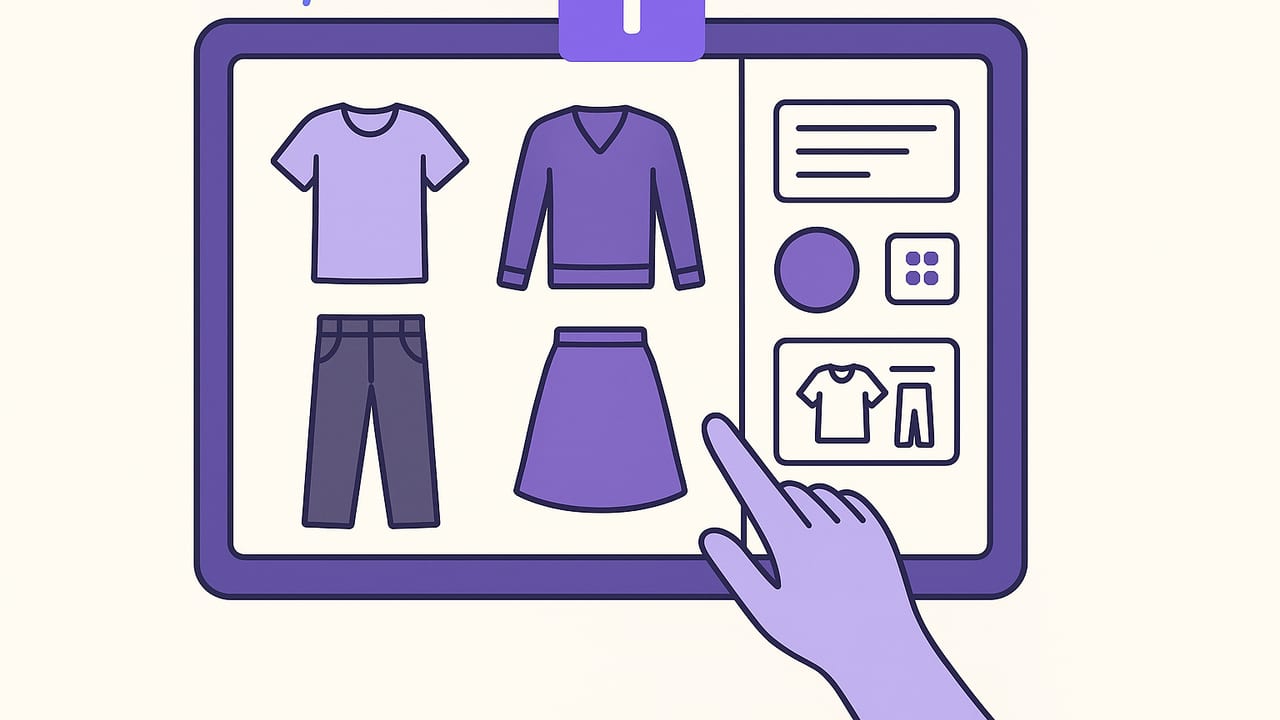
If you have ever stood in front of a full wardrobe and still felt like you had nothing to wear, you are not alone. A digital closet solves that decision fatigue by making your clothes searchable, comparable, and remixable. This step-by-step guide shows you how to upload clothes and create outfits with a clean workflow, practical tagging, and reusable outfit formulas that work for everyday life.
Prepare Your Wardrobe for a Digital Closet
Great results start with great inputs. Before you upload clothes and create outfits, invest a little time in consistent, well lit photos and a simple categorization plan.
Photo Setup That Saves Time Later
- Light: Use indirect daylight from a window or two soft lamps to avoid harsh shadows and color casts.
- Background: A plain white or neutral backdrop makes background removal and color accuracy easier.
- Angle: Photograph items laid flat or on a hanger, centered and squared to the frame. Capture shoes from a slight 45 degree angle.
- Resolution: Aim for 1500–2500 pixels on the longest side. This is crisp enough for outfit previews without ballooning file sizes.
- Consistency: Keep distance and framing the same so items appear at realistic relative scales when you style looks.
Background Removal and Scaling
Removing backgrounds creates clean, collage friendly pieces. If your app does not do this automatically, use a background remover and export PNGs with transparency. Keep scale consistent: if a coat looks tiny next to a tee, outfits will feel off. A quick trick is to align the shoulder width of tops and the waistband width of bottoms to similar proportions across items.
Naming, Tagging, and Taxonomy: The Secret Sauce
Searchable metadata turns a pile of photos into a smart closet. Start with a clear naming pattern, then add tags for color, season, occasion, and more.
File Naming Pattern
Use a simple sequence: Category Subcategory Brand Color Key detail. Example: Top Tee Uniqlo Navy Heavyweight. Keep it readable. Your tags will handle deeper filtering.
Recommended Tag Schema
| Field | Purpose | Examples |
|---|---|---|
| Category | High level type | Top, Bottom, Dress, Outerwear, Shoes, Bag, Accessory |
| Subcategory | Specific style | Tee, Blouse, Jeans, Trousers, Skirt, Blazer, Coat, Sneakers |
| Color | Primary hue | Navy, Black, White, Camel, Olive, Burgundy, Pink |
| Pattern | Print or texture | Solid, Stripe, Check, Floral, Ribbed, Cable, Herringbone |
| Fabric | Material | Cotton, Wool, Linen, Silk, Denim, Leather, Synthetic |
| Season | Best weather | All season, Spring, Summer, Fall, Winter |
| Formality | Dress code | Casual, Smart casual, Business casual, Formal |
| Fit | Silhouette | Slim, Regular, Relaxed, Oversized, Cropped, Longline |
| Occasion | Use case | Work, Date, Weekend, Travel, Wedding, Gym |
| Care | Maintenance | Machine wash, Hand wash, Dry clean, Delicate |
| Notes | Context | New, Needs tailoring, Stains, Favorite, Statement |
Sample Item With Tags
item:
  name: Top Tee Uniqlo Navy Heavyweight
  category: Top
  subcategory: Tee
  color: Navy
  pattern: Solid
  fabric: Cotton
  season: All season
  formality: Casual
  fit: Regular
  occasion: Work, Weekend
  care: Machine wash
  notes: Uniform basic
Keep tags intentional and limited. Too many overlapping labels create noise. Use a core set of tags, then refine later if you find a real need.
Build a Reusable Outfit System
Once your items are uploaded and tagged, it is time to create outfits you can repeat with minor tweaks. Systems are the antidote to decision fatigue.
Start With Anchors
Anchors are go to pieces that make most looks work: a pair of dark trousers, clean white sneakers, a navy blazer, a black midi dress. Ground each outfit with one anchor, then mix in interest.
Three Outfit Formulas You Can Use Anywhere
- Rule of third layers: Base top plus bottom plus a third piece like a blazer, cardigan, or overshirt. The third piece adds structure and balance.
- Texture triad: Combine three textures at once for depth, such as denim plus cotton tee plus leather shoes.
- Color 2 plus 1: Two neutrals and one accent. For example, navy trousers, white top, burgundy bag.
Color and Proportion Made Simple
- Value contrast: If your hair and skin contrast is low, try outfits with softer contrasts. If you have high contrast features, you can carry bolder light dark pairings.
- Color wheel basics: Neighbors are calm, opposites pop. Navy plus camel or green plus burgundy are easy wins.
- Balance volumes: Pair oversized with slim, cropped with high rise, long top with straight or tapered bottoms.
The 5 Piece Outfit Framework
Many looks resolve to five decisions: top, bottom, layer, shoes, accessory. Build a few templates you can quickly fill.
- Creative office: Knit polo, pleated trousers, unstructured blazer, loafers, leather belt.
- Weekend errand: Relaxed tee, straight jeans, lightweight jacket, sneakers, cap.
- Evening out: Silk blouse, black skirt, cropped jacket, ankle boots, statement earrings.
Workflow: From Upload to Outfits in 15 Minutes
- Pick a goal: Work capsule for warm weather, weekend combos, or event looks.
- Batch photograph 10 to 15 items that match the goal. Keep the setup consistent.
- Remove backgrounds and upload. Add core tags only: category, color, season, formality.
- Create three anchor pieces that fit the goal, such as trousers, skirt, white sneakers.
- Draft five outfits using the 5 piece framework. Start with the anchors, then add interest.
- Refine with one change per look: swap shoes for formality shift, trade a layer for weather.
- Save looks as a mini collection. Revisit next week to add two new variations.
Smart Prompts for AI Outfit Generators
If you use an AI outfit builder, clear prompts help the model use the clothes you already own and respect your preferences. Try these prompt patterns:
- Use my uploaded clothes to create five smart casual looks for mild weather. Prioritize navy, white, and camel. Include one look with a blazer, one with a denim jacket.
- Create a 7 day work capsule using my black trousers as the anchor. Vary tops, keep shoes comfortable, and add one accent color across accessories.
- Build three travel outfits from carry on only. Reuse shoes, stick to wrinkle resistant fabrics, and ensure all tops match both bottoms I uploaded.
Include constraints such as color palette, formality, weather, and the specific items you want to wear this week. Save your best prompts as templates for fast reuse.
Templates You Can Copy
Everyday Uniform Builder
- Anchor: Neutral bottom you love to wear.
- Top: Two options in different textures or sleeve lengths.
- Layer: Light jacket or cardigan for the third piece rule.
- Shoes: One casual, one slightly dressier.
- Accessory: Watch or simple necklace as the finishing touch.
Work Capsule Starter
- 2 trousers or skirts in dark neutrals.
- 3 tops that mix solids and subtle patterns.
- 1 blazer or structured layer.
- 2 pairs of shoes: loafers and low heels or polished sneakers.
- Color plan: two neutrals plus one accent to rotate across accessories.
Carry On Travel Kit
- Bottoms: One dark, one light. Both match every top.
- Tops: Three lightweight layers that mix and match.
- Outerwear: Packable jacket that works day to night.
- Shoes: Comfortable pair plus dressier pair.
- Accessory: Scarf or belt that changes the vibe without taking space.
Maintain Your Digital Closet
Keeping things tidy is easier than starting from scratch each season.
- Weekly: Tag new items right after purchase, archive pieces you donate.
- Monthly: Audit duplicates and near identical items. Decide which truly serves your outfits.
- Seasonal: Switch default season tags, surface appropriate layers, and store heavy off season items.
- Care notes: Add quick notes like needs mending so you do not accidentally plan an outfit around an unavailable piece.
Troubleshooting: Common Issues and Easy Fixes
- Colors look off: Re photograph in neutral light with a gray or white reference in frame for calibration. Avoid mixed lighting.
- Items appear scaled wrong: Standardize shoulder width for tops and waistband width for bottoms across photos.
- Too many tags, hard to find: Reduce to core tags. Merge similar labels like smart and smart casual if they behave the same.
- Decision fatigue still there: Build three solid uniforms and schedule them. Creativity can happen after the basics are set.
- I never wear my statement pieces: Create one anchor based outfit each week that intentionally features a statement item with two quiet basics.
Example: Five Looks From Ten Pieces
Here is how to turn a small set into a week of variety:
- Tops: White tee, navy knit polo, black silk blouse.
- Bottoms: Dark jeans, camel trousers.
- Layers: Denim jacket, navy blazer.
- Shoes: White sneakers, black loafers.
- Accessories: Leather belt, burgundy bag.
- Work: Knit polo plus camel trousers plus blazer plus loafers plus belt.
- Casual: White tee plus dark jeans plus denim jacket plus sneakers.
- Smart casual: Silk blouse plus dark jeans plus blazer plus loafers plus bag.
- Creative office: White tee plus camel trousers plus blazer plus loafers plus bag.
- Weekend: Knit polo plus dark jeans plus denim jacket plus sneakers.
Notice the recycling of anchors and the color 2 plus 1 plan: two neutrals with one accent accessory for interest.
Why This Workflow Works
- Constraints first: Define the season, occasion, and palette so choices narrow.
- Anchors next: Reliable pieces prevent chaos and ensure fit and comfort.
- Formulas last: Repeatable structures turn your closet into modular building blocks.
With clear photos and consistent tags, you can upload clothes and create outfits quickly, then adapt them for weather, mood, or schedule without starting over.
Style is a system of decisions. Create your rules once, then play within them.
One More Tip
Start with a single goal based mini project instead of your entire closet. Photograph 15 items, tag them well, build five outfits, and live with them for a week. You will learn what tags matter, which formulas feel natural, and how to refine your process before scaling to your full wardrobe.
If you prefer an iOS app that bundles background removal, tagging, and realistic AI outfit generation so you can virtually try on looks, Outfit Maker offers a streamlined way to upload clothes and create outfits, save combinations, and plan what to wear with less guesswork.
