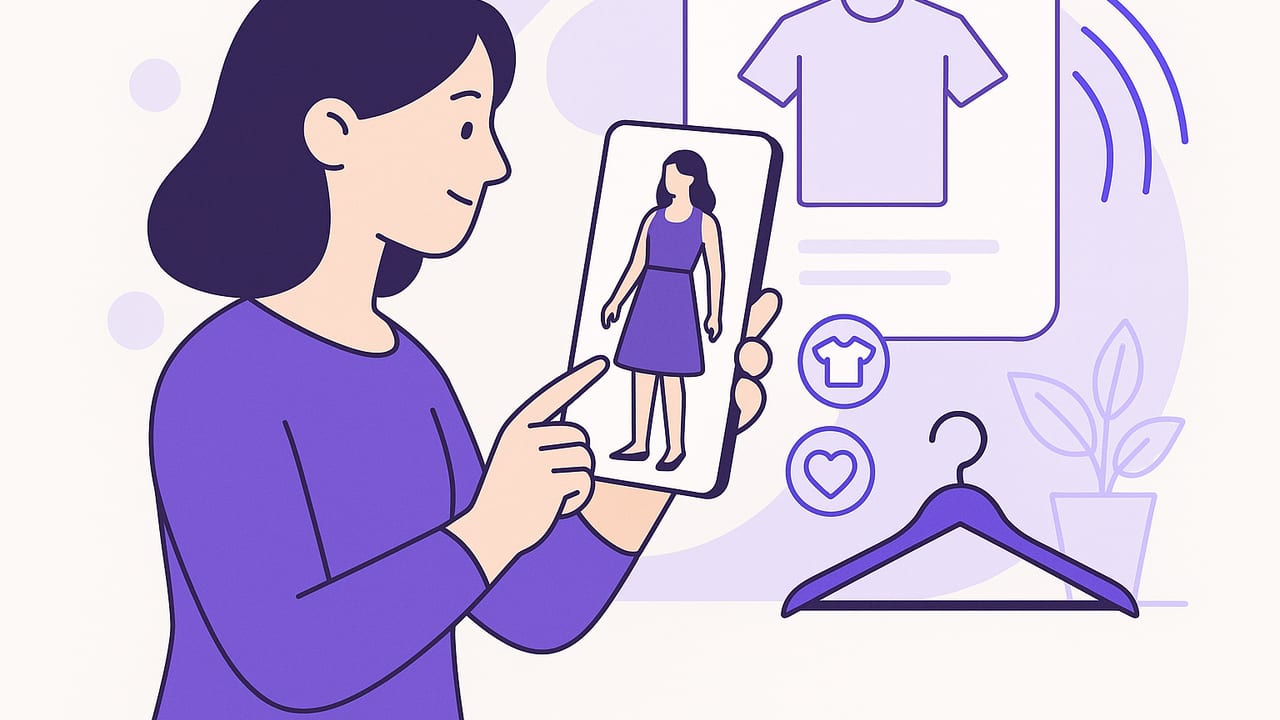
Whether you want to test outfits from your closet or preview new pieces before buying, learning how to try on clothes virtually can save time, money, and decision fatigue. Today’s virtual try-on tech blends your photos, augmented reality (AR), and AI to show how garments might look on you—without changing clothes or leaving home. This guide explains the major methods, practical setup tips, and a repeatable workflow you can use to style smarter every day.
What “Try On Clothes Virtually” Actually Means
Virtual try-on spans several approaches, each with trade-offs in realism, speed, and setup. Here’s the quick map:
- 2D Overlay: The app segments your body in a photo and layers garments on top. Fast and phone-friendly, good for styling and color checks.
- AR Try-On: Uses your camera in real time to anchor clothing on your body. Great for a live preview of silhouettes and lengths as you move.
- 3D Avatar Simulation: Builds a body model from your measurements and simulates fabric drape. Best for fit predictions, requires more inputs.
- Digital Wardrobe Mix-and-Match: Digitize your clothes, then combine looks visually. Ideal for outfit planning, packing lists, and capsule wardrobes.
Whichever route you choose, the goal is the same: reduce uncertainty about fit, proportion, and color harmony so you can try on clothes virtually with confidence.
Comparing Virtual Try-On Methods
| Method | Best For | Pros | Cons | Setup |
|---|---|---|---|---|
| 2D Overlay | Quick styling checks | Fast, low effort, good for color/pattern combos | Limited depth and drape realism | Single photo, basic measurements |
| AR Live Try-On | Silhouette and length in motion | Real-time preview, fun to use | Lighting and camera angle matter; can misalign | Clean background, good lighting |
| 3D Avatar + Simulation | Closer fit estimation | Body-specific sizing, drape modeling | More steps; depends on fabric data accuracy | Measurements, sometimes full-body photos |
| Digital Wardrobe Planner | Everyday outfit planning | Mix-and-match at scale, packing, capsules | Less detailed fit; focuses on styling | Upload and tag garments once |
| Retailer Virtual Fitting Rooms | Pre-purchase previews | Brand-specific size charts, easy to try variations | Only for that store’s catalog | Use retailer app or website |
Step-by-Step: A Reliable Virtual Fitting Workflow
Use this repeatable process to try on clothes virtually at home and get consistent results:
- Prep your space. Stand 6–8 feet from your phone. Use soft, even lighting (window light or a ring light). Clear background clutter.
- Capture a base photo or video. Wear form-fitting, neutral clothing. Take front, side, and three-quarter angles. Keep a neutral posture with arms relaxed.
- Record key measurements. Bust/chest, waist, hip, shoulder width, inseam, height, and weight. Save these so apps can scale garments correctly.
- Digitize your wardrobe. Photograph tops, bottoms, dresses, shoes, and outerwear on a flat surface or hanger. Use good light; include a contrasting background for clean edges.
- Tag items for speed. Add color, fabric, category (e.g., “relaxed jeans,” “tailored blazer”), season, and occasion. This makes searching and filtering effortless.
- Test combinations. Start with core pieces and add layers/accessories. Evaluate proportion (top-to-bottom balance), hemlines, and color contrast.
- Refine fit assumptions. If a piece looks tight in the virtual try-on, compare the brand’s size chart and reviews. Adjust size assumptions and retest.
- Save your winners. Save 5–10 go-to outfits for work, casual, and events. Export them as a weekly rotation or packing list.
Pro tip: Tape a piece of painter’s tape on the floor to mark where you stand. Consistent distance and angle significantly improve alignment when you try on clothes virtually.
Fit Accuracy: Get Closer to Real-Life Results
Virtual try-on thrives when your inputs are consistent and realistic. Improve accuracy with these techniques:
- Measure carefully: Use a soft tape; measure over light clothing. Take each measurement twice. Note whether you prefer relaxed or tailored fits.
- Mind the fabric: Knits and stretch denim tolerate close fits; wovens and structured jackets need ease. If the app allows, set “stretch” or “drape.”
- Translate sizes across brands: Keep a personal size map (e.g., “Brand A jeans: 28; Brand B: 27”). Update it as you gather data.
- Check vertical proportions: Hem length and rise heights are commonly misjudged. Use AR to verify where hems land relative to knees/ankles.
- Shoes and accessories: Slight scale errors on footwear can throw off proportion. Recalibrate by including a known-length object (like an A4 sheet) in one photo for scale.
Virtual Closet Management for Everyday Style
Virtual try-on shines when paired with a digital closet. This keeps your best looks one tap away:
- Build capsules: Create a 10–15 piece seasonal capsule and combine looks. Note which colors anchor each capsule.
- Tag by occasion: Work, travel, date night, gym. Filter to see only what fits your context, then try on clothes virtually to confirm tweaks.
- Track cost-per-wear: Log wears to identify MVP pieces and items to resell or tailor.
- Plan ahead: Save a week of outfits on Sunday; mornings become effortless.
Shopping Smarter With Virtual Try-On
Use virtual try-on to reduce returns and clarify what to buy:
- Pre-buy checklist: Will it pair with 3+ items you already own? Does the color harmonize with your palette? Is the rise/hem proportion right?
- Compare sizes visually: If an app lets you toggle sizes, capture screenshots side-by-side to choose the best drape.
- Fabric reality check: Read fabric content and weight. A virtual image can’t fully simulate stiffness or stretch without data.
- Smart alternates: If a trending cut doesn’t suit your frame, test related silhouettes (e.g., straight vs. wide leg) virtually before ordering.
Privacy and Data: What to Look For
Because trying on clothes virtually involves body images and measurements, review privacy practices:
- On-device processing: Prefer apps that process photos locally or explain how data is handled.
- Clear deletion: Ensure you can delete images, measurements, and account data easily.
- Sharing controls: Disable auto-sharing to social by default; export only what you intend to share.
- Brand transparency: Look for security audits, encryption, and clear privacy policies.
Troubleshooting: Common Issues and Quick Fixes
- Garments misalign: Step back 1–2 feet, re-center, and retake the base photo. Keep the camera at chest height to reduce distortion.
- Colors look off: Turn off mixed lighting (warm lamp + daylight). Use a single light source and neutral white balance.
- Jagged edges around clothes: Photograph garments on a contrasting background; avoid shadows under hems.
- AR flicker or drift: Add visual anchors (a patterned rug or poster) to help the camera track.
- Body pose breaks the overlay: Use a neutral stance; avoid crossed arms or extreme twists for base captures.
- Wide-angle distortion: Don’t stand too close. If possible, switch to the phone’s 1x lens instead of ultra-wide.
Mini Glossary of Virtual Try-On Tech
- AR (Augmented Reality): Overlays digital garments on your camera view in real time.
- Segmentation: AI separates you and the background so clothes layer correctly.
- Body Mesh: A simplified 3D model of your body used to align garments.
- Photogrammetry: Building 3D models from photos; sometimes used to digitize clothing.
- Cloth Simulation: Software that approximates drape, stretch, and collision with your body mesh.
- Occlusion: Ensures clothes appear behind parts of your body when appropriate (e.g., a jacket behind your arm).
FAQs About Trying On Clothes Virtually
Does virtual try-on work for all body types?
Yes, with caveats. The more accurate your measurements and the more consistent your photos, the better the results. Choose tools that let you input detailed measurements or generate a precise body mesh.
Can I virtually try on shoes and accessories?
Many apps support footwear and accessories, though scale matters. Use AR to check heel height perception and how bag sizes sit relative to your torso.
Do I need a tripod or special lighting?
A tripod helps maintain constant framing, but it’s optional. Aim for bright, diffused light. Avoid backlighting (standing with a window behind you).
Can I use existing selfies?
You can, but results vary. Photos taken specifically for virtual try-on—neutral pose, consistent distance, clean background—produce more reliable previews.
How close are virtual results to real life?
Great for styling, color harmony, and rough proportion; good for fit when the app uses accurate measurements and fabric data. Always verify with brand size charts and return policies for high-stakes purchases.
The Bottom Line
When you try on clothes virtually, you shorten the path from idea to outfit. Use the workflow above to capture better inputs, evaluate proportions, and plan outfits that actually work in your life. If you prefer an iOS app that combines virtual try-on with a digital wardrobe and outfit planning, you can explore Outfit Maker as a simple way to put these steps into daily practice.
