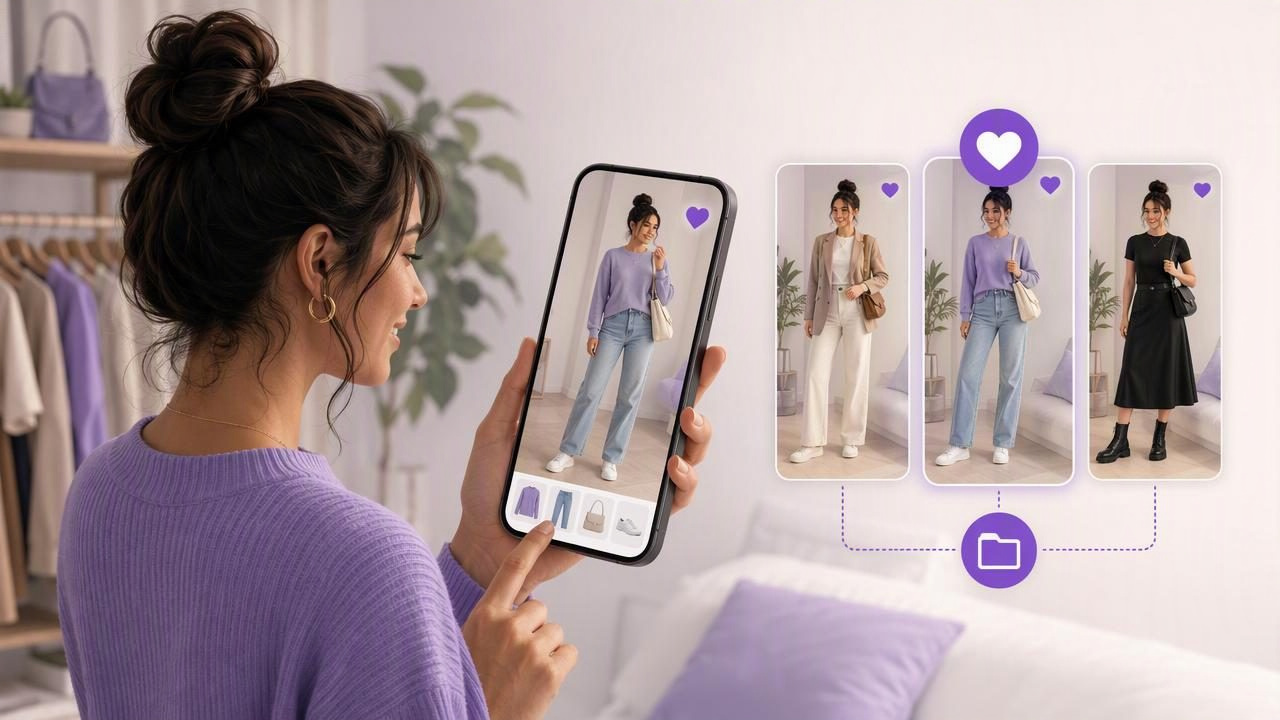
Knowing that an outfit looks good is useful. Being able to save it, find it later, and compare it with other options is what turns a quick styling idea into a reliable wardrobe system. A virtual try-on app can help you visualize combinations from your own clothing, while a saved-look process helps ensure good outfit ideas do not disappear into your camera roll.
If your phone is full of mirror selfies, screenshots, and half-forgotten outfit photos, creating a simple favorite-looks library can make daily dressing easier. Instead of trying on the same three combinations before work, a date, or a trip, you can return to outfits you have already considered and liked.
This guide explains how to save favorite looks with a virtual try-on app, organize them by purpose, compare similar combinations, and use them as practical fashion-planning references. It also covers the limits of virtual styling tools, especially when it comes to fit, sizing, and fabric behavior.
Why Saving Outfit Ideas Matters
An outfit is rarely just one item. It is a combination of color, silhouette, proportions, shoes, layers, accessories, and occasion. When you save a complete look rather than only remembering a favorite shirt or pair of jeans, you preserve the decision-making work you already did.
A favorite-looks collection can be especially helpful when you:
- Get dressed quickly on busy mornings.
- Want to repeat successful outfits without feeling repetitive.
- Need several options for work, social events, or travel.
- Are trying to wear more of the clothing you already own.
- Want feedback from a friend before committing to a look.
- Have seasonal outfits that are easy to forget when they are out of rotation.
Saving looks also reduces the pressure to make every wardrobe decision from scratch. Your digital collection becomes a visual record of combinations that felt balanced, practical, or appropriate for a specific setting.
Start With Clear Photos of Your Clothes
The quality of your saved looks begins with the images you use. For clothing items, choose photos that show the garment clearly against a simple background. Lay flat pieces such as tops, trousers, and skirts on a plain surface, or photograph them hanging neatly. Make sure major details are visible, including neckline shape, sleeve length, print, hemline, and overall color.
For a personal reference photo used in virtual try-on, choose a recent, well-lit image with your outfit area visible. A straightforward pose generally makes it easier to assess how colors and silhouettes work together visually.
You do not need a perfectly photographed wardrobe to begin. Start with the categories you wear most often:
- Everyday tops and bottoms.
- Your most-used shoes.
- One or two jackets, cardigans, or overshirts.
- Event-ready pieces you tend to save for special occasions.
- Accessories that noticeably change an outfit.
As you add items, use consistent names. For example, “cream ribbed sweater” is more useful than “top 12,” because you can recognize it later when reviewing saved outfit combinations.
Create Looks for Real Situations, Not Just Random Combinations
A saved look is more valuable when it answers a real question: What could I wear to this specific situation? Before building an outfit, identify the occasion, expected weather, activity level, and how polished you want to feel.
For example, imagine you need an outfit for a casual dinner after work. Your available pieces might include:
- Dark straight-leg jeans
- A black fitted knit top
- A camel blazer
- White leather sneakers
- Black ankle boots
- A small crossbody bag
Create two versions rather than stopping at the first acceptable option. The first can pair the knit top, jeans, blazer, and sneakers for a more relaxed result. The second can swap in ankle boots for a sharper evening feel. Saving both versions gives you a quick decision later: choose sneakers for comfort or boots for a more dressed-up finish.
This approach is more useful than saving dozens of disconnected looks because every favorite is tied to a clear use case.
Use a Simple System to Name and Categorize Favorite Looks
A virtual try-on image without a label can quickly become hard to use. Give every saved outfit a name that includes both the occasion and the key styling detail. The name does not need to be clever; it needs to be searchable and understandable.
| Look Type | Useful Saved-Look Name | Why It Helps |
|---|---|---|
| Office outfit | Tuesday office – navy trousers and loafers | Shows when and how you would wear it. |
| Weekend outfit | Weekend coffee – denim jacket and trainers | Separates casual looks from work options. |
| Date outfit | Dinner – black top, jeans, ankle boots | Captures the mood and essential pieces. |
| Travel outfit | Flight day – cardigan, leggings, sneakers | Makes packing decisions easier. |
| Seasonal look | Early autumn – trench and striped knit | Helps you rediscover outfits at the right time. |
You can also group looks using categories such as work, casual, evening, travel, warm weather, cold weather, comfortable, polished, and repeat favorites. If an app lets you save and compare outfit combinations, use the same category language consistently. A small, repeatable vocabulary is easier to maintain than an overly detailed tagging system.
How to Decide Whether a Look Is a Favorite
Not every virtual outfit needs to be saved. Saving every experiment can create the same clutter you were trying to avoid. Instead, treat a favorite look as one that meets at least three practical criteria:
- You like the overall visual balance. The colors, layers, and proportions work together in the image.
- You own every key item. The look is based on clothes you can realistically wear.
- You can name an occasion for it. It has a place in your actual life.
- You would consider repeating it. It is not merely interesting; it is usable.
- It solves a wardrobe question. For example, it gives you an answer for a client meeting or rainy weekend plans.
If a look is almost right, save it as an idea to revise rather than a favorite. You may discover that it needs a different shoe, a more defined layer, or a simpler accessory before it becomes a dependable option.
Compare Similar Looks Before Choosing One
Comparison is one of the most practical parts of virtual fashion planning. Often, the difference between two outfits is small: a blazer versus a cardigan, loafers versus sneakers, or a tucked-in top versus an untucked one. Viewing these variations side by side makes the choice clearer.
When comparing versions of the same outfit, focus on one variable at a time. This makes it easier to understand what changed the overall effect.
- Keep the clothes the same and test different shoes.
- Keep the base outfit the same and add or remove a jacket.
- Try a lighter and darker bag with the same outfit.
- Compare a casual layer with a structured layer.
- Test one accessory change, such as a belt or statement earrings.
For the dinner example, you might save “Dinner – sneakers” and “Dinner – boots.” Looking at those two saved versions later can help you decide based on weather, walking distance, or the restaurant atmosphere without rebuilding the outfit from the beginning.
Add Notes That Make Saved Looks Actionable
A visual image is helpful, but a short note makes a saved outfit much more practical. Notes can capture details that an image cannot explain, such as comfort, weather suitability, or what needs to be prepared before wearing it.
Useful note ideas include:
- “Best for mild weather; bring umbrella.”
- “Comfortable for walking, but boots need thicker socks.”
- “Wear with strapless bra.”
- “Works for smart-casual office days.”
- “Needs steaming before wearing.”
- “Good option when laundry is limited.”
These details are especially valuable for travel outfits and event planning. A saved image may look polished, but the note can remind you that the trousers crease easily or that the bag does not fit your essentials.
Share Looks for Helpful Feedback
Sharing an outfit concept can be useful when you are deciding between two options for an occasion. Rather than sending an unorganized stream of closet photos, share two or three saved looks with a specific question. For example: “Which option feels more appropriate for a semi-formal birthday dinner?”
Specific questions lead to more useful feedback. Ask about the formality, color balance, or which option looks most like you. Avoid treating feedback as a final verdict; personal style, comfort, and the reality of the occasion still matter most.
A saved look should support your decision, not replace your judgment. The best outfit is one that suits the occasion and feels comfortable to wear.
Understand the Limits of Virtual Try-On
Virtual try-on is a style-visualization tool. It can help you explore color pairings, layering ideas, and possible outfit combinations from photos of your garments. However, it should not be treated as an exact prediction of how clothing will fit or move in real life.
Images may not accurately show:
- Exact garment sizing or length on your body.
- Whether fabric stretches, clings, wrinkles, or drapes a certain way.
- How comfortable shoes will be after several hours.
- How a color appears in different lighting conditions.
- Fine texture details, transparency, or fabric weight.
Before relying on a saved look for an important event, try it on physically when possible. Check movement, comfort, undergarments, pockets, weather suitability, and whether the pieces need cleaning or alterations. Think of the virtual version as a fast way to narrow your options, not as a substitute for real-world fit testing.
Review Your Favorites Regularly
Your favorite looks should evolve with your wardrobe and routine. Set aside a few minutes at the start of a new season, before a trip, or when your schedule changes. Archive looks that no longer fit your lifestyle, update combinations when you donate an item, and identify gaps in your saved collection.
If you have plenty of casual looks but no saved options for presentations, weddings, or cold weather, that is useful information. It does not necessarily mean you need to shop; you may simply need to experiment with clothes you already have in new combinations.
For a structured way to build that visual wardrobe foundation, Outfit Maker’s digital closet guide explains how to organize clothing images and turn them into reusable outfit ideas.
Build a Favorite-Looks Library You Will Actually Use
The goal is not to create a perfect catalog of every outfit you could ever wear. It is to create a small, useful collection of combinations that make daily choices easier. Start by saving five looks you would genuinely wear this month: one work look, one casual look, one polished evening look, one weather-specific option, and one comfortable backup outfit.
As your collection grows, you will spend less time staring at your closet and more time choosing from ideas you have already considered. A virtual try-on app can make the visual experimentation faster, while consistent names, notes, categories, and occasional reviews make those saved favorite looks practical long after the first image is created.
