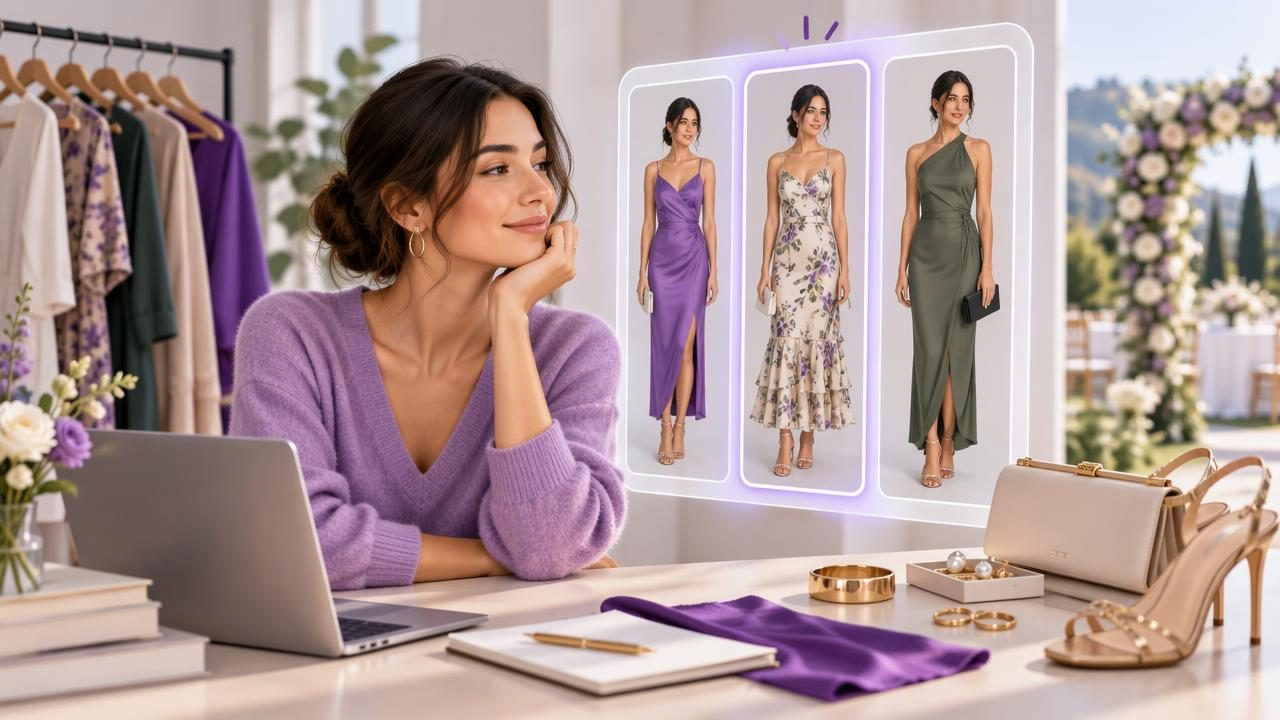
Wedding invitations often come with a dress code, a venue, and a date—but choosing what to wear can still feel surprisingly complicated. You may have several suitable pieces already, yet find it hard to picture how they work together or whether they fit the occasion. An AI outfit generator can help you explore combinations from your own wardrobe before you commit to a look.
The key is to use it as a visual planning tool, not as a replacement for reading the invitation, checking the weather, or trying clothes on. With a digital closet of your garments, you can compare outfit ideas, notice what is missing, and settle on a look that feels appropriate and like you. Here’s a practical way to plan wedding guest outfits with AI, plus a concrete example and the limits to keep in mind.
Start with the wedding, not the outfit
Before browsing your closet, collect the details that should shape your choice. Check the invitation and wedding website for the dress code, ceremony location, timing, and any requests about colors or attire. A garden ceremony, a formal evening reception, and a beach wedding can call for very different combinations, even if all three are described as “semi-formal.”
Next, think through the practical conditions. Will you be walking on grass, standing for a long ceremony, or moving between indoor and outdoor spaces? What will the temperature likely be? Is there a long journey to the venue? These answers can influence footwear, layers, and bag choice as much as the dress code does.
Use the invitation as your guide rather than relying on broad rules. If the dress code is unclear, ask the couple or a member of the wedding party. Also respect any stated cultural or religious expectations. An AI tool can suggest visual combinations, but it cannot determine what the hosts intend by a particular dress-code phrase.
Build a useful digital closet
An AI outfit generator is most useful when its suggestions reflect clothes you actually own. Start by cataloging possible wedding pieces: dresses, suits, trousers, skirts, shirts, jackets, shoes, bags, and accessories. Include garments you might wear with a different layer or pair of shoes, rather than limiting the list to items you have worn together before.
Clear photos make a digital wardrobe easier to browse. Photograph each piece in good light, with the garment visible and its color reasonably true to life. If a clothing item has details that matter—such as a neckline, sleeve length, pattern, or hem—make sure those are not hidden. You do not need to catalog your entire wardrobe at once. Begin with the pieces that could plausibly suit the invitation, then add relevant items as you go.
Keep a few useful notes alongside your own mental checklist: whether the item is comfortable for several hours, whether it needs a particular underlayer, and whether it is suitable for the venue. A digital closet can help you find and compare garments, but your own knowledge fills in details a photo may not show.
Generate combinations around one anchor piece
Rather than asking for a complete wedding look without any direction, choose one anchor garment first. It could be a dress, a tailored suit, a blouse, or a pair of formal trousers. Then explore combinations using pieces from your closet: outerwear, shoes, bags, and accessories. This keeps the process grounded in clothes you own and makes it easier to compare meaningful alternatives.
For example, imagine you have a navy midi dress, a cream blazer, black low heels, metallic flats, a small silver bag, and a colorful printed scarf. For a semi-formal afternoon wedding, you could compare two versions of the same base look:
- Look A: navy midi dress, cream blazer, black low heels, and silver bag.
- Look B: navy midi dress, cream blazer, metallic flats, and the printed scarf.
Viewing these combinations together can help you decide which mood feels right and which shoes better suit the setting. If the ceremony is on a lawn, you might favor footwear you can comfortably walk in. If the invitation specifies a formal dress code, you may decide the first combination feels more polished. The tool helps you visualize the options; the invitation and your comfort determine which one makes sense.
Use virtual try-on to compare the overall look
When an app offers AI virtual try-on from photos, it can provide another way to preview how selected garments might look together. Use the preview to compare broad styling choices: color balance, layers, silhouette, and whether an accessory competes with the rest of the outfit. This can be especially helpful when you are deciding between combinations that are difficult to picture from separate product or wardrobe photos.
Be cautious about interpreting the image as a precise fitting-room result. A virtual preview is a visualization, not a guarantee of how a garment will fit your body in person. It may not accurately represent the exact drape of a fabric, garment measurements, stretch, texture, or how a particular cut feels when you move. Photos, lighting, pose, and image processing can also affect what you see.
So use the preview to answer questions such as “Do these colors work together?” or “Would I prefer a jacket with this dress?” For questions like “Will this waist fit comfortably?” or “Can I sit and dance in these shoes?” check the garment’s actual fit and construction, and try it on if possible. Style visualization and fit prediction are different tasks.
Check the dress code, comfort, and details
Once you have a shortlist, assess each look against the event rather than choosing only by how it appears on screen. Ask yourself:
- Does the outfit suit the dress code and the time of day?
- Does it work for the venue, including the ground and likely walking distance?
- Can you wear it comfortably for the ceremony, meal, and reception?
- Will you need a layer for changing temperatures or an outdoor setting?
- Are the clothes clean, in good repair, and ready to wear?
- Do the shoes and bag feel practical for the plans?
Try the full outfit in person before the wedding, including undergarments and layers you expect to wear. Sit, walk, raise your arms, and check that the pieces stay comfortable. If you are considering a garment you have not worn recently, leave time to check its condition or arrange an alternative. A digital preview cannot reveal a missing button, a scratchy lining, or whether a shoe becomes uncomfortable after an hour.
Save the final look and plan a backup
When you settle on an outfit, save the combination so you do not have to reconstruct it later. Keep the main garments and accessories together in your planning notes or digital closet. Add a reminder to prepare the outfit—such as steaming a shirt, polishing shoes, or checking a jacket pocket—several days before the event.
It is also helpful to identify one backup combination from pieces you already own. The backup does not need to be a second elaborate look. It might be a different pair of shoes for rain or a warmer layer if the forecast changes. If you save or share outfit combinations with a friend, treat feedback as an extra perspective rather than a substitute for the invitation’s requirements or your own comfort.
For more ideas on organizing garments before you style them, read this guide to building a digital closet. Outfit Maker is an iOS AI outfit generator and digital wardrobe planner that lets users upload clothing photos, visualize combinations, and save or share looks. Explore the app at Outfit Maker if that approach suits your planning routine.
A simple wedding outfit planning workflow
- Read the invitation. Note the dress code, venue, timing, and any specific requests.
- Choose an anchor garment. Start with a suitable item you already own.
- Build a small digital shortlist. Add realistic options for layers, shoes, bags, and accessories.
- Compare combinations. Use an AI outfit generator or virtual try-on to visualize the overall styling.
- Try on the complete look. Check real fit, comfort, condition, and movement.
- Save your choice and backup. Keep the selected combination easy to revisit, and prepare for practical changes such as weather.
Planning wedding guest outfits with AI works best when it supports thoughtful decisions instead of making them for you. A digital closet helps you see more possibilities in the clothes you already own; virtual try-on can help you compare the visual effect of combinations. The final check still belongs in the real world: make sure the outfit suits the occasion, fits comfortably, and works for the day you are attending.