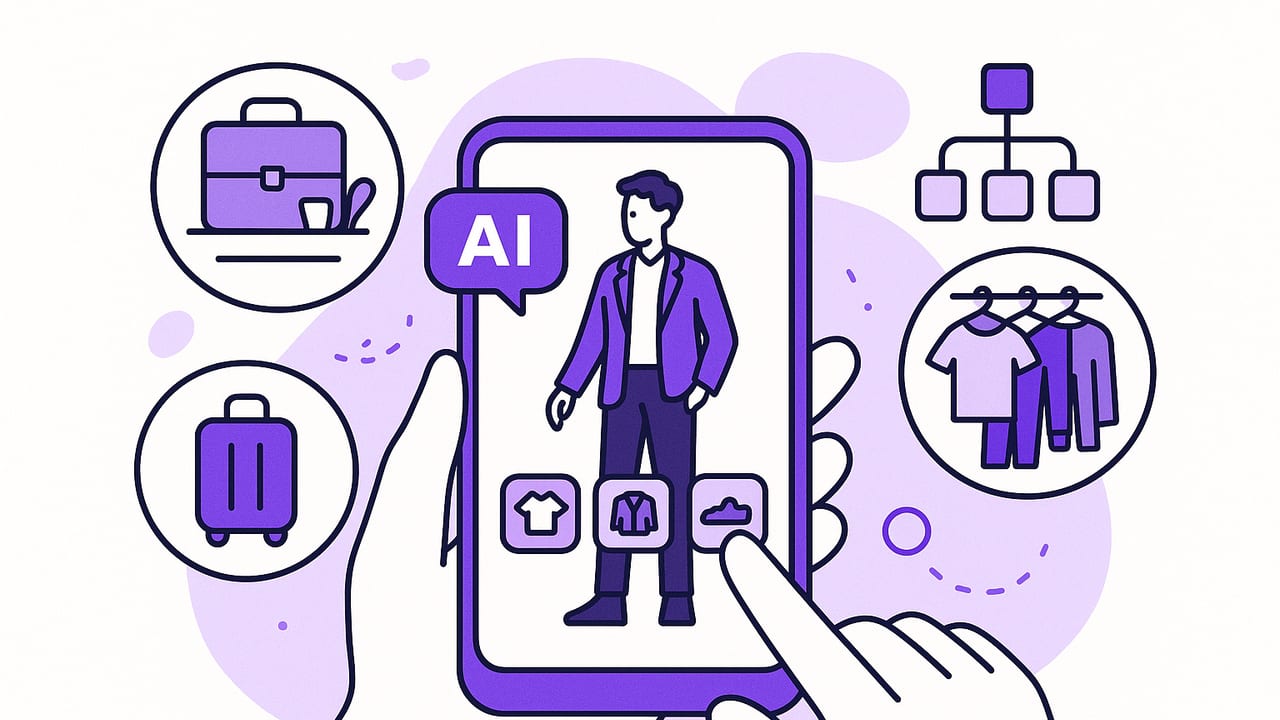
An ai outfit app can turn your camera roll and closet photos into a smart, searchable wardrobe that plans looks for work, weekends, and travel. But with so many options promising virtual try-ons and effortless styling, how do you separate fun gimmicks from tools that actually improve your daily routine? This guide breaks down how these apps work, which features matter, and practical workflows that help you get dressed faster, waste less, and love your outfits more.
What an AI Outfit App Actually Does
At its best, an ai outfit app combines three engines:
- Computer vision: Identifies garments in photos (tops, pants, dresses), segments backgrounds, recognizes colors, patterns, and sometimes fabrics.
- Recommendation system: Suggests outfits based on your items, weather, calendar events, and personal style history.
- Virtual try-on: Shows how items could look on your body using 2D overlays or 3D/AI-driven draping, sometimes with size and fit hints.
The result is a digital wardrobe that lets you try combinations without changing clothes, log what you wear, and plan ahead so you always have a look ready.
How Virtual Try-On Works (and Why Fit Isn’t Perfect)
Most ai outfit apps use one of these approaches:
- 2D overlay: The app segments a clothing item and places it over your photo. It’s fast and realistic for prints and color, less precise for drape and stretch.
- Parametric 3D: A basic 3D body model and garment template simulate fit. Better for silhouettes, weaker for detailed textures or complex garments.
- Generative try-on: Diffusion or similar AI models render the clothing onto you with learned fabric behavior. Often the most lifelike, but results can vary with pose and lighting.
Important caveat: these systems emphasize look over tailored fit. They can approximate length, proportions, and color harmony but won’t replace a fitting room for exact sizing. Use virtual try-on to shortlist combinations, then confirm with size charts or in-person fit when needed.
Feature Checklist: What to Compare Before You Download
| Feature Area | Why It Matters | What Good Looks Like |
|---|---|---|
| Closet digitization | Faster capture means you’ll actually add items and keep the app useful. | Auto background removal, batch import, tags for category, season, color, fabric. |
| Styling intelligence | Outfit suggestions save time and inspire new combos. | Context-aware picks (weather, dress code), learns from likes, avoids repeats. |
| Virtual try-on realism | Confidence to wear what the app proposes. | Consistent drape, color accuracy, pose alignment with multiple angles. |
| Calendar & packing | Moves styling from “ideas” to “planned outfits.” | Event-based looks, packing lists, re-wear planning for trips. |
| Search & filters | Find the right piece quickly. | Filter by color, fabric, cost-per-wear, washed/clean status, occasion. |
| Privacy & data control | Your body and wardrobe photos are sensitive. | Clear policy, on-device processing where possible, easy delete/export. |
| Sharing & collaboration | Style feedback and group events. | Share looks with friends, comment, compare variations securely. |
| Performance | You’ll only use it if it’s quick. | Low latency try-ons, smooth editing, offline basics. |
Set Up Your Digital Wardrobe in Under an Hour
A simple onboarding workflow gets you 80% of the value without photographing every sock.
- Prioritize core categories: Add 10–15 most-worn items (jackets, jeans, trousers, favorite shirts, go-to shoes). Capture front-on, good light, neutral background.
- Tag as you go: Category, color, seasonality, dress code (casual, business, formal), and care (dry clean, machine wash).
- Add a “wildcard” row: 3–5 statement pieces you struggle to style. These will unlock new outfits.
- Save outfit templates: Create 5 staples (e.g., blazer + tee + trousers + loafers). Use them as building blocks later.
- Connect context: Link calendar or add a packing list so the app can suggest based on real plans.
Done right, your ai outfit app becomes a living wardrobe you keep refining each week, not a one-time project.
Styling Frameworks You Can Apply in Any App
1. The 60/30/10 Ratio
Use 60% base (neutrals), 30% secondary (accent color or silhouette interest), 10% statement (print, texture, or bold accessory). This balances cohesion and personality without overthinking.
2. Silhouette Equation
Pair volume with structure: if the top is oversized, pick streamlined bottoms; if pants are wide, choose a fitted top. Your virtual try-on becomes a quick way to compare proportions side by side.
3. The 3x3 Outfit Matrix
Pick 3 tops, 3 bottoms, 3 layers that all mix-and-match. That’s 27 potential combinations. Save favorites to your lookbook for fast weekday rotation.
4. Color Harmony Basics
- Analogous: Neighboring hues (olive, forest, sage) for subtle sophistication.
- Complementary: Opposites (navy–rust, green–magenta) for punchy contrast.
- Monochrome: One hue, varied saturation (slate–charcoal–graphite) for sleek minimalism.
Real-World Use Cases That Make the App Pay for Itself
Travel Packing
Create a capsule using the 5–4–3–2–1 rule: 5 tops, 4 bottoms, 3 layers, 2 shoes, 1 statement piece. Use the app to simulate outfits for each day and avoid redundant items. Tag worn looks to prevent repeats in trip photos.
Workweek Rotation
Build five ready-to-wear looks and schedule them on your calendar. The app can recommend weather-appropriate swaps (e.g., switch loafers to boots on rainy days). By Friday, log what you actually wore to train better suggestions next week.
Special Events
Test silhouettes before committing: tux vs. dark suit, midi vs. mini, strappy heels vs. block heels. Use virtual try-on to preview hem length with your body proportions and tweak accessories for balance.
Fitness & Athleisure
Plan gym outfits that transition to errands: performance legging + longline tank + overshirt + trainers. Tag sweat-prone pieces so the app avoids suggesting items that are in the wash.
Privacy, Security, and Data Ethics
Your body photos and wardrobe data are personal. Before you commit, check:
- Processing: Does the app process images on-device, or are they uploaded? If cloud-based, is data encrypted in transit and at rest?
- Control: Can you export and delete all your data easily? Are deletions permanent?
- Training consent: Are your images used to train models? If so, can you opt out?
- Third-party sharing: Does the policy allow sharing with advertisers or affiliates? Look for clear, restrictive language.
Good ai outfit apps are transparent, offer meaningful control, and minimize data retention.
Measure the ROI of Your AI Wardrobe
Quantify time saved and better use of your clothes. Track two metrics for a month:
- Time saved: Minutes to choose an outfit before and after using the app.
- Cost per wear (CPW): How effectively you rotate garments.
# Simple CPW and time ROI model
item_price = 180
wears_per_month_before = 1
wears_per_month_after  = 4
cpw_before = item_price / (wears_per_month_before * 12)
cpw_after  = item_price / (wears_per_month_after  * 12)
minutes_saved_per_day = 8
value_of_time_per_hour = 20
monthly_time_value = (minutes_saved_per_day/60) * 30 * value_of_time_per_hour
print({"cpw_before": cpw_before, "cpw_after": cpw_after, "monthly_time_value": monthly_time_value})
Even small improvements add up: increasing wears from 1 to 4 per month cuts CPW by 75%, and saving eight minutes a day returns hours of time monthly.
Troubleshooting Common Try-On Mistakes
- Fabric looks “stiff” or “painted on”: Retake item photos flat and well-lit; avoid folds that confuse drape estimation.
- Colors look off: Shoot near a window or with neutral lighting; avoid warm bulbs that yellow whites.
- Proportions feel wrong: Match your pose to the garment’s intended silhouette. Stand straight for tailored pieces, slight bend for relaxed fits.
- Background clutter interferes: Use a blank wall or sheet; most segmentation models perform best with clear edges.
- Naming chaos: Adopt a convention like “Brand_Item_Color_Season” so search and filters work smoothly.
Advanced Tips to Get Stylist-Level Results
- Build a palette: Group your closet by 3–4 neutrals and 2–3 accents. Force the app to suggest within that palette for more cohesive looks.
- Template layers: Create seasonal templates (winter: knit + coat + boot; summer: tee + light trouser + sneaker) and let the app fill specifics.
- Occasion rules: Add soft constraints (no ripped denim for work, no suede in rain) to improve recommendations.
- Feedback loop: “Like” and “wear” what you actually use; hide or downvote misses so the algorithm learns quickly.
What’s Next for AI Styling
Expect tighter personalization and realism:
- Body-aware suggestions: Better shape estimation for sleeve length, rise, and hemlines.
- Contextual styling: Integrations with weather, commute, and venue lighting (yes, photos matter) to refine choices.
- Sustainability insights: Wear tracking that spotlights underused items and suggests swaps before you buy.
- Collaboration: Shared lookbooks for weddings, uniforms, or team events with unified dress codes.
Great style is a repeatable system, not a one-off stroke of inspiration. Use your ai outfit app to document what works and iterate.
Quick Buying Guide: 7 Questions to Ask
- How easy is it to import and tag 20+ items quickly?
- Do try-ons stay consistent across different poses and lighting?
- Can it plan outfits for specific events, weather, and travel?
- How does it protect my photos and who can access them?
- Does it learn from my likes, wears, and no-go rules?
- Is sharing outfits with friends secure and optional?
- What’s the actual time-to-look (from open to saved outfit)?
If you’re exploring an ai outfit app on iOS, you can also try Outfit Maker, which combines virtual try-ons with a digital wardrobe planner to help you visualize and organize outfits without changing clothes.
