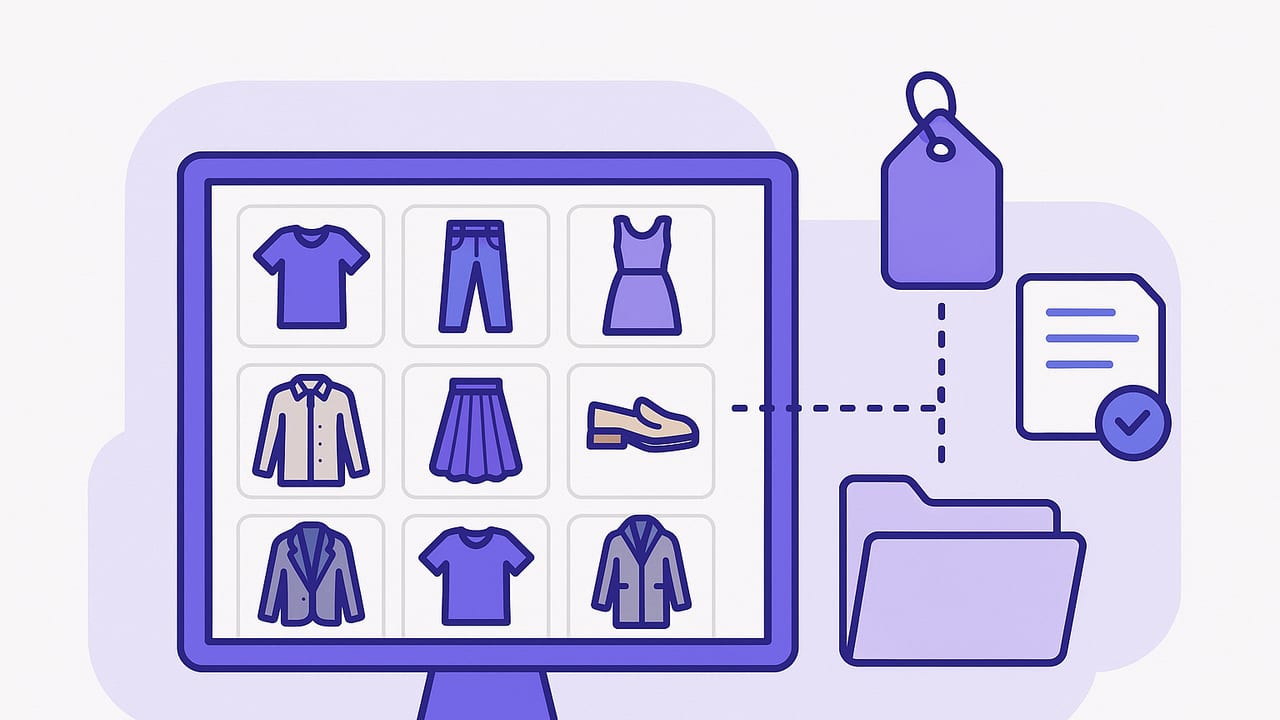
If you have ever stood in front of your wardrobe thinking you have nothing to wear, learning how to organize a digital closet can change everything. A well-structured digital wardrobe makes your items searchable, your outfits repeatable, and your mornings calmer. This guide walks you through a practical, step-by-step system to photograph clothing, standardize file names, build a tag taxonomy, and set up workflows that help you actually wear what you own.
Rule of thumb: Name things once, find them forever.
Why a Digital Closet is Worth It
- Searchable wardrobe: Filter by color, weather, occasion, or dress code in seconds.
- Better cost-per-wear: See what you truly wear and identify gaps before buying new items.
- Consistent style: Build repeatable outfit formulas (e.g., blazer + tee + tapered trousers).
- Pack faster: Save travel capsules and reuse them with one tap.
- Seasonal planning: Rotate closets with minimal effort by filtering for fabric weight and season tags.
Before You Start: Edit and Define
A digital closet is only as helpful as the items you include. Spend an hour doing a quick edit:
- Remove non-wearable pieces: Stained, broken, poor fit—donate or recycle.
- Set style goals: Pick a 3–5 color core palette and a few silhouettes you love.
- Prioritize in-season items: Photograph the pieces you wear most first; backlog the rest.
The Step-by-Step System
Step 1: Photograph Your Items
Good images make everything easier to recognize. Aim for consistency over perfection.
- Lighting: Indirect daylight near a window; avoid harsh shadows.
- Background: Plain wall, door, or floor. If possible, remove the background later.
- Framing: Shoot straight-on, centered, with the whole item visible.
- Angles: One clear photo per item is enough; add detail shots for prints or textures.
Hang tops and dresses. Lay pants and skirts flat, smoothing folds. For shoes, shoot side view plus a quick sole shot for wear-tracking if desired.
Step 2: Standardize Filenames
Filenames are your first line of organization. Use a template that keeps sorting useful. Consider this structure:
Category_Item-Name_Color_Fit_Occasion_Season.ext

Examples:
Top_Button-Down-Classic_White_Regular_Work_AllYear.jpg
Bottom_Jeans-Straight_Black_HighRise_Casual_FallWinter.jpg
Shoe_Loafers_Chestnut_Leather_Work_AllYear.jpg- Use underscores to separate fields and hyphens within words.
- Keep colors simple (navy, black, white, tan, olive).
- Use one occasion label (Casual, Work, Event, Active).
Step 3: Create a Tag Taxonomy
Tags make items filterable beyond filenames. Choose a small, consistent set—enough to find items fast without overwhelming maintenance.
| Tag Category | Example Values | Why It Helps |
|---|---|---|
| Color | Black, White, Navy, Olive, Tan, Cream | Build palettes and match accessories quickly. |
| Occasion | Casual, Work, Event, Active, Travel | Plan outfits for context without overthinking. |
| Season | AllYear, SpringSummer, FallWinter | Rotate wardrobes and pack smart. |
| Fabric | Cotton, Linen, Wool, Silk, Denim, Leather | Care instructions and weather comfort. |
| Fit/Silhouette | Relaxed, Regular, Tailored, Oversized, Cropped | Balance proportions in outfits. |
| Status | Clean, Laundry, Alterations, Donate | See what’s actually available to wear. |
| Cost/CPW | $120, CPW: $6 | Track cost-per-wear to inform future buys. |
Keep spelling and capitalization consistent. If in doubt, tag less and rely on filenames plus a few powerful tags.
Step 4: Set Up a Folder Structure
Folders support high-level organization. Keep it shallow and predictable.
Digital-Closet/
  01_Tops/
  02_Bottoms/
  03_Dresses/
  04_Layers/
  05_Shoes/
  06_Accessories/
  90_Outfits/
    Work/
    Casual/
    Event/
    Travel/
Numbered folders stay ordered alphabetically. The Outfits folder stores saved combinations.
Step 5: Capture Useful Metadata
If your app or album supports notes, add these fields for each item:
- Purchase date and price: Enables cost-per-wear insights.
- Brand and size: Recall fit and shape for future purchases.
- Care notes: Dry clean, hand wash, hang dry.
- Wear log: Optional. Select the item each time you wear it to see true favorites.
Here’s a lightweight "item card" format you can copy into notes:
Item: Jeans — Straight — Black — High Rise
Brand/Size: Levi's 28
Fabric: Denim (1% elastane)
Occasion: Casual, Work
Season: FallWinter, AllYear
Price/Date: $98 — 2023-09
Care: Cold wash, line dry
Notes: Best with loafers and cropped cardigans
Step 6: Build Outfit Templates
Outfit templates reduce decision-making. Start with 3–5 formulas and save 2–3 versions of each:
- Smart casual: Blazer + knit tee + straight jeans + loafers.
- Office core: Tailored trousers + silk blouse + cardigan + block heels.
- Weekend: Oversized sweatshirt + leggings + sneakers + crossbody.
- Event: Midi dress + wrap + low heels + clutch.
- Travel: Breathable tee + soft blazer + pull-on pants + slip-ons.
Save each as a composite outfit or album with item references, then tag the outfit (Occasion: Travel, Season: SpringSummer) for quick filtering.
Step 7: Maintain a Simple Rhythm
Consistency beats intensity. Adopt a minimal upkeep routine:
- Weekly (10–15 minutes): Add new purchases, update laundry status, archive anything you’re donating.
- Monthly (20 minutes): Review the wear log, prune duplicates, refresh outfit templates for upcoming weather.
- Seasonal (30–45 minutes): Rotate tags (SpringSummer vs. FallWinter), retire worn-out items, and document wish-list gaps.
Example Workflows You Can Copy
A 15-Minute Weekly Reset
- Open your Outfits folder and star the looks you actually wore.
- Mark worn items as Clean or Laundry so your next plan reflects reality.
- Note any friction (e.g., shoes rubbing) and add a quick fix task (gel pads, alterations).
- Duplicate a favorite outfit and swap one item to create a fresh variant for next week.
Packing in Under 20 Minutes
- Select destination weather and occasion tags (e.g., Travel + SpringSummer).
- Pick one base color (black or navy) and one accent (tan or olive).
- Choose 2 tops, 2 bottoms, 1 layer, 2 shoes that all mix and match.
- Save as a "City Weekend 4x4" outfit set in your Travel folder.
For short trips, a 10-piece capsule often yields 12–15 outfits. Photograph the packed looks to replicate later.
Troubleshooting and Pro Tips
- Glare and color accuracy: Step back, avoid direct light, and use the same spot daily for consistent tones.
- Background removal: If available, remove backgrounds for cleaner collages and easier visual matching.
- Duplicates: Tag near-duplicates as "Compare" and keep only the one you reach for most after three wears.
- Complex prints: Add a detail photo and tag the colors to help with pairing.
- Footwear fit notes: Note socks required, break-in status, and true-to-size info to save time.
- Alterations pipeline: Use Status: Alterations to exclude items from daily planning until they return.
FAQ: Organizing a Digital Closet
How long does it take to digitize a wardrobe?
Plan on 2–3 minutes per item for quick photos and filenames. Start with your top 30 items to feel the benefits immediately and backfill later.
Do I need pro photography?
No. Consistent light and framing beat perfection. Many apps can remove backgrounds automatically.
How many tags are too many?
Limit yourself to 5–7 categories. If you rarely use a tag, drop it.
What about accessories and jewelry?
Photograph them on a neutral background and tag by metal (Gold, Silver), scale (Delicate, Statement), and occasion.
How do I keep cost-per-wear updated?
Each time you log an outfit, the app or your spreadsheet can increment wears. Divide price by total wears to get CPW.
Starter Templates You Can Paste
Copy these into a notes app, spreadsheet, or your clothing organizer.
Item Filename Template
Category_Item-Name_Color_Fit_Occasion_Season.jpgItem Notes Template
Item:
Brand/Size:
Fabric:
Occasion:
Season:
Price/Date:
Care:
Notes:
Outfit Card Template
Outfit Name:
Occasion/Season:
Top:
Bottom:
Layer:
Shoes:
Accessories:
Notes (weather, comfort, alternatives):
Common Mistakes to Avoid
- Inconsistent naming: If you switch between "Blue" and "Navy," filters break. Pick one.
- Too many categories: A folder for every micro-type creates clutter. Keep top-level broad.
- Skipping maintenance: Without a weekly five-minute sweep, status tags fall out of sync.
- Not saving outfits: The power of a digital closet is recall. Save and label your wins.
A Quick Checklist for Momentum
- Choose a naming convention and stick to it.
- Define 5–7 tag categories with approved values.
- Photograph your top 30 worn items first.
- Create 5 outfit templates and save 2 versions of each.
- Do a weekly 10-minute reset every Sunday.
By following these steps, you will know exactly how to organize digital closet assets so that they serve you daily: less decision fatigue, more repeatable wins, and a clearer view of what you actually need (and do not need) to buy.
Gentle note: If you prefer an app that streamlines photos, background removal, tagging, and outfit planning on iOS, Outfit Maker combines a smart closet, AI outfit generator, and virtual try-on to put this system on autopilot.
