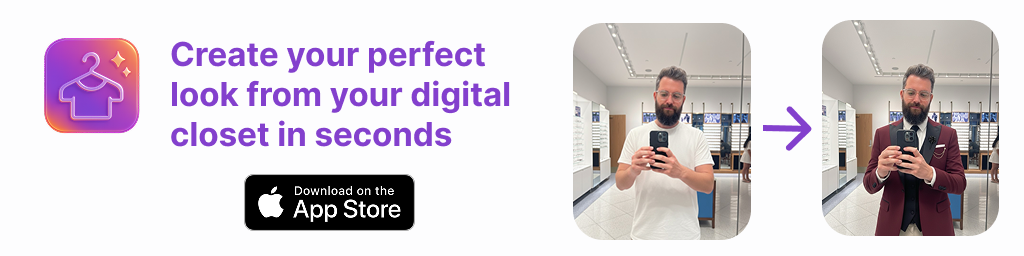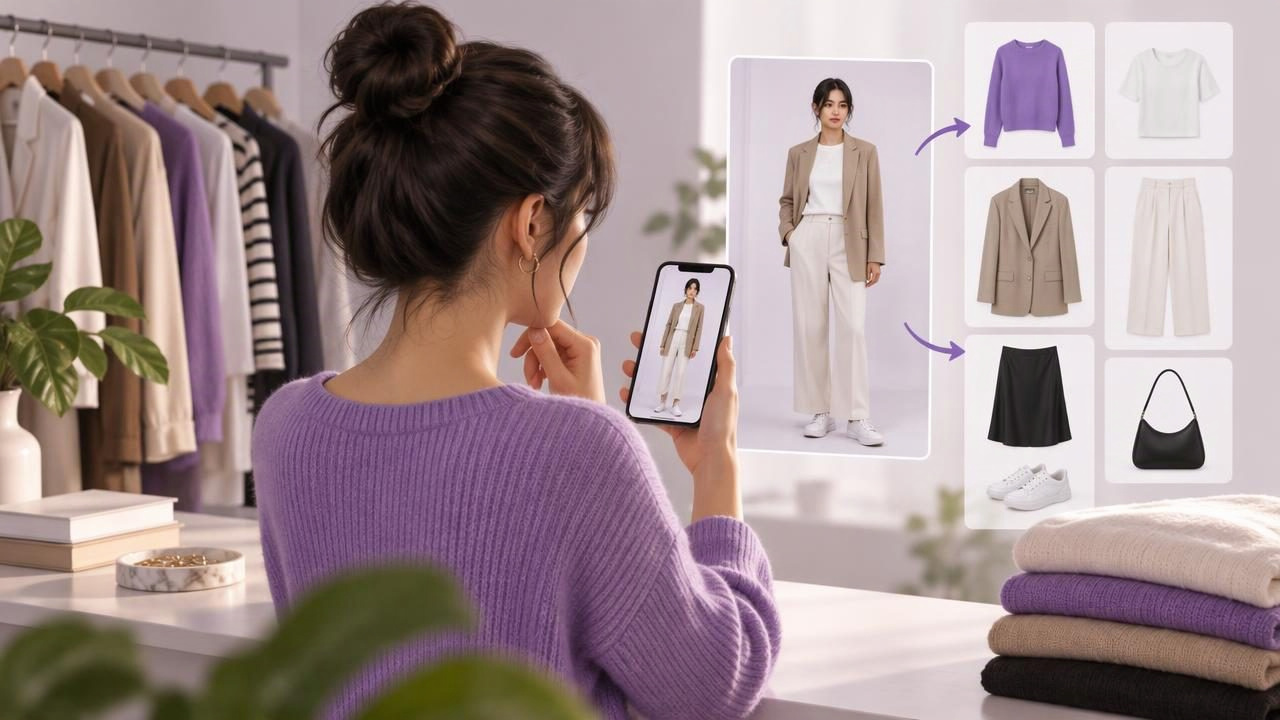
A capsule wardrobe sounds simple: keep a considered group of clothes that work well together, then get dressed with less effort. The tricky part is knowing which pieces really combine, and whether you will enjoy wearing those combinations in everyday life. A virtual try-on app can make that decision easier by letting you visualize outfits made from clothes you already own.
Used thoughtfully, it can help you build a digital closet, spot versatile pieces, and test outfit ideas before you get dressed. It is a tool for seeing style combinations—not a guarantee of exact fit, fabric behavior, or comfort. Here is how to use it to create a capsule wardrobe that suits your routines and personal taste.
What a virtual try-on app can—and cannot—do
A virtual try-on app can show a visual representation of clothing combinations using uploaded photos. Depending on the app, you may be able to pair cataloged garments with a photo of yourself and compare possible looks without physically changing clothes. That visual overview can make it easier to notice whether colors, layers, or silhouettes seem to work together.
Think of the result as a styling preview, not a fitting-room measurement. A generated image cannot reliably confirm that a waistband will fit, a sleeve will feel comfortable, or a fabric will drape exactly as pictured. Lighting, camera angle, garment photos, and the way clothing is represented can all affect the result. Use the preview to explore ideas, then use your real clothes and judgment to check fit and feel.
Start with the capsule you need, not an ideal number
There is no universal number of pieces that makes a wardrobe a capsule. A useful collection depends on your climate, work expectations, activities, laundry habits, and how often you want to repeat outfits. Rather than beginning with a strict limit, define a practical purpose: perhaps a small group of clothes for office days, a travel week, or a season of everyday dressing.
Write down the situations you dress for most often. If you work in a relaxed office, your core pieces might differ from those of someone who needs formal clothing. Include shoes, outerwear, and layers in your thinking; they affect whether an outfit is usable in real life. A capsule is not only a set of attractive tops and bottoms. It should cover the conditions you actually face.
Build a digital closet from clothes you already wear
Before adding anything, take stock of your current wardrobe. A digital closet turns that inventory into something easier to browse than a crowded rail or a stack of drawers. Start with pieces you reach for regularly, plus items you like but rarely know how to style. You do not need to photograph every garment in one sitting; beginning with a small, useful selection keeps the task manageable.
- Choose a category: Begin with a few everyday tops, bottoms, shoes, and one or two layers.
- Add clear garment photos: Use images that show the item’s color and general shape. Keep backgrounds and lighting as consistent as you reasonably can.
- Include reliable favorites: A garment you wear often is a better starting point than an aspirational piece that does not suit your routine.
- Note practical details: Remember the real-world factors that photos cannot show, such as warmth, comfort, care needs, and whether an item is suitable for your day.
As you catalog more clothing, you will get a clearer picture of what is already available. For more guidance on organizing clothing digitally, see this guide to creating a digital closet.
Test combinations before deciding what belongs
Once you have a few items in your digital closet, use virtual try-on to explore combinations. Start with a piece you wear frequently and pair it with several bottoms, layers, or shoes. The goal is not to generate as many looks as possible. It is to find combinations you can imagine wearing for real occasions, then check those combinations against your actual wardrobe.
For example, imagine a capsule for a week of casual work and weekend errands. You have a navy knit top, a white shirt, a striped tee, dark jeans, beige trousers, a midi skirt, a cardigan, a light jacket, and two pairs of shoes. A virtual preview could help you compare the navy top with both trousers and the skirt, or see whether the cardigan appears to work over the shirt and tee. That gives you a visual shortlist instead of relying on memory.
Next, try the shortlisted outfits on in real life. Check whether the colors look as expected in daylight, whether the layers feel comfortable, and whether the shoes suit the amount of walking you do. If a combination looks appealing in the app but feels awkward on your body, it is not a useful capsule outfit. The real-world check turns a promising image into a decision you can trust.
Look for repeatable outfit formulas
A strong capsule is not necessarily made of pieces that all match everything. It works when several items combine into outfits that suit your life. As you compare looks, notice simple formulas you can repeat, such as a fitted top with relaxed trousers, a shirt under a cardigan, or a skirt balanced by a casual knit. These formulas can make daily decisions faster without making every outfit identical.
Try to identify a few combinations for different needs: a comfortable outfit for errands, a slightly polished option for work, and a layer-ready look for cooler days. Save or note the combinations you would genuinely wear. If an item appears in many of your preferred outfits, it may be a useful anchor piece. If a garment repeatedly fails to combine with anything else, consider whether it belongs in this particular capsule—not whether you must discard it.
Use gaps to guide your next decision
A digital closet can reveal gaps more clearly than shopping from a vague feeling that you have “nothing to wear.” Perhaps your tops work with jeans but not with the trousers you need for work. Maybe you have several light layers but no warm outer layer for your usual commute. Those observations can help you decide whether a missing category is a real problem.
Before buying anything, see whether another item you own can fill the role. Try alternative combinations, including pieces you have overlooked, and check whether a small styling change makes an outfit work. If there is still a practical gap, write down the specific job a potential addition needs to do. This keeps the capsule focused on useful wardrobe needs rather than on chasing a particular number of garments.
Keep the capsule flexible as your life changes
A capsule wardrobe is a working system, not a permanent rulebook. Weather shifts, schedules change, and clothes wear out. Review your selected pieces when a new season begins or when your routine changes. Remove items from the active group if they are uncomfortable or no longer relevant, and bring in appropriate pieces you already own.
When your digital closet includes more items, filter your thinking by context. You might focus on workwear during the week and casual layers for the weekend. For a trip, consider the forecast, planned activities, and how often you can rewear each item; a visual wardrobe can help compare combinations before packing. Keep the capsule small enough to be useful, but not so strict that it excludes clothes you enjoy.
Common mistakes to avoid
- Choosing pieces only because they are neutral: A limited color palette can help combinations, but comfort and personal preference matter just as much.
- Trusting a preview as a fit check: Use it to consider styling, then assess the real garment for fit, movement, and feel.
- Cataloging everything before you begin: A small, well-chosen group is enough to start finding combinations.
- Keeping looks you would not wear: A visually pleasing combination is not practical if it does not suit your day or taste.
- Buying to complete an arbitrary set: Add a garment only when it solves a clear, recurring need.
Make getting dressed easier, one combination at a time
The easiest capsule wardrobe to maintain is one built around clothes you own, outfits you like, and situations you encounter regularly. A virtual try-on app can make the planning stage more visual: organize garments, compare combinations, and save the looks that seem worth testing. The final decision should still come from wearing the clothes and noticing how they fit your body, feel, and function throughout the day.
If you want to explore this approach with an AI outfit generator and digital wardrobe, Outfit Maker lets you work with clothing and photos to visualize outfit ideas. Treat those previews as inspiration for style combinations, then confirm fit and comfort with the real garments.