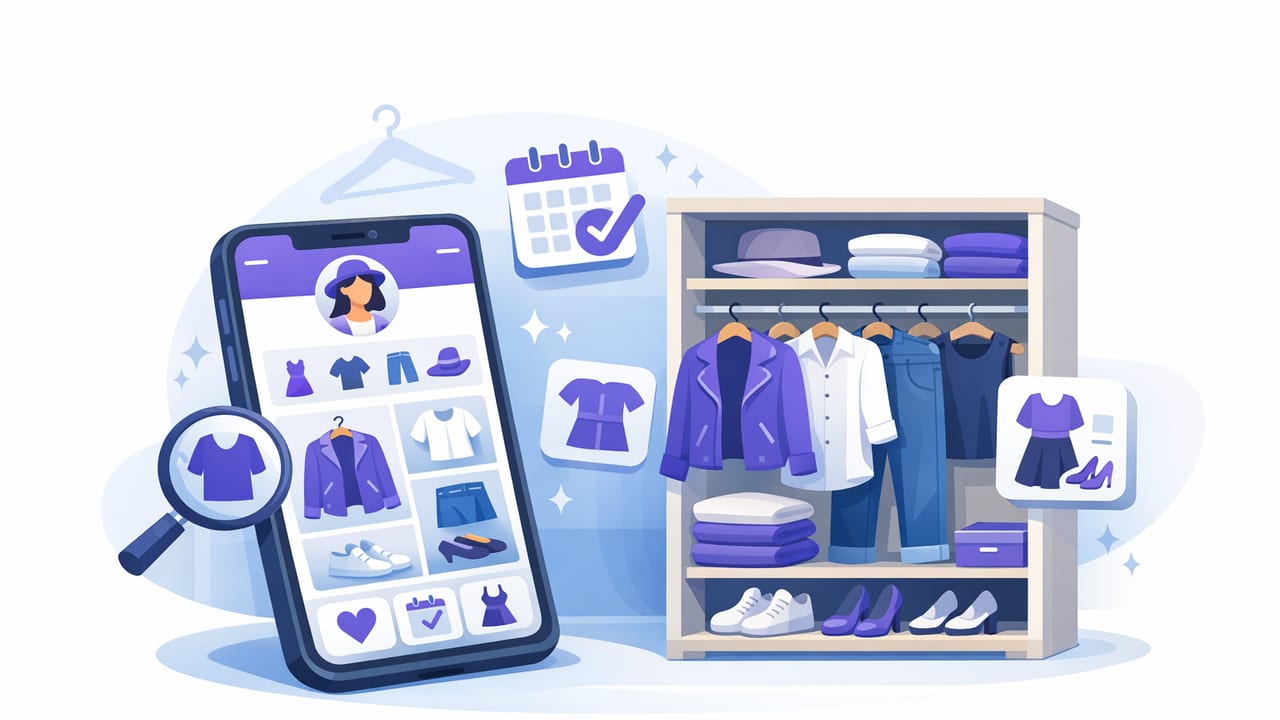
If your closet feels full but mornings still feel like you have “nothing to wear,” the problem usually isn’t the amount of clothing—it’s visibility. A good app to organize your wardrobe turns a scattered closet into a searchable system, so you can find, compare, and plan outfits quickly. Done right, it can also reduce duplicate purchases, improve outfit variety, and make packing or event dressing much less stressful.
This guide breaks down what to look for in a wardrobe organization app, how to set it up for real life, and how features like a digital wardrobe, AI outfit generator, and virtual try-on can make the system more useful—not just more complicated.
What a wardrobe organizer app should actually solve
Before comparing features, define the job you want the app to do. The best “smart closet” tools don’t just store photos—they support decisions.
- Reduce decision fatigue: easier outfit choices with saved formulas and quick filters.
- Make your closet searchable: by color, season, occasion, fit, fabric, and more.
- Improve outfit repeatability: so great outfits don’t disappear after one wear.
- Spot wardrobe gaps: identify missing basics (or too many near-duplicates).
- Plan ahead: workweek outfits, events, weather shifts, travel packing.
Helpful rule: If an app only helps you catalog clothes but not use them better, it’s a photo album—not a wardrobe system.
Key features to look for in an app to organize your wardrobe
Most apps overlap, but a few capabilities separate “nice idea” from “daily useful.”
1) Fast item capture (photos + details)
You’ll only keep your digital closet updated if adding items is frictionless. Look for:
- Simple photo capture and background cleanup (or clean cropping tools)
- Batch adding (to avoid turning setup into a weekend-long project)
- Custom fields or flexible tagging (so the app matches your life)
2) Powerful tags and filters (the real engine)
Tags are what make your wardrobe searchable. Strong filtering lets you answer questions like:
- “Show me work-appropriate tops that match navy trousers.”
- “What do I own that’s good for hot weather and walking all day?”
- “Which pieces haven’t been worn in the last 90 days?”
3) Outfit building + saving
Outfit planning is where a wardrobe app starts saving real time. Prioritize apps that allow:
- Drag-and-drop outfit creation
- Saving outfits with names (e.g., “Client presentation,” “Weekend errands”)
- Notes (shoe comfort, bra type, layering tips, “runs large,” etc.)
4) Calendar or planning views
Calendar planning reduces morning scrambling and helps prevent “accidental repeats” (or, if you like repeats, makes them intentional). Helpful options include:
- Weekly planning
- Weather-aware suggestions (if available)
- Event-based packing lists
5) AI outfit generator and virtual try-on (optional, but high impact)
Not everyone needs AI, but it can be a major advantage when you’re stuck. An AI outfit generator can suggest combinations you wouldn’t think of, while virtual try-on helps you preview balance and proportion without physically changing clothes. The key is that AI should work with your actual wardrobe inventory, not generic inspiration photos.
6) Sharing and comparison (for feedback loops)
If you like second opinions, look for the ability to share outfits with friends or compare two options side-by-side. This is especially useful for:
- Interviews, weddings, important meetings
- Capsule wardrobe planning
- Shopping decisions (“Do I already own something similar?”)
The ideal wardrobe item record (use this checklist)
A practical wardrobe database doesn’t need dozens of fields. It needs the right ones. The table below outlines a high-signal template you can recreate in most apps using built-in fields, tags, or notes.
| Field | Examples | Why it matters |
|---|---|---|
| Category | T-shirt, blouse, jeans, blazer | Enables basic filtering and outfit building |
| Color(s) | Black, cream, olive | Speeds matching and capsule planning |
| Season / Temperature | Summer, transitional, winter | Prevents impractical suggestions |
| Occasion | Work, casual, formal, gym | Makes “what should I wear?” searchable |
| Fit / Silhouette | Oversized, slim, cropped, high-waist | Helps balance proportions in outfits |
| Fabric / Care | Linen, wool, delicate wash | Supports comfort, weather, maintenance decisions |
| Comfort rating | 1–5 scale | Stops you from planning outfits you won’t actually wear |
| Wear count / last worn | Auto-tracked or manual | Highlights neglected items and true favorites |
A setup method that doesn’t burn you out
Many people abandon wardrobe apps because the initial cataloging feels endless. Use a staged approach that prioritizes usefulness quickly.
Step 1: Start with your “top 30” pieces
Instead of trying to capture everything, add the items you wear most:
- 2–3 pairs of everyday shoes
- Your most-used pants/jeans
- Favorite tops, outerwear, and a go-to bag
This gives the app immediate value and provides a base for outfit planning.
Step 2: Add categories in waves
- Everyday basics (tees, jeans, sneakers)
- Workwear / school (blazers, trousers, closed-toe shoes)
- Occasionwear (weddings, interviews, events)
- Seasonal items (coats, boots, swimwear)
Step 3: Use consistent tagging rules
Inconsistent tags create messy filters. Pick a small set and stick to them. A good rule is:
- 5–8 core occasion tags (Work, Casual, Formal, Gym, Lounge…)
- 3–5 temperature tags (Hot, Mild, Cold, Rain…)
- 2–4 fit tags (Fitted, Relaxed, Oversized…)
Step 4: Save “outfit formulas,” not just outfits
Outfits are great; formulas are better. Examples:
- Work formula: straight-leg trousers + fitted knit + loafers + structured tote
- Weekend formula: wide-leg denim + tucked tee + sneakers + light jacket
- Warm-weather formula: linen shorts + tank + overshirt + sandals
Once you have formulas, the app’s filters (or AI suggestions) can generate variations using what you already own.
How AI suggestions and virtual try-on improve daily decisions
When you’ve cataloged items and tagged them well, AI becomes far more accurate. Here’s what it’s best at in a smart closet organizer context:
- Breaking outfit ruts: suggests combinations beyond your default pairings.
- Balancing silhouettes: proposes proportions (e.g., oversized top + slim bottom).
- Occasion constraints: filters ideas by dress code and weather.
- Making “new” outfits from old items: especially when you add one new piece.
Virtual try-on adds a reality check. Even if you don’t rely on it for final fit, it can help you preview:
- Color harmony (does the warm beige clash with your cool gray?)
- Contrast level (too low contrast can look flat; too high can feel loud)
- Overall vibe (polished vs casual) before you commit time
Common mistakes (and how to avoid them)
Uploading everything but tagging nothing
A closet full of photos is hard to use. Minimal tags done consistently beats perfect descriptions done rarely.
Planning outfits that ignore comfort
Add a comfort rating or a “reality tag” like all-day, commute-friendly, or needs tailoring. It prevents planning fantasy outfits you won’t wear on a normal Tuesday.
Forgetting maintenance habits
Your wardrobe changes: laundry cycles, repairs, seasonal swaps. Create a light routine:
- Weekly: log worn outfits (or at least favorites)
- Monthly: add new purchases and remove donated items
- Seasonally: re-tag temperature/season and archive off-season pieces
Optional: a simple “wardrobe item” schema you can copy
If your app supports notes or structured fields, you can standardize entries with a compact template. Here’s a small JSON-style example you could paste into notes for consistency:
{
  "name": "Black ankle boots",
  "category": "Shoes",
  "colors": ["Black"],
  "occasion": ["Work", "Casual"],
  "season": ["Mild", "Cold"],
  "fit": ["True to size"],
  "comfort": 4,
  "notes": "Good for 8k+ steps; avoid heavy rain"
}
This may feel extra at first, but consistency makes searching and outfit planning dramatically faster.
How to tell if the app is working (quick metrics)
You don’t need complicated analytics. Look for these signals after a few weeks:
- Mornings are faster: fewer outfit changes before leaving
- More variety: you rotate items instead of repeating the same combos
- Smarter shopping: fewer “almost the same” purchases
- Less closet guilt: you know what you own and why you keep it
Bottom line: choose simplicity first, then intelligence
The best app to organize your wardrobe is the one you’ll maintain. Start with fast cataloging, strong tags, and easy outfit saving. Then, if you want extra support, layer in features like an AI outfit generator, a digital wardrobe planner, and virtual try-on to make decisions quicker and more confident.
If you’re exploring iOS options with AI styling and virtual try-on features, you can also look at tools like Outfit Maker as one example—just aim for the workflow that helps you get dressed with less effort and more consistency.
