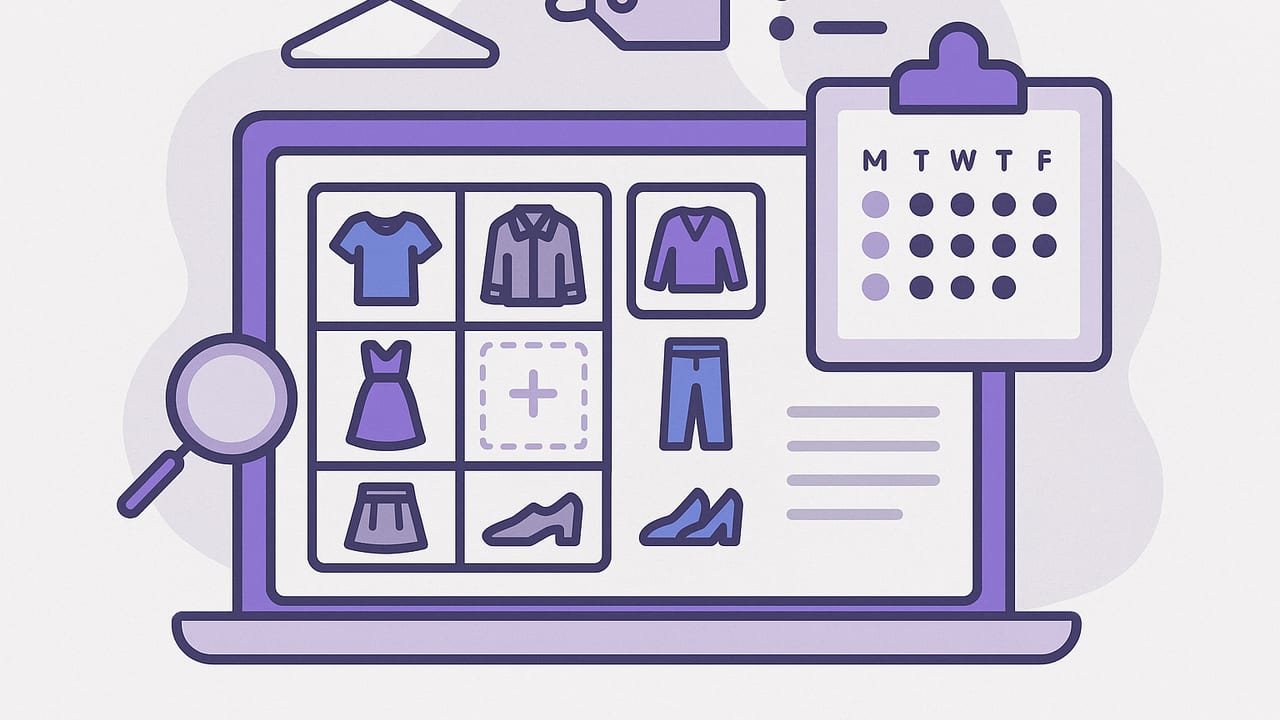
If your closet feels overwhelming, you’re not alone. Most people wear a fraction of what they own because it’s hard to see options clearly and plan ahead. The fix is simple but powerful: build a repeatable system to catalog your wardrobe and plan outfits with intention. This guide walks you through a practical, tech-friendly workflow—from photographing items and tagging details to creating smart outfit templates and a weekly planning routine.
Why a Cataloged Closet Changes Everything
- Clarity: Seeing your clothes in one visual grid reveals duplicates, gaps, and fresh combinations.
- Speed: Searching by color, occasion, or weather helps you pull a complete look in minutes.
- Consistency: Outfit templates reduce decision fatigue and make your style more coherent.
- Savings: Tracking cost-per-wear keeps shopping intentional and prevents impulse buys.
- Sustainability: Wearing what you own more often is the most eco-friendly style strategy.
“What you don’t measure, you can’t manage.” Treat your wardrobe like a project: inventory, label, iterate.
The Core System: Catalog Wardrobe and Plan Outfits
Your workflow has two pillars. First, catalog items so you can filter, sort, and visualize your entire closet. Second, plan outfits using templates and a calendar. Together, these pillars unlock a flexible, efficient style routine you can maintain in under 20 minutes per week.
Step 1: Set Up Your Wardrobe Taxonomy
A clear taxonomy (your tagging and category system) is the backbone of any digital closet. Keep it simple enough to maintain but detailed enough to be useful.
| Attribute | Examples | Why It Matters |
|---|---|---|
| Category | Top, Bottom, Dress, Outerwear, Shoes, Bag, Accessory | Basic filtering for building balanced looks. |
| Subcategory | Blouse, Tee, Jeans, Trousers, Sneakers, Heels | Faster swapping of similar items in outfits. |
| Occasion | Work, Casual, Evening, Formal, Travel | Instant shortlists for specific events. |
| Dress Code | Business Casual, Smart Casual, Cocktail, Black Tie | Ensures appropriateness and polish. |
| Color | Core neutrals (black, navy, tan), Accent (red, green) | Build cohesive palettes quickly. |
| Season | All-Season, Spring, Summer, Fall, Winter | Aligns choices with weather forecasts. |
| Fabric | Cotton, Wool, Linen, Silk, Denim | Comfort, breathability, care needs. |
| Fit/Silhouette | Slim, Regular, Oversized; Straight, A-line, Wide-leg | Balancing proportions in outfits. |
| Care | Machine Wash, Hand Wash, Dry Clean | Plan around laundry cycles and trips. |
| Wear Count | 0, 1–5, 6–10, 10+ | Track usage and cost-per-wear. |
Pro tip: Start with the first six attributes (Category, Subcategory, Occasion, Dress Code, Color, Season). Add others only if you truly use them when filtering.
Step 2: Photograph and Digitize Your Clothes
Great photos make a huge difference when you catalog wardrobe and plan outfits. Aim for consistent, clear images that mimic store product shots.
- Background: Use a plain backdrop (white wall or sheet) for clean edges.
- Lighting: Bright natural light or a soft lamp; avoid harsh shadows.
- Framing: Fill the frame. Shoot tops, bottoms, dresses, outerwear, shoes, and accessories separately.
- Angles: One straight-on shot is usually enough; add a detail shot for unique textures.
- Remove distractions: Steam/iron if needed; tuck in straps or laces.
File Naming That Scales
A consistent file naming convention keeps images sortable and easy to locate.
category_subcategory-color_brand-keyword_season.ext

Examples:
outerwear_blazer-navy_theory-wool_fall.jpg
bottoms_trousers-charcoal_uniqlo-ezy_allseason.png
shoes_sneakers-white_adidas-continental_summer.jpg
Include only what you will actually search for. If you never filter by brand, skip it.
Step 3: Add Tags and Smart Filters
Once photos are in your digital closet, tag each with your taxonomy. Use batch tagging to move fast: select all your tees and tag Top > Tee > Casual > All-Season at once. Create saved filters you’ll reuse, such as:
- Work Core: Category: Top/Bottom/Outerwear; Dress Code: Business Casual; Colors: neutrals
- Weekend Casual: Casual tops and denim; Sneakers; Layers for variable weather
- Evening Out: Dress + Heels or Tailored Trousers + Statement Top
- Travel Capsule: 10 pieces that yield 8–12 outfits; wrinkle-resistant fabrics
Step 4: Use Outfit Formulas
Formulas are repeatable patterns that work for your body, lifestyle, and climate. They drastically speed up planning.
- Smart Casual: Structured blazer + knit tee + dark denim + loafers
- Elevated Office: Fine-gauge sweater + pleated trousers + block-heel ankle boots
- Weekend Errands: Oversized sweatshirt + leggings + sneakers + crossbody
- Evening: Slip dress + leather jacket + strappy heels or boots
Create 4–6 formulas that match your week. Save each with swappable slots (e.g., “Any black blazer,” “Any dark trouser”) so you can assemble fresh looks without reinventing the wheel.
Step 5: Plan by Calendar, Weather, and Energy
Outfits that fit your schedule and mood get worn. Plan at the intersection of event type, forecast, and energy level.
- Check the week: Meetings, commutes, gym sessions, dinners, travel days.
- Pull the forecast: Temperature swings, wind, rain chances.
- Estimate energy: Big presentation vs. heads-down work; social vs. recovery days.
Label days with a simple code—H (high polish), M (moderately polished), L (low effort). Pair each code with an outfit formula and you’ll plan in minutes.
A 20-Minute Weekly Workflow
Here’s a tight routine you can reuse every Sunday to catalog wardrobe and plan outfits without overthinking.
- Declutter (3 minutes): Put away laundry; note items needing repair or dry cleaning.
- Update wears (2 minutes): Increment wear counts on what you used last week.
- Check schedule (3 minutes): Tag days with H/M/L and note special events.
- Weather scan (2 minutes): Note highs/lows and precipitation.
- Pre-select outfits (8 minutes): Use saved filters and formulas to pick 5–7 complete looks. Save each with top, bottom, layer, shoes, accessories, and bag.
- Stage key items (2 minutes): Set aside the first two days’ looks. Pack a go-bag for gym or travel.
This compact ritual prevents morning panic and ensures you rotate underused pieces.
Track What Matters: Wears and Cost-Per-Wear
Data transforms guesswork into insight. Two metrics are worth tracking: wear count and cost-per-wear (CPW). CPW is simply:
CPW = Item Cost ÷ Total Wears
An inexpensive piece that rarely gets worn can be more costly than an investment item you reach for weekly.
| Item | Cost | Wears | CPW | Action |
|---|---|---|---|---|
| Navy Blazer | $180 | 60 | $3.00 | Star performer—build more outfits around it. |
| Printed Skirt | $70 | 4 | $17.50 | Low wear—try new pairings or consider reselling. |
| White Sneakers | $90 | 45 | $2.00 | High utility—refresh laces, keep in rotation. |
Optional: Minimal Spreadsheet or JSON
If you prefer a DIY log, here’s a lightweight structure you can adapt in a spreadsheet or note app.
Item,Category,Occasion,Color,Season,Cost,Wears,Notes
Navy Blazer,Outerwear,Work,Navy,Fall/Winter,180,60,Great with tees and trousers
White Sneakers,Shoes,Casual,White,All-Season,90,45,Replace insoles in 2 months
Printed Skirt,Bottoms,Evening,Multi,Spring/Summer,70,4,Pair with neutral tops
Build a Mix-and-Match Core
Capsule thinking helps even if you don’t go full capsule. Aim for a solid core that multiplies into many outfits:
- Color map: 2–3 neutrals (e.g., black, navy, tan) + 2 accents you love.
- Proportions: Pair volume with slim: oversized top + straight or slim bottom; wide-leg trousers + fitted knit.
- Texture trio: Mix matte (cotton), sheen (silk or satin), and texture (tweed, knit) to add depth.
- 3-2-1 rule: For a week, choose 3 tops, 2 bottoms, 1 layer that all work together; add 2 shoe options.
Common Pitfalls and Simple Fixes
- Too many tags: If tagging feels tedious, reduce attributes to the ones you filter by weekly.
- Inconsistent photos: Batch-shoot on one day with the same setup; consistency beats perfection.
- Neglected heroes: If a favorite item isn’t appearing in plans, create a saved filter that forces its inclusion twice per week.
- Weather surprises: Pre-plan backups (e.g., swap loafers for ankle boots and add a waterproof layer).
- Laundry bottlenecks: Tag items by care and schedule cleaning midweek to keep formulas viable.
Quick FAQ
How many photos do I need per item?
One clear front-facing image is usually enough. Add a detail shot for prints or texture if it affects pairing decisions.
Do I need to digitize everything?
No. Start with 30–50 items you wear most (tops, bottoms, shoes, outerwear). Expand later to occasion-specific pieces.
What if my style changes seasonally?
Use a Season tag and create saved filters by season. Revisit formulas quarterly to swap fabrics and palettes.
How do I avoid decision fatigue?
Limit to 4–6 outfit formulas and 8–12 saved filters. Too many choices slow you down.
Sample Weekly Outfit Plan
Here’s how a week could look using formulas, filters, and your calendar:
- Mon (H): Blazer + knit tee + pleated trousers + loafers; tote bag; minimal jewelry.
- Tue (M): Cardigan + wide-leg denim + ankle boots; add belt for structure.
- Wed (L): Oversized sweatshirt + leggings + sneakers; crossbody; cap for rain.
- Thu (H): Silk blouse + trousers + block heels; trench if windy.
- Fri (M): Button-down + jeans + loafers; blazer optional for afternoon meeting.
- Sat (L): Tee + joggers + sneakers; light puffer for errands.
- Sun (M): Knit dress + leather jacket + Chelsea boots for brunch.
Save each look to your digital closet and adjust based on weather updates.
Maintain and Evolve
A system works when it’s maintained—lightly. Every month, prune items you never reach for and note why. Maybe the color clashes with your core palette or the fit no longer feels right. Use that insight to guide future purchases so new pieces slot in effortlessly.
- Monthly: Archive or donate low-wear items; update tags after tailoring.
- Quarterly: Swap seasonal items in/out; revisit formulas.
- Yearly: Review CPW and set a focused wishlist to fill true gaps.
Tools You Can Try
Whether you prefer a spreadsheet, notes app, or a dedicated wardrobe planner, the goal is the same: make it easy to catalog wardrobe and plan outfits quickly. If you’re on iOS and want a visual-first approach with AI try-on and outfit saving, Outfit Maker offers an efficient way to photograph items, tag details, and build shareable looks.
The bottom line: A simple taxonomy, consistent photos, and a weekly planning ritual will transform your closet from chaotic to confident—so you always know what to wear.
