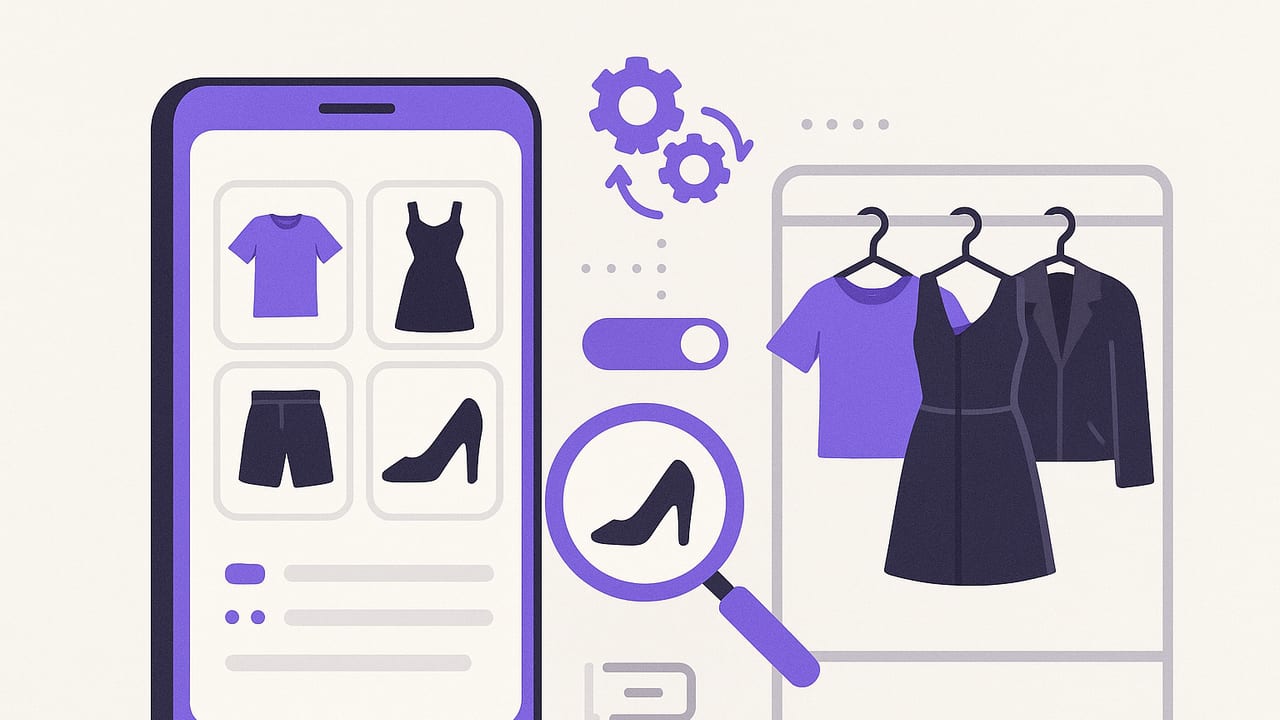
A well-set-up closet management app can turn the morning wardrobe scramble into a quick, confident decision. Instead of scrolling endlessly or rifling through hangers, you’ll filter by occasion, weather, color, fit, or dress code—and your best options will surface in seconds. This guide shows you how to set up your digital closet so it actually saves time, helps you wear more of what you own, and makes smarter shopping obvious.
What a Closet Management App Should Do
Before diving into workflows, align on outcomes. A great closet management app helps you:
- Catalog every item with consistent photos, tags, and details.
- Search and filter quickly by occasion, weather, color, fit, and dress code.
- Plan outfits using repeatable formulas and saved looks.
- Measure usage (wear count, cost per wear) so you can buy and edit smarter.
- Automate suggestions using calendar, weather, and packing rules.
“You only wear what you can see. A good system makes your best options obvious.”
Step 1: Capture Your Closet Like a Pro
Good data starts with good photos. Consistent images make search results scannable and outfit previews accurate.
Photo Setup Tips
- Background: Use a plain, light backdrop (poster board or a blank wall).
- Lighting: Diffused daylight or a softbox; avoid harsh shadows.
- Angle: Shoot items straight-on; lay flat or hang.
- Framing: Fill the frame, include full length for dresses/pants.
- Consistency: Same distance, orientation, and crop for every shot.
Batch similar items to speed up. Photograph tees together, then pants, then shoes. As you shoot, add basic tags (category, color, season) so you don’t build a backlog.
Step 2: Build a Tag Taxonomy That Scales
Tags are the backbone of a closet management app. Choose fields that answer the questions you ask before you get dressed.
| Field | Why It Matters | Example Values |
|---|---|---|
| Category | High-level filtering | Top, Bottom, Dress, Outerwear, Shoes, Accessory |
| Subcategory | Refines results | Blazer, Tee, Jeans, Midi Dress, Sneakers, Chelsea Boots |
| Occasion | Context-appropriate picks | Work, Casual, Date, Wedding, Gym, Travel |
| Dress Code | Rules compliance | Business Casual, Cocktail, Black Tie, Smart Casual |
| Season | Weather-appropriate | All-Season, Spring, Summer, Fall, Winter |
| Color | Palette matching | Navy, Charcoal, Camel, White, Soft Pink |
| Pattern | Mix/Match clarity | Solid, Stripe, Check, Floral |
| Fabric | Comfort & care | Cotton, Wool, Linen, Silk, Denim, Technical |
| Fit Notes | Confidence & comfort | TTS, Runs small, Long inseam, Relaxed shoulders |
| Weather Rules | Automation | >= 70°F, Rain-safe, Windproof, Heat-friendly |
| Care | Laundry planning | Machine Cold, Hand Wash, Dry Clean |
| Condition | Editing decisions | New, Good, Worn, Needs Repair |
| Wear Count | Usage tracking | Integer (auto-increment) |
| Cost & CPW | Smart shopping | Cost (currency) + Cost Per Wear |
| Notes | Edge cases | Works with X blazer, needs heel grip |
Keep naming consistent: use singular nouns and predictable casing. Decide on American vs. British spelling and stick to it (“gray” vs. “grey”).
{
  "category": "Outerwear",
  "subcategory": "Blazer",
  "occasion": ["Work", "Dinner"],
  "dress_code": "Business Casual",
  "season": ["Spring", "Fall"],
  "color": "Navy",
  "pattern": "Solid",
  "fabric": "Wool",
  "fit_notes": "Runs small in shoulders",
  "weather_rules": [">= 50°F", "No rain"],
  "care": "Dry Clean",
  "condition": "Good",
  "cost": 220,
  "wear_count": 18,
  "notes": "Pairs with gray chinos and white tee"
}
Step 3: Track Fit, Color, and Care Like a Stylist
Three data areas separate an OK closet from a great one:
- Fit Notes: Use short, standardized language: “TTS,” “Size up 0.5,” “Long rise,” “Sleeve long.” Add body reference notes if helpful: “Perfect with heels,” “Needs tailoring at waist.”
- Color System: Group colors by neutrals (black, white, navy, gray, tan) and accents (rust, sage, cobalt). If your app supports it, store a hex code per item for precise palette matching.
- Care & Condition: Track care instructions and next actions. If something needs a button or hem, tag it “Needs Repair” and set a reminder.
Step 4: Search Queries That Answer Real-Life Questions
Translate daily needs into queries. A closet management app with robust filtering lets you find the right item fast.
// Rainy commute, business casual
category:Outerwear AND subcategory:Trench AND weather_rules:"Rain-safe" AND dress_code:"Business Casual"

// Warm weekend brunch
occasion:Casual AND season:Summer AND color:"Soft Pink" OR color:White AND fabric:Cotton

// Conference keynote (on stage lighting favors solid, saturated colors)
dress_code:"Business" AND pattern:Solid AND color:(Cobalt OR Burgundy OR Forest)

// Date night, low-maintenance only
occasion:Date AND care:("Machine Cold" OR "Machine Warm") NOT fabric:Silk
Save your most-used queries as smart collections: “Rainy Workday,” “Gym-to-Brunch,” “Red-Eye Flight.”
Step 5: Build Repeatable Outfit Formulas
Formulas reduce decision fatigue. They give you a starting point that you can adapt based on weather or mood.
- Work smart-casual: Blazer + Knit Polo + Dark Denim + Minimal Sneaker
- Creative office: Overshirt + Crisp Tee + Pleated Trousers + Loafer
- Weekend: Lightweight Sweater + Linen Shorts + Leather Sandal
- Wedding guest: Midi Dress + Block Heel + Statement Earring + Clutch
- Travel day: Stretch Jean + Merino Tee + Packable Jacket + Slip-on Sneaker
Save each as a named “formula” and attach rules: which categories fill each slot, preferred colors, and temperature ranges.
Automation Ideas for Your Closet Management App
Let your app do the grunt work with simple automations:
- Weather-aware suggestions: If rain is forecast, prioritize “Rain-safe” shoes and outerwear; hide “No rain” items.
- Calendar-driven outfits: Pull dress codes from event titles or descriptions (“cocktail,” “offsite,” “black tie”).
- Laundry status: Tag items “In Laundry” and auto-hide them from suggestions until cleared.
- Cost per wear nudges: Flag items above your CPW target; suggest pairings to bring cost down.
- Seasonal rotation: Surface “Fall” items starting September 1; hide deep winter coats after April 1.
- Packing lists: When a trip is added to your calendar, generate a packing template based on destination weather and activities.
Weekly and Seasonal Workflows
Your Weekly 20-Minute Routine
- Log wears: Confirm items you wore; increment wear counts and notes (comfort, compliments, issues).
- Plan the week: Check weather and calendar; add 3–5 outfit options to a “Week Ahead” collection.
- Maintenance: Tag anything that needs repair or cleaning; move to “Care Queue.”
Quarterly Closet Tune-Up
- Review least-worn items: Decide to style, tailor, donate, or sell.
- Audit fit notes: Update after body changes or tailoring.
- Palette check: Identify gaps in core neutrals or complementary accents.
- CPW review: Spot MVPs and expensive underperformers.
Metrics That Matter
| Metric | How to Calculate | Why It Matters |
|---|---|---|
| Cost Per Wear (CPW) | Cost / Wear Count | Focus spending on items you actually use. |
| Wear Distribution | % of total wears by category | Reveals what you need vs. think you need. |
| Outfit Repeat Rate | Repeated outfits / total outfits | Balance novelty with ease; reduce decision fatigue. |
| Palette Utilization | Wears per color family | Guides future color choices and shopping. |
| Bench Rate | Items not worn in 90 days / total items | Flags pieces to style, tailor, or release. |
Common Mistakes (and How to Avoid Them)
- Inconsistent tags: “Blazer” vs. “blazers” breaks search. Standardize early and stick to it.
- Too many categories: If a tag doesn’t drive a decision, it’s noise. Trim aggressively.
- Skipping fit notes: A quick “Runs small” saves returns and outfit frustration.
- Ignoring care: Planning only “dry clean” outfits before a trip is a packing disaster.
- Overlooking weather: Make weather rules explicit so suggestions never surface snow boots in May.
- Not logging wears: Without data, you’ll shop by vibes. A 10-second log builds powerful insights.
Quick Start Checklist
- Photograph 30 core items first (tops, bottoms, shoes).
- Apply the base tags: Category, Subcategory, Occasion, Season, Color.
- Add fit notes and care to your top 10 most-worn items.
- Create three outfit formulas for work, weekend, and evening.
- Set one automation (weather or calendar) and one weekly routine.
Advanced Tips for Power Users
- Color harmonies: Map each item to a hex code; create smart filters for complementary pairs (e.g., navy + rust, olive + cream).
- Layer rules: Mark items as “Base,” “Mid,” or “Shell” to avoid suggesting two shells together.
- Fabric temperature index: Assign a warmth score (1–5) and build outfits to a target total based on temperature.
- Dupes detection: Filter by similar tags and photos to spot redundant items before buying another.
- Event templates: Save dress-code-compliant looks (“Cocktail Core,” “Board Meeting,” “Trail to Cafe”) with allowed substitutions.
FAQ
How many tags are too many?
Enough to answer decisions, not so many that you won’t maintain them. Start with seven core fields (Category, Subcategory, Occasion, Season, Color, Fit Notes, Care). Add others only when a real decision demands it.
Do I need to tag every historical purchase?
No. Start with your 30 most-worn items and the pieces you use to dress them up or down. Expand in batches when time allows.
What if my style changes?
Your system should flex. Keep core fields stable; adjust occasion and palette tags, and archive items you’re testing or phasing out.
How can I speed up logging wears?
Save go-to outfits as “Looks” so a single tap logs multiple items. Some apps let you add a quick note (comfort, compliments, issues) alongside the wear.
The Bottom Line
A powerful closet management app isn’t about having the most features—it’s about a clean, reliable system. Standardize photos, pick a lean tag taxonomy, log your wears, and let weather and calendar automations do the heavy lifting. Within a month, you’ll see what you actually wear, where your wardrobe has gaps, and which outfit formulas make mornings effortless. If you want a smooth on-device experience with realistic outfit previews and smart tagging tools, explore options like Outfit Maker to put these strategies into practice.
