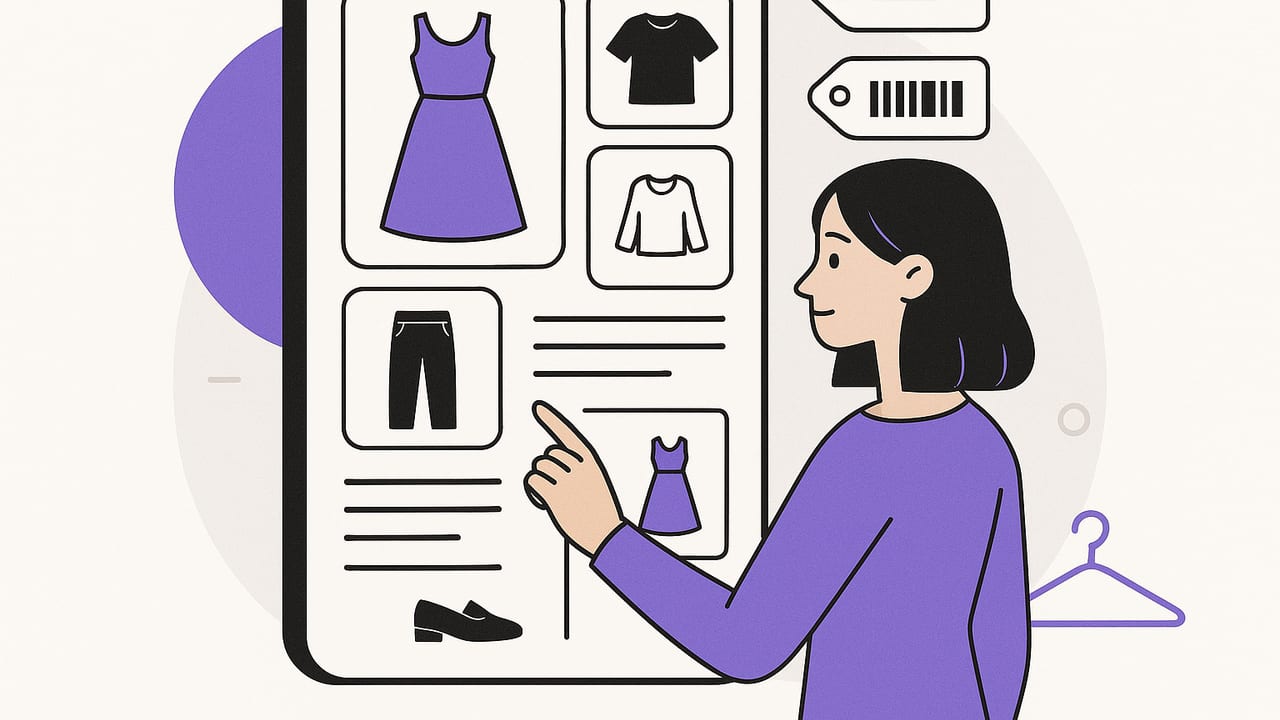
A digital wardrobe is more than a photo album of your clothes. It is a living system that catalogs garments, simulates outfits before you get dressed, and guides smarter purchases over time. Whether you love capsule wardrobes or simply want faster, better outfit decisions, this guide distills everything you need to set up, tag, and actually use a digital wardrobe that works in real life.
What Is a Digital Wardrobe?
A digital wardrobe is a structured library of your clothing, shoes, and accessories, enriched with metadata (like category, color, fabric, season, care) that lets you search, plan, and analyze what you own. Add virtual try-on or outfit-generation capabilities and you can preview looks, optimize packing lists, and track cost-per-wear—without turning your bedroom into a dressing room.
Think of it as a smart closet that combines an outfit planner, a closet organizer, and a personal stylist, all powered by your own data.
Why Build a Digital Wardrobe?
- Save time: Reduce decision fatigue. Plan a week of looks in minutes.
- Wear more of what you own: Surface forgotten pieces and new combinations.
- Buy better, not more: Identify gaps and avoid duplicates with data, not guesses.
- Pack smarter: Auto-generate lookbooks and packing lists by weather and itinerary.
- Be more sustainable: Track cost-per-wear, care properly, and extend garment life.
- Boost confidence: Try on outfits virtually and document what actually works.
What gets measured gets managed—and what gets tagged gets worn.
Core Features to Look For
Not every tool is the same. Aim for a digital wardrobe setup that includes:
- Item capture: Quick photo import, background removal, and bulk editing.
- Metadata & tags: Category, subcategory, color, fabric, fit, season, occasion, care, price.
- Search & filters: Find items by tag, color, occasion, or weather.
- Outfit builder: Drag-and-drop or AI outfit generator with mix-and-match layers.
- Virtual try-on: See how outfits look together; reduce dressing room churn.
- Calendar & lookbook: Plan by date, event, or trip and save your best looks.
- Analytics: Cost-per-wear, frequency, top combos, closet usage, gaps.
- Export & share: Create packing lists and share outfits with friends or stylists.
Digital Wardrobe Setup: A Weekend Plan
You can build a functional digital wardrobe in a single weekend. Here is a pragmatic plan that avoids perfectionism.
Day 1 Morning: Define Scope (30 minutes)
- Goal: Choose your first capsule (workwear, gym, travel, or everyday basics).
- Limit to 30–50 items so you can finish. You can add more later.
Day 1 Afternoon: Photograph Essentials (2–3 hours)
- Set up consistent lighting against a plain background.
- Capture front-on photos; include detail shots for unique prints or texture.
- Batch-edit: Crop, remove background if possible, and standardize angles.
Day 1 Evening: Tag Like a Pro (1–2 hours)
Create a lean tagging system up front. Every item needs at least these:
- Category: top, bottom, dress, outerwear, footwear, accessory
- Subcategory: tee, blouse, jeans, trousers, blazer, sneakers, boots
- Color: primary and secondary (e.g., navy, white)
- Season: warm, cool, all-season
- Occasion: casual, business, formal, athleisure, travel
- Fabric & care: cotton, wool, silk, synthetic; machine, hand wash, dry clean
- Fit notes: slim, relaxed, cropped, longline
- Price & acquisition date (for cost-per-wear)
Day 2 Morning: Build Starter Outfits (1–2 hours)
- Create 10–15 mix-and-match outfits from your first capsule.
- Cover key use cases: commute, meetings, dates, weekends, gym, rain.
- Save each outfit with tags (season, occasion) and notes (what to tweak next time).
Day 2 Afternoon: Plan the Week & Pack a Mini-trip (1–2 hours)
- Assign outfits to calendar events for the upcoming week.
- Create a 3-day packing list from saved looks. Note missing items or duplicates.
Done beats perfect. As you wear outfits, add real-world notes: comfort level, layering, care issues, and compliments. Your digital wardrobe gets smarter with use.
Tagging and Structure: A Simple Schema
Consistency is everything. Use a template for each item so you do not have to reinvent field names. Here is a minimal schema you can adapt:
{
  'itemId': 'UUID',
  'name': 'Navy Wool Blazer',
  'category': 'outerwear',
  'subcategory': 'blazer',
  'colors': ['navy'],
  'season': ['cool', 'all-season'],
  'occasion': ['business', 'smart casual'],
  'fabric': 'wool',
  'care': 'dry clean',
  'fit': 'tailored',
  'price': 220.00,
  'brand': '—',
  'acquiredOn': 'YYYY-MM-DD',
  'notes': 'Pairs with grey trousers and white sneakers'
}
Keep tags short and predictable. Avoid synonyms that fragment search (e.g., use smart-casual or smart casual, not both). If in doubt, choose the term you will remember.
Choosing Your Digital Wardrobe Method
Different people thrive with different tools. Here is a quick comparison to help you pick an approach that fits your workflow.
| Method | Best For | Pros | Cons |
|---|---|---|---|
| Spreadsheet + Cloud Photos | Analytical users | Flexible, cheap, custom fields | Manual, no virtual try-on, clunky outfit building |
| Photos Only (Albums) | Minimalists | Fast to start, no learning curve | No tags, poor search, limited insights |
| Dedicated Wardrobe App | Daily planners | Tagging, outfit builder, calendar, analytics | Learning curve, app lock-in |
If you are unsure, test with a small capsule. The right tool is the one you open every morning.
Outfit Planning Workflows That Actually Work
Everyday Routine
- Check weather and calendar.
- Filter by season and occasion.
- Generate or select an outfit, swap one piece if needed.
- Save a photo and notes after wear (comfort, compliments, issues).
Event Styling
- Create a mood board (color palette, formality, venue cues).
- Filter your digital wardrobe by color and formality.
- Build 3 variations; test shoes and outerwear combinations.
- Log the final look so you don’t repeat it with the same crowd.
Travel Packing
- Enter destination, dates, and forecast.
- Pick a 3–4 color palette and a base shoe.
- Construct a 10×10 mix-and-match grid (10 pieces, 10 outfits).
- Export a packing list with care notes and laundry plan.
Quantify Value: Cost-Per-Wear and Closet Analytics
Data helps you buy once and buy right. Two metrics to track:
- Cost per wear (CPW): price paid divided by total wears. A $200 blazer worn 40 times has a $5 CPW—excellent value.
- Utilization rate: percentage of items worn in the last 90 days. Aim for 70%+ in your active season.
Use insights to guide decisions:
- Duplicate detection: If you own five similar black tees but only wear two, stop buying that category.
- Gap analysis: If most outfits flag a missing layer (e.g., light rain jacket), prioritize that purchase.
- Fabric performance: Track which materials hold up best after repeated wears and washes.
Color Strategy for a Digital Wardrobe
Color tags unlock fast filtering and reliable coordination. Keep it simple:
- Base neutrals: black, navy, grey, tan, white.
- Accents: 2–3 signature colors per season.
- Contrast level: low, medium, high to match your preference and complexion.
When in doubt, build around one base neutral (e.g., navy) plus two accents (e.g., olive, rust) and ensure each top pairs with at least two bottoms and one outer layer.
Maintenance: A 15-Minute Weekly Habit
- Log wears for the week and update notes (fit, comfort, compliments).
- Archive off-season items to reduce visual clutter.
- Add or edit tags as needed; merge duplicate tags.
- Flag repairs and care (loose buttons, resoling, de-pilling).
Monthly, review your top 10 most-worn items and bottom 10 least-worn items. Decide whether to restyle, tailor, or responsibly re-home the low performers.
Common Pitfalls (and How to Avoid Them)
- Over-tagging: Too many tags slow you down. Start with 6–8 essential fields.
- Perfection paralysis: Photos do not have to be studio-grade. Consistency beats polish.
- Ignoring footwear and outerwear: These change the vibe most. Always include them.
- One-off purchases: If an item does not pair with at least three pieces, reconsider.
- Never revisiting notes: Feedback loops are the engine. Update notes right after wear.
Example: Building a Wearable Capsule
Here is a versatile 12-piece capsule to illustrate tagging and planning:
- Outerwear: navy blazer, light rain jacket
- Tops: white tee, navy knit, striped shirt, black blouse
- Bottoms: dark jeans, grey trousers, black midi skirt
- Shoes: white sneakers, black loafers, ankle boots
- Accessories: leather belt, silk scarf
With consistent tags, you can filter by occasion (business vs. casual) and instantly generate combinations that share a color story and silhouette balance (e.g., relaxed top with structured bottom, or vice versa).
Laundry and Care Inside Your Digital Wardrobe
Care tags prevent costly mistakes and help you plan wears around laundry cycles:
- Care: machine cold, hand wash, dry clean
- Frequency: after each wear (tees), 3–5 wears (denim), seasonally (coats)
- Notes: shrinkage risk, color bleed, pilling tendency
Schedule care days in your outfit calendar and rotate items to extend life. Your CPW will drop, and your clothes will look better longer.
When to Expand Beyond the Basics
Once your core digital wardrobe is humming, consider advanced features:
- Virtual try-on: Validate silhouettes and layering before you dress.
- AI outfit generation: Discover fresh combinations that match your tags and weather.
- Seasonal cloning: Duplicate an outfit for different seasons by swapping fabrics and layers.
- Collaboration: Share lookbooks with a partner or stylist for feedback.
Quick Start Checklist
- Choose a capsule scope (30–50 items).
- Photograph consistently.
- Tag with a minimal schema.
- Create 10–15 starter outfits.
- Plan one week and one trip.
- Review weekly; refine notes and tags.
Final Thought
A digital wardrobe is not about owning more—it is about seeing clearly what you already have and using it brilliantly. Start small, tag consistently, and let your data guide your style.
If you want an iOS tool that combines virtual try-on, outfit planning, and a smart closet organizer in one place, try Outfit Maker.
