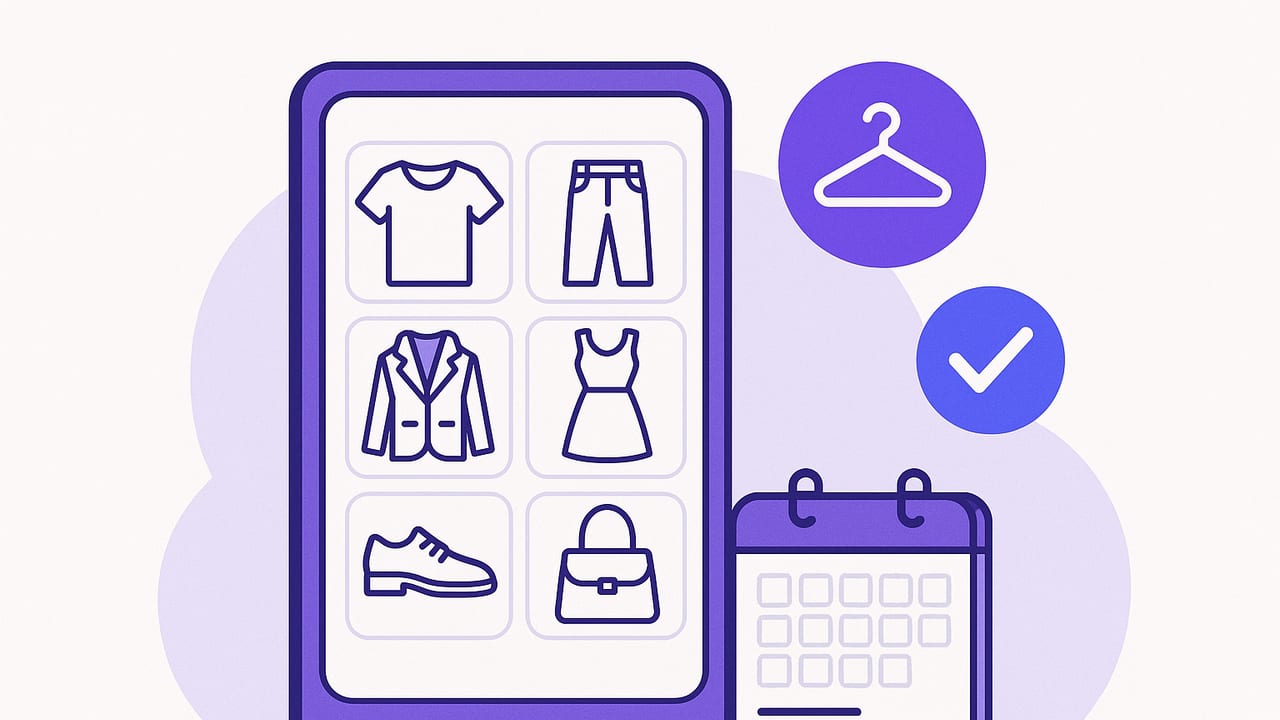
A digital wardrobe app is more than a novelty. Done right, it becomes a system that reduces decision fatigue, surfaces better outfits faster, and helps you wear more of what you already own. This practical guide walks you through how these apps work, what features matter, and a step-by-step setup that turns your phone into a smart closet.
What is a Digital Wardrobe App?
A digital wardrobe app lets you photograph or import your clothing, tag items with useful data (color, category, season), and combine pieces into outfits you can save, schedule, and share. Many now layer in AI to suggest outfits based on your wardrobe, weather, or calendar. Others offer virtual try-on to preview how combinations look without changing clothes.
Think of it as a searchable, filterable inventory of your closet with planning tools: part organizer, part stylist, part habit tracker.
Why Use One: Benefits That Compound
- Time saved: Filter by dress code, weather, or color in seconds instead of scanning hangers.
- Better outfits: Visualizing combinations reduces clashing and highlights strong pairings you might overlook.
- Cost per wear control: See what you actually wear and re-style underused items.
- Smarter shopping: Identify gaps or duplicates before you buy.
- Travel sanity: Pack via capsule lists and avoid last-minute overpacking.
- Sustainability: Extending use of existing pieces beats buying more.
Core Features to Look For
If you’re choosing a digital wardrobe app, prioritize features that make onboarding easy and daily use sticky.
| Feature | Why it matters | Questions to ask |
|---|---|---|
| Item capture & background removal | Clean cutouts make mixing outfits visually accurate. | Does it auto-detect edges? Batch edit? Good in low light? |
| Tagging & search | Find the right item fast. | Custom tags? Multi-select? Bulk tag updates? |
| Outfit builder | Drag-and-drop outfits you can save and edit. | Layering control? Duplicates? Outfit notes? |
| AI outfit suggestions | Idea generator when you’re stuck. | Uses my own wardrobe? Editable results? |
| Virtual try-on | Preview proportions and vibe. | Realistic fit? Guidance for photos? Front and side views? |
| Calendar & weather | Plan looks that match events and climate. | Weather-based alerts? Calendar sync? |
| Capsules & packing lists | Simplify seasons and trips. | Item limits? Auto-generate outfits within a capsule? |
| Analytics | Track cost per wear, frequency, and gaps. | Reports by item, category, or time? |
| Sharing & collaboration | Friends or stylists can weigh in. | Private links? Commenting? |
| Privacy & backup | Protects your data and photos. | Local control? Export options? Encrypted sync? |
Step-by-Step: Set Up Your Smart Closet
- Audit your wardrobe: Sort by keep, tailor, donate, sell. Photograph only what you’ll wear.
- Create a neutral photo space: Good daylight, plain background, phone on a stand, garment on hanger or flat lay.
- Shoot consistently: Same distance and angle per category for cleaner outfits later.
- Remove backgrounds: Use the app’s cutout tool; clean up stray edges.
- Name items clearly: Use a consistent format like Brand-Item-Color-Fit (e.g., Uniqlo-Oxford-Blue-Regular).
- Tag intentionally: Color, category, subcategory, fabric, season, dress code, fit, care, and warm/cool palette.
- Set care and wear notes: E.g., “needs lint roller,” “pairs well with navy chinos,” “hand wash only.”
- Log price and cost-per-wear: Start tracking now; it informs future buys.
- Build starter outfits: Aim for 3–5 reliable formulas (work, weekend, evening, workout, lounge).
- Plan a week: Put outfits on your calendar; tweak as weather or plans change.
A Practical Tagging Taxonomy
Tags are the difference between a pretty gallery and a functional system. Keep them simple and consistent.
- Category: top, bottom, outerwear, dress, shoes, bag, accessory
- Subcategory: oxford, tee, turtleneck, straight-leg jean, pleated trouser, blazer
- Color: primary and secondary (navy, off-white)
- Seasonality: warm, cool, all-season
- Dress code: casual, smart casual, business casual, business formal, cocktail
- Fit/silhouette: tailored, relaxed, cropped, high-rise
- Fabric & weight: cotton poplin, merino, linen, denim, 8oz, 12oz
- Care: machine wash, hand wash, dry clean
- Use cases: commute, travel, date, interview, outdoor
Sample item records you can paste into a notes app or spreadsheet before importing:
brand|item|category|subcategory|color|season|dress_code|fit|fabric|care|price|notes
Uniqlo|Oxford Shirt|top|oxford|blue|all-season|smart casual|regular|cotton poplin|machine wash|35|pairs with navy chinos
Levi's|501 Jeans|bottom|straight-leg|mid-wash|all-season|casual|regular|denim 12oz|machine wash|90|cuffs work with boots
J.Crew|Blazer|outerwear|blazer|navy|cool|business casual|tailored|wool|dry clean|220|great over knit polo
Outfit Formulas That Always Work
Use formulas as starting points. They reduce friction and build cohesion:
- Rule of Three: Top + Bottom + Third layer (blazer, cardigan, overshirt). Add a texture or color contrast.
- Column of Color: Matching top and bottom with a contrasting layer elongates the silhouette.
- One Statement, Two Neutrals: Let one bold piece shine; keep the rest quiet.
- Sporty-Smart Blend: Tailored trouser + minimal sneaker + knit polo or refined tee.
- Texture Triad: Denim + smooth knit + suede leather for depth without loud prints.
In a digital wardrobe app, save each formula as a named outfit and clone it with different items that meet the same criteria. Over time, you’ll build a library of reliable variations.
Capsules and Packing: Fewer Pieces, More Outfits
Capsules are curated sets (usually 10–30 items) that mix broadly to produce many looks. Create seasonal or travel capsules to simplify daily dressing.
- Start with the base: 2 tops, 2 bottoms, 1 layer, 1 shoe you wear most.
- Add versatility: 1 patterned top, 1 alternative layer, 1 dress/skirt or extra bottom, 1 alternate shoe.
- Finish with accessories: belt, bag, scarf, hat to change the mood.
Use your app to filter by capsule tag, then auto-generate combinations or manually drag items to see coverage. For trips, build a packing list straight from the capsule and check off items as they go into your suitcase.
| Capsule Type | Focus | Key Items | Why it works |
|---|---|---|---|
| Workweek 12 | Smart casual | 3 tops, 2 trousers, 1 jean, 2 layers, 2 shoes, 2 accessories | Polished but repeatable; easy color coordination. |
| Weekend 10 | Comfort first | 2 tees, 1 knit, 1 overshirt, 2 bottoms, 1 sneaker, 1 boot, 2 accessories | Relaxed silhouettes that still style up. |
| Carry-on 14 | Travel | 4 tops, 3 bottoms, 2 layers, 2 shoes, 3 accessories | Weather-ready and airport-proof. |
Daily Workflows That Stick
- 5-minute morning: Filter by today’s weather and dress code; pick from your top 10 most-worn outfits; adjust layer if temps swing.
- Weekly plan: On Sunday, schedule outfits around meetings, workouts, and social plans. Batch decisions to reduce weekday stress.
- Event prep: For weddings or interviews, build 3 options and note comfort, fit, and footwear break-in status.
- End-of-month review: Sort by least worn. Ask: can I style this three ways? If not, consider tailoring, listing for sale, or donating.
Make AI Work for You
Many digital wardrobe apps offer AI outfit suggestions. Get better results by feeding constraints:
- Constrain palette: “Use navy, white, tan only.”
- Set dress code: “Business casual with comfortable shoes.”
- Define weather: “Rainy, 55–60°F, mostly indoors.”
- Call out hero piece: “Style the camel blazer 3 ways.”
Then refine: swap shoes for terrain, change layers if wind picks up, and save only what you’d actually wear. Over time, the saved set becomes your personal lookbook.
Virtual Try-On: Pro Tips
- Consistent pose: Front and slight three-quarter angles make layering more realistic.
- Good lighting: Diffused light avoids harsh shadows that confuse the overlay.
- Fit realism: Expect vibe and proportion, not tailoring-level precision. Use measurements and return policies for exact fit.
- Accessory placement: Belts, bags, and scarves can shift perceived proportions—preview them too.
Measure What Matters
Track a few simple metrics to keep your wardrobe intentional.
- Cost per wear (CPW):
cpw = price / total_wears - Utilization rate:
utilization = items_worn_this_month / total_items - Outfit repeat score: Repeats aren’t bad—mark favorites and learn why they work.
- Category balance: Pie charts for tops vs. bottoms vs. layers reveal where you overbuy.
Use these insights to plan purchases: maybe what you really need is a weatherproof boot to unlock 10 rainy-day outfits, not another navy sweater.
Privacy, Data, and Backups
- Control what you share: Share outfits via private links; avoid posting sensitive locations tied to calendar screenshots.
- Export regularly: Back up your item database and photos to cloud or local storage.
- Keep receipts and care tags: Store them digitally inside item notes for easy reference.
Common Mistakes to Avoid
- Over-tagging: Too many tags clutter search. Keep to 6–10 high-value fields.
- Inconsistent naming: If you can’t find items quickly, standardize names and fix in bulk.
- Skipping “problem” pieces: Photograph the tough items—those are the ones you need help styling.
- Ignoring footwear: Shoes determine formality and comfort. Catalog them with notes on break-in and weather.
- Forgetting maintenance: Add care reminders (polish leather, de-pill knit) and track alterations.
Quick Start Checklists
Use these bite-size plans to get momentum.
Launch in One Hour
- Photograph 10 most-worn items.
- Tag color, category, dress code, season.
- Build 5 outfits using a third layer.
- Schedule outfits for the next three days.
Level Up in One Weekend
- Photograph 40–60 items across seasons.
- Create a Workweek 12 capsule; auto-generate looks.
- Log prices and estimate past wears to set CPW.
- Review the bottom 10% least worn; decide to style, tailor, or release.
Troubleshooting: When the App Feels Like Work
- Too many photos? Start with just your favorites and essentials. Add the rest over time.
- Overwhelmed by choices? Limit your daily view to a capsule or colorway.
- Clashing colors? Tag undertone (warm/cool) and filter accordingly.
- Still buying duplicates? Create a “no-buy” list in notes: e.g., “No more navy knits until CPW < $2.”
The Bottom Line
A digital wardrobe app is most powerful when it mirrors your real life: your climate, calendar, and comfort. Start small, tag consistently, build a few reliable outfit formulas, and review what you actually wear. The payoff is tangible—less morning friction, smarter purchases, and a closet that works harder without getting bigger.
If you’re on iOS and want an all-in-one experience that combines virtual try-on, AI outfit ideas, and planning tools, you can explore Outfit Maker as a modern option.
