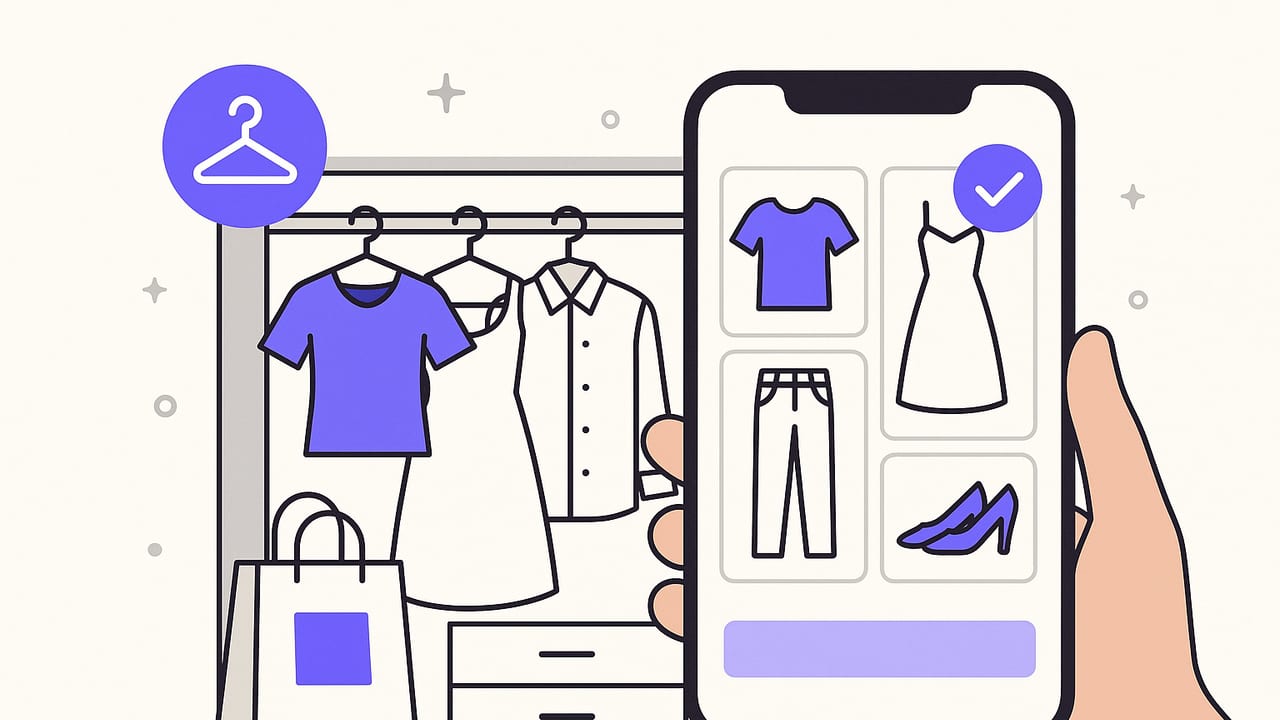
A clothing organizer app can turn a chaotic closet into a searchable, visual system you use every day. Instead of guessing what you own or repeating the same outfits, you can plan looks, track what you wear, and make smarter shopping decisions. This guide walks you through how these apps work, the features that matter, a setup process you can complete in a weekend, and daily workflows that keep your wardrobe running smoothly.
What is a clothing organizer app?
A clothing organizer app is a digital wardrobe tool that stores photos of your clothes, tags them with searchable attributes, and helps you build and plan outfits. Most apps include outfit calendars, packing lists, analytics, and ways to coordinate items by color, weather, or occasion. Think of it as a smart index of your wardrobe that sits on your phone and helps you decide what to wear faster.
Key benefits you can expect
- Faster decisions: Visual catalogs reduce search time and decision fatigue.
- More outfit variety: Mix-and-match suggestions surface new combinations.
- Budget clarity: See cost-per-wear trends and avoid buying duplicates.
- Lighter travel: Build packing lists that actually match your itinerary.
- Sustainable habits: Wear what you own more, and shop with intent.
Features that matter (and why)
Not all wardrobe apps are equal. Use this checklist to prioritize what will make a daily difference for you.
| Feature | Why it matters | Impact |
|---|---|---|
| Quick photo capture & background removal | Clean cutouts make outfits realistic and easier to compare | High |
| Tagging & custom fields | Search by color, fabric, occasion, care, fit notes | High |
| Outfit builder & templates | Drag items onto canvases; save reusable formulas | High |
| Calendar & repeat outfits | Plan events; rotate looks without repeating too soon | High |
| Weather-aware suggestions | Filter outfits by temperature, precipitation, wind | Medium |
| Packing lists | Assemble capsule sets by climate and activities | Medium |
| Cost-per-wear & usage logs | Quantify ROI and spot underused pieces | Medium |
| Sharing or collaboration | Get feedback from friends or a stylist | Low to Medium |
| Privacy controls & local storage options | Keep personal photos secure and portable | High |
Weekend setup plan: from zero to searchable closet
You can get a functional digital wardrobe in two sessions. Do not aim for perfection; aim for consistency.
Session 1: Audit and capture
- Edit first: Remove items you never wear or that need repair. Fewer, better entries beat a cluttered catalog.
- Stage a photo area: Neutral wall, good daylight or a soft lamp, phone tripod if possible. Use a lint roller and steamer for clean lines.
- Photograph items by category: Tops, bottoms, dresses, layers, shoes, accessories. Capture front-on, well framed. Use in-app background removal if available.
- Name consistently: Brand-short name-color-season. Example: Uniqlo crew tee navy SS.
Session 2: Tag and structure
- Define a simple tag taxonomy: Start small, expand later. The goal is consistent searchability.
- Add cost and care fields: Purchase date, price, care code (hand-wash, dry clean, machine cold).
- Create 5 to 7 outfit templates: For work, casual, date night, gym, travel, formal, weekend.
- Plan the week: Add 3 to 5 outfits to the calendar to kickstart the habit.
Starter tag taxonomy
| Tag type | Examples | Notes |
|---|---|---|
| Category | Top, Bottom, Dress, Outerwear, Shoes, Bag | Mandatory; drives outfit rules |
| Subcategory | Tee, Blouse, Jeans, Chinos, Sneakers, Boots | Useful for filtering within a category |
| Color | Black, Navy, White, Beige, Olive, Burgundy | Stick to a fixed palette; avoid near-duplicates |
| Season | Warm, Cool, All-season | Pairs well with weather filters |
| Occasion | Work, Casual, Formal, Travel, Gym | Useful for calendar events |
| Fabric | Cotton, Wool, Linen, Denim, Silk, Synthetic | Care and climate considerations |
| Fit notes | Tailored, Oversized, Cropped, High-rise | Helps with silhouette balance |
Daily workflow that actually sticks
Routines make the app useful beyond the initial setup. Try these low-effort habits.
- Night-before plan: Check tomorrow's weather, drag an outfit onto the calendar, and note any meeting or dress code constraints.
- Wear log: After dressing, mark items as worn. This fuels your cost-per-wear and rotation insights.
- Laundry pipeline: Tag items as dirty or at cleaners; filter them out of your current options.
- Friday review: Archive one underused piece or plan an outfit around it to test viability.
Smart outfit formulas
Formulas reduce decision fatigue while keeping looks cohesive. Save templates in your clothing organizer app and swap components.
- Rule of three: Base + layer + interest (e.g., white tee, denim jacket, patterned scarf).
- 3x3 grid: 3 tops x 3 bottoms = 9 outfits; add 1 layer to expand to 18.
- Monochrome plus texture: Same color family, varied fabrics to add depth.
- Statement anchor: Build around a single standout item; keep others neutral.
Measuring what works: simple wardrobe metrics
Track a handful of metrics to keep your closet efficient and aligned with your lifestyle.
| Metric | Formula | How to use it |
|---|---|---|
| Cost per wear | Item cost ÷ total wears | Identify high-ROI pieces; resell or tailor low-usage items |
| Category balance | Count tops vs bottoms vs layers | Prevent overbuying multiples of the same thing |
| Palette utilization | Percent of outfits in your core colors | Ensure new buys fit your dominant palette |
| Outfit repeat window | Days between repeats of a saved look | Maintain variety without extra effort |
Advanced tricks for power users
- Silhouette rules: Pair volume with structure (oversized top + tailored bottom). Save rules as notes or tags.
- Seasonal swaps: Use a tag like Archive SS or Archive FW to filter off-season items in one tap.
- Care-aware planning: Avoid planning dry-clean-only outfits back-to-back on a travel week.
- Accessory multiplier: Pre-save accessory bundles (watch + belt + scarf) to quickly elevate basics.
Sample item schema you can reuse
If your app supports custom fields, a simple structure helps with consistency.
{
  'name': 'Uniqlo crew tee navy SS',
  'category': 'Top',
  'subcategory': 'Tee',
  'color': 'Navy',
  'season': 'Warm',
  'occasion': ['Casual', 'Travel'],
  'fabric': 'Cotton',
  'care': 'Machine cold',
  'purchase_price': 15,
  'purchase_date': '2024-06-10',
  'fit_notes': 'True to size',
  'status': 'Active'
}
Avoid these common mistakes
- Overtagging: Too many overlapping tags make search noisy. Stick to 6 to 8 core fields.
- Inconsistent naming: Without a pattern, search and sorting get messy. Use short, predictable names.
- Skipping fit notes: Comfort and silhouette are why some items never get worn. Record quick notes.
- Low-quality photos: Poor lighting leads to bad color matching. Take 10 extra seconds to retake dim shots.
- Not archiving: Retire items you are unsure about; do not delete yet. Archive keeps data but removes clutter.
Privacy and data considerations
Your wardrobe is personal. Before committing to a clothing organizer app, review data practices.
- Local vs cloud storage: Understand where photos live and how to export them if you switch apps.
- Account permissions: Limit access to photos or contacts to what is strictly necessary.
- Backups: Ensure you can restore your wardrobe after a device loss. Manual export is a plus.
- Sharing settings: Keep outfits private by default; share selectively with friends or a stylist.
Travel use case: build a tight, versatile pack
Use your app to assemble a travel capsule that works across settings.
- Forecast filter: Tag candidate items by temperature and precipitation.
- 3x3 base: Pick 3 tops, 3 bottoms in a tight palette; add 1 layer and 2 pairs of shoes.
- Outfit coverage: Ensure at least one formal and one activity-specific look.
- Pack list: Export a checklist; mark items packed to avoid last-minute scrambles.
When to upgrade or switch
Consider a new clothing organizer app if you need faster photo tools, better outfit building, or more reliable sync. If it takes more than a minute to add a new item, or you cannot quickly find pieces by color or occasion, it may be time to try an alternative. Always export your data first.
A simple, sustainable approach
The best wardrobe system is the one you use. Start with 40 to 60 core items, get clean photos, define a minimal tag set, and plan just three outfits per week in advance. As you build momentum, add your remaining pieces, refine tags, and expand templates. Your goal is a closet that reflects your life, saves you time, and makes dressing easy.
Looking for an iOS tool to try these ideas? Outfit Maker offers an AI-driven way to photograph, tag, and simulate looks inside a digital wardrobe, with shareable outfits and a simple planning workflow.
