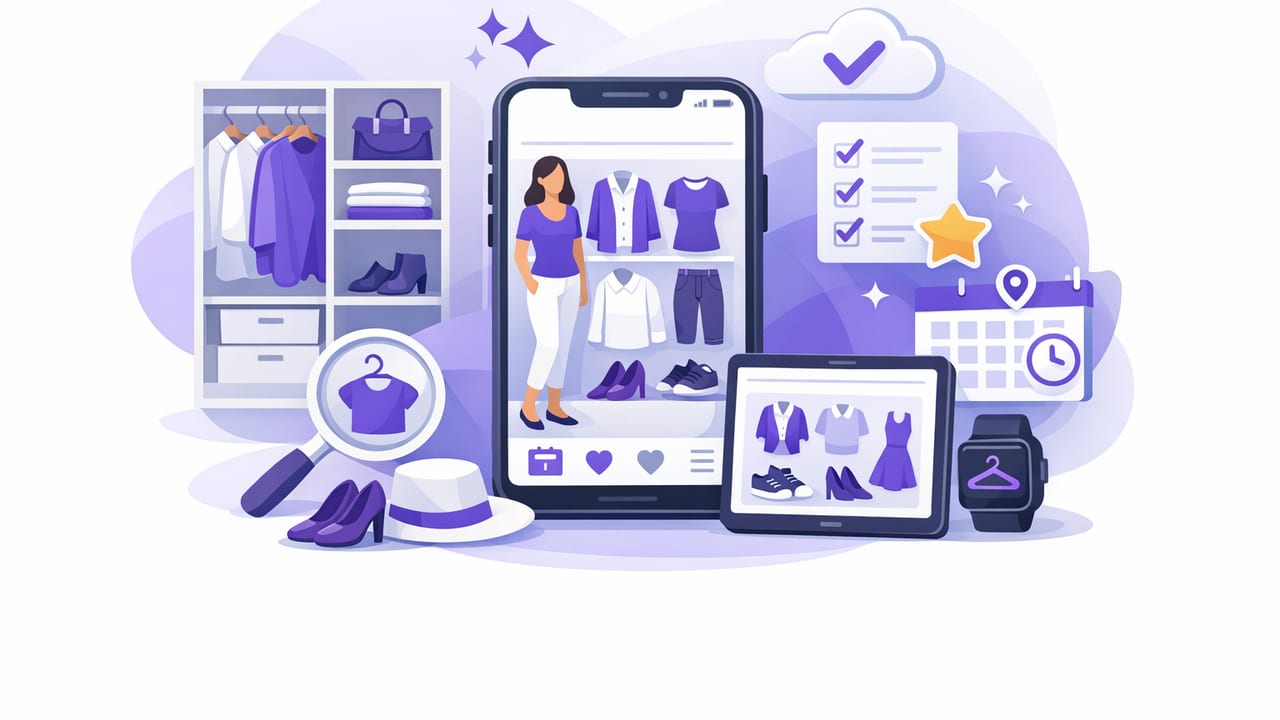
A closet organizer app can be more than a digital list of clothes—it can become a practical system for getting dressed faster, avoiding repeats you don’t love, and actually using what you own. The difference between “I tried a wardrobe app once” and “this changed my mornings” is usually the setup: clear categories, consistent photos, and a lightweight routine that keeps your digital wardrobe accurate.
This guide walks through a simple, repeatable approach to building a digital wardrobe that supports outfit planning, virtual try-on, and smarter shopping—without turning your closet into a second job.
What a closet organizer app should help you do
At its best, a closet organizer app functions like a smart closet organizer and a decision engine for outfits. Whether your app includes an AI outfit generator, virtual try-on, or just solid cataloging tools, aim for these outcomes:
- Visibility: you can see what you own (including “forgotten” items).
- Speed: you can build outfits in minutes using filters and saved formulas.
- Accuracy: the digital wardrobe reflects what’s clean, in-season, and wearable.
- Confidence: you can preview combinations (especially helpful with virtual try-on).
- Better buying: you stop duplicating basics and start filling real gaps.
Step 1: Define your “wardrobe map” before you upload anything
Most people start by adding items randomly—then they can’t find anything later. Instead, decide a simple structure first. Think of it as your wardrobe map: the minimum categories and tags you’ll use consistently.
Choose categories that match how you get dressed
Keep categories broad enough to stay consistent, but specific enough to filter quickly. A good baseline:
- Tops (tees, shirts, blouses, knitwear)
- Bottoms (jeans, trousers, skirts)
- Layers (jackets, coats, overshirts, blazers)
- Dresses / jumpsuits
- Shoes
- Bags
- Accessories
If you routinely dress for multiple contexts (office, gym, formal events), add a separate occasion tag rather than making more categories.
Step 2: Photograph items in a way that stays consistent
Photo quality affects everything: searchability, outfit previews, and realism for any virtual try-on feature. You don’t need studio lighting—you need consistency.
A fast photo method that works
- Use the same spot: near a window or a bright lamp.
- Use a plain background: a wall or sheet reduces visual noise.
- Capture the full shape: include hems, sleeves, and collars.
- Take one “front” shot: this is your primary image.
- Optional second shot: care label or fabric close-up for materials.
If your app supports background removal, still aim for clean photos—AI performs better with clear edges and true color.
Tip: Photograph your top 30 most-worn items first. You’ll get value immediately, then expand your catalog over time.
Step 3: Tag like a minimalist (not a librarian)
Tags are what turn a digital wardrobe into a working outfit engine. But too many tags create friction. Use a small set that answers the questions you actually ask in the morning:
- “Is this warm enough?”
- “Is this okay for work?”
- “What shoes go with these pants?”
- “Do I have something like this already?”
Core tags that make outfit planning easier
| Tag Type | Examples | Why it matters |
|---|---|---|
| Season | Spring, Summer, Fall, Winter | Prevents “wrong weather” outfits and narrows choices fast. |
| Occasion | Work, Casual, Evening, Formal, Gym | Makes your closet organizer app useful for real life, not just aesthetics. |
| Color family | Black, Navy, Cream, Olive, Denim | Enables quick matching and cohesive outfit building. |
| Warmth | Light, Medium, Heavy | Helps layer intelligently and avoid uncomfortable combinations. |
| Fit / silhouette | Oversized, Slim, Cropped, Wide-leg | Prevents proportion clashes and helps build reliable formulas. |
| Care level | Easy care, Hand wash, Dry clean | Useful for travel packing and busy weeks. |
A simple naming convention (optional but powerful)
If your app supports notes or item names, use a consistent “template” so you can scan quickly:
Brand + Item + Color + Key detail
Example: Uniqlo Oxford Shirt - Light Blue - Regular fit
Step 4: Build outfit “formulas” you can reuse
Most outfit fatigue comes from trying to reinvent the wheel daily. Instead, create a few formulas (repeatable structures) and swap pieces inside them. This works whether you’re using manual outfit planning or an AI outfit generator.
Examples of outfit formulas
- Work smart: blazer + knit top + tailored trousers + loafers
- Off-duty: tee + straight jeans + light jacket + sneakers
- Warm weather: breathable top + linen bottoms + sandals
- Evening: dark top + structured bottom + heeled boot + statement accessory
In your closet organizer app, save at least 5–10 go-to outfits and label them by context (e.g., “Client meeting,” “School run,” “Dinner”).
Step 5: Use virtual try-on strategically (where it helps most)
Virtual try-on is most useful when you’re uncertain about proportion, layering, or color balance. Instead of trying it for every outfit, use it for these high-impact moments:
- New combinations: pieces you’ve never worn together.
- Layering tests: coat lengths, blazer fits, chunky knits.
- Shoe swaps: seeing whether a silhouette works with a hemline.
- Event outfits: when you need fewer surprises and faster decisions.
If your app supports it, compare two versions side-by-side (e.g., white sneakers vs. loafers) and save the winner as a ready-to-wear look.
Step 6: Add “status” to keep your digital wardrobe truthful
The #1 reason people abandon wardrobe apps is that the app stops matching reality. Fix that with one simple concept: item status.
Recommended status labels
- In rotation: wearable and season-appropriate.
- Off-season: not currently relevant (reduces clutter in searches).
- Needs repair: missing button, hem, stain, etc.
- Maybe: you’re undecided—set a deadline to review.
Some apps implement status through tags, folders, or filters. However it’s done, the goal is the same: your “pick an outfit” view should only show clothes that can actually be worn today.
Step 7: Create a weekly 10-minute maintenance routine
A closet organizer app only works if it stays current. You don’t need daily upkeep; you need a small weekly ritual:
- Log worn outfits (or mark favorites) to learn what you repeat.
- Move items to off-season if the weather shifts.
- Add 3–5 new items you bought or forgot to upload.
- Flag friction points: “Nothing goes with these pants” is data.
- Plan 3 outfits for the busiest days ahead.
This is also where AI suggestions shine: once your closet is tagged well, an AI outfit generator can surface combinations you’d never think to try, while still staying within your personal style.
Troubleshooting: common problems (and fixes)
“I uploaded everything and now it’s overwhelming.”
Filter to In rotation only, then sort by season and occasion. Consider archiving duplicates, ill-fitting items, and “someday” pieces into a separate view so daily outfit planning stays clean.
“My outfits look good in-app but not on me.”
Add a fit/silhouette tag and a length note (cropped/regular/long). Many mismatches are proportion issues, not color issues. Virtual try-on can help validate hem and layering balance.
“I keep buying the same thing.”
Create a “Basics inventory” filter: white tees, black trousers, denim, sneakers. When you shop, check that view first. A digital wardrobe is a mirror—use it before you add more.
Privacy and data: what to check before committing
A closet organizer app often contains personal photos and purchase history. Before fully committing to any platform, review:
- Photo permissions: does the app need full library access or selected photos only?
- Account options: can you export your wardrobe data?
- Sharing controls: are outfits private by default?
- Cloud storage: where your images are stored and how they’re secured.
Choosing an app with transparent settings makes long-term use easier and more comfortable.
A quick checklist for a closet organizer app that actually gets used
- Start with 30 items you wear often.
- Use consistent photos (same lighting/background).
- Stick to 6–10 high-value tags (season, occasion, color, warmth, silhouette).
- Save 5 outfit formulas for your most common scenarios.
- Add status labels so your wardrobe stays truthful.
- Do a weekly 10-minute refresh instead of random big sessions.
Closing thought
The goal isn’t to digitize your closet for its own sake—it’s to reduce decision fatigue and increase outfit confidence. When your tags are consistent and your routine is small, a closet organizer app becomes a daily tool: part planner, part stylist, part reality check.
If you’re exploring apps that combine a digital wardrobe with an AI outfit generator and virtual try-on on iOS, you can try a tool like Outfit Maker—but the system you build (categories, tags, and maintenance) is what makes any app work.
