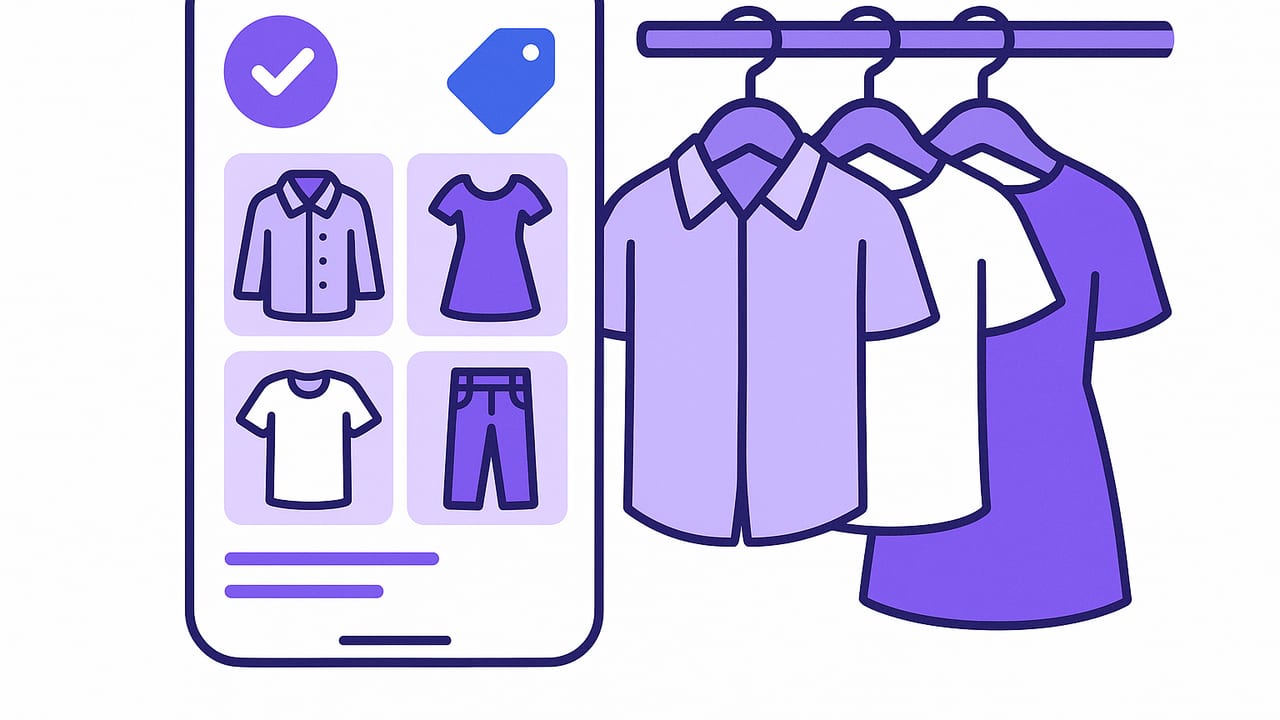
If picking an outfit feels like a daily coin flip, it’s time to systematize your wardrobe. A well-structured closet organizer app does more than digitize your clothes; it creates a searchable, measurable system that reduces decision fatigue, exposes what you actually wear, and helps you build outfits that work in real life. This guide shows you how to design a practical, repeatable workflow—from tagging and photo capture to automations and analytics—so your digital closet quietly saves you time every morning.
What a Good Closet Organizer App Should Do
Think of your app as a wardrobe database. The goal isn’t just pretty grids; it’s structured information that powers better choices. At minimum, look for:
- Fast capture: Clean backgrounds, consistent angles, and quick batch editing.
- Flexible tags: Category, color, season, fabric, formality, care, fit, and occasion.
- Smart search: Filter by weather, dress code, color palette, or laundry status.
- Outfit builder: Combine items into looks; save, duplicate, and compare.
- Calendar planning: Pin outfits to dates; avoid repeats for important events.
- Analytics: Wears, cost-per-wear, utilization, and orphan detection.
- Sharing: Get feedback from friends or a stylist on shortlists.
When you design your system around these capabilities, the app becomes a decision engine—not another tile-filled gallery.
Tagging: The Backbone of Your Digital Closet
Tags transform photos into data. Aim for a simple, stable taxonomy that you can apply in seconds. Start with these core elements:
- Category: Top, bottom, dress, outerwear, shoes, accessories.
- Color: Primary hue plus a role tag (neutral, accent, pop).
- Season: Spring, summer, fall, winter; consider “all-year” for basics.
- Fabric: Cotton, wool, linen, denim, silk, synthetics, blends.
- Fit/Silhouette: Slim, relaxed, oversized, tapered, A-line, cropped.
- Formality: Lounge, casual, smart casual, business casual, formal.
- Care: Machine-wash, hand-wash, dry-clean, hang dry.
- Occasion: Office, travel, weekend, date night, wedding, gym.
Keep tags consistent. Decide whether you’re using singular or plural (e.g., “sandal” vs. “sandals”) and stick to it. Use no more than 1–3 words per tag.
Sample Item Schema
Use a predictable structure to make filtering and automation effortless. Here’s a compact example you can adapt:
{
  "id": "TS-NVY-001",
  "category": "top/t-shirt",
  "color": ["navy", "neutral"],
  "season": ["spring", "summer", "fall"],
  "fabric": ["cotton", "stretch"],
  "fit": "relaxed",
  "formality": "casual",
  "care": ["machine-wash", "cold"],
  "occasion": ["weekend", "travel"],
  "notes": "Slight shrinkage; air dry",
  "purchase_price": 49,
  "wears": 27,
  "cpw": 1.81,
  "photos": {"flat": "...", "on-body": "..."},
  "pairings": ["JE-IND-002", "SN-WHT-003"]
}
Naming Conventions That Scale
Names should help you find and compare items at a glance. Try: [Category] – [Color] – [Fabric] – [Fit] – [Key Use]. Examples:
- Blazer – Charcoal – Wool – Slim – Office
- Jeans – Indigo – Denim – Tapered – Weekend
- Sneaker – White – Leather – Low – Travel
Consistent names reduce second-guessing when planning outfits or packing.
Capture Workflow: Get Better Photos, Faster
Strong visuals make your closet organizer app feel effortless. Optimize your capture pipeline:
- Set the stage: Same spot, same lighting, neutral background. A simple wall plus indirect daylight works well.
- Use a tripod or shelf: Keep angles consistent so items look uniform in the grid.
- Photograph both flat and on-body: Flat lays show color/fabric; on-body gives proportion and drape.
- Batch process: Shoot 10–20 items in one session, then tag them in one sitting.
- Edit lightly: Crop, remove clutter, correct white balance, and stop there.
For shoes and accessories, include close-ups so texture and hardware are easy to compare.
The 7-Minute Daily Routine
The best system is the one you’ll actually use. This minimalist routine keeps your closet current without becoming a chore:
- Quick review (1 min): Check today’s calendar and weather.
- Filter (2 min): In your closet organizer app, filter by formality, temperature range, and color palette.
- Build (2 min): Drag a base (pants or dress), layer (top or jacket), and shoe. Add one accent color or texture.
- Save (1 min): Store the outfit under today’s date, tag the context (client meeting, travel).
- Log wear (1 min): At day’s end, tap “Worn” to update analytics.
“What gets measured gets worn.” Track wears and your best pieces will surface; underused items will reveal themselves.
Automations That Eliminate Guesswork
Once your tagging is clean, simple rules can speed up decisions and improve fit for the day’s context. Consider these automations:
- Weather filters: Hide sandals below 55°F; hide heavy knits above 75°F.
- Dress code guards: If the event is “formal,” show only ≥ business casual.
- Care-aware picks: If laundry day is tomorrow, prioritize machine-wash items today.
- Freshness rotation: Suggest items not worn in 30 days that match today’s palette.
Example Rules (Pseudo-Code)
// Weather-based exclusion
if (forecast.low < 45) hide(category = "sandals");
if (forecast.high > 80) hide(fabric contains "wool");

// Dress code minimum
if (event.formality === "formal") show(formality in ["business casual", "formal"]);

// Cost-per-wear nudges
if (item.cpw > targetCpw && item.matches(today)) recommend(item);
Analytics: Make Your Closet Work Harder
Dashboards don’t have to be complicated to be useful. Track a few metrics and review them monthly:
- Wears: How many times you used an item.
- Cost per wear (CPW): Purchase price divided by wears.
- Utilization: Percentage of items worn at least once this month.
- Orphan rate: Items with zero compatible outfits.
| Metric | How to Calculate | Good Benchmark | What It Tells You |
|---|---|---|---|
| Cost per Wear | Price / Wears | <= $3 casual, <= $10 formal | Value over time |
| 30-Day Utilization | Worn items / Total items | 30–50% | Closet agility |
| Orphan Rate | Orphans / Total items | < 10% | Mix-and-match health |
| Repeat Interval | Days between wears | 7–14 days | Rotation balance |
Use insights to prune or repurpose. If a blazer’s CPW is high, build two new outfits around it before considering resale.
Mix-and-Match That Actually Works
Instead of chasing trends, engineer compatibility. A few practical frameworks:
- 3×3 Capsule: Pick 3 tops, 3 bottoms, 3 shoes in one palette; target 18+ combinations.
- Two neutrals + one accent: Keep most pieces in black, navy, gray, tan, or white; add a single accent color per outfit.
- Texture trio: Combine two smooth fabrics (cotton, poplin) with one textured (tweed, rib knit, suede) for depth without noise.
When tagging, mark “palette” (e.g., “warm neutrals”) to filter for instant cohesion.
Planning for Real Life: Travel, Work, Events
Travel
- Pack by outfit, not item: For each day, build a base outfit plus a weather fallback.
- Repeat shoes: Choose one pair that covers 80% of scenarios; add one specialty.
- Laundry-aware: Filter for machine-wash quick-dry fabrics for longer trips.
Work
- Meeting map: Tag calendar events with formality levels; pre-plan two weekday outfits on Sunday.
- Camera-first: Favor saturated solids or fine patterns for video calls; avoid moiré-heavy weaves.
Events
- Dress code tags: Black tie, cocktail, garden party, creative formal.
- Shoes drive comfort: Tag heel height and break-in status; avoid “new” for long events.
Troubleshooting and Quick Wins
- Problem: Too many duplicates
Solution: Tag “role” (daily driver, statement, backup). Keep one daily driver per slot. - Problem: Nothing matches my statement pieces
Solution: Build a neutral backbone first; add one accent that repeats in two items (e.g., scarf + sneakers). - Problem: I forget to log wears
Solution: Tie wear logging to outfit calendar entries; enable end-of-day reminders. - Problem: Photos look inconsistent
Solution: Standardize background and lighting; reshoot top 20 items you wear most. - Problem: I panic-pack
Solution: Save two pre-made packing lists (3-day city, 7-day mixed weather) and reuse.
Data Hygiene: Keep It Simple
A clean closet organizer app is one you’ll trust. Review monthly:
- Merge redundant tags (“casual-friday” vs. “smart-casual”).
- Archive out-of-season items to declutter filters.
- Prune orphans or plan pairings to save them.
- Update sizes and fit notes after alterations.
Security and Privacy Basics
Your wardrobe is personal data. Prefer apps that store photos securely, offer local device processing for try-ons when possible, and let you export your data. If you share looks, use private links or close friend groups by default.
Getting Started: A 5-Day Sprint
- Day 1 – Foundation: Decide tags and naming conventions. Create a quick style palette (two neutrals, one accent).
- Day 2 – Capture Core: Photograph 20 most-worn items. Tag fully; add care and season.
- Day 3 – Outfit Seeds: Build 10 everyday outfits and pin them to your calendar.
- Day 4 – Fill Gaps: Identify orphans. Create pairings or mark for alteration/resale.
- Day 5 – Automate: Add two weather rules, enable reminders, and set CPW targets.
At the end of this sprint, you’ll have a lean, high-signal digital closet that already saves minutes per day.
Pro Tips for Long-Term Success
- 1-in, 1-out: When you add a new category item (e.g., sneakers), retire or sell one.
- Dress rehearsal: Try every new piece with three existing outfits; save at least two winners.
- Color discipline: Expand silhouettes more than colors; silhouettes increase options without palette chaos.
- Seasonal review: At each season change, re-rate fit and comfort; update care tags.
Over time, you’ll notice a tighter feedback loop: your closet gets easier to use, outfits look more intentional, and purchases become clearer and rarer.
The Payoff
A thoughtful closet organizer app is a quiet force multiplier. It cuts morning decisions, prevents last-minute outfit anxiety, and turns your wardrobe into a set of reliable building blocks. The key is consistency: clear tags, regular wear logging, and a small set of automations that reflect your real life.
If you want an iOS tool that combines virtual try-ons with a smart digital wardrobe and simple planning workflows, Outfit Maker follows the principles in this guide without requiring you to build everything from scratch.
