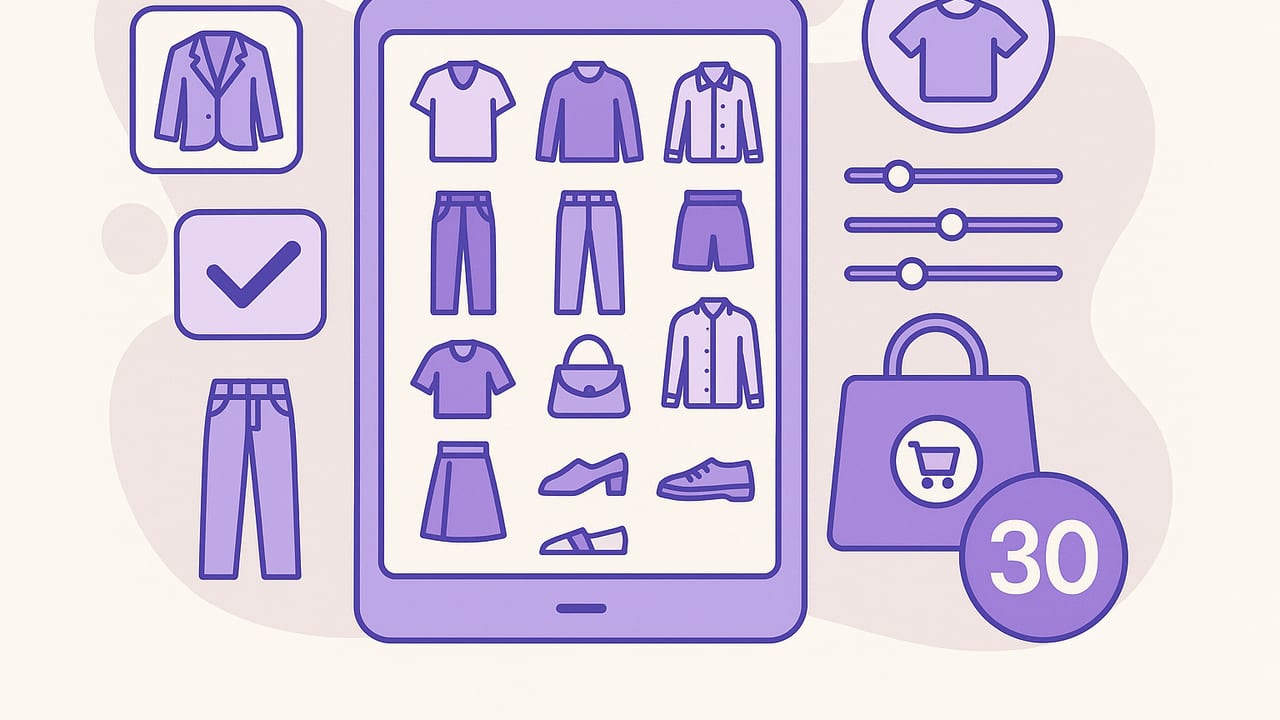
A capsule wardrobe is a tight collection of mix-and-match pieces that cover most of your life without the overwhelm. A capsule wardrobe app makes this process tangible: it digitizes your closet, simulates outfits before you commit, tracks what you actually wear, and prevents duplicate purchases. This guide walks you through the features to look for, a step-by-step build process, and practical workflows that keep your capsule lean and useful over time.
'Wear more of what you own' is not a slogan; it is a system. The right tools make it repeatable.
What to expect from a capsule wardrobe app
The best tools do more than store photos. They help you design a resilient, data-informed wardrobe you will actually use. Look for these capabilities:
- Fast wardrobe capture: Batch import, background removal, and smart cropping so you can log your closet in an afternoon.
- Tagging and search: Categories, subcategories, colors, fabrics, fits, season, formality, and care instructions for precise filtering.
- Outfit simulation: Visual layering, drag-and-drop boards, and grid views to test mix-and-match potential.
- Rules and constraints: Set capsule limits, palette guardrails, and wear-frequency goals to prevent bloat.
- Weather and calendar context: Temperature ranges, precipitation flags, and event tags to surface appropriate looks.
- Wear tracking and analytics: Wears per item, cost-per-wear, last worn, and rotation insights so you can edit confidently.
- Packing and micro-capsules: Build trip-specific capsules and verify coverage across activities and conditions.
- Virtual try-on or fit notes: Visual checks plus comfort ratings to ensure your capsule is not just cohesive but wearable.
Spreadsheet vs notes vs a capsule wardrobe app
You can run a capsule with paper or a spreadsheet, but an app streamlines friction-heavy steps like outfit simulation and wear tracking.
| Capability | Spreadsheet | Notes | Capsule App |
|---|---|---|---|
| Photo-based inventory | – | – | ✓ |
| Tagging and filters | ✓ | – | ✓ |
| Outfit simulation | – | – | ✓ |
| Wear tracking | Manual | Manual | Auto or quick tap |
| Weather integration | – | – | ✓ |
| Cost-per-wear | Manual calc | – | Auto |
| Packing lists | Manual | Manual | ✓ |
A 7-step workflow to build your capsule in an app
1) Inventory and tagging in one session
Gather your current season pieces and photograph them in consistent, indirect light. Include front-on shots with a clear outline. As you add items, assign tags immediately so you never have to batch-tag later. Suggested taxonomy:
- Category: outerwear, blazer, knit, tee, blouse, jeans, trousers, skirt, dress, sneakers, boots, heels, flats, bag
- Fit/silhouette: relaxed, tailored, cropped, wide, straight, slim
- Palette: base (black, navy, charcoal, tan), accent (olive, rust, cobalt), highlight (cream, white)
- Season: hot, warm, cool, cold
- Formality: casual, smart casual, business, formal
- Care/fabric: machine wash, dry clean, linen, cotton, wool, synthetic
Pro tip: If you are unsure about color names, pick the palette you want to build toward. Tagging a white tee as 'cream' will not break anything; consistency matters more than perfect accuracy.
2) Define capsule goals before you edit
Capsules fail when they ignore your routine. In the app, create contexts and allocate percentages that match your week:
- Work: 45%
- Casual/weekend: 35%
- Social events: 10%
- Fitness/commute: 10%
Set a target size (e.g., 30 pieces excluding underwear and gym gear) and choose a primary palette: 2 base colors, 1–2 accents, 1 highlight. This narrows future choices and improves mixability.
3) Add simple rules to prevent bloat
Use the app's rules or constraints to guide selection. A few guardrails go a long way.
// Capsule limits
max_pieces: 30
categories: {
  tops: 9,
  layers: 4,
  bottoms: 6,
  dresses: 2,
  shoes: 5,
  bags: 2,
  wildcards: 2
}

// Palette guardrails
require_base_colors: ['navy','black']
allow_accents: ['olive','tan']
limit_highlights: 1

// Mix rules
min_tops_per_bottom: 3
min_layers_per_top: 1

// Context coverage
work_looks: >= 12
casual_looks: >= 10
social_looks: >= 6

// Weather coverage
cold_ready: >= 8 looks below 45F
rain_ready: waterproof_outerwear >= 1
These constraints are not about perfection; they keep your capsule honest and ensure every piece earns its place.
4) Simulate outfits and surface gaps
With rules in place, generate outfits. Sort by context, color, and weather. Mark combinations that feel off and note the reason: color clash, proportion, footwear mismatch, or missing layer. The gaps become a targeted shopping or tailoring list instead of impulse buys.
Common gap patterns:
- Bottoms bottleneck: one shade of jeans matches only two tops.
- Footwear mismatch: dressy trousers without a matching shoe height or color.
- Layering friction: too many cropped tops with long-line cardigans or vice versa.
5) Validate with try-ons or fit notes
If your app supports virtual try-on, use consistent lighting and stand about an arm's length away. Take at least one look from the side to assess proportions. Otherwise, take mirror photos and record quick ratings for comfort (1–5), confidence (1–5), and adjustability (e.g., belt, roll, tuck). Archive anything that never hits 3 or higher after two attempts.
6) Edit to your target number
Start with your most worn items (from tracking or instinct) and build outward. For every addition, ask: does this increase total outfit count or only duplicate an existing lane? If two pieces serve the same role, keep the one that creates more combinations or fits more contexts.
7) Schedule rotation and maintenance
Create a recurring app reminder to review monthly. Swap a max of three pieces per month to reduce churn. Use the laundry view to spot bottlenecks: if one pair of trousers drives emergency washes, add a second that matches the same tops.
Metrics that make the capsule stick
- Wears per item: Tag outfits daily. Aim for at least 10 wears per season for core pieces.
- Cost per wear: Useful for big-ticket items. A blazer at 200 with 40 wears is cheaper per wear than a 40 top worn twice.
- Rotation health: If the top 20% of items get 80% of wears, you have redundancy. Swap out low-performers or re-style them.
- Mood score: A quick 1–5 rating reveals which items look good on paper but not on you.
- Mismatch tags: Color clash, proportion mismatch, footwear gap, weather fail. Patterns guide smarter edits.
Seasonal refresh in 30 minutes
- Purge the laggards: Sort items by wears and mood. Archive the bottom three that never cleared a 3/5.
- Rebalance by context: If work travel increases next month, tilt layers and footwear accordingly.
- Palette check: Keep base colors steady; rotate a single accent to freshen looks without breaking mixability.
- Weather adjust: Re-run outfits with the next season's temperature range enabled and add or remove thermal layers.
- Gap list: If a single addition solves three or more blocked outfits (e.g., a waterproof boot), prioritize that purchase.
Avoid these common pitfalls
- Palette drift: One off-tone purchase cascades into mismatches. Lock your base palette and choose accents intentionally.
- Orphan statement piece: Bold items need at least three companions. Use the app to map those before buying.
- Duplication by habit: Five similar black boots dilute outfits. Compare silhouettes and heel heights in a grid before you add.
- Ignoring footwear and outerwear: These define the final silhouette. Simulate with shoes and layers on every look.
- Over-editing: Constant churn destroys the capsule's stability. Limit swaps to a few items per month.
Example 30-piece capsule blueprint (temperate climate)
Use this as a template and adjust counts to your life and climate.
| Category | Count | Notes |
|---|---|---|
| Tops | 9 | 2 tees (white, black), 2 knits (navy, cream), 2 blouses (stripe, cream), 2 shirts (chambray, white), 1 statement top (olive) |
| Layers | 4 | 1 blazer (black), 1 cardigan (tan), 1 light jacket (olive), 1 rain shell (black) |
| Bottoms | 6 | 2 jeans (dark straight, black slim), 2 trousers (charcoal wide, navy tailored), 1 skirt (black midi), 1 chinos (tan) |
| Dresses | 2 | 1 day dress (navy), 1 slip dress (black) |
| Shoes | 5 | white sneakers, black ankle boots, loafers, heels, weather boot |
| Bags | 2 | tote (black), crossbody (tan) |
| Wildcards | 2 | seasonal accent knit, patterned scarf |
Coverage check:
- Work: 12+ looks via blazer, trousers, loafers/heels.
- Casual: 10+ looks via tees, jeans, sneakers, light jacket.
- Social: 6+ looks via slip dress layered with blazer or knit, ankle boots/heels.
- Cold/rain: Shell plus weather boots fill the weather gap without changing the palette.
Daily and travel workflows
Daily planning in 3 minutes
- Open the 'Today' view with weather and events auto-applied.
- Filter by context (work or casual) and select from suggested outfits.
- Swap one piece to avoid overusing top performers.
- Log the wear with a quick tap and rate mood at day end.
Travel capsule in 15 minutes
- Set destination dates and forecast range (e.g., 48–68F, chance of rain).
- Pick 2 shoes and 1 outer layer first; build bottoms and tops around those.
- Simulate outfits by day/activity; ensure every top works with every bottom.
- Export the packing list and note laundry options to reduce volume.
Privacy, photos, and AI: what to know
- On-device processing: Prefer tools that remove backgrounds and generate outfits locally or clearly disclose processing.
- Image quality: Consistent lighting and neutral backgrounds improve both recognition and visual simulation.
- Data portability: Export inventory and outfits as CSV or images so your work is future-proof.
- Human override: Treat AI suggestions as drafts, not directives. Your comfort and context always win.
Quick checklist
- Photographed current season items with consistent lighting
- Tagged by category, palette, season, formality, fabric
- Set capsule size, palette, and context percentages
- Defined simple rules (mix minimums, weather coverage, limits)
- Simulated outfits and flagged gaps
- Validated with try-ons or fit notes
- Edited to target number and scheduled monthly review
When you anchor your closet in constraints, context, and data, a capsule wardrobe app becomes more than a gallery; it becomes a decision engine that protects your time and budget while sharpening your style. If you want to try this workflow with virtual try-on and digital closet planning on iOS, Outfit Maker offers an approachable way to catalog, simulate, and refine your capsule.
