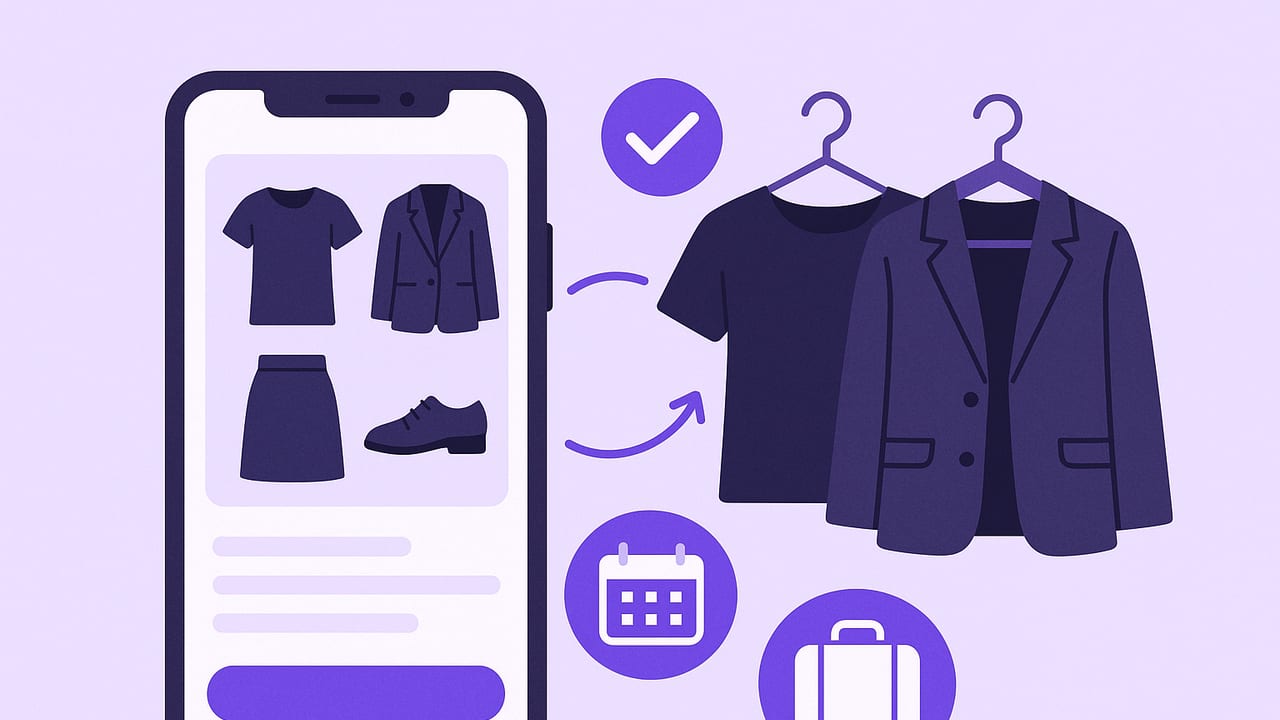
A capsule wardrobe sounds simple—fewer, better pieces that mix and match effortlessly. The reality is that life is messy: weather changes, dress codes vary, and our days swing from desk to dinner to daycare pickup. A capsule wardrobe app bridges that gap. It turns style ideals into a living system you can actually use, with data, visuals, and gentle nudges that keep your closet in sync with your real routine.
This guide walks you through what to look for, how to set up your capsule digitally, and ways to use analytics like cost-per-wear to make smarter purchases and reduce decision fatigue.
What a Capsule Wardrobe Really Is Today
At its core, a capsule wardrobe is a curated selection of clothes that work together across most of your weeks. It emphasizes quality, cohesion, and repeatable outfits. Modern capsules aren’t rigid uniforms. They flex by season, lifestyle, and personal taste.
- Fewer: Intentional limits reduce noise and impulse purchases.
- Better: Fit, fabric, and finishing are prioritized over quantity.
- Cohesive: A shared color palette and silhouettes that pair easily.
- Dynamic: Adjusts with weather, events, and evolving roles.
“Style is the art of subtraction: remove what doesn’t serve, and what remains becomes unmistakably you.”
Why Use an App Instead of Spreadsheets or Notes?
Spreadsheets help track counts; a capsule wardrobe app helps you get dressed. It adds photos, automated pairing, and daily context like weather and calendar. Here’s how the experience compares:
| Approach | Strengths | Limitations |
|---|---|---|
| Manual (spreadsheets, notes) | Simple, free, customizable | Time-consuming, no visuals, hard to track wears, no outfit previews |
| Capsule wardrobe app | Visual library, outfit suggestions, weather/calendar sync, analytics | Requires setup, learning curve, occasional photo tagging |
Key Features to Look For in a Capsule Wardrobe App
- Visual catalog: Add photos of your clothes; support for background removal to spotlight the garment.
- Tags and metadata: Color, category, season, formality, fabric, care, fit notes.
- Outfit generator: Suggests combinations you might not think of, within your capsule constraints.
- Virtual try-on: Realistic layering helps validate proportions and color pairings before you wear them.
- Weather and calendar awareness: Filter suggestions by temperature range, precipitation, and events.
- Capsule containers: Create seasonal, work, travel, or sport-specific capsules without duplicating items.
- Wear tracking: One-tap logging of what you actually wore for accurate analytics.
- Cost-per-wear (CPW): Attach purchase price; get CPW and ROI over time.
- Packing lists: Generate and check off travel capsules by itinerary and climate.
- Sharing: Send outfits to friends or get feedback on combinations.
- Privacy and sync: Secure storage and seamless use across your devices.
A 6-Step Workflow to Build Your Capsule in an App
1) Audit what you own
Pull out your current favorites and frequent repeats. Photograph these first; they’ll anchor your capsule. Skip rarely worn trend items for now.
2) Choose a palette and silhouette
- Base neutrals: e.g., navy, charcoal, black, or tan.
- Secondary neutrals: e.g., white, cream, olive, gray.
- Two accents: e.g., rust and sky blue, or emerald and blush.
Note dominant silhouettes (straight-leg vs. wide-leg, cropped vs. hip-length). Your app’s virtual try-on can test layering lengths before committing.
3) Map lifestyle buckets
Allocate your week by percentage: 50% work, 20% gym, 20% casual, 10% events. Your capsule should reflect these slices so you’re not overbuilding for rare occasions.
4) Import and tag items
Add garments to the app with clean, well-lit photos. Tag by category, season, dress code, color family, fabric weight, and care. Add purchase price and date to unlock CPW later.
5) Generate and pin your “anchor outfits”
Use the outfit generator to propose 15–25 combinations that suit your most common days. Pin the looks that feel most like “you.” This becomes your daily rotation.
6) Iterate with reality
Track what you actually wear for two to four weeks. Retire items that never get picked; note gaps (e.g., weatherproof shoes, mid-weight layer). Then finalize your capsule for the season.
Practical Example: A 30-Piece Office-to-Weekend Capsule
This sample capsule supports a hybrid office and social weekend. Adjust counts to your climate and dress code.
- Tops (8): 3 shirts, 3 tees, 2 blouses/knits
- Bottoms (5): 2 trousers, 2 jeans, 1 skirt
- Layers (5): 1 blazer, 2 cardigans, 1 trench/coat, 1 lightweight jacket
- Dresses/Jumpsuits (3): 2 day-to-dinner, 1 knit
- Shoes (5): loafers, low heels, sneakers, ankle boots, weather shoe
- Bags/Belts (4): everyday tote, compact crossbody, evening clutch, belt
Keep most items in a shared neutral palette with two accent colors. Use your app’s outfit generator to produce combinations like “trouser + tee + blazer + loafers” or “skirt + blouse + cardigan + ankle boots.”
| Mix-and-Match Potential | Count | Notes |
|---|---|---|
| Core combos (tops × bottoms) | 8 × 5 = 40 | Base outfits before adding layers/shoes |
| Layer multipliers | 40 × 3 = 120 | Assuming 3 layer options per combo |
| Shoe multipliers | 120 × 2 = 240 | Two practical shoe choices per look |
| Wearable distinct outfits | ≈ 240 | Enough variety for months without repeats |
Even with conservative math, a 30-piece capsule can yield hundreds of realistic outfits. Your app will auto-filter looks by weather and events, so you never see a rainy-day outfit with suede shoes.
Make Data Work for You: Cost-Per-Wear and Decision Triggers
Cost-per-wear (CPW) turns “price” into “value.” Attach purchase price in your app, then log wears. As CPW drops, you learn what’s worth repeating—and what to avoid buying again.
# Simple CPW calculation
price = 180.00
wears = 36
cpw = price / max(wears, 1)
print(f"${cpw:.2f} per wear")  # $5.00 per wear
Use data-driven triggers:
- Repurchase trigger: If CPW falls below a personal benchmark (e.g., $5) and you feel limited when the item is in the wash, add a backup to your wishlist.
- Alteration trigger: Items worn < 3 times in a month with “fit” flagged—book a tailor before donating.
- Declutter trigger: Zero wears in 60 days + duplicates in the same role = remove from capsule.
Travel and Seasonal Capsules, Simplified
A good capsule wardrobe app can spin up packing lists and seasonal edits in minutes.
Travel
- Set the context: Destination, dates, activities, laundry access.
- Weather rules: Auto-filter by temperature band and precipitation.
- Capsule limit: Choose “10x10” (10 items, 10 days) or similar; generate outfits.
- Export: Checklists ensure nothing’s left behind.
Seasonal refresh
- Duplicate last season’s capsule, swap fabrics and add/subtract layers.
- Re-run outfit generator, pin new anchor looks, and set a shopping list for true gaps only.
Sustainable Style: Buy Less, Wear More
Capsules are inherently sustainable: you maximize use and minimize waste. Apps amplify that by exposing what you actually wear.
- Care notes: Log wash method and detergent to extend item life.
- Mend vs. replace: Track repairs; many items return to heavy rotation after simple fixes.
- Mindful buying: If an item would be a “single-use” outlier in your capsule, skip—or find a version that fits your palette and silhouettes.
Common Mistakes to Avoid
- Over-curating too fast: Don’t purge aggressively before tracking real wear patterns for a few weeks.
- Ignoring weather: A perfect outfit you can’t wear half the year isn’t a staple; tag by temperature and fabric weight.
- Palette drift: One-off colors dilute mixability. Keep accents tight (two max).
- Accessory blind spots: Belts, bags, and shoes often unlock cohesion; track them like garments.
- Copy/paste capsules: Templates are helpful, but your lifestyle split is unique. Start from your calendar, not from someone else’s checklist.
Quick-Start Checklist
- Photograph 20–30 items you already wear weekly.
- Pick 2 neutrals + 2 accents; note preferred silhouettes.
- Create a “Workday” and “Weekend” capsule container in your app.
- Tag items with season, dress code, color, and fabric weight.
- Generate 15–25 suggested outfits; pin 10 anchor looks.
- Track wears for two weeks; adjust gaps and duplicates.
- Add prices to enable CPW, and set three decision triggers.
FAQs
How many pieces should a capsule have?
There’s no magic number. For most, 25–40 core pieces per season (excluding underwear and athletic gear) balances variety and simplicity. Your app can show diminishing returns as you add items—stop when new pieces no longer unlock new outfits.
Can a capsule work with bold colors or prints?
Yes—anchor them with strong neutrals and repeat the accent color twice elsewhere (e.g., print top + matching belt or bag). Use virtual try-on to test balance before committing.
What if my job has multiple dress codes?
Create sub-capsules (client days, lab days, WFH) and let the app filter by event or location. Reuse the same base items across sub-capsules to keep counts low.
From Closet Chaos to a System You Trust
The point of a capsule isn’t to limit your personality—it’s to remove friction so your personal style shows up consistently. A capsule wardrobe app gives you the visuals and data to make that happen: realistic outfit previews, context-aware suggestions, and objective feedback from wear tracking.
If you want to try this workflow with virtual try-on and a smart closet planner on iOS, explore Outfit Maker as a simple way to catalog, generate outfits, and plan capsules that match your real life.
