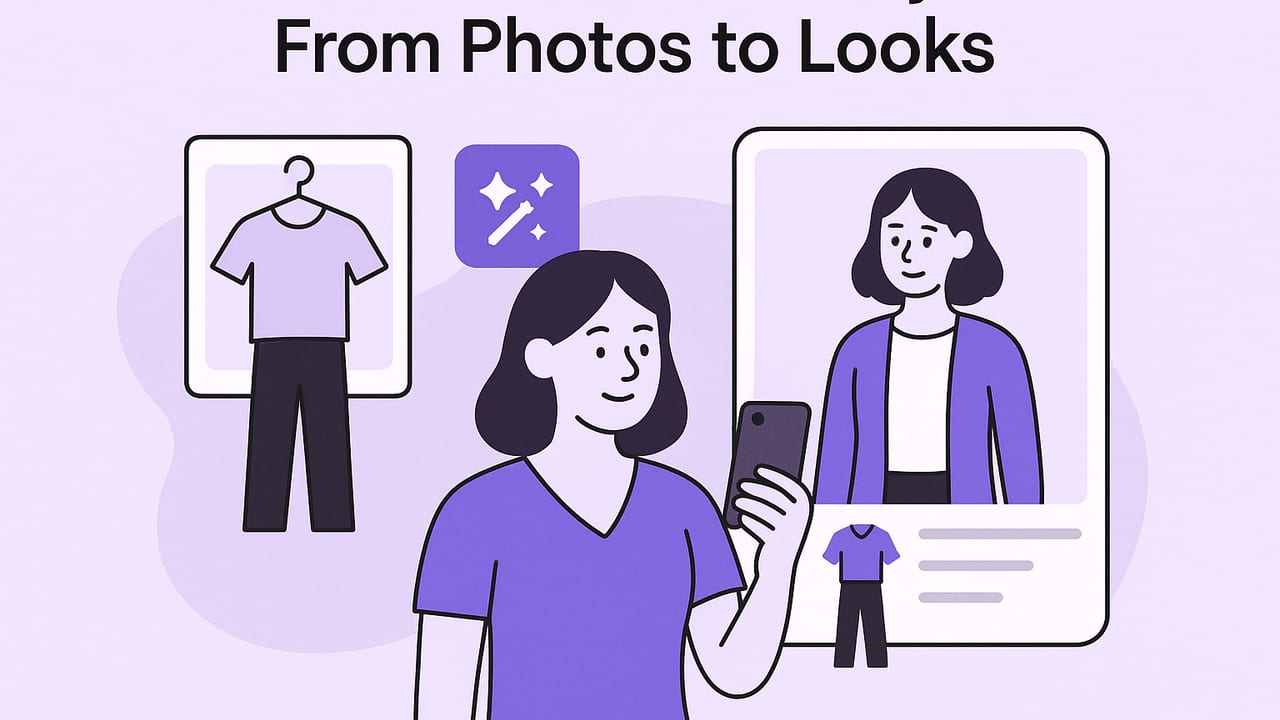
An outfit generator uses artificial intelligence to mix and match clothing so you can see what to wear without trying everything on. Beyond simple matching, modern tools understand color harmony, silhouette balance, occasion, weather, and your personal preferences. This guide explains how outfit generators work, how to set up your digital closet for accurate results, and practical tactics to get consistently great looks.
What an Outfit Generator Actually Does
At a high level, an AI-driven outfit generator follows a pipeline from inputs to styled looks:
- Ingest: You upload garment photos or import product images.
- Understand: The model identifies item type (e.g., shirt vs. blazer), color, pattern, fabric, and seasonality.
- Constrain: It applies your context—occasion, temperature range, dress code, and preferences.
- Compose: It proposes outfits that optimize harmony (colors, textures), silhouette (fit balance), and practicality (weather, activity).
- Render: It displays flatlays, on-figure mockups, or virtual try-on visualizations.
- Learn: Your ratings and edits tweak future recommendations.
| Wardrobe Input | How the Generator Uses It | What It Unlocks |
|---|---|---|
| Clothing photos (front-on, clear background) | Detects type, color, silhouette, pattern | Accurate pairing and layering suggestions |
| Item metadata (brand, fabric, care) | Infers formality, seasonality, texture | Occasion-aware and weather-smart looks |
| Body reference or size notes | Estimates fit and proportions | More realistic virtual try-on results |
| Preferences (colors, silhouettes, dress code) | Guides scoring and ranking | Results feel personal and consistent |
| Calendar, location, weather | Applies constraints and practicality | Fewer great-but-impractical outfits |
Quick-Start: Set Up Your Digital Closet Right
Better inputs yield better outfits. Spend a short session photographing and labeling your clothes—this pays off every time you generate looks.
- Photograph items flat or on a hanger against a plain background. Natural daylight is ideal. Avoid extreme angles; keep the lens parallel to the garment.
- Fill the frame so the item isn’t tiny. Include the neckline, hem, and sleeves fully.
- Remove busy backgrounds with an in-app tool or editor to isolate the garment.
- Label consistently: type (e.g., crew tee), color (hex or plain English), pattern (solid, stripe, check), fabric weight (light/medium/heavy), season (S/S, F/W).
- Tag for context—work, casual, formal, active, travel. Add care notes like “dry clean” or “wrinkle prone.”
- Capture shoes and outerwear. Most mismatched outfits come from ignoring footwear and layers.
Optional but powerful: add fit descriptors (relaxed, slim, cropped, high rise) and color temperature (warm, cool, neutral) so the algorithm can balance proportions and tones.
How Algorithms Pick Outfits (Without the Math)
Generators rank combinations using scoring functions. The top outfits usually satisfy these pillars:
- Harmony: Color theory (complementary, analogous, triadic) and pattern mixing rules (one hero pattern + one subtle at most).
- Silhouette: Balance of volume and structure—wide legs with a fitted top; oversized knit with slim bottoms; cropped jackets over longer layers.
- Occasion: Formality and practicality—no suede boots in downpour; no gym leggings to a board meeting.
- Continuity: Repeating a color or material at least twice (e.g., brown belt + brown shoes) to “link” the look.
- Personalization: The system encodes your likes/dislikes through feedback loops.
Simple Style Rules Many Outfit Generators Encode
- Limit outfits to one focal point (bright color, bold pattern, statement texture).
- Start with a two-color base, add one accent at most.
- Match formality of shoes to the activity first; build up from there.
- Use third-piece layering (jacket, overshirt, vest) to finish and frame proportions.
- Anchor with one texture per zone (e.g., nubby knit up top, smooth twill below).
Prompting and Filters That Actually Help
If your outfit generator accepts text prompts or filters, be precise about occasion, vibe, constraints, and must-use items. Examples:
# Prompt templates you can adapt
"Smart casual office outfit, cool neutrals, breathable fabrics, no denim, includes navy blazer, weather 65°F, comfortable low heel."

"Weekend brunch, playful, uses striped tee, avoid black, add one pop color accessory, flat shoes only."

"Carry-on only business trip, 3-day capsule, base: charcoal + white, add muted blue accent, includes waterproof outer layer."

"Date night in winter, elevated but warm, use knee-high boots, avoid bulky scarf, mix matte and shine textures."
Use filters for dress code, color palette, and weather. Pin one item you must wear, then let the generator fill the rest.
Reliable Outfit Formulas You Can Reuse
- Office Smart-Casual: Unstructured blazer + fine-gauge knit + tapered trouser + leather loafer.
- Creative Casual: Overshirt + crisp tee + straight denim + retro sneaker.
- Date Night: Cropped jacket + slip dress + heeled boot + slim belt.
- Weekend Errands: Hoodie + lightweight quilted vest + joggers + minimalist trainer.
- Summer City: Linen shirt + tailored short + woven belt + espadrille.
- Rain-Ready: Waterproof shell + merino base + chinos + lug-sole boot.
Save your favorites so the generator can remix the same building blocks season to season.
Virtual Try-On Accuracy: What to Expect
On-figure previews and virtual try-on are approximations. You’ll get the best results by standardizing your reference image and item photos:
- Consistent pose: Natural stance, arms relaxed, camera at chest height, lens 35–50mm equivalent to reduce distortion.
- Even light: Indirect daylight, avoid harsh shadows that can confuse drape and edge detection.
- True color: Turn off strong warm or cool bulbs; color-accurate photos produce more believable composites.
- Fit notes: Mark items as relaxed/tailored and cropped/long so the system scales lengths and layering correctly.
Remember: try-on is directional. Always check key fit points in real life—waist placement, rise, sleeve length, and shoe comfort.
Common Mistakes (and Easy Fixes)
- Uploading product photos only. Fix: Photograph your actual garments so color and fabric behaviors are accurate.
- Skipping shoes and outerwear. Fix: Add them—footwear and layers determine formality and seasonality.
- No occasion tags. Fix: Tag items with where you’d actually wear them to reduce impractical suggestions.
- Too many hero pieces. Fix: Curate—one statement at a time; keep the rest quiet.
- Ignoring weather. Fix: Turn on location-based weather constraints or set a temperature band.
Build a Capsule Wardrobe with an Outfit Generator
Capsules maximize combinations with fewer pieces. Ask the generator for a palette and silhouettes that coordinate across contexts, then test permutations quickly.
Start small with a 10-piece capsule that skews versatile:
- 2 tops (one neutral knit, one crisp shirt)
- 2 bottoms (dark denim, tailored trouser)
- 1 dress or jumpsuit
- 2 layers (light cardigan, unstructured blazer)
- 2 shoes (smart sneaker, leather loafer/boot)
- 1 wild card (statement accessory or colored knit)
With a restrained palette (e.g., charcoal, navy, white, and a muted blue accent), you can generate dozens of outfits. Here’s a simplified view of how combinations scale:
| Category | Count | Typical Pairings | Rough Outfit Yield |
|---|---|---|---|
| Tops | 2 | Each with each bottom | 2 tops × 2 bottoms = 4 bases |
| Layers | 2 | Each layer over each base | 4 bases × 2 layers = 8 looks |
| Shoes | 2 | Match by formality | Up to 8 × 2 = 16 looks |
| Dress/Jumpsuit | 1 | With 2 layers × 2 shoes | 1 × 2 × 2 = 4 looks |
| Wild Card Accessory | 1 | Elevates select outfits | +3–5 curated upgrades |
These are conservative counts. An outfit generator will often find more mixes by swapping tucks, belts, and color repeats, but tight palettes keep the results wearable.
Advanced Tactics: Seasons, Color, Laundry Cycles
- Seasonal presets: Tag items light/medium/heavy. Ask for transitional looks when temperatures swing 20°F in a day.
- Color strategy: Pick a base (charcoal, navy, stone), a light (white, ecru), and one accent (muted blue, burgundy). Outfit generators excel with constrained palettes.
- Laundry-aware planning: Mark delicate or dry-clean items. Generate mid-week looks that avoid everything that’s in the hamper.
- Texture mapping: Use matte vs. sheen intentionally—matte grounds daytime; sheen reads dressy at night.
- Event packing: Create a packing list from confirmed outfits to prevent missing belts, socks, or underlayers.
Dress for the life you actually live. Feed your outfit generator with the clothes and contexts you’ll reach for weekly, not fantasy occasions.
Checklist: Get Stellar Results in 15 Minutes
- Photograph 12–20 core items with clear, background-removed images.
- Tag type, color, fabric weight, formality, and season.
- Set your base palette and two preferred silhouettes.
- Enable weather and calendar constraints.
- Pin one hero piece and generate five variations.
- Rate results; hide anything you’d never wear.
- Save three go-to formulas; export a weekly plan.
Troubleshooting: When Suggestions Miss the Mark
If results feel off, adjust inputs rather than regenerating endlessly:
- Color clashes: Re-tag items with specific tones (cool navy vs. warm navy). Limit accent colors per look.
- Unflattering proportions: Add fit tags—cropped, high-rise, oversized. Prefer high-rise with cropped tops; long tops with slim bottoms.
- Too dressy or too casual: Tighten occasion filters and shoe formality.
- Repeating the same outfit: Hide duplicates and encourage variety by requesting a different focal point.
The Bottom Line
An outfit generator is most powerful when you give it high-quality garment photos, consistent tags, and clear context. Use prompts to define the vibe and constraints, rely on a concise palette, and let the system remix your staples into outfits you’ll actually wear. Over time, your feedback trains it to reflect your taste, making planning faster and more fun.
If you want to try these tactics on iPhone with realistic visualizations and a smart closet, consider Outfit Maker—an AI outfit generator and digital wardrobe planner that lets you upload your clothes, plan looks, and virtually try them on.
