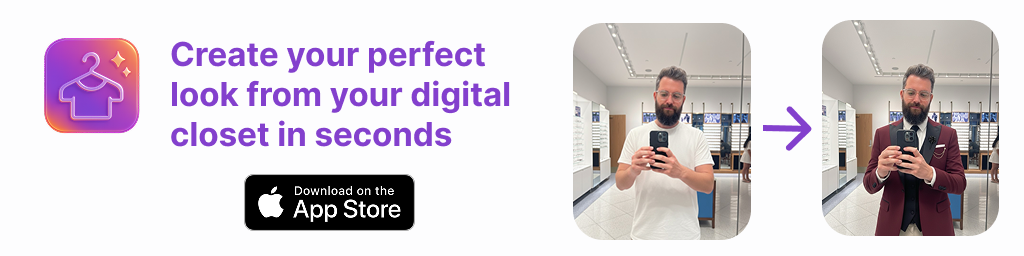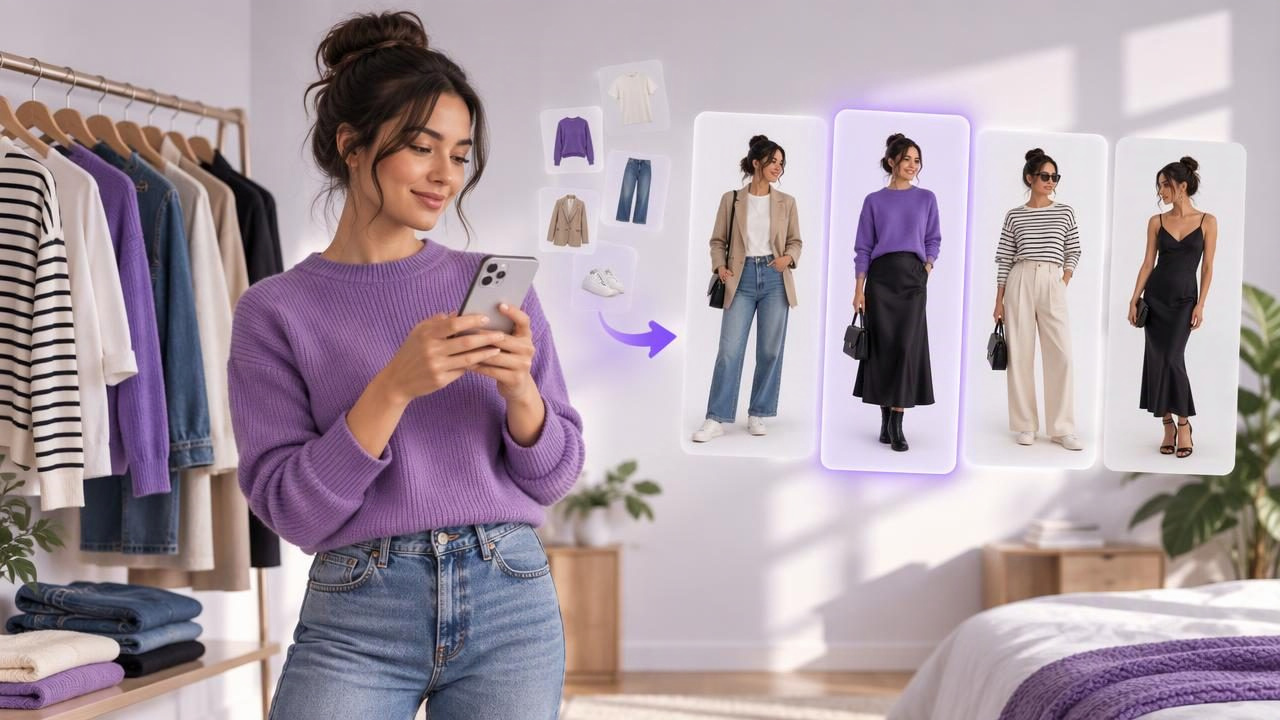
An AI outfit generator from your own clothes can help you see new combinations without pulling every item from your closet. Instead of starting with a shopping list or generic inspiration, you begin with garments you already have and explore how they might work together. That makes the process useful for getting dressed, planning an occasion, or noticing which pieces you reach for most.
The key is to treat AI as a tool for visualizing and organizing outfits, not as an authority on fit or a replacement for your own judgment. A digital closet can show a possible look on your photo, but it cannot reliably tell you whether a fabric feels comfortable, a hem falls at the right place, or a garment fits exactly as expected. Here is how to get more useful ideas from your wardrobe while keeping those limits in mind.
What an AI outfit generator does with your wardrobe
An AI outfit generator uses the clothing items and photos you provide to help you explore outfit combinations. Depending on the app, you may be able to catalog garments in a digital closet, select pieces for a look, and use virtual try-on to preview how the combination could appear on you. The basic idea is simple: make your existing wardrobe easier to see and consider.
This differs from browsing outfit inspiration built around clothes you do not own. When your own garments are the starting point, suggestions can be more relevant to your actual closet. You can test a familiar pair of trousers with a less-used top, or compare two layers before deciding which one suits the occasion.
Start with a useful, manageable digital closet
You do not need to catalog every item before trying outfit planning. Begin with a small group of clothes you wear often or want to use more: perhaps a few tops, two pairs of trousers, a skirt, a layer, and shoes. A focused selection makes it easier to recognize combinations without turning setup into a major project.
- Choose a purpose. Pick a real need, such as weekday outfits, a dinner, or a weekend away.
- Add relevant pieces. Include garments that suit that need rather than documenting your entire closet at once.
- Use clear item photos. Make the garment easy to recognize, with enough of its shape and color visible.
- Keep useful details in mind. Note how you wear an item, such as whether a shirt is usually tucked in or a jacket is a light layer.
A tidy digital closet is not about creating a perfect inventory. It is a practical reference for the clothes you might actually wear. If you want more guidance on organizing one, see this guide to creating a digital closet.
Build an outfit around a real occasion
AI suggestions become easier to judge when you give them a clear context. “Make me an outfit” is broad; “put together a comfortable look for a casual office day” gives you a more useful starting point. Think about the activity, weather, dress expectations, and how much walking or sitting you expect to do. You can then decide whether the suggested combination makes sense in real life.
For example, imagine your digital closet includes navy trousers, a white T-shirt, an olive overshirt, and white sneakers. You could preview the T-shirt and trousers together, then add the overshirt as a layer. If the result feels too casual for a meeting, try a different top or shoes from your closet. The value is not that the AI knows your workplace rules; it is that you can compare options using clothes you already own.
For an event, work outward from one item you know you want to wear. A patterned skirt might be the anchor; test it with a simple top and a layer, then compare footwear. This keeps the outfit grounded in your wardrobe instead of producing a look that depends on an imaginary purchase.
How to judge an AI-generated combination
A virtual preview is most useful when you assess the outfit in parts. Ask whether the colors feel balanced, whether the proportions look intentional, and whether the pieces suit the setting. Then consider practical questions the image cannot answer: can you move comfortably, will the weather be appropriate, and does the fabric work for the day?
| What to check | Question to ask |
|---|---|
| Color | Do the shades work together, or does one piece dominate? |
| Proportion | Do the lengths and shapes look balanced in the preview? |
| Occasion | Does this combination match the setting and its dress expectations? |
| Practicality | Will the clothes suit the weather, movement, and length of the day? |
Save combinations that pass your own checks, including alternatives. A saved look can serve as a reminder that certain pieces work together, even if you adjust the accessories or layer when you get dressed. If sharing is available in the app you use, a second opinion can help you compare options—but your comfort and the occasion should guide the final choice.
Understand virtual try-on limitations
Virtual try-on is a style-visualization aid, not a dependable fit test. A generated image may help you imagine the overall combination, but it does not establish precise sizing, garment measurements, fabric weight, stretch, drape, or how an item moves on your body. The appearance can also be affected by the photos you provide, the way a garment is represented, and how the technology renders a particular outfit.
Use the preview to consider broad styling questions: Does a light top work with these darker trousers? Would a layer change the feel of the outfit? Do you prefer this combination to another? For fit or comfort, rely on the garment itself, its measurements, and trying it on when possible. If an image looks slightly different from what you expect, treat it as a prompt to inspect the real clothes—not proof that the garment will fit or look exactly that way.
There is also a difference between an attractive outfit and a suitable one. A preview cannot know that a shirt needs ironing, that shoes hurt after a long walk, or that a jacket feels too warm indoors. Your personal experience remains essential. Before relying on an app that stores photos or wardrobe images, review its privacy information and decide what you are comfortable uploading.
Make outfit planning a repeatable habit
Once you have a handful of useful combinations, use them as a starting point rather than a strict uniform. Save a look, note what occasion it suits, and make a small adjustment when conditions change. For a cooler day, try a layer already in your closet; for a more formal setting, compare a different shoe or top. This helps turn one visual idea into practical variations.
- For a busy morning: Choose from combinations you have already considered instead of starting from zero.
- For an underused garment: Add it to a look with familiar basics and see whether the result feels wearable.
- For travel: Think in outfits that can serve more than one activity, while checking weather and dress needs separately.
- For a special occasion: Preview options early, then confirm comfort and appropriateness with the actual clothes.
Over time, saved combinations may reveal patterns in your preferences. You might notice that you favor certain colors, repeat a particular silhouette, or rarely choose a garment you thought you liked. Those observations can inform future wardrobe decisions, but they do not require you to follow a trend or discard clothes that still serve you.
When an AI outfit generator is most helpful
This kind of tool can be especially handy when you have plenty of clothes but struggle to picture new pairings, when you want to compare several options before changing, or when planning outfits for a specific event. It can also make a digital closet more actionable: instead of seeing a list of separate items, you can explore how pieces might work as complete looks.
It may be less useful if you expect exact fit predictions, automatic knowledge of every dress code, or a perfect result from incomplete garment photos. The better expectation is modest and practical: use AI to expand the combinations you consider, then use your own knowledge to select what you will really wear.
Frequently asked questions
Can an AI outfit generator use clothes I already own?
Yes, wardrobe-focused tools let you provide clothing items so you can explore combinations from your own closet. The experience and available options vary by app, so check how it handles garment photos and virtual previews.
Does virtual try-on show exactly how clothes will fit?
No. It can help visualize a style combination, but it should not be treated as a precise sizing or fit prediction. Fabric, measurements, comfort, and movement need to be judged separately.
Do I have to add my entire wardrobe?
No. Starting with a small selection tied to a real occasion is often more manageable. Add more pieces as you discover which items you want to plan with.
What is a good first outfit to test?
Try a familiar base, such as trousers and a simple top, then compare one layer or shoe option. Because you know how the base pieces feel, it is easier to decide whether the preview suggests a combination worth wearing.
Use the preview as a starting point
An AI outfit generator from your own clothes can make wardrobe planning more visual and help you consider combinations you might otherwise overlook. Start with a specific need, use garments you recognize, and save the looks that seem promising. Then check the real-world details—fit, comfort, weather, and occasion—before deciding what to wear. Outfit Maker is one option for exploring a digital closet and virtual outfit previews; its digital closet guide offers more detail on organizing your wardrobe.