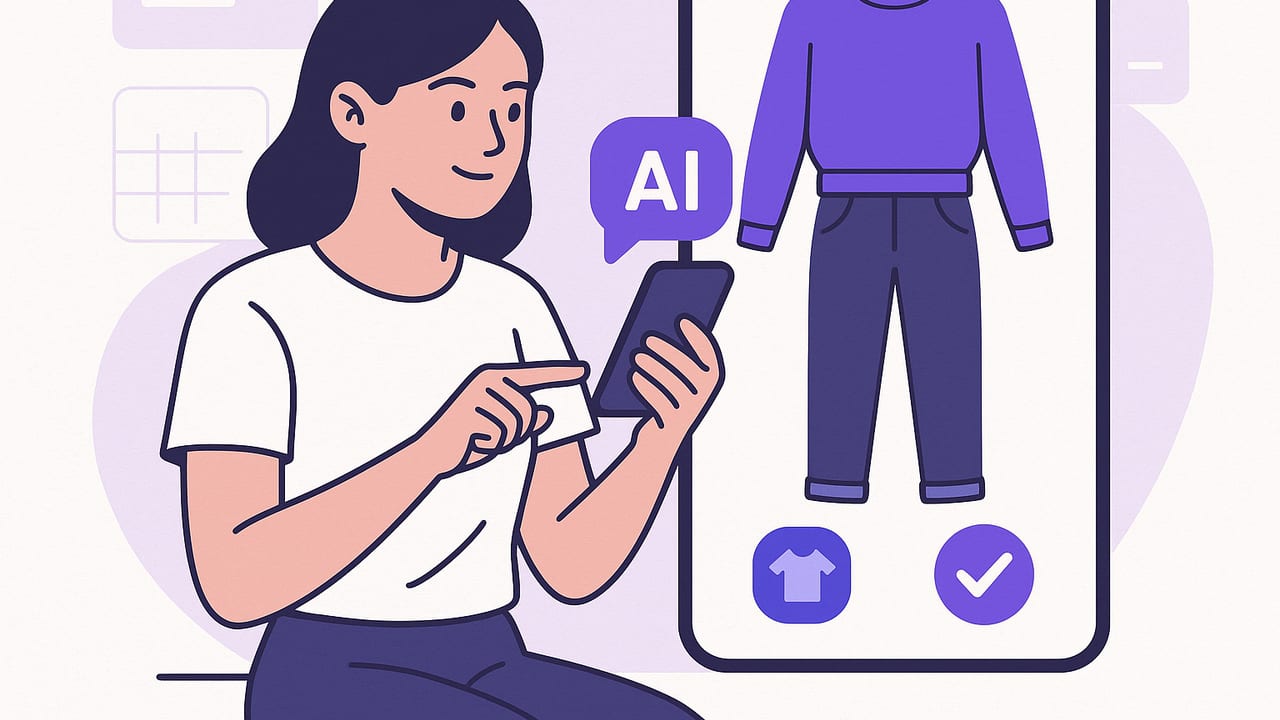
An AI outfit app blends computer vision, virtual try-on, and smart wardrobe organization to help you see how clothes will look together before you get dressed. Done well, it becomes a daily decision tool: digitize your closet, plan looks for weather and occasions, experiment with color and silhouette, and avoid impulse buys you won’t wear. This guide explains how these apps work, which features actually matter, and step-by-step tactics to get consistent, stylish results.
How an AI Outfit App Works (In Plain English)
Behind the scenes, these apps use a pipeline of visual AI techniques to turn photos of you and your garments into realistic outfits:
- Background removal and body keypoints: The app isolates you from the background and identifies body landmarks (shoulders, elbows, hips, knees) to understand pose and proportions.
- Garment segmentation: Each clothing photo is split from its background and labeled (shirt, dress, pants, coat). Good models also detect sleeves, collars, hems, and necklines.
- Warpping & draping: The app warps the garment to your pose so it follows body lines. Advanced methods simulate drape and layering so a jacket appears over a shirt, not glued on top.
- Occlusion & depth: Realism improves when the app knows what sits in front or behind (e.g., hair over a collar, belt under a sweater) and handles hands-in-pockets or crossed arms.
- Lighting & color consistency: Subtle relighting helps the garment match your scene so blacks don’t look gray and whites don’t glow.
On the planning side, the app organizes your closet with tags (category, color, fabric, formality, season), then uses rules and recommendation models to suggest outfits that fit a temperature range, dress code, or your past likes.
Key Features That Actually Matter
Marketing checklists can blur together. Use this feature matrix to focus on what truly changes your experience.
| Feature | Why It Matters | What "Good" Looks Like |
|---|---|---|
| Realistic virtual try-on | Confidence in fit and vibe | Handles layers and occlusion; minimal warping on patterns; believable shadows |
| Closet digitization | Central source of truth | Fast background removal, batch import from camera roll, tags, and filters |
| Outfit generation | Breaks style ruts | Custom rules (colors, dress code, body goals) and editable suggestions |
| Weather & calendar | Practical planning | Daily forecast tie-in, pack lists, recurring events, and reminders |
| Search & filters | Find the right piece fast | Filter by color, fabric, occasion, care label, and last worn |
| Ratings & learnability | Personalization improves | Thumbs up/down or 1–5 ratings that adapt future suggestions |
| Privacy controls | Trust & safety | Clear data policy, on-device processing where possible, easy item deletion |
| Sharing & export | Feedback from friends | Quick share of looks; export packing lists and lookbooks |
Fit Accuracy and Realism: What to Expect
No AI try-on is perfect yet, but you can dramatically improve results with a few habits.
Common Limitations
- Flowy fabrics: Chiffon and silk can look stiff if the model doesn’t simulate drape well.
- Complex prints: Bold stripes or micro-patterns may warp unnaturally when stretched.
- Edge cases: Very long coats, extreme poses, or bulky scarves can confuse layering.
How to Optimize Your Photos
- Shoot garments flat-fronted: One photo straight on, good daylight, no hangers in frame. Add a side-angle shot for outerwear.
- Use consistent lighting: Natural, diffuse light prevents color shifts across items.
- Include scale cues: Photograph belts buckled and pants folded lengthwise so the AI infers size correctly.
- Group by category: If possible, shoot tops together, then bottoms, then outerwear. Batch imports save time and increase tagging accuracy.
Expect near-perfect realism on tees, jeans, structured jackets, and sneakers. Expect minor artifacts with sheer fabrics, reflective materials, or fringe.
A One-Week Workflow to Get Real Value
Follow this plan to go from zero to reliable, daily styling help.
- Day 1 – Import essentials: Digitize 20–30 high-rotation pieces (favorite jeans, neutral tops, two jackets, two pairs of shoes). Skip rarely worn formalwear for now.
- Day 2 – Tag and tidy: Add color, season, and dress code tags. Mark any required care (dry clean only) to avoid bad recommendations.
- Day 3 – Build two capsules: Create one work capsule and one casual capsule. Aim for 10 items each with overlapping colors.
- Day 4 – Create style equations: Save reusable templates like “Relaxed top + structured bottom + third piece + grounded shoe.”
- Day 5 – Plan the week: Pull weather data; generate five looks; schedule them to your calendar. Add one backup outfit per day.
- Day 6 – Rate and refine: Wear two generated looks. Rate comfort and confidence. Replace any low-scores with alternatives.
- Day 7 – Audit and pack: Build a weekend pack list from favorites. Export it so you can pack in five minutes next time.
Styling Frameworks Your AI Can Follow
Give your ai outfit app clear rules. It will produce better suggestions and learn your style faster.
- Silhouette balance: Pair volume with structure (wide-leg pants + fitted tee; oversized blazer + straight-leg jeans).
- The third-piece rule: Add a layer or accessory (blazer, vest, cardigan, belt) to elevate simple base outfits.
- Color rules that work: Try 70/20/10 (dominant/secondary/accent), analogous palettes (blue–teal–green), or complementary pops (navy + rust).
- Texture contrast: Mix matte with shine or soft with rigid (cashmere + leather; denim + silk) for depth in photos and real life.
- One dress, three ways: Day (sneakers + tote), Desk (blazer + loafers), Dinner (heels + statement earrings).
Prompts to Use Inside Your AI Outfit App
- “Build five smart-casual outfits for 68–72°F with flats; avoid black.”
- “Use these three items as anchors (navy blazer, white tee, tan chinos) and vary shoes/accessories.”
- “Create travel looks from a carry-on: 3 tops, 2 bottoms, 1 outer layer, 2 shoes; no repeating outfits.”
- “Suggest a day-to-night swap for Outfit 2 using only accessories and shoes I own.”
- “Generate three color-forward looks that keep silhouette slim on top and relaxed on bottom.”
Build a 10-Item Capsule That Yields 30+ Outfits
Capsules reduce decision fatigue and make AI suggestions more coherent. Start here:
| Category | Items (Examples) | Notes |
|---|---|---|
| Tops (3) | White tee, striped knit, silk blouse | Mix of casual and polished fabrics |
| Bottoms (3) | Straight jeans, tailored trousers, midi skirt | Neutral colors, different silhouettes |
| Layer (2) | Oversized blazer, light cardigan | Third-piece power |
| Dresses (1) | Day-to-night slip dress | Style with sneakers or heels |
| Shoes (1–2) | White sneaker, leather loafer | Comfort + polish |
Feed these items into your ai outfit app and ask for outfits across three scenarios (commute, client meeting, dinner). Tag your favorites and refine the capsule by swapping one item at a time until the hit rate is high.
Shopping Smarter With AI
Before buying, virtually try the piece with three outfits you already own. If it only works with new items, skip it. Use the app’s color detection to check whether a “navy” blazer actually matches your navy trousers and shoes. Employ cost-per-wear math: if a $150 jacket appears in 30 planned outfits, that’s $5 per wear—great value if you’ll actually wear it.
Privacy, Data, and Sustainability
- Data controls: Review what’s processed on-device vs. in the cloud. Look for simple deletion tools and transparent policies on image retention.
- Minimal capture: You don’t need catwalk photos. Clean, well-lit shots are enough.
- Wear more, buy less: Use outfit history and ratings to repeat high-performing looks. The greenest item is the one you wear often.
- Donation cues: If an item never appears in your best-rated outfits, consider selling or donating it.
Troubleshooting Common Issues
- Layering looks flat: Ensure the inner layer’s neckline is visible in its photo; reshoot outerwear at a slight angle to reveal lapels.
- Colors look off: Turn off warm indoor lighting. Use daylight or a daylight bulb when photographing clothes.
- Patterns distort: Add a second garment photo (on a flat surface) so the AI learns the pattern repeat and scale.
- Outfits feel repetitive: Add two accent pieces (colored shoes, statement belt). Update your prompts with a specific constraint like “no denim.”
- Fit mismatch: Recalibrate your body photo with a neutral stance, arms relaxed at sides; avoid wide stances or dramatic angles.
FAQs
Do I need professional photos of my clothes?
No. A phone camera with diffuse daylight is ideal. Keep backgrounds plain and fill the frame with the item.
Can an ai outfit app handle menswear and womenswear?
Yes. Tag by category and fit (slim, standard, relaxed). The underlying models care more about silhouettes than gender labels.
How do I plan for changing sizes or seasons?
Use tags like “winter,” “postpartum,” or “camping.” Archive items out of season to declutter your suggestions without deleting them.
What about accessories?
Photograph belts, hats, and bags. Accessories are the fastest way to evolve a base outfit into multiple distinct looks.
Is virtual try-on accurate enough to replace the mirror?
Treat it as a pre-check. It reduces try-on time and mistakes. Final comfort and movement still need a real-world test.
A Quick Setup Checklist
- Digitize 25 core pieces in daylight
- Tag color, season, dress code, and care
- Create two style equations you love
- Generate five outfits for next week
- Rate what you wear and refine
The best wardrobe is the one you can actually see. Once your closet is searchable and try-ons are instant, style becomes a series of small, confident decisions.
If you’re on iOS and want to try these ideas, Outfit Maker offers an ai outfit app with virtual try-on and a smart closet planner you can experiment with today.
