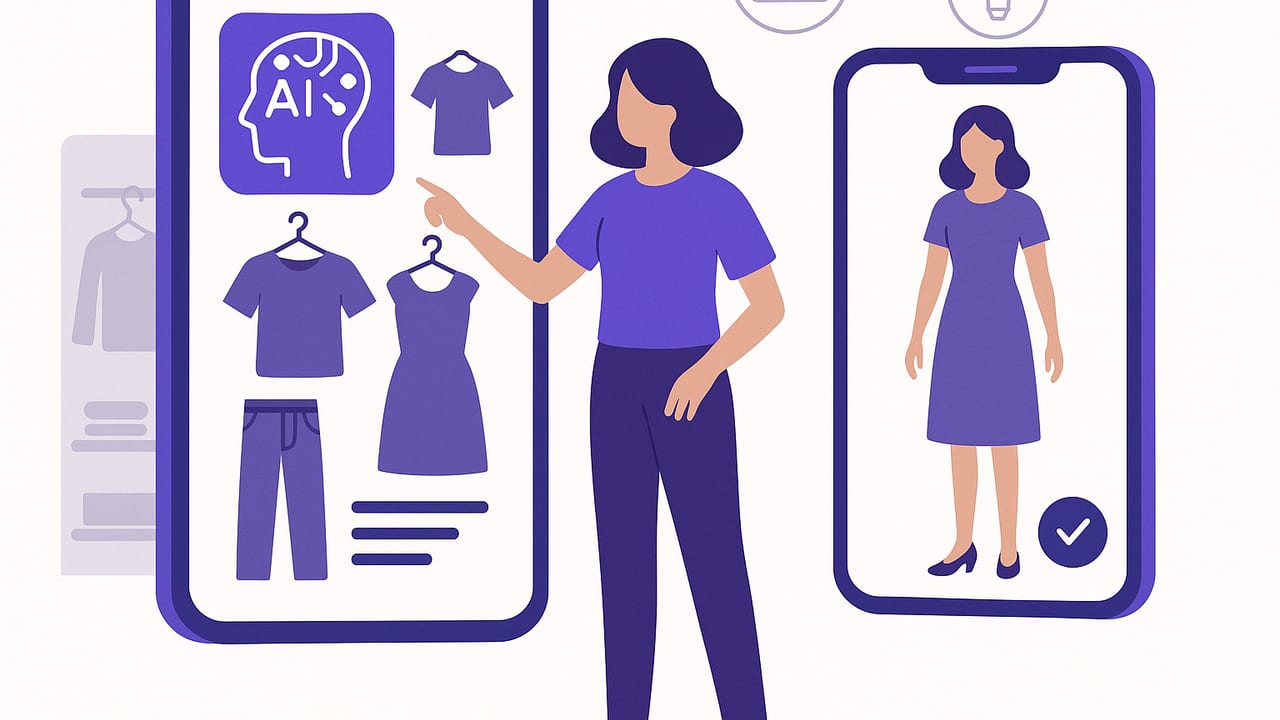
Imagine opening your phone, tapping a button, and instantly seeing realistic outfit ideas built from your actual wardrobe—no piles of clothes, no second-guessing. That’s the promise of an ai outfit app: a digital wardrobe planner powered by computer vision and virtual try-on that helps you decide what to wear with confidence and speed.
This guide explains how these apps work, which features matter, how to set one up, and proven styling frameworks the AI can use to recommend better looks. Whether you’re building a capsule wardrobe, planning event outfits, or simply trying to get dressed faster, you’ll learn practical steps to get more from your closet—and the tech in your pocket.
What Is an AI Outfit App?
An ai outfit app is a mobile tool that digitizes your closet, analyzes your items, and suggests combinations that suit your preferences, occasions, and even the weather. Many apps also offer virtual try-on, letting you see how clothing looks on you or a realistic avatar without changing clothes. The goal is to save time, reduce decision fatigue, and help you wear more of what you already own.
How It Works (Behind the Scenes)
- Computer vision: The app detects garments in photos, removes backgrounds, and identifies categories (e.g., jeans, blazers), colors, patterns, and sometimes textures.
- Attributes & tags: Items are labeled with metadata such as fit, fabric, seasonality, formality, and care instructions to enable smarter filtering.
- Style embeddings: Advanced models encode style “signatures” of fabrics, silhouettes, and aesthetics so the app can pair items that complement each other.
- Context signals: Weather, calendar events, location, and your stated dress codes help the system tailor recommendations for the moment.
- Feedback loop: Liking, saving, wearing, or skipping outfits trains the model to reflect your evolving style.
Key Benefits You’ll Notice Fast
- Time savings: Pre-planned outfit lists for workdays and events reduce morning decision fatigue.
- Wardrobe ROI: Find new ways to wear neglected pieces and spot gaps before shopping.
- Confidence: See polished, cohesive looks that match your body type and style goals.
- Sustainability: Get more mileage from what you own and purchase intentionally.
- Travel light: Pack mix-and-match capsules with proven combos and backups.
Features That Matter (and What to Look For)
| Feature | Why It Matters | What to Look For |
|---|---|---|
| Virtual try-on realism | Confidence in fit and proportions | Accurate body mapping, lighting consistency, natural fabric drape |
| Auto-tagging | Faster cataloging and better search | Reliable category/color detection; quick edits if needed |
| Outfit recommendations | Discover new combinations | Personalization over time; context-aware suggestions |
| Calendar & weather | Wear what suits the day | Easy event tagging; local forecast integration |
| Share & collaborate | Get feedback from friends | Link sharing, comments, or voting features |
| Analytics | See what you actually wear | Wear counts, cost-per-wear, color/fabric usage trends |
| Privacy controls | Data security and trust | On-device processing where possible; clear data policies |
Setting Up Your Smart Closet: A Step-by-Step Plan
- Curate first: Pull out items you truly wear and love. Declutter obvious no’s so the AI trains on your real style.
- Photograph garments well: Use indirect daylight, a plain background, and lay or hang items flat. Keep the camera parallel for consistent scale.
- Capture details: For complex pieces, add close-ups of textures or patterns. Include tags for fabric and care if you want smarter laundry prompts.
- Tag thoughtfully: Add season (e.g., spring/fall), formality (casual, business, black tie), and fit notes (cropped, oversized). Consistent tagging supercharges search filters.
- Add your staples: Basics like neutral tees, dark denim, white sneakers, and a versatile blazer create more recombination potential per item.
- Seed preferences: Mark colors and silhouettes you prefer, and those you avoid. The app’s recommendations improve quickly with clear signals.
- Start small: Digitize 20–30 core items first. Let the app generate outfits, then expand to occasion-specific pieces.
“A great outfit is an equation: silhouette + color harmony + context. An ai outfit app helps you balance all three.”
Styling Logic Your App Can Learn
Most style choices can be guided by a few classic frameworks. When your app factors these in, recommendations feel intentional instead of random.
- Silhouette balance: Pair volume with sleekness (wide-leg pants + fitted top, oversized blazer + slim jeans) to maintain proportion.
- Color harmony: Use two neutrals + one accent, or stick to analogous colors for low-contrast elegance.
- Rule of thirds: Crop or tuck to avoid splitting the body 50/50; aim for 1/3 top and 2/3 bottom, or vice versa.
- Occasion cues: Fabric sheen, structure, and heel height elevate formality; knits, matte textures, and sneakers read casual.
Here’s a simplified example of how an app might score an outfit:
// Pseudocode: Outfit scoring
score = 0
if complements(colorTop, colorBottom): score += 2
if balancesSilhouette(top, bottom): score += 2
if matchesOccasion(garments, event): score += 3
if suitsWeather(garments, forecast): score += 2
if userPreferredStyle(garments): score += 2
if duplicateCategory(top, outerwear) == false: score += 1
return score
Everyday Use Cases That Make a Difference
- Workweek planning: Batch-plan five outfits on Sunday. Save backups in case of weather shifts.
- Event dressing: Tag “cocktail” or “business formal” and let the app filter your closet to the right level of polish.
- Travel packing: Build a 10-piece capsule that yields 20+ outfits. Export a lookbook and a packing checklist.
- Shopping with purpose: Before buying, virtually try on with your existing pieces to see real mix-and-match potential.
- Seasonal switchovers: Archive off-season items and surface transitional layers as temperatures change.
Sample Prompts to Get Better Recommendations
- “Suggest three smart-casual outfits for a 72°F day with walking. Prefer breathable fabrics and neutral palettes.”
- “Create a capsule using my navy blazer as the anchor piece. Include two weekend looks and two client-ready looks.”
- “Style my patterned midi skirt for winter with items I own; avoid high heels.”
- “Show me outfits that increase color contrast for photos under indoor lighting.”
Common Mistakes (and Easy Fixes)
- Inconsistent photos: Mixed lighting and angles confuse detection. Re-shoot key items on a neutral background with even light.
- Overly broad tags: “Dressy” is vague. Use specific tags like “black tie,” “business formal,” or “smart casual.”
- Ignoring footwear: Shoes often set the outfit’s tone. Digitize at least one dressy, one casual, and one statement pair per season.
- Skipping feedback: If you never like/skip suggestions, the app can’t learn. A minute of feedback improves results dramatically.
FAQs About AI Outfit Apps
How accurate are virtual try-ons?
Accuracy depends on body mapping, pose calibration, and fabric simulation. Look for apps that maintain consistent lighting and realistic drape; expect high accuracy for rigid garments (jackets, denim) and steadily improving results for flowy fabrics.
Do I need to photograph everything I own?
No. Start with versatile staples and high-rotation items. Add specialty pieces as needed. Coverage of 30–50% of your most-used wardrobe often generates hundreds of viable outfits.
What about privacy?
Check for on-device processing and clear data policies. You should be able to control sharing, delete items, and export or remove your data at any time.
Will it work for different body types?
Yes, if the app supports accurate body measurements or avatar calibration. Also, you can steer the model with feedback about preferred rises, lengths, and silhouettes.
Can it handle patterns and colors?
Modern vision models recognize common patterns and color harmonies. For niche prints or nuanced hues, add manual tags to guide better pairings.
Turn Insights Into a Smarter Wardrobe
- Wear frequency: Track how often you wear each item. Consider tailoring or donating pieces with near-zero wear across a season.
- Cost-per-wear: Divide price by wear count. High CPW items become targets for remix challenges or careful resale.
- Color audit: Visualize your palette. If outfits feel dull, introduce one complementary accent you can repeat across accessories.
- Silhouette mapping: Identify which proportions you repeat. Expand with one new silhouette to unlock fresh formulas.
Choosing the Right AI Outfit App: A Quick Checklist
- Platform fit: Ensure the app is optimized for your device and operating system.
- Ease of setup: Background removal, batch uploads, and reliable auto-tagging.
- Realistic try-on: Natural shadows, believable fabric behavior, and consistent sizing.
- Personalization: Learns from your likes, skips, and context; improves within a week or two of use.
- Privacy & control: Transparent policies, easy data export/deletion, and optional sharing.
- Value: Useful free tier or trial; paid features should clearly enhance planning and try-on.
A Simple 15-Minute Weekly Routine
- Check your calendar and weather for the week.
- Generate 8–10 outfit candidates and save 5 finals plus two backups.
- Tag any new purchases or seasonal swaps.
- Review wear analytics; plan to re-wear high-ROI pieces.
Consistency is the secret: the more you interact, the more your recommendations feel bespoke.
Final Thoughts
An ai outfit app blends your personal taste with practical constraints—time, weather, events—to create outfits that feel both creative and wearable. Set it up well, give it feedback, and let it reduce friction in your day while elevating your style. If you’re on iOS and want a polished experience that combines virtual try-on with smart closet planning, consider trying Outfit Maker as a streamlined option.
